Package selection guidance compiled from public package information, community data, and project usage.
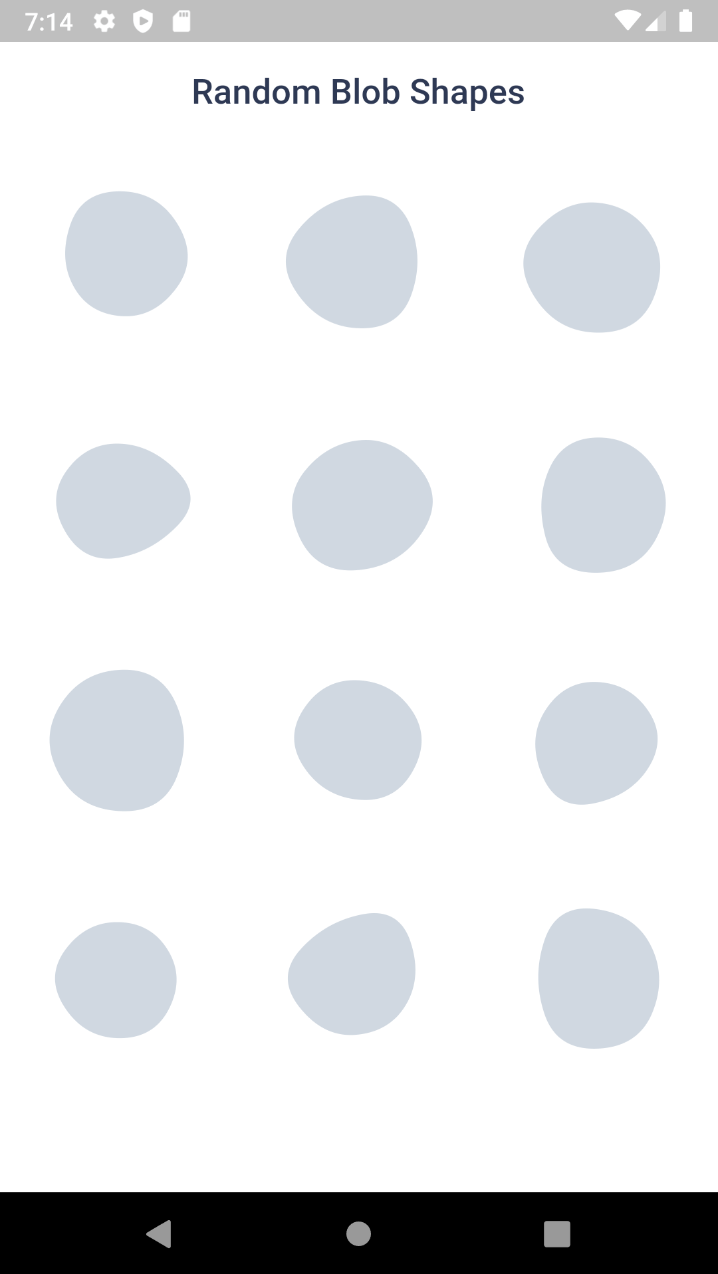
Blobs is a Flutter package that enables developers to create visually appealing, customizable blobs—organic, fluid shapes—across multiple platforms. It supports both fixed and random blob generation, smooth animations, and SVG export for use in designs. Ideal for backgrounds, illustrations, or decorative elements, it simplifies the integration of dynamic, artistic shapes into apps. The package is lightweight and works seamlessly on Android, iOS, Web, macOS, Windows, and Linux.
Use cases
App background design
Animated UI elements
Decorative illustrations
SVG-based graphics
Interactive art components
Mobile and web app visuals
Key features
Fixed and random blob generation
Smooth animations
SVG export support
Cross-platform compatibility
Customizable shape parameters
Easy integration with Flutter widgets
Suitable for
UI designers seeking creative elements
Developers building artistic interfaces
Projects requiring organic shapes
Apps with visual-heavy layouts
Prototyping interactive designs
Cross-platform app development
Considerations
Performance impact with many animated blobs
Limited control over precise geometry
Best suited for decorative rather than functional use
May require tuning for optimal rendering on low-end devices
Not ideal for complex vector operations
Original README
Original README snapshot from the linked source repository. Visit the repository for the latest content.
Blob.animatedRandom() - Generate blobs and animate the shape change
Blob.fromID() - Use one or more ID's for fixed blobs
Blob.animatedFromID() - Animate the shape change
⚙️ Blob Size
Size of the blob (mandatory).
Blob.random(size:200),
⚙️ Customise shape
edgesCount is the nodes count. More the value, more the complexity. Minimum is 3 and max is 300. But for cool shapes you can stick between 3-20. Default is 7
minGrowth is the minimum size of the blob. Smaller the value, more the randomness. Value should be an interger between 2-9. Default is 4.
You can use BlobController, if you want to change the shape programatically. As o now it has only one method called change(). When you call this, the shape will be changed and returns some useful info of the blob (BlobData).
When you set debug to true, it will show you circles and lines that connect the blob points.
Blob.random(
 size:200,
 debug:  true,
),
Clipper
Sometime you might want to clip the widget by blob shape. In such cases you can use BlobClipper(). You can either provide id or edgesCount and minGrowth options.
Blobs shape are created by BlobGenerator(). Both widgets and clipper uses this internally to create the shape and then it is painted to canvas. This will return BlobData.