Search packages, repositories and app categories

Package detailsv0.0.6

bluetooth_thermal_printer

The library allows printing receipts using a Bluetooth printer(Android Only).

AndroidiOS
30-day downloads
225
Likes
78
Pub points
150

Install package

flutter pub add bluetooth_thermal_printer

Package Overview

Package selection guidance compiled from public package information, community data, and project usage.

A Flutter package for printing receipts via Bluetooth printers, currently supporting Android only. It enables seamless integration with thermal printers to generate and send print jobs directly from Android devices. Ideal for point-of-sale systems, retail applications, and kiosks requiring on-the-go receipt printing. The library handles Bluetooth pairing and data transmission efficiently, simplifying the process of sending formatted text and images to compatible printers.

Use cases

  • Point-of-sale systems
  • Retail receipt printing
  • Kiosk applications
  • Mobile order processing
  • Inventory management

Key features

  • Android-only support
  • Bluetooth printer integration
  • Text and image printing
  • Easy setup and pairing
  • Lightweight and fast

Suitable for

  • Android developers
  • Retail app creators
  • POS system integrators
  • Mobile business solutions

Considerations

  • Limited to Android platforms
  • Requires compatible Bluetooth thermal printer
  • Manual handling of printer-specific commands
  • No iOS support
  • Depends on external native library

Original README

Original README snapshot from the linked source repository. Visit the repository for the latest content.

bluetooth_thermal_printer

Pub Version

The library allows printing receipts using a Bluetooth printer(Android Only). It supports both 58mm and 80mm Bluetooth printers.

This package does not use Location Permission. By that, it follows google's policy of Android 10.

Add-ons

  1. esc_pos_utils package to print receipts
  2. Image to print images
Simple Ticket with Styles:
List<int> testTicket() {
  final List<int> bytes = [];
  // Using default profile
  final profile = await CapabilityProfile.load();
  final generator = Generator(PaperSize.mm80, profile);
  List<int> bytes = [];

  bytes += generator.text(
      'Regular: aA bB cC dD eE fF gG hH iI jJ kK lL mM nN oO pP qQ rR sS tT uU vV wW xX yY zZ');
  bytes += generator.text('Special 1: àÀ èÈ éÉ ûÛ üÜ çÇ ôÔ',
      styles: PosStyles(codeTable: PosCodeTable.westEur));
  bytes += generator.text('Special 2: blåbærgrød',
      styles: PosStyles(codeTable: PosCodeTable.westEur));

  bytes += generator.text('Bold text', styles: PosStyles(bold: true));
  bytes += generator.text('Reverse text', styles: PosStyles(reverse: true));
  bytes += generator.text('Underlined text',
      styles: PosStyles(underline: true), linesAfter: 1);
  bytes += generator.text('Align left', styles: PosStyles(align: PosAlign.left));
  bytes += generator.text('Align center', styles: PosStyles(align: PosAlign.center));
  bytes += generator.text('Align right',
      styles: PosStyles(align: PosAlign.right), linesAfter: 1);

  bytes += generator.text('Text size 200%',
      styles: PosStyles(
        height: PosTextSize.size2,
        width: PosTextSize.size2,
      ));

  bytes += generator.feed(2);
  bytes += generator.cut();
  return bytes;
}

You can find more examples here: esc_pos_utils.

How to Help

  • Test your printer and add it in the table: Tested Printers
  • Test and report bugs
  • Share your ideas about what could be improved (code optimization, new features...)
  • PRs are welcomed!

Tested Printers

Here are some printers tested with this library. Please add the models you have tested to maintain and improve this library and help others to choose the right printer.

For a complete example, check the example project.

Test Print

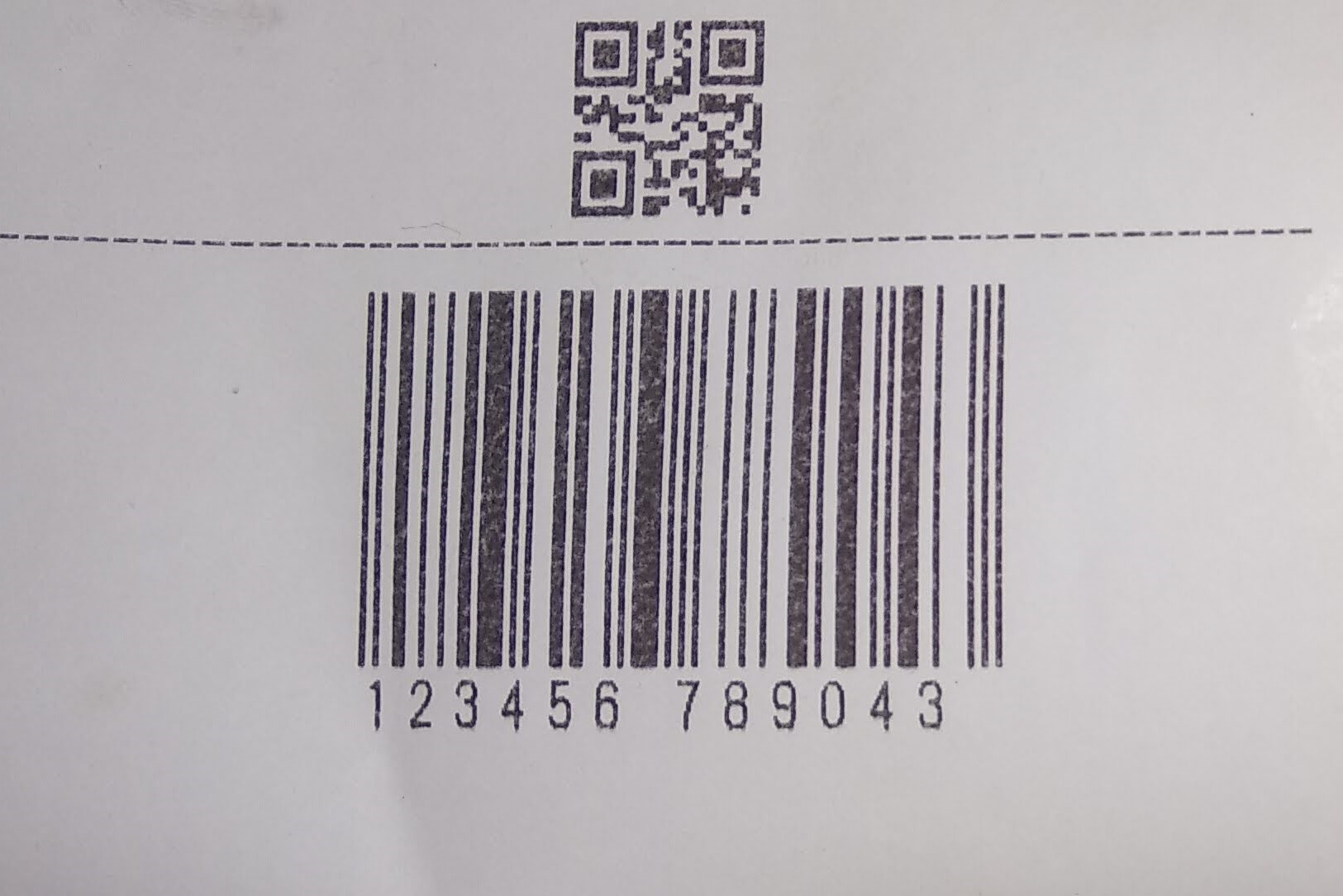
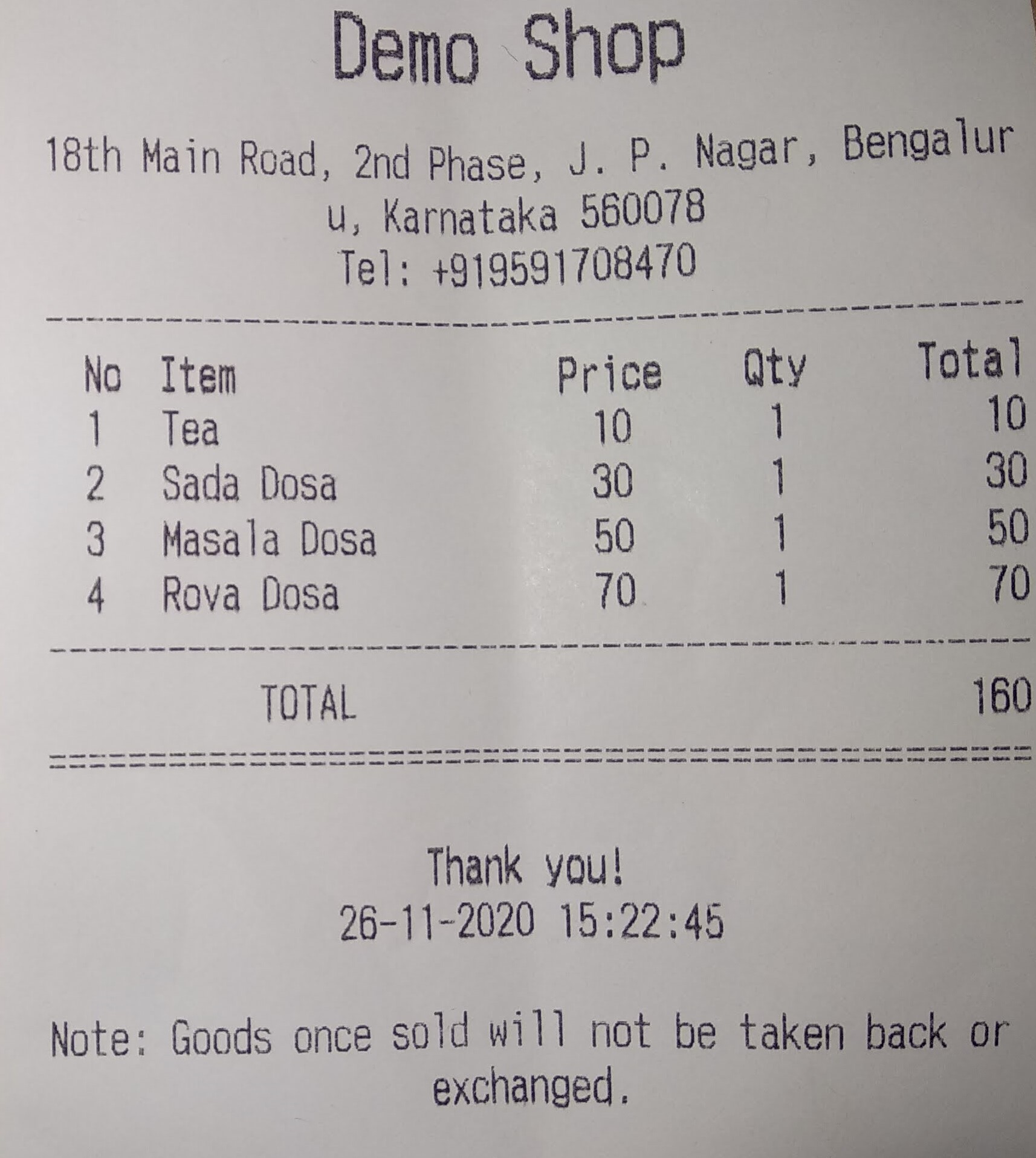
test receipt test receipt

Categories

Source repository

Projects using this package

No data available yet.