Original README snapshot from the linked source repository. Visit the repository for the latest content.
🎯 Bottom Picker
A comprehensive and highly customizable bottom sheet picker widget for Flutter that brings beautiful, native-like pickers to all platforms.



New in v5.0.0: Full support for the latest Flutter version >=3.44.0 with decoupled Material UI and Cupertino UI themes, providing better flexibility and cleaner architecture.
📱 Screenshots
| Simple Item Picker |
Date & Time Picker |
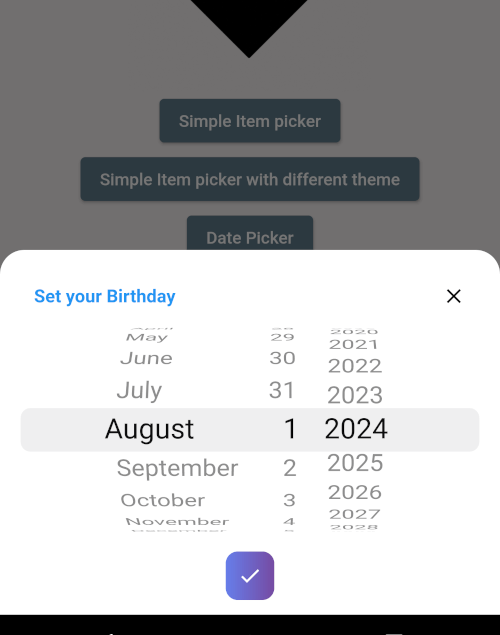
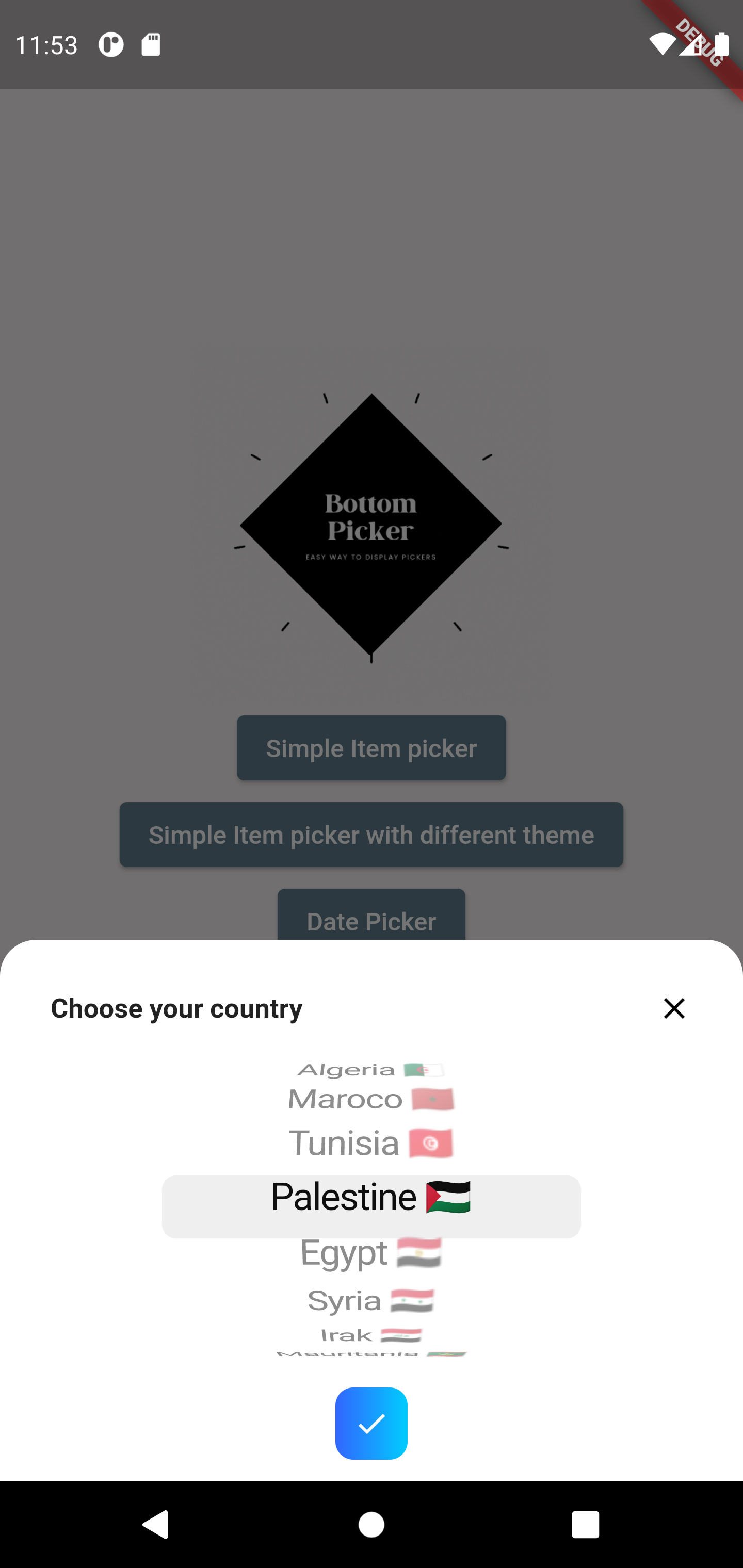 |
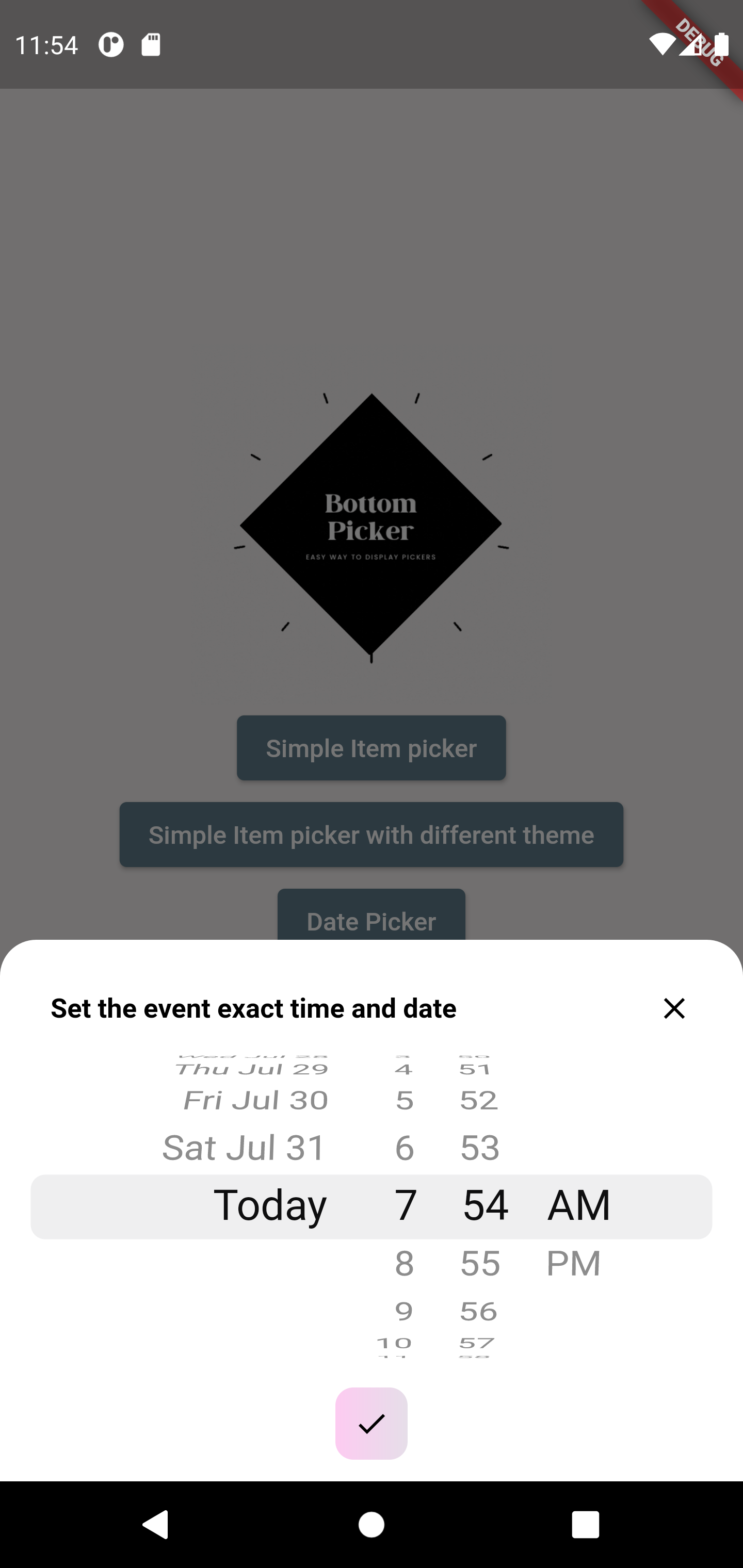 |
| Time Picker |
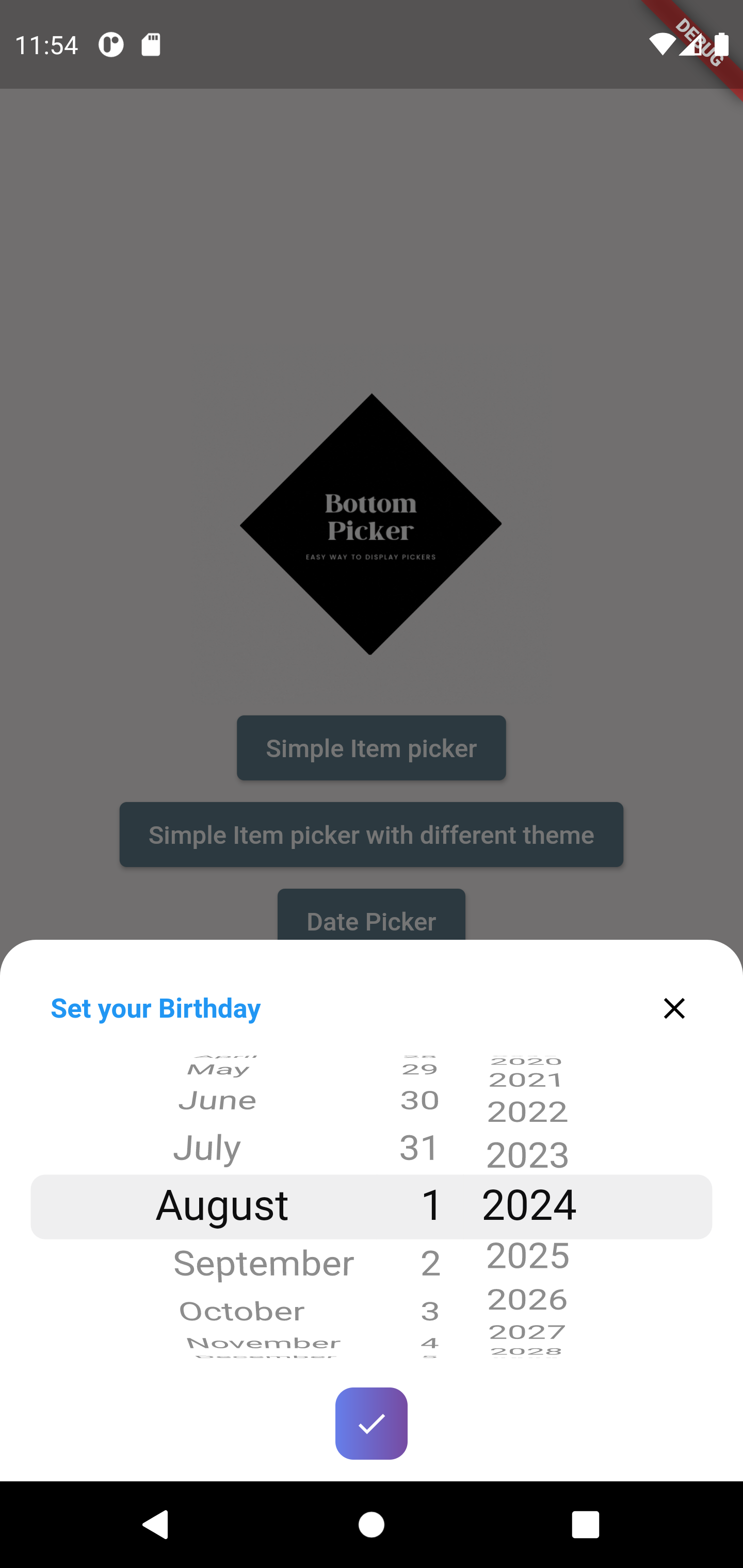
Date Picker |
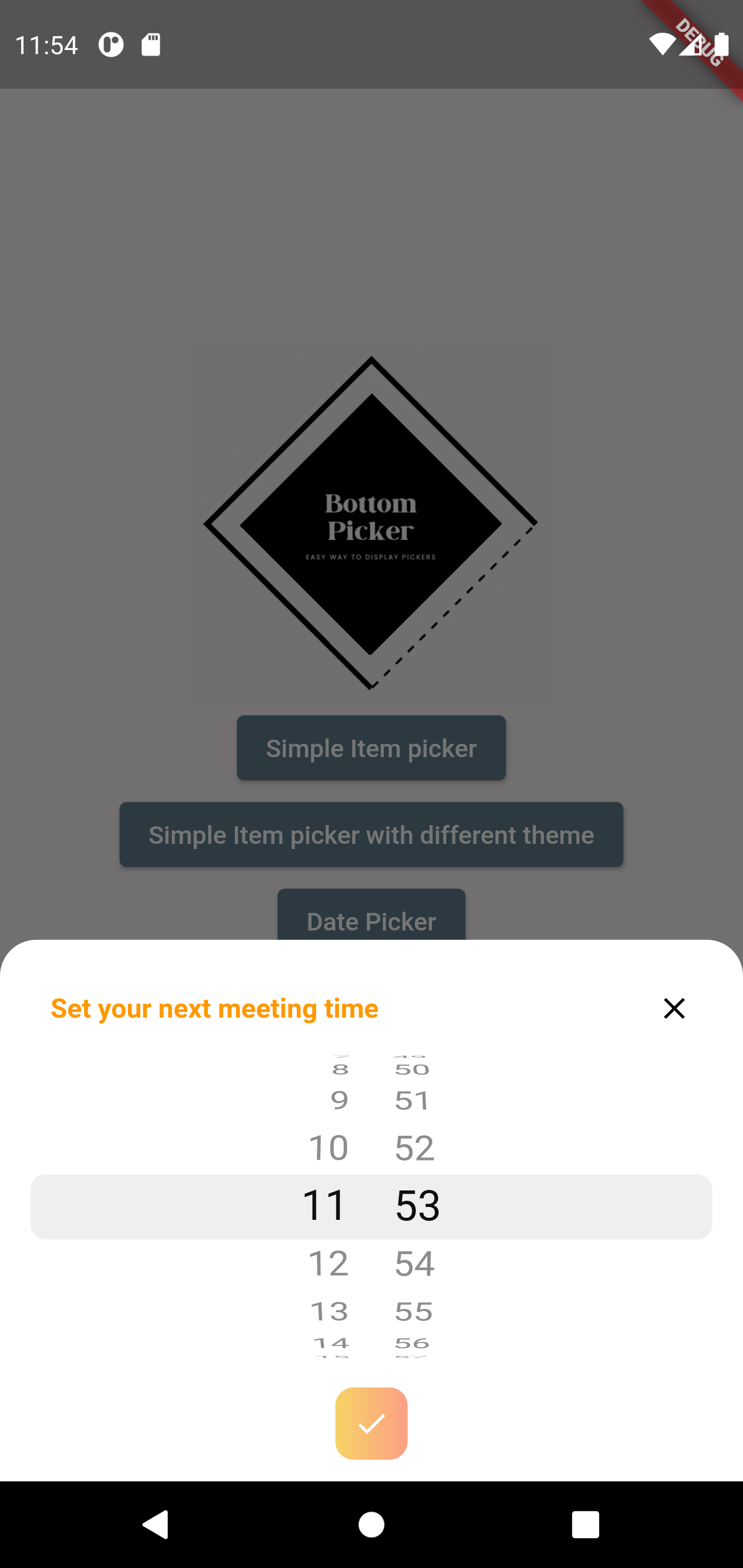 |
 |
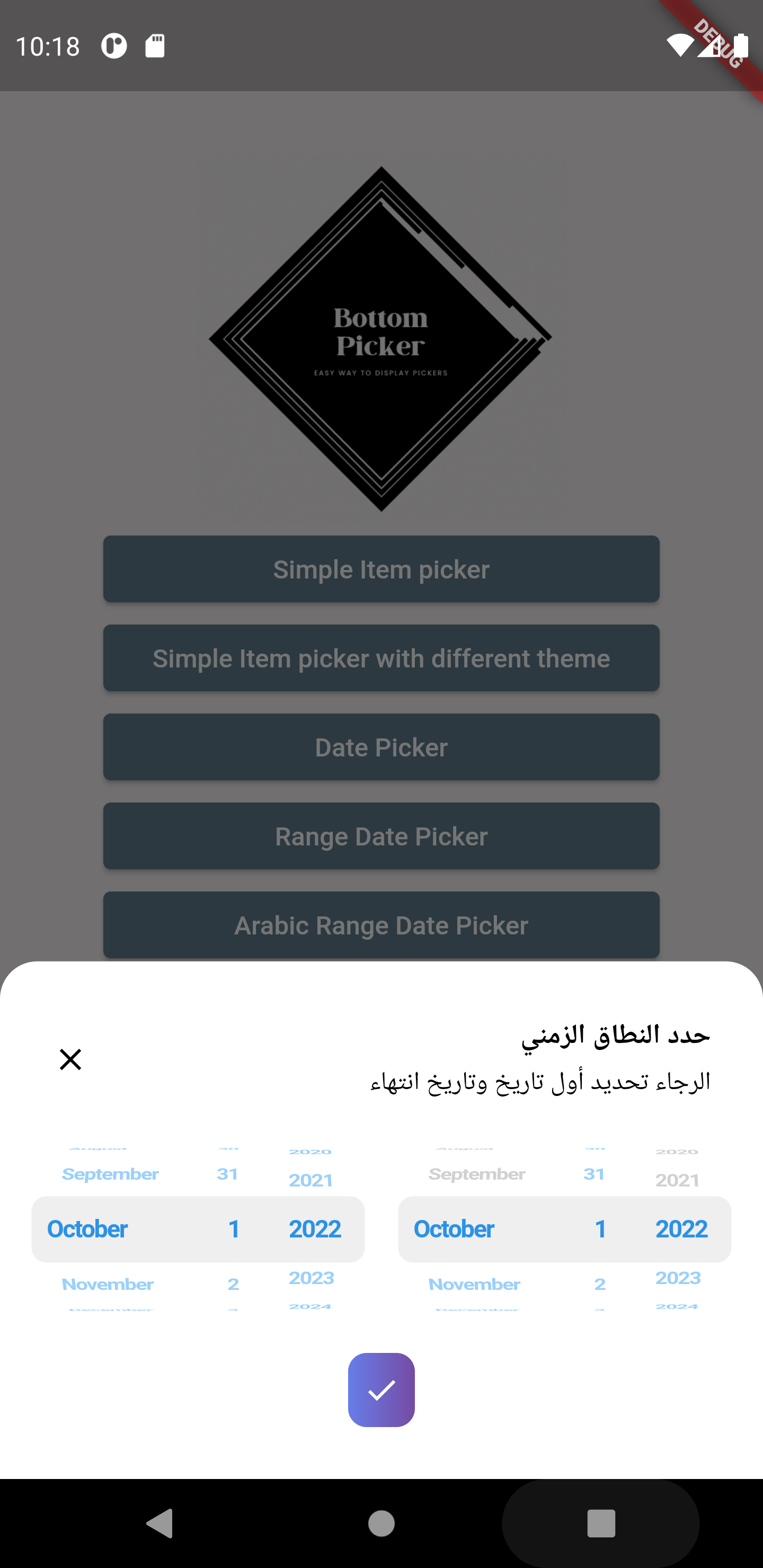
| Range Picker (Arabic) |
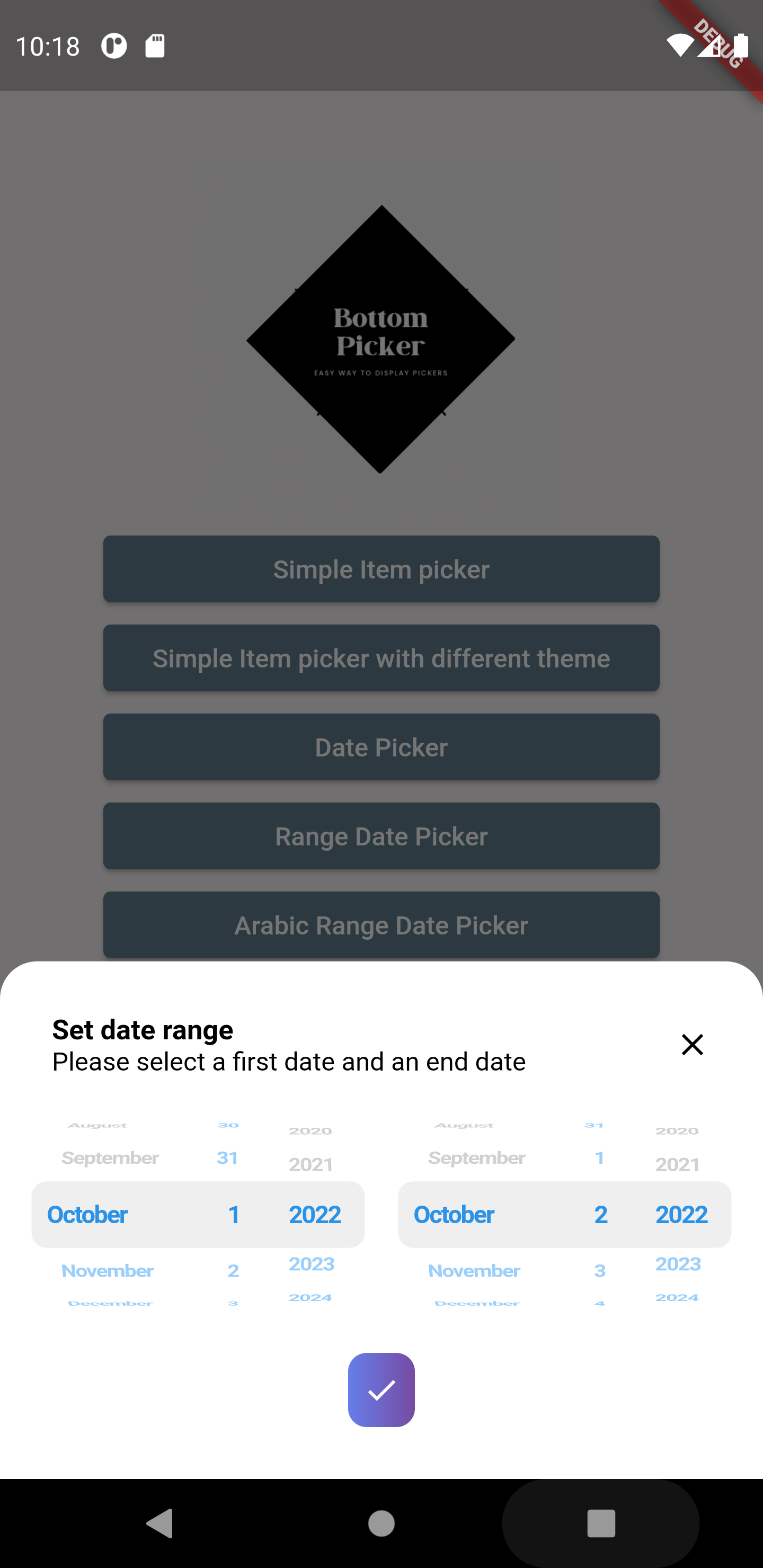
Range Picker |
 |
 |
📖 Table of Contents
✨ Features
Core Picker Types
- ✅ Simple list picker wheel with custom objects
- ✅ Date picker (configurable date order)
- ✅ Dedicated year picker
- ✅ Month and year picker
- ✅ Date range picker (RTL and LTR support)
- ✅ Time picker (12h/24h formats)
- ✅ Duration timer picker
- ✅ Date and time combined picker
- ✅ Time range picker
- ✅ Search functionality for item pickers
Customization Options
- 🎨 Fully customizable button, header and items display
- 🎨 Complete ownership of the rendering of items, buttons and headers
- 🎨 Multiple built-in themes (Blue, Orange, Azure, Rain, Plum, Salad)
- 🎨 Custom gradient colors and single color button options
- 🎨 Customizable text styles (font size, weight, color)
- 🎨 Custom header and button builders for full control
- 🎨 Adjustable picker height and item extent
- 🎨 Background color customization
- 🎨 Selection overlay widget support
- 🎨 Layout orientation control (LTR/RTL)
Advanced Features
- 🔍 Built-in search/filter functionality for item pickers
- 📅 Date range filtering with min/max constraints
- ⏰ Time range filtering with minute intervals
- 🔒 Selectable hours predicate for time pickers
- 🚀 Auto-closing or manual control on submit
- 🛡️ SafeArea support
- 📱 Full support for Web, Desktop, and Mobile platforms
- 📱 Enhanced tablet view support
- 🌍 RTL (Right-to-Left) support for international apps
🚀 Quick Start
The simplest way to get started with Bottom Picker:
import 'package:bottom_picker/bottom_picker.dart';
BottomPicker(
items: ['Item 1', 'Item 2', 'Item 3'],
onSubmit: (selectedItem) => print('Selected: $selectedItem'),
).show(context);
BottomPicker.date(
initialDateTime: DateTime.now(),
onSubmit: (selectedDate) => print('Selected: $selectedDate'),
).show(context);
BottomPicker.time(
initialTime: Time(h: 12, m: 0),
onSubmit: (time) => print('Selected: ${time.h}:${time.m}'),
).show(context);
📦 Installation
Add bottom_picker to your pubspec.yaml file:
dependencies:
  bottom_picker: ^5.0.0
Then run:
flutter pub get
🎯 Usage Examples
Package Attributes
final Widget Function(BuildContext context)? headerBuilder;
final bool dismissable;
late List<T>? items;
Widget Function(T item, int index)? itemBuilder;
late Function(T)? onChange;
SearchItemPredicate<T>? filterPredicate;
TextInputAction? textInputAction;
InputDecoration? searchFieldDecoration;
late Function(T?)? onSubmit;
late Function(T?)? onDismiss;
Function? onCloseButtonPressed;
final BottomPickerTheme bottomPickerTheme;
late int selectedItemIndex;
DateTime? initialDateTime;
Time? initialTime;
Duration? initialTimerDuration;
CupertinoTimerPickerMode? timerPickerMode;
int timerSecondsInterval = 1;
Time? maxTime;
Time? minTime;
int minuteInterval = 1;
DateTime? maxDateTime;
DateTime? minDateTime;
late bool use24hFormat;
@Deprecated('Use buttonBuilder instead')
final double? buttonPadding;
@Deprecated('Use buttonBuilder instead')
final double? buttonWidth;
final Color backgroundColor;
DatePickerDateOrder? dateOrder;
TextStyle? pickerTextStyle;
final CupertinoTextThemeData? pickerThemeData;
late double itemExtent;
TextDirection? layoutOrientation;
@Deprecated('Use buttonBuilder instead')
final MainAxisAlignment buttonAlignment;
final double? height;
late Function(DateTime?, DateTime?)? onRangeDateSubmitPressed;
DateTime? minFirstDate;
DateTime? minSecondDate;
DateTime? maxFirstDate;
DateTime? maxSecondDate;
DateTime? initialFirstDate;
DateTime? initialSecondDate;
Widget? selectionOverlay;
@Deprecated('Use buttonBuilder instead')
final Widget? buttonContent;
@Deprecated('Use buttonBuilder instead')
late bool displaySubmitButton;
@Deprecated('Use buttonBuilder instead')
final Color? buttonSingleColor;
final List<Color>? gradientColors;
@Deprecated('Use buttonBuilder instead')
final BoxDecoration? buttonStyle;
final Widget Function(BottomPicker instance, BuildContext context)?
buttonBuilder;
late Function(DateTime?, DateTime?)? onRangeTimeSubmitPressed;
late Function(DateTime?, DateTime?)? onRangePickerDismissed;
DateTime? minFirstTime;
DateTime? minSecondTime;
DateTime? maxFirstTime;
DateTime? maxSecondTime;
DateTime? initialFirstTime;
DateTime? initialSecondTime;
bool showTimeSeparator = false;
bool? closeOnSubmit;
List<int> calendarDays = CupertinoDatePickerWidget.fullWeek;
final double diameterRatio;
SelectableHourPredicate? hourPredicate;
final bool useSafeArea;
⚙️ API Reference
The above section contains the complete parameter documentation. Refer to it for detailed API information.
🛠️ Customization Guide
Example: Simple Item Picker
BottomPicker(
  items: List.generate(
    10,
    (index) => "Country $index",
  ),
  headerBuilder: (context) {
    return Row(
      children: [
        Expanded(
          child: Text(
            'Choose your country',
            style: TextStyle(
              fontWeight: FontWeight.bold,
              fontSize: 15,
            ),
          ),
        ),
        InkWell(
          onTap: () {
            Navigator.pop(context);
          },
          child: Icon(Icons.close),
        ),
      ],
    );
  },
Example: Item Picker with Search Filter
 BottomPicker<CountryModel>(
      items: countryList,
      itemBuilder: (item, index) {
        return ListTile(
          leading: CircleAvatar(
            child: Text(item.name.substring(item.name.length - 2)),
          ),
          title: Text(item.name),
          subtitle: Text('Country ID: ${item.id}'),
        );
      },
      onChange: (p0) => log('Selected Item: ${p0.name}'),
      filterPredicate: (item, value) {
        return item.name.toLowerCase().contains(value.toLowerCase());
      },
    ).show(context);
Example: Date Picker
BottomPicker.date(
  headerBuilder: (context) {
    return Row(
      children: [
        Text(
          'Set your Birthday',
          style: TextStyle(
            fontWeight: FontWeight.bold,
            fontSize: 15,
            color: Colors.blue,
          ),
        ),
      ],
    );
  },
  dateOrder: DatePickerDateOrder.dmy,
  initialDateTime: DateTime(1996, 10, 22),
  maxDateTime: DateTime(1998),
  minDateTime: DateTime(1980),
  onChange: (date) {
    print(date);
  },
  onSubmit: (date) {
    print(date);
  },
  onDismiss: (p0) {
    print(p0);
  },
  bottomPickerTheme: BottomPickerTheme.plumPlate,
).show(context);
Example: Year Picker
BottomPicker.year(
  headerBuilder: (context) {
    return Row(
      children: [
        Text(
          'Set your Birthday Year',
          style: TextStyle(
            fontWeight: FontWeight.bold,
            fontSize: 15,
            color: Colors.blue,
          ),
        ),
      ],
    );
  },
  initialDateTime: DateTime(1996),
  maxDateTime: DateTime(1998),
  minDateTime: DateTime(1980),
  onChange: (selectedYear) {
    print(selectedYear);
  },
  onSubmit: (selectedYear) {
    print(selectedYear);
    Navigator.pop(context);
  },
  onDismiss: (p0) {
    print(p0);
  },
  bottomPickerTheme: BottomPickerTheme.plumPlate,
).show(context);
For more comprehensive examples, visit the example folder.
🤝 Contributing
We warmly welcome contributions to the bottom_picker package! Your help in making it even better is highly appreciated.
Ways to Contribute
🐛 Bug Reports
✨ Feature Requests
- Suggest a new feature
- Explain the use case and benefit to users
- Open an issue for discussion before implementation
💻 Code Contributions
- Fork the repository
- Create a new feature branch:
git checkout -b feature/your-feature-name
- Make your changes and follow the project's coding conventions
- Write clear and descriptive commit messages
- Push to your fork:
git push origin feature/your-feature-name
- Submit a pull request with a detailed description
- Await feedback and be responsive to review comments
We'll review your contributions promptly and provide constructive feedback. Thank you for helping improve bottom_picker!
👏 Credits

📄 License
This project is licensed under the MIT License - see the LICENSE file for details.
⭐ If you found this package helpful, please consider giving it a star on GitHub!