Search packages, repositories and app categories

bottom_sheet_expandable_bar cover
Package detailsv0.1.2

bottom_sheet_expandable_bar

A package to show and bottom bar with the capability to expand and show a bottom sheet

AndroidiOSWebmacOSWindowsLinux
30-day downloads
54
Likes
28
Pub points
140

Install package

flutter pub add bottom_sheet_expandable_bar

Package Overview

Package selection guidance compiled from public package information, community data, and project usage.

A Flutter package that provides a bottom navigation bar with the ability to expand into a bottom sheet, offering additional content or actions. It enhances user interaction by combining the simplicity of a bottom bar with the flexibility of a bottom sheet. Ideal for apps needing compact navigation with expandable functionality, it supports multiple platforms including Android, iOS, Web, macOS, Windows, and Linux. The package is lightweight and integrates seamlessly with existing Flutter projects.

Use cases

  • Mobile app navigation with expandable options
  • Enhancing UI with interactive bottom sheets
  • Creating dynamic bottom bars in web and desktop apps
  • Providing quick access to secondary actions
  • Designing responsive layouts across platforms

Key features

  • Expandable bottom bar interface
  • Supports multiple platforms
  • Easy integration with Flutter
  • Customizable appearance and behavior
  • Smooth animation transitions
  • Built-in gesture handling

Suitable for

  • Developers building multi-platform Flutter apps
  • UI designers seeking interactive navigation patterns
  • Apps requiring collapsible action panels
  • Projects aiming for consistent cross-platform UX
  • Teams wanting minimal setup for advanced bottom sheet features

Considerations

  • May require additional styling for complex designs
  • Performance impact with heavy content in bottom sheet
  • Limited customization beyond basic expand/collapse
  • Best suited for moderate content volumes
  • Requires careful handling of screen space on smaller devices
Original README

Original README snapshot from the linked source repository. Visit the repository for the latest content.

Bottom Sheet Expandable Bar

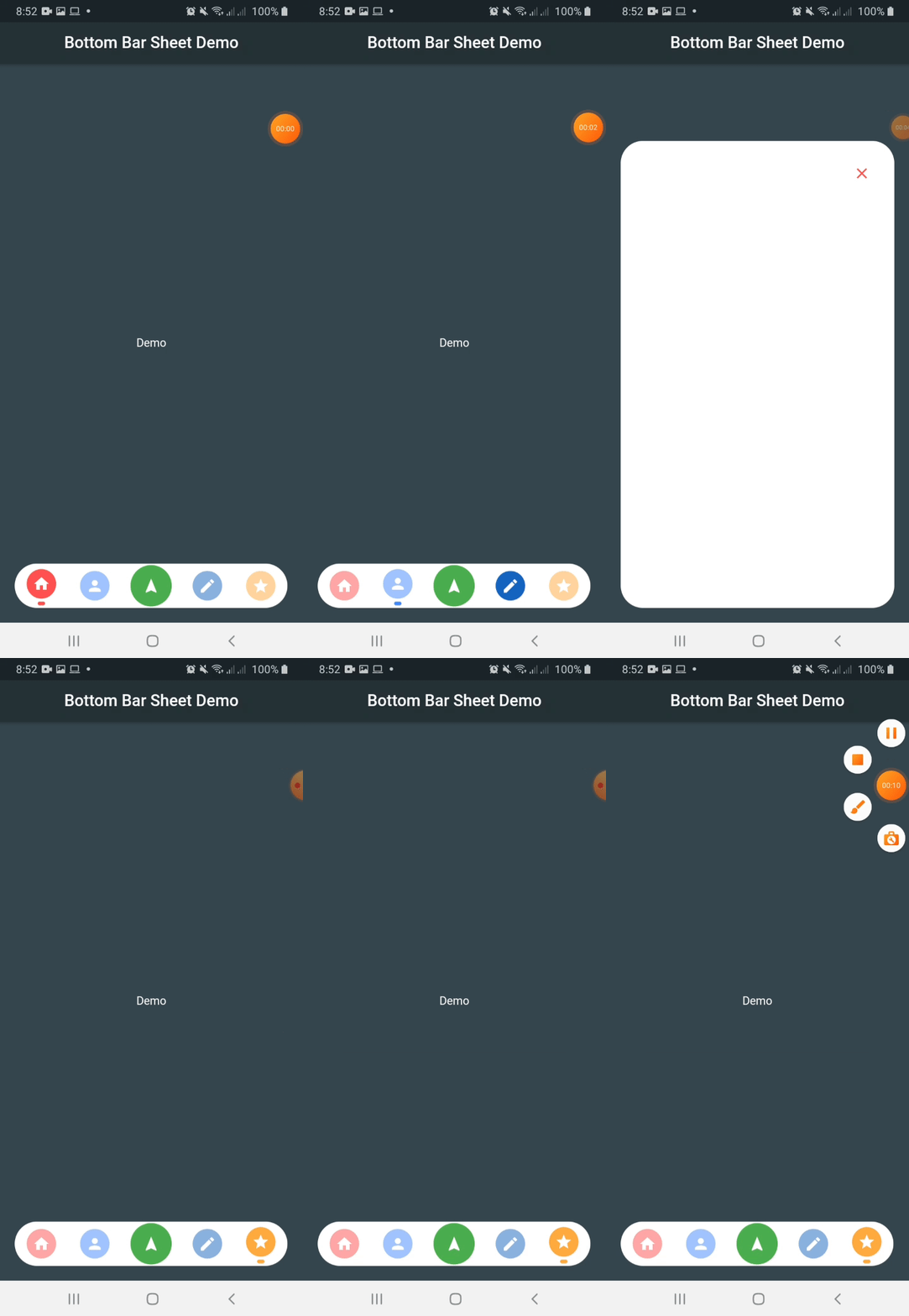
This package create a bottom navigation bar with the capability to show a bottom sheet.

Instalation

Include bottom_sheet_expandable_bar in your pubspec.yaml file:

dependencies:
  flutter:
    sdk: flutter
  bottom_sheet_expandable_bar: version

Usage

To use this package, just import it into your file and enjoy it.

import 'package:bottom_sheet_expandable_bar/bottom_sheet_bar_icon.dart';
import 'package:bottom_sheet_expandable_bar/bottom_sheet_expandable_bar.dart';

...

bottomSheet: BottomBarSheet(
  children: [
    BottomSheetBarIcon(
      icon: Icon(Icons.home),
      color: Colors.redAccent, 
      onTap: (){
      },
    ),
    BottomSheetBarIcon(
      icon: Icon(Icons.person),
      color: Colors.blueAccent, 
      onTap: (){
      },
    ),
    BottomSheetBarIcon(
      icon: Icon(Icons.edit),
      color: Colors.blue[800], 
      onTap: (){
      },
    ),
    BottomSheetBarIcon(
      icon: Icon(Icons.star),
      color: Colors.orangeAccent, 
      onTap: (){
      },
    ),
  ],
),

...

IMPORTANT: Add this line to your theme to avoid an unexpected behaviour

theme: ThemeData(
  /// Add this line
  bottomSheetTheme: BottomSheetThemeData(backgroundColor: Colors.transparent),
),

BottomSheetBarIcon

This widget allow to generate a dynamic icon

Properties

Name Description Required Default
icon Widget to put as button icon False
color Color to indicate icon color False Colors.black
onTap Function to handle button on tap True
BottomBarSheet

This widget allow to generate a bottom bar with the capability to expanto to a bottom sheet

Properties

Name Description Required Default
children List of BottomSheetBarIcon widget to show icons within the bar False
buttonPosition ButtonBottomBarPosition to indicate expandable button position (center, end) False ButtonBottomBarPosition.center
backgroundBarColor Color to indicate bottom bar background color False Colors.white
backgroundColor Color to indicate bottom sheet color False Colors.white
showExpandableButton Boolean value to indicate when to show or hide expandable button False False
innerChild Widget to show into the bottom sheet False
bottomRadius Double value to indicate the corners radius for the bottom bar False 50.0
bottomBarHeight Double value to indicate the bottom bar height False 60.0
bottomBarWidth Double value to indicate the bottom bar height False Screen width * 0.9
duration Duration between show or hide the bottom sheet False 250 milliseconds
bottomSheetHeight Double value to indicate the bottom sheet height False Screen height * 0.75
iconExpand Icon to show into the expandable button False Icon(Icons.navigation)
iconColor Expandable button color False Colors.green
onClose Function to call when bottom sheet is closed False (){}
currentIndex Integer value to indicatet which tab is selected False 0
curve Curve to use on enter bottom sheet animation False Curves.ease
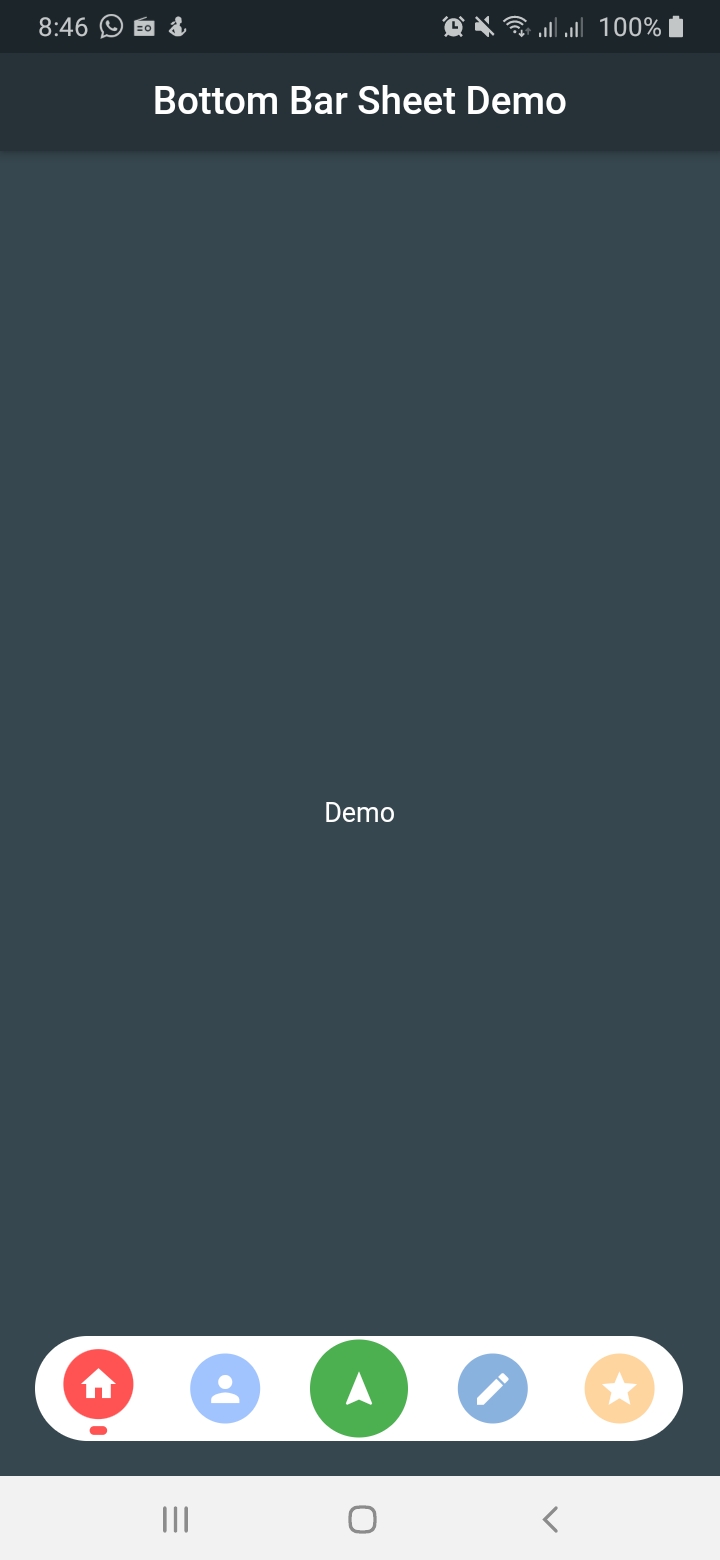
Expandable button at center

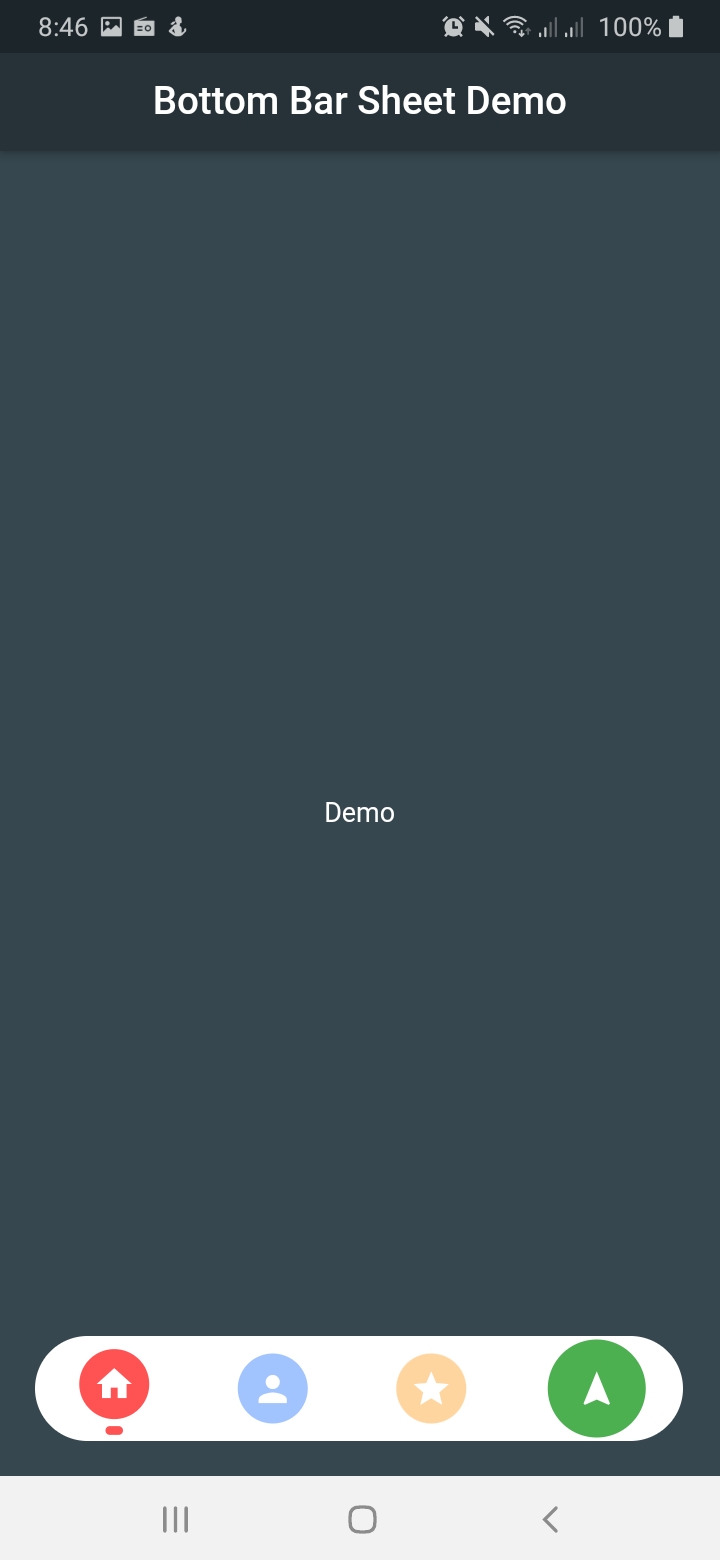
Expandable button at end

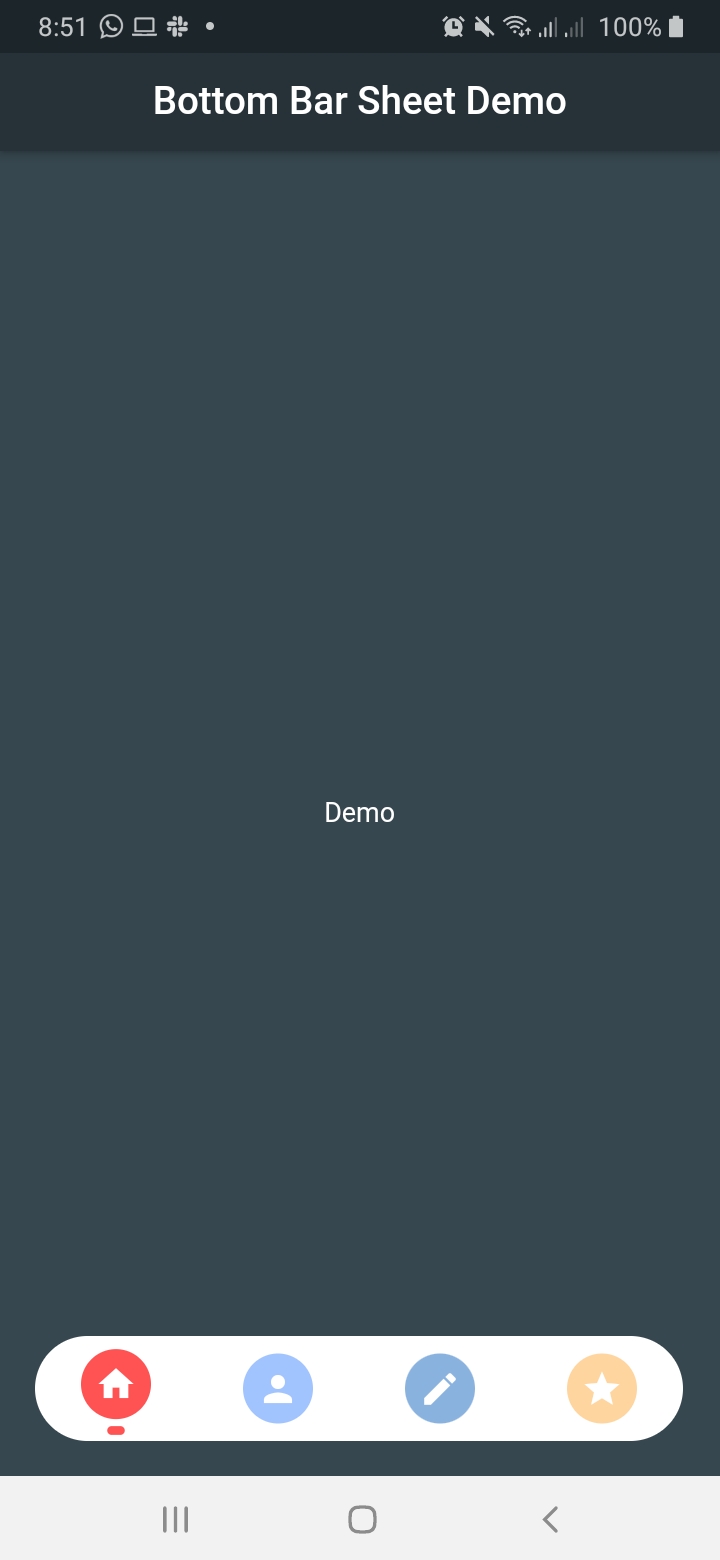
As a simple navigation bar

Categories

Source repository

Projects using this package

No data available yet.