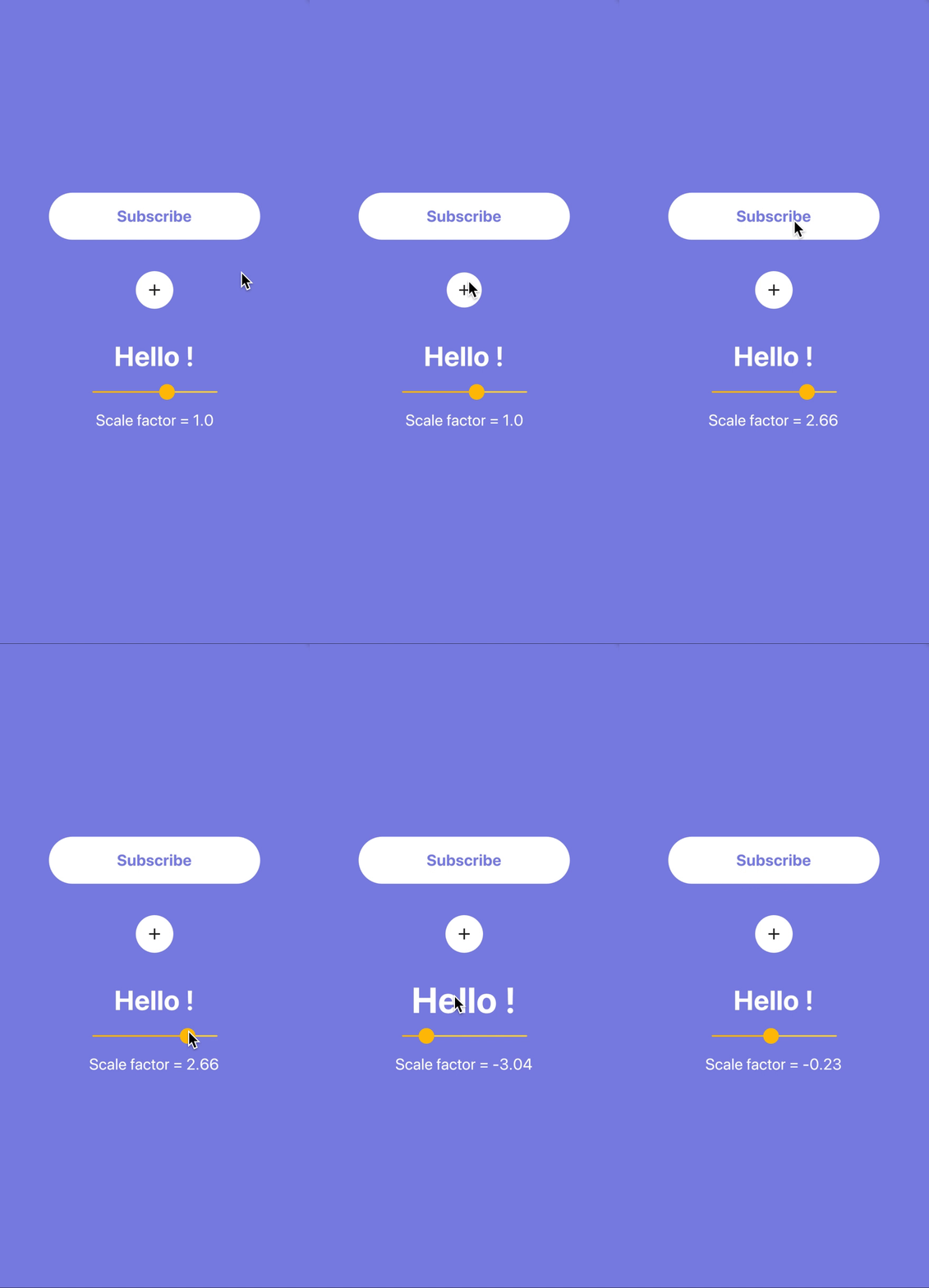
The bouncing_widget package provides a simple way to add a bouncy animation effect to any Flutter widget. It enhances user interaction by creating a dynamic, spring-like bounce when the widget is tapped or interacted with. Ideal for buttons, icons, or any element that benefits from visual feedback, it supports all major platforms including Android, iOS, Web, macOS, Windows, and Linux. The package is lightweight and easy to integrate, requiring minimal code. It's perfect for developers aiming to improve UI engagement through subtle animations.
Use cases
- Adding interactive feedback to buttons
- Animating icons on tap
- Enhancing user experience in forms
- Creating playful UI elements
- Improving app responsiveness
Key features
- Spring-like bounce effect
- Easy integration with existing widgets
- Cross-platform support
- Customizable animation duration
- Supports touch and gesture interactions
- Lightweight and performant
Suitable for
- UI designers seeking dynamic feedback
- Developers building interactive apps
- Apps targeting mobile and web users
- Projects requiring subtle animations
- Prototyping engaging interfaces
Considerations
- May not suit minimalist design styles
- Performance impact on complex layouts
- Limited customization options beyond basic bounce
- Not ideal for accessibility-focused applications
- Requires careful tuning for smooth UX