Search packages, repositories and app categories

circular_countdown cover
Package detailsv2.1.0

circular_countdown

A package that represents a circular countdown that you can use for every kind of units (days, hours, seconds, points, ...).

AndroidiOSWebmacOSWindowsLinux
30-day downloads
2.5K
Likes
72
Pub points
150

Install package

flutter pub add circular_countdown

Package Overview

Package selection guidance compiled from public package information, community data, and project usage.

A Flutter package that provides a customizable circular countdown timer, suitable for displaying time units like days, hours, minutes, seconds, or even abstract values like points. It features smooth animations and an intuitive interface, ideal for apps requiring visual countdowns such as timers, games, or task trackers. The package supports multiple platforms including Android, iOS, Web, macOS, Windows, and Linux.

Use cases

  • Game timers
  • Task countdowns
  • Event countdowns
  • Fitness tracking
  • Interactive UI elements

Key features

  • Smooth circular animation
  • Customizable time units
  • Cross-platform support
  • Configurable colors and sizes
  • Easy integration with Flutter widgets

Suitable for

  • Developers building interactive countdown interfaces
  • Apps needing visual time tracking
  • Gamified applications
  • Educational or productivity tools

Considerations

  • Requires manual handling of countdown logic
  • Limited built-in formatting options
  • Best suited for simple countdown needs rather than complex scheduling

Original README

Original README snapshot from the linked source repository. Visit the repository for the latest content.

circular_countdown

A package that represents a circular countdown that you can use for every kind of units (days, hours, seconds, points, ...).

Demo

A web demo is available here : https://mattisbrizard.github.io/circular_countdown/#/

Build Status

Getting Started

In the pubspec.yaml of your flutter project, add the following dependency:

dependencies:
  ...
  circular_countdown: ^2.1.0

In your library add the following import:

import  'package:circular_countdown/circular_countdown.dart';

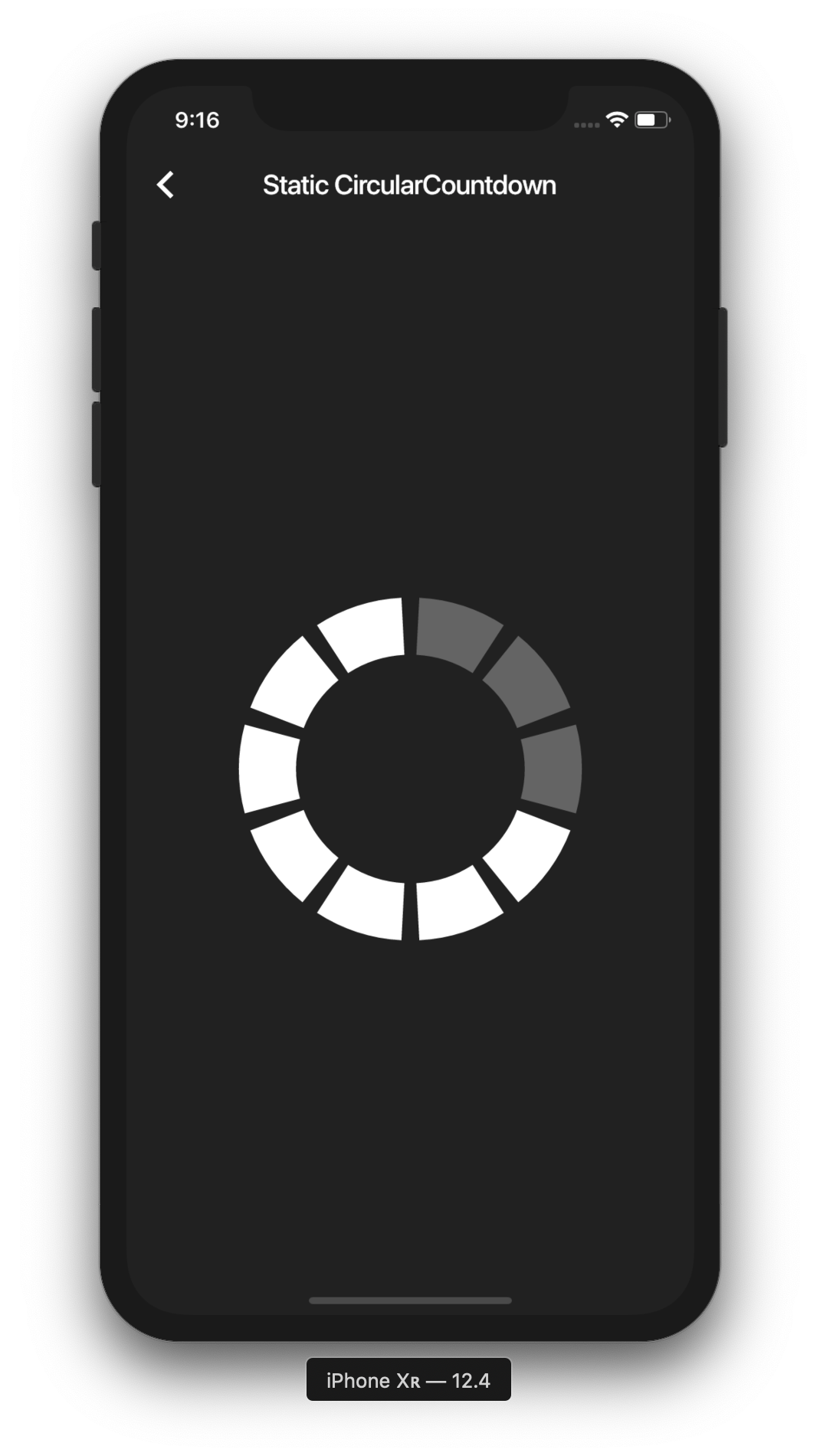
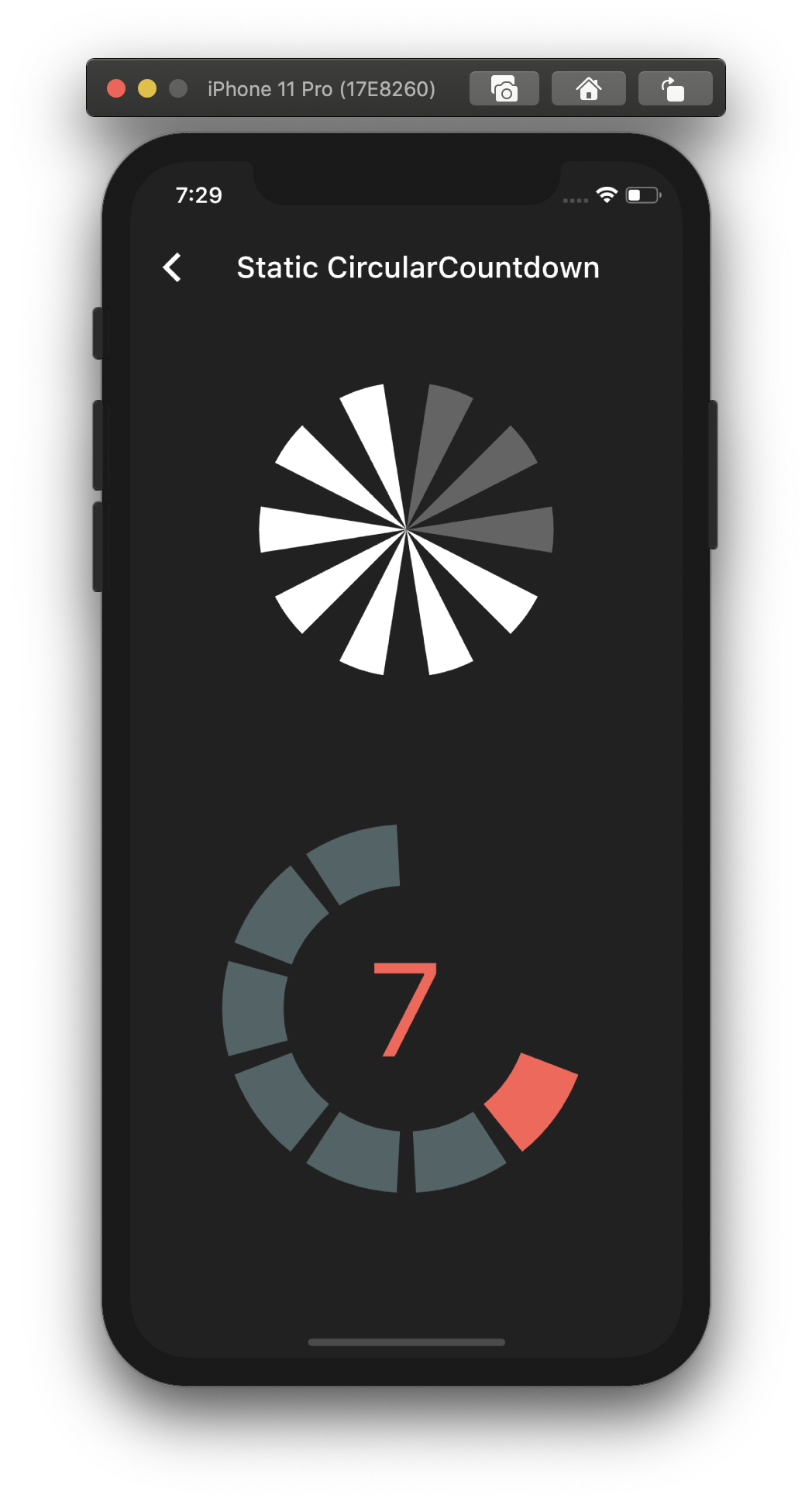
Static countdown

This is the way to create a simple static countdown.

import 'package:flutter/material.dart';
...
return CircularCountdown(
	countdownTotal:  10,
	countdownRemaining:  7,
);
...

By playing with the parameters, you can change the size, the colors, the size of the gaps, the strokeWidth and more to have more complex Countdowns.

Timer countdown

If you want to have full control on the timer (start, pause, etc), please see the section Controlled countdown below.

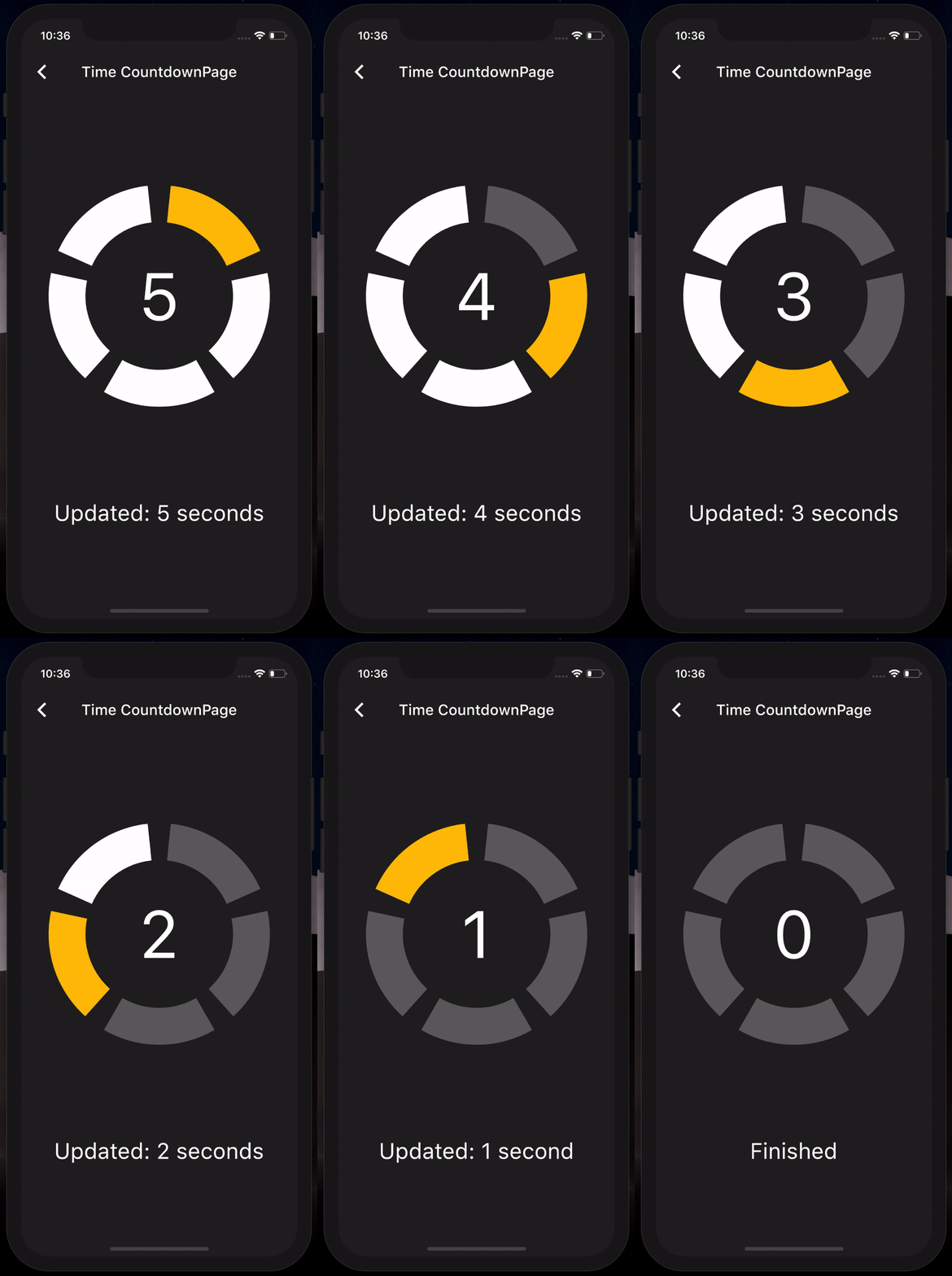
If you want to use the CircularCountdown widget as a Time Countdown, you can use the built-in TimeCircularCountdown that wraps the timer logic for you: (see how in example)

return TimeCircularCountdown(
    unit: CountdownUnit.seconds,
    countdownTotal: 30,
    onUpdated: (unit, remainingTime) => print('Updated'),
    onFinished: () => print('Countdown finished'),
);

You can repeat the timer when ended by using the repeat bool property.

Controlled countdown

To have full control on the timer (play, pause, reset, shared between mutliple screen, etc), you can use CircularCountdown with the timer_controller library.

You can see the code in the example app.

Contribution

If you find a bug or want a feature, but don't know how to fix/implement it, please fill an issue. If you fixed a bug or implemented a feature, please send a pull request.

Categories

Source repository

Projects using this package