Search packages, repositories and app categories

city_picker_from_map cover
Package detailsv0.0.1

city_picker_from_map

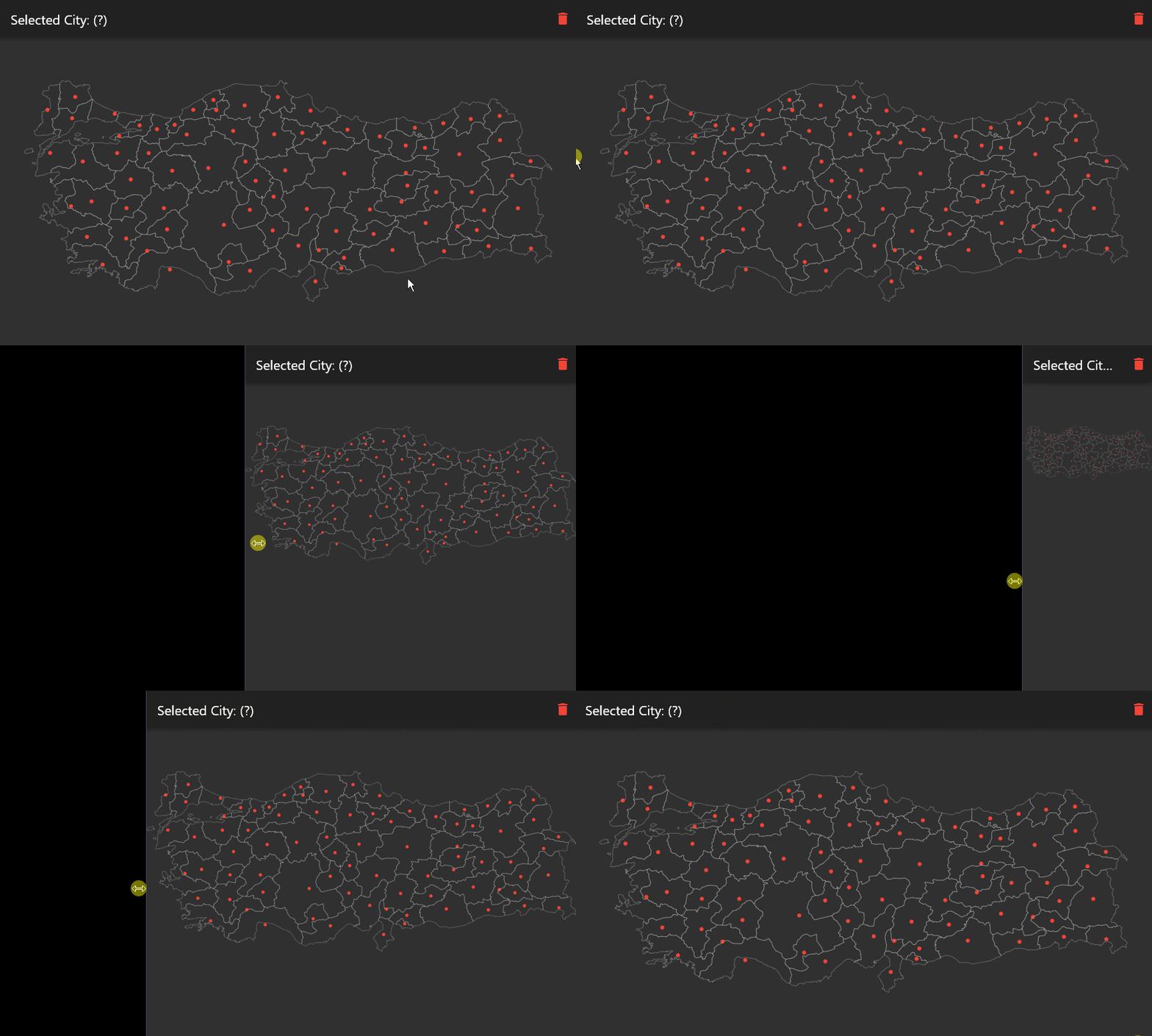
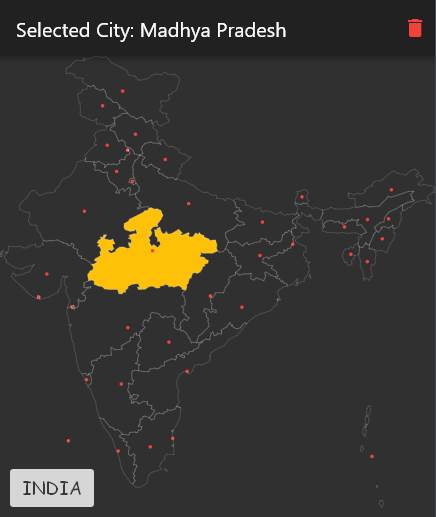
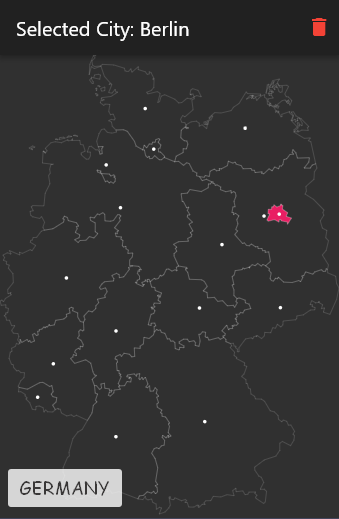
A flutter package for select a city from svg map.

AndroidiOSWebmacOSWindowsLinux
30-day downloads
51
Likes
43
Pub points
120

Install package

flutter pub add city_picker_from_map

Package Overview

Package selection guidance compiled from public package information, community data, and project usage.

A Flutter package that enables users to select a city from an SVG map, providing an interactive and visual way to pick locations. It is designed for applications requiring geographical input, such as address forms or travel apps. The package supports multiple platforms including Android, iOS, Web, macOS, Windows, and Linux, ensuring broad compatibility. It leverages SVG maps for scalable, high-quality rendering and allows developers to customize the selection experience. Ideal for integrating intuitive location selection into apps with minimal setup.

Use cases

  • Interactive city selection in travel apps
  • Geolocation input in forms
  • Map-based address picker
  • User location preference setting
  • Customizable geographic interface

Key features

  • SVG map integration
  • Cross-platform support
  • Interactive city selection
  • Scalable vector graphics
  • Customizable UI
  • Easy integration via pub add

Suitable for

  • Developers building location-aware apps
  • Apps needing visual map interaction
  • Projects requiring city-level geolocation
  • Designers wanting interactive maps
  • Mobile and web applications

Considerations

  • Requires SVG map files
  • Limited to predefined cities
  • May need map data updates
  • Depends on external SVG assets
  • Performance with large maps
  • Not suitable for real-time GPS tracking
Original README

Original README snapshot from the linked source repository. Visit the repository for the latest content.

City Picker From Map

A flutter package for select a city from svg map.

Supported countries (+150) are here.

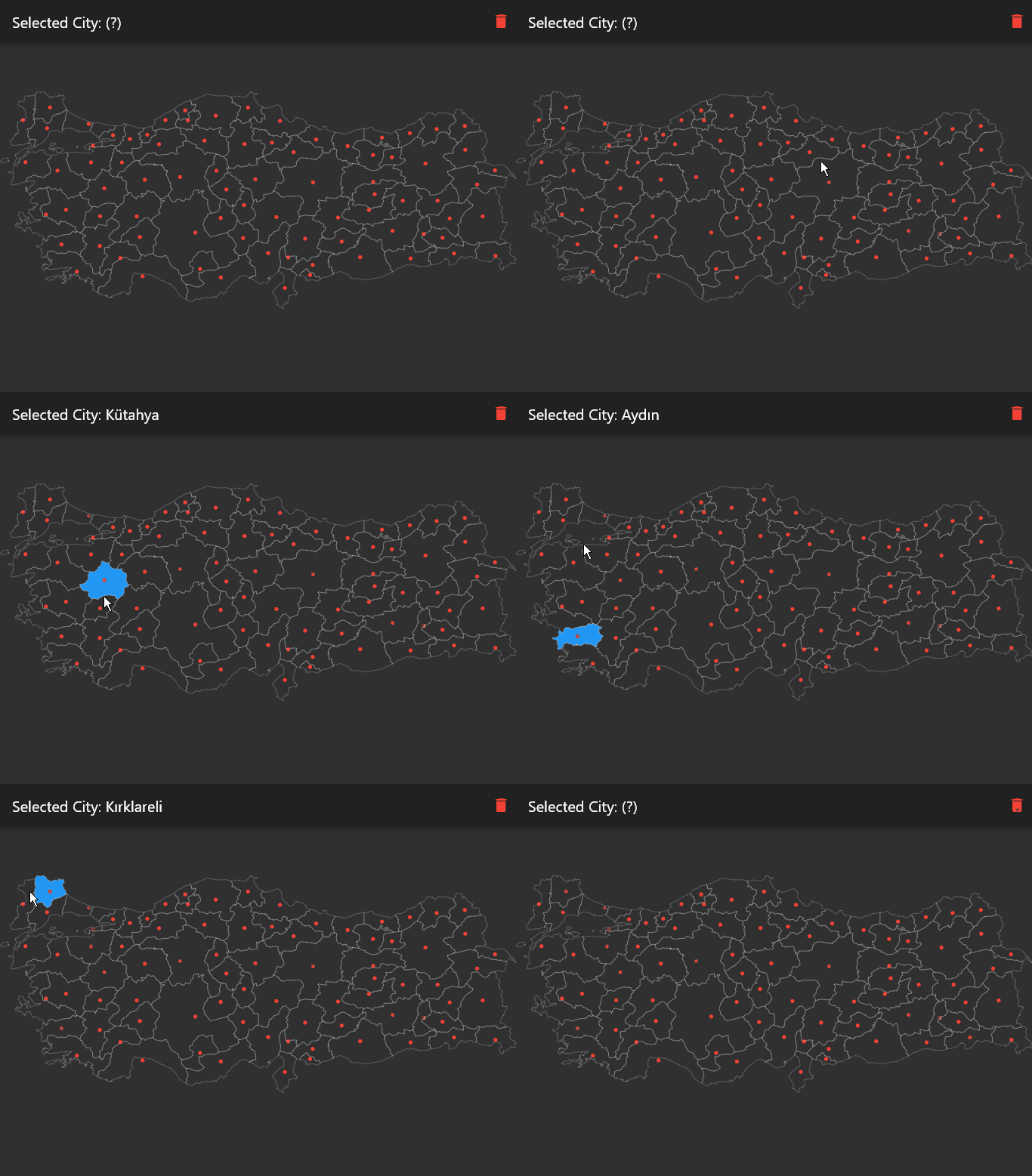
Screenshots

Getting Started

In the pubspec.yaml of your Flutter project, add the following dependency:

dependencies:
  ...
  city_picker_from_map: any

In your library file add the following import:

import 'package:city_picker_from_map/city_picker_from_map.dart';

Usage

CityPickerMap(
	width: double.infinity,
	height: double.infinity,
	map: Maps.TURKEY,
	onChanged: (city) {
	  setState(() {
		selectedCity = city;
	  });
	},
	actAsToggle: true,
	dotColor: Colors.white,
	selectedColor: Colors.lightBlueAccent,
	strokeColor: Colors.white24,
)

Props

props types description
key Key?
map String Name of the map you want to show. Use as Maps.<MAP_NAME> All maps are in the maps.dart
width double? Map width. Default value is double.infinity
height double? Map height. Default value is double.infinity
dotColor Color? Color of the dot in the center of the city
strokeColor Color? Color of the city borders
selectedColor Color? Color of the selected city
actAsToggle boolean? City selecting act as like toggle button
onChanged Function(City? city) Returns new city value when it changed

Author

Categories

Dependencies

Dependency list 1 items

Source repository

Projects using this package

No data available yet.