Search packages, repositories and app categories

cli_completion cover
Package detailsv0.6.0

cli_completion

Completion functionality for Dart Command-Line Interfaces built using CommandRunner. Built by Very Good Ventures.

AndroidiOSmacOSWindowsLinux
30-day downloads
970K
Likes
71
Pub points
150

Install package

flutter pub add cli_completion

Package Overview

Package selection guidance compiled from public package information, community data, and project usage.

A Flutter/Dart package that adds auto-completion support to command-line interfaces built with CommandRunner. Designed by Very Good Ventures, it enables developers to enhance CLI usability by providing intelligent suggestions for commands, flags, and arguments. The package integrates seamlessly with existing CommandRunner-based tools, supporting major platforms including Android, iOS, macOS, Windows, and Linux. It simplifies the development of interactive, user-friendly command-line applications with minimal setup.

Use cases

  • Enhancing CLI tool usability
  • Adding tab completion to command-line apps
  • Improving developer experience in terminal workflows
  • Building interactive Dart CLI tools
  • Supporting complex argument parsing with suggestions

Key features

  • Seamless integration with CommandRunner
  • Platform-agnostic completion support
  • Minimal configuration required
  • Real-time tab completion
  • Extensible for custom completions

Suitable for

  • Dart CLI developers
  • Tools requiring interactive terminal input
  • Open-source CLI projects
  • CommandRunner-based applications
  • Teams prioritizing UX in CLI design

Considerations

  • Requires CommandRunner as a dependency
  • Limited to Dart-based CLI tools
  • May require platform-specific setup for full functionality
  • Not suitable for non-CLI use cases

Original README

Original README snapshot from the linked source repository. Visit the repository for the latest content.

CLI Completion

Very Good Ventures Very Good Ventures

ci coverage pub package style: very good analysis License: MIT


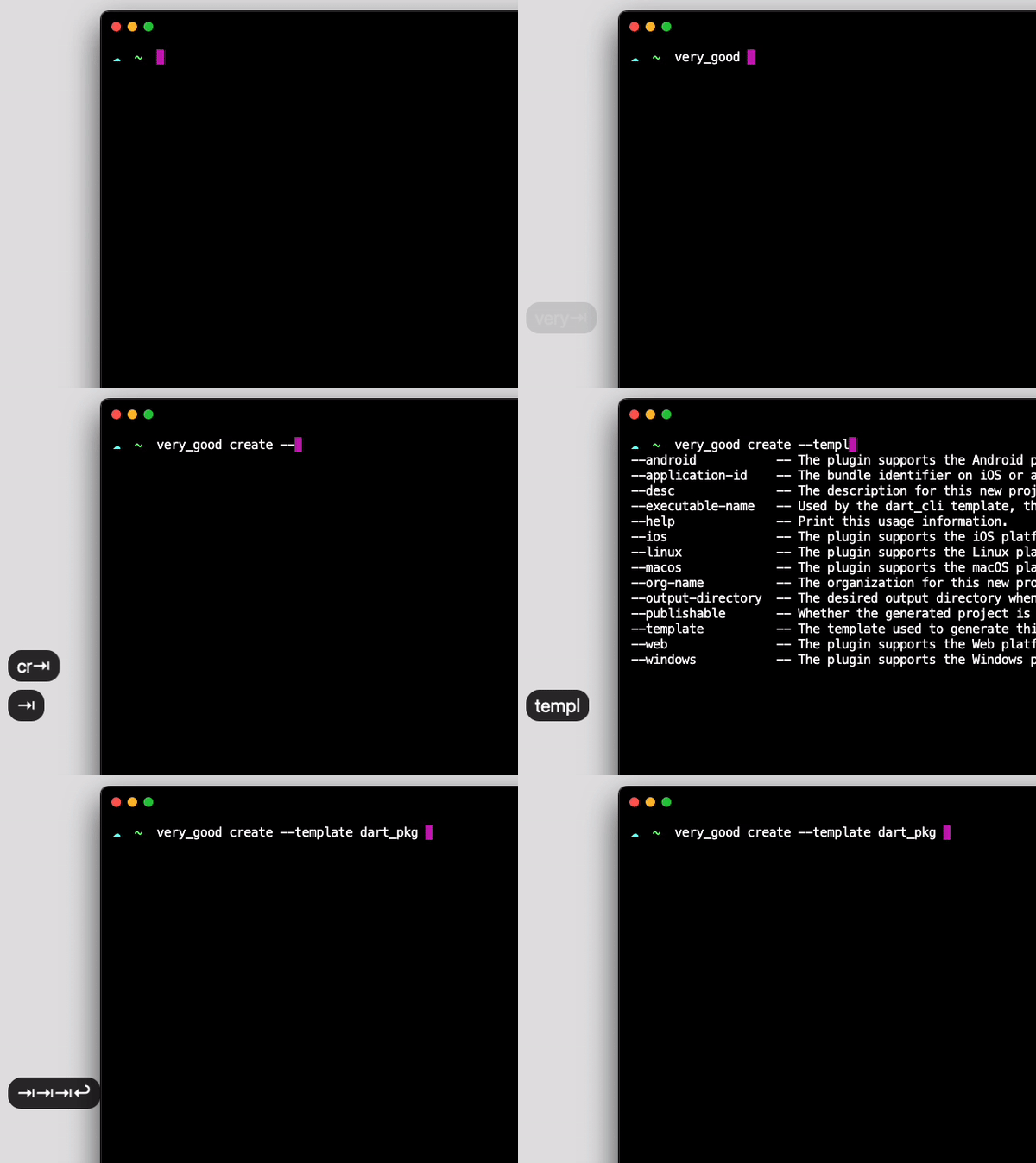
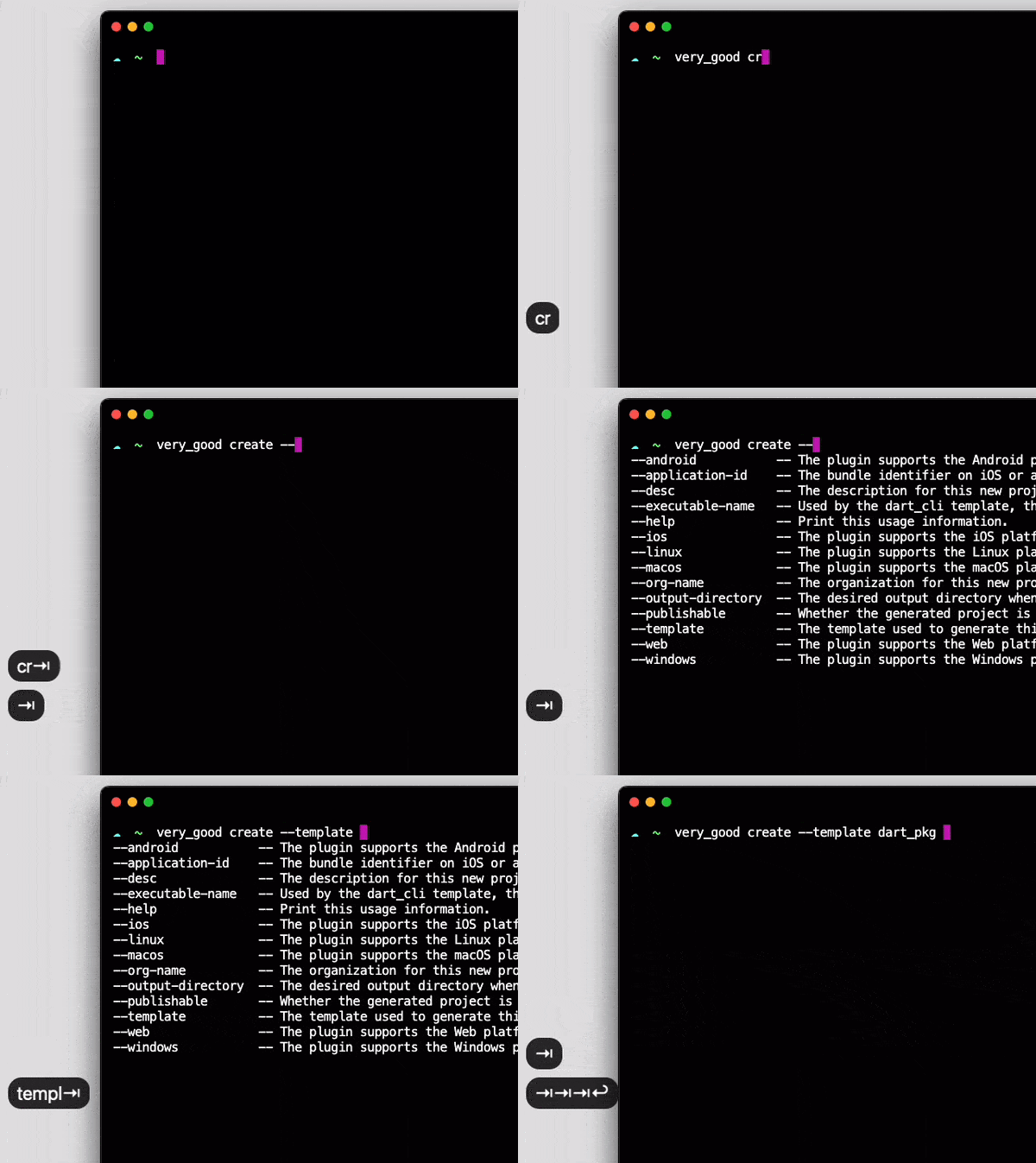
screen

Completion functionality for Dart Command-Line Interfaces built using CommandRunner.

Developed with 💙 by Very Good Ventures 🦄

Installation 💻

❗ In order to start using CLI Completion you must have the Dart SDK installed on your machine.

flutter pub add cli_completion

Usage ✨

On your CommandRunner class, extend CompletionCommandRunner :

import 'package:cli_completion/cli_completion.dart';

class ExampleCommandRunner extends CompletionCommandRunner<int> {
...

This will make the first command run to install the completion files automatically. To disable that behavior, set enableAutoInstall to false:

class ExampleCommandRunner extends CompletionCommandRunner<int> {
  
  @override
  bool get enableAutoInstall => false;
...

When enableAutoInstall is set to false, users will have to call install-completion-files to install these files manually.

$ example_cli install-completion-files

Additionally, when enableAutoInstall is disabled a completion-script command is exposed. It prints the completion script for the current shell to stdout, so users can install it wherever they prefer:

$ example_cli completion-script >> ~/.zshrc

Documentation 📝

For an overview of how this package works, check out the documentation.


Troubleshooting 🧠🔨

Tab completion is taking too long

Handling completion requests should be straightforward.

If there are any checks (like analytics, telemetry, or anything that you may have on run or runCommand overrides) before running subcommands, make sure you fast track the completion command to skip all of the unnecessary computations.

Example:

@override
Future<int?> runCommand(ArgResults topLevelResults) async {
  if (topLevelResults.command?.name == 'completion') {
    super.runCommand(topLevelResults);
      return;
  }
  // ... analytics and other unrelated stuff 
Tab completion is not working on my zsh terminal

If you are not using any zsh framework such as Oh My Zsh, you have to start the completion system manually.

Add the following lines to your ~/.zshrc file:

# Add this to the start of your zsh starter file (~/.zshrc)
autoload -Uz compinit
compinit

Categories

Dependencies

Dependency list 5 items

Source repository

Projects using this package