Search packages, repositories and app categories

country_state_city_pro cover
Package detailsv0.0.6

country_state_city_pro

A new Flutter package to get world's all of Country, State, and City.

AndroidiOSWebmacOSWindowsLinux
30-day downloads
529
Likes
65
Pub points
130

Install package

flutter pub add country_state_city_pro

Package Overview

Package selection guidance compiled from public package information, community data, and project usage.

A Flutter package that provides comprehensive data for countries, states, and cities worldwide. It enables developers to easily integrate country, state, and city selection features into their apps with minimal setup. The package includes preloaded datasets for global regions and supports multiple platforms including Android, iOS, Web, macOS, Windows, and Linux. Ideal for forms requiring location-based inputs, such as user profiles, shipping addresses, or regional settings. The package is maintained and open-source, with a clear structure for easy customization.

Use cases

  • User registration with location selection
  • Shipping address form
  • Regional language or currency settings
  • Travel or logistics app localization
  • Multi-region content filtering

Key features

  • Preloaded global country, state, and city data
  • Support for all major platforms
  • Easy integration via pub add
  • Open-source and actively maintained
  • Lightweight and fast data retrieval

Suitable for

  • Developers building international apps
  • Form-heavy applications needing location fields
  • Apps targeting diverse geographic audiences
  • Projects requiring offline location data

Considerations

  • Large initial download size due to dataset inclusion
  • Requires manual handling of data updates
  • Limited to static data (no real-time changes)
  • Not ideal for apps needing dynamic or API-based location services
Original README

Original README snapshot from the linked source repository. Visit the repository for the latest content.

country_state_city_pro

A new Flutter package to get world's all of Country, State, and City. And items are also searchable. In addition if city can't be found then user manually write city on dialog window.

Getting Started

Platforms:

This widget has been successfully tested on iOS, Android and Chrome.

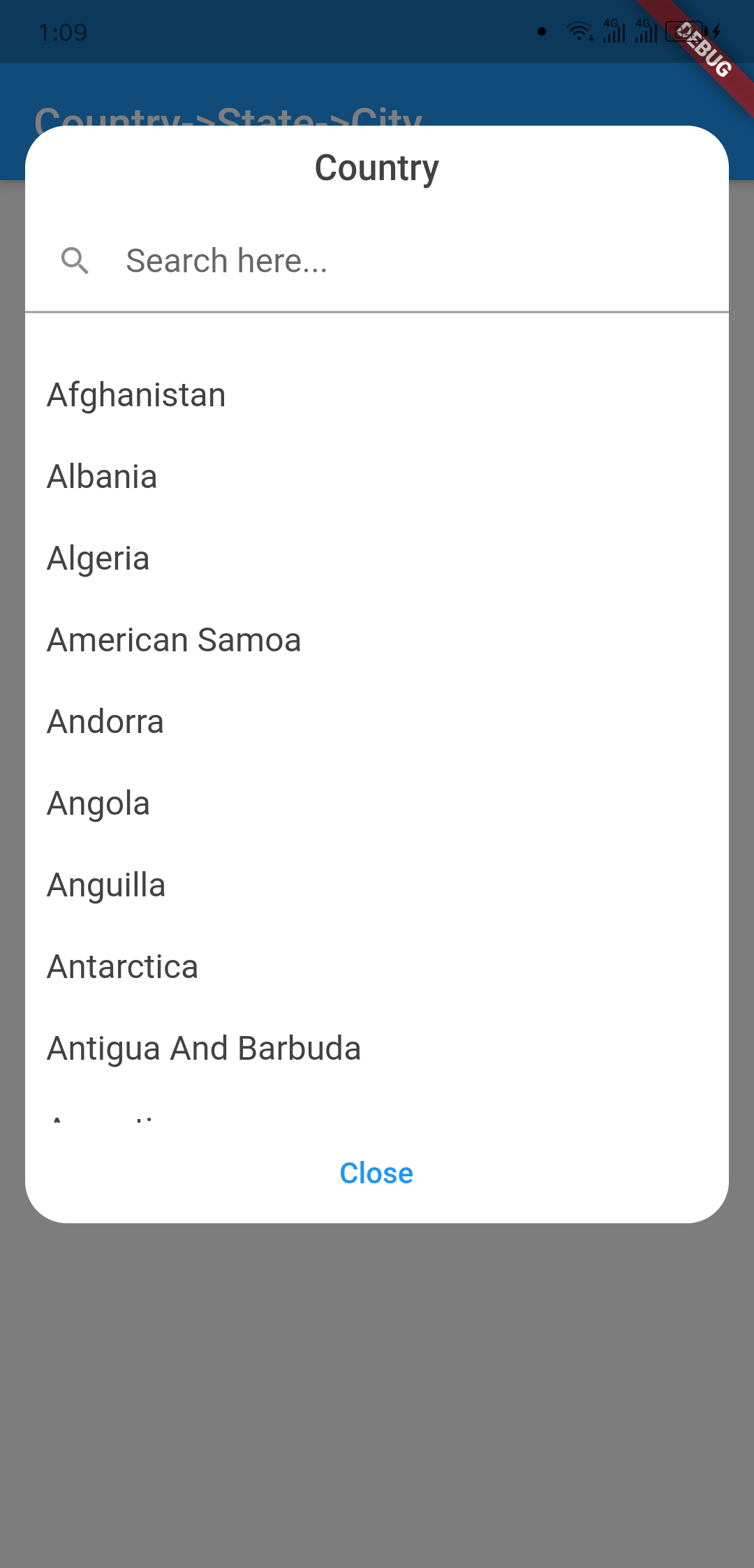
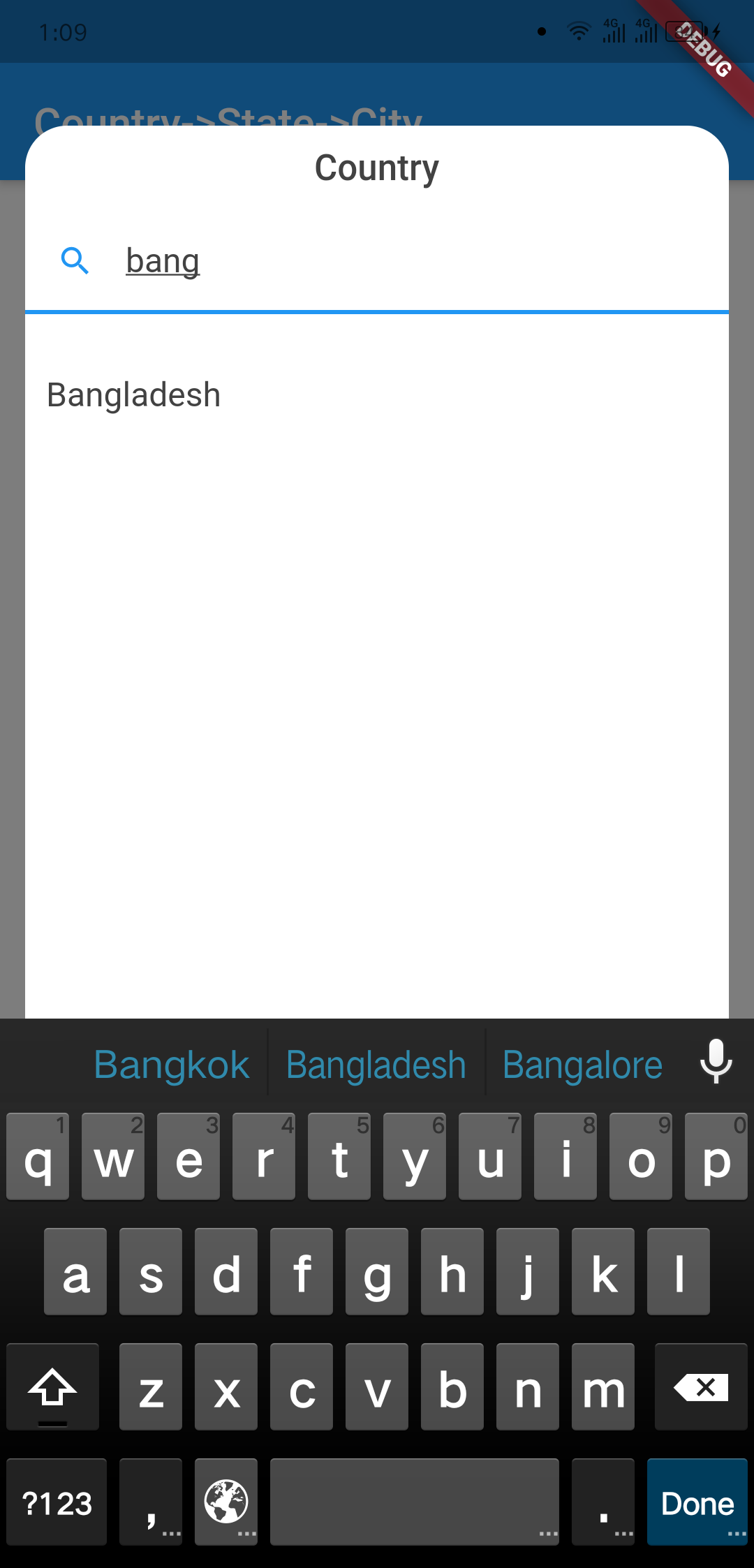
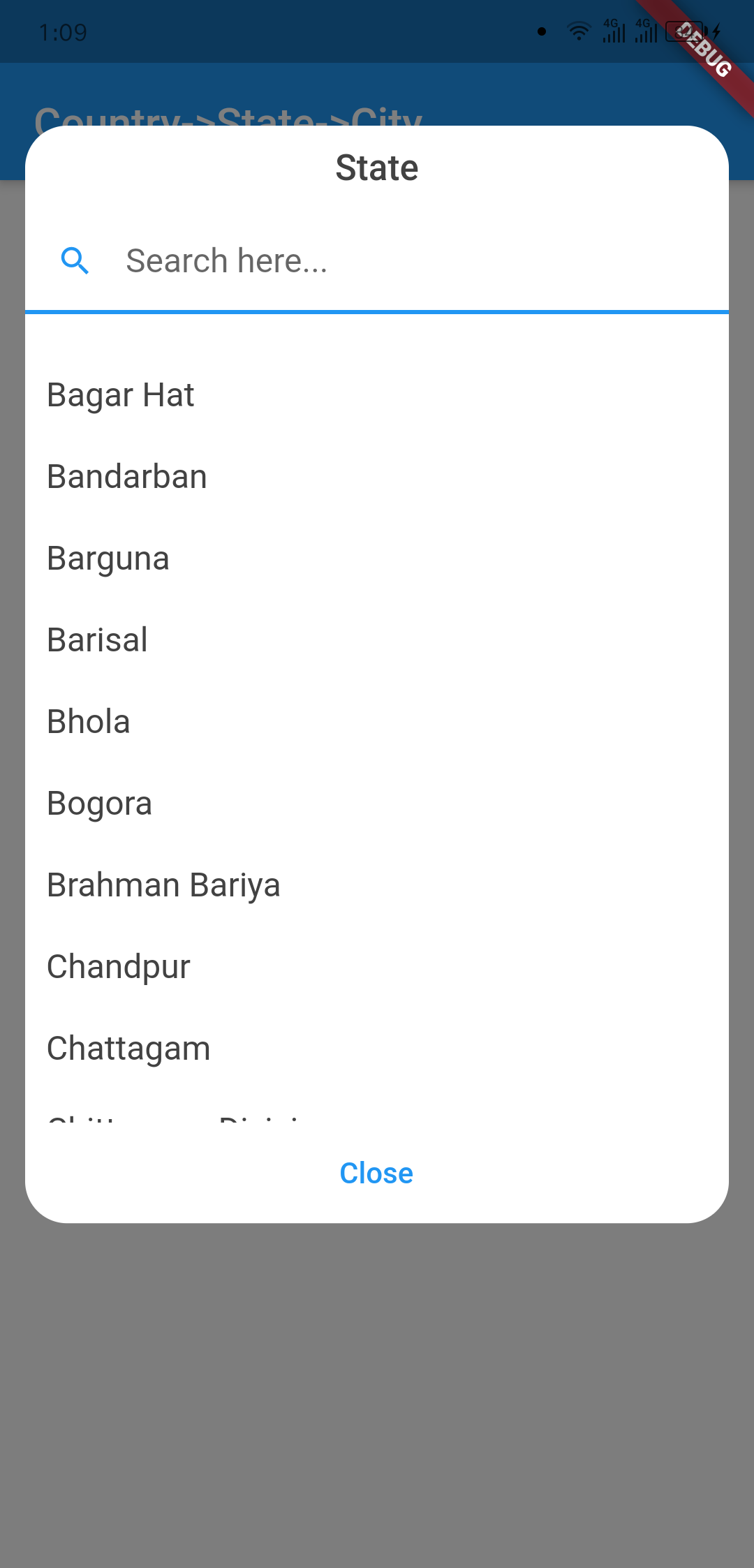
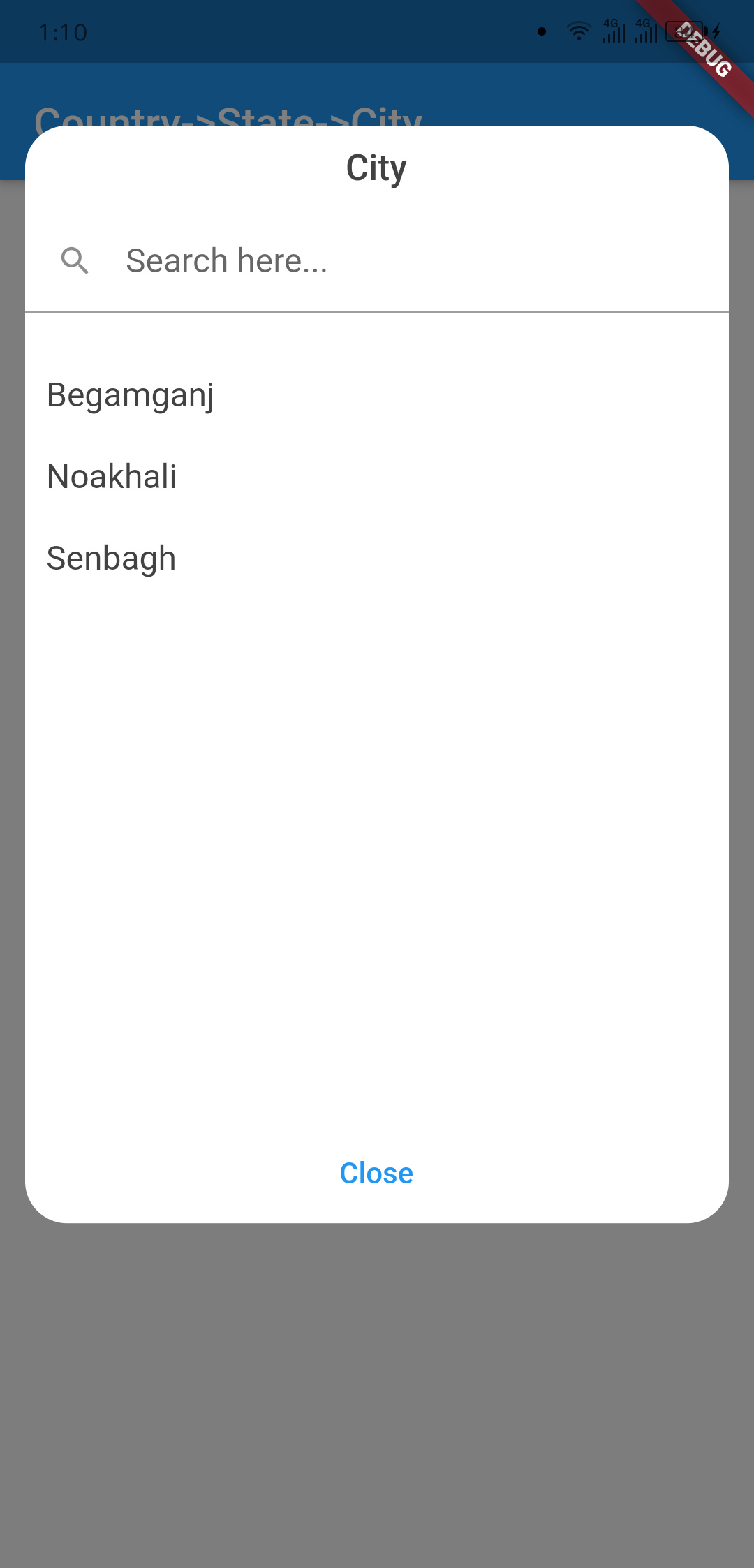
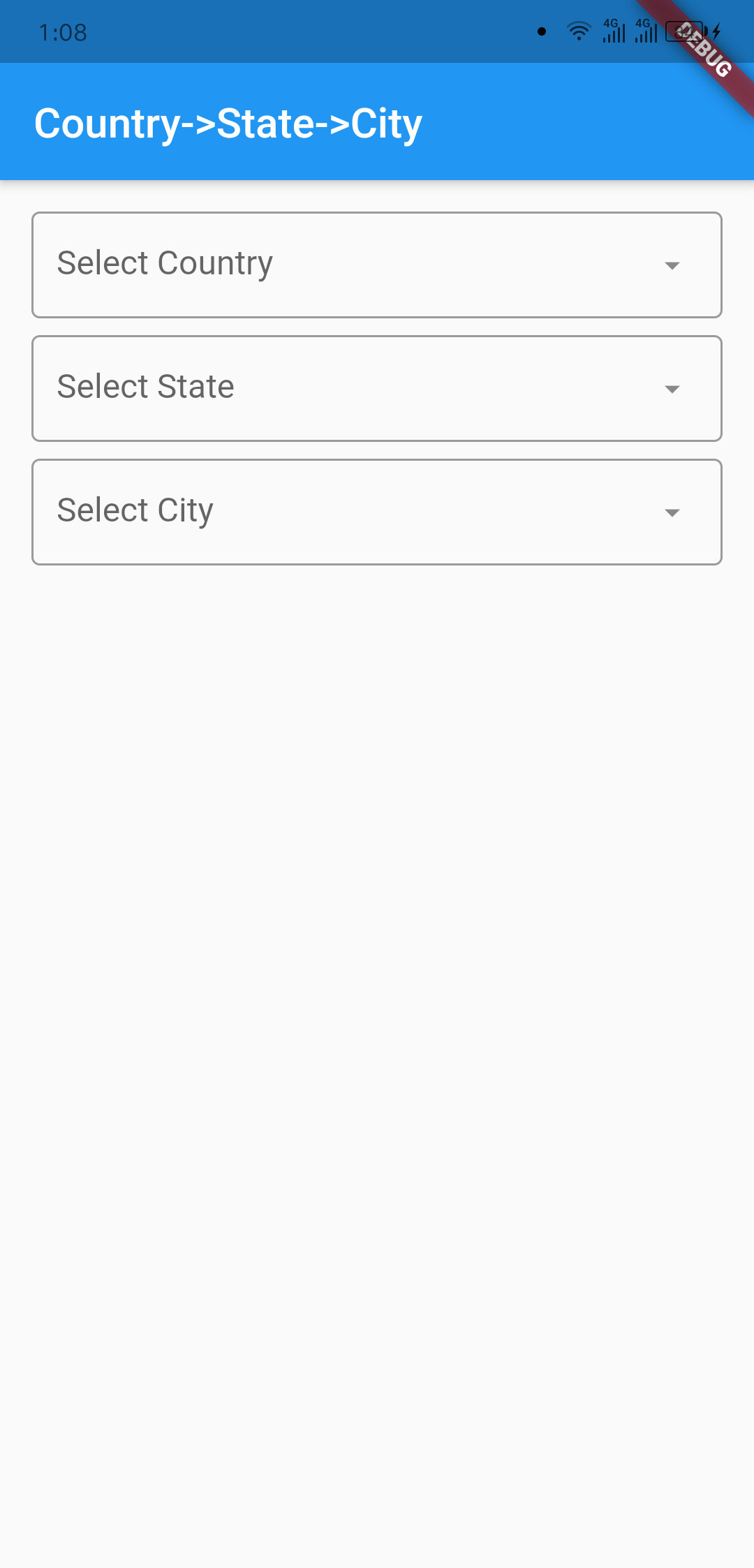
Screenshots

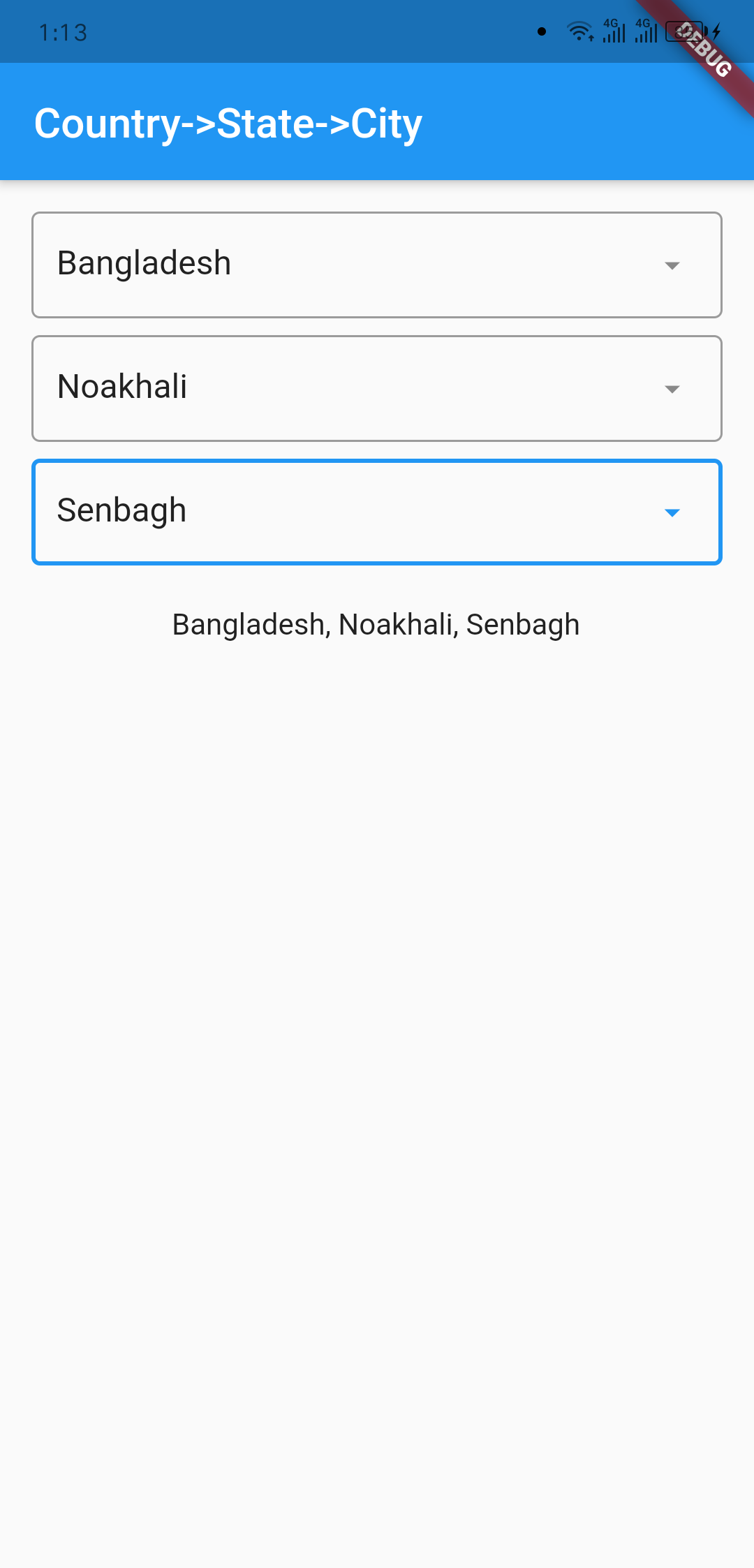
Outlook Country Dialog
image info image info
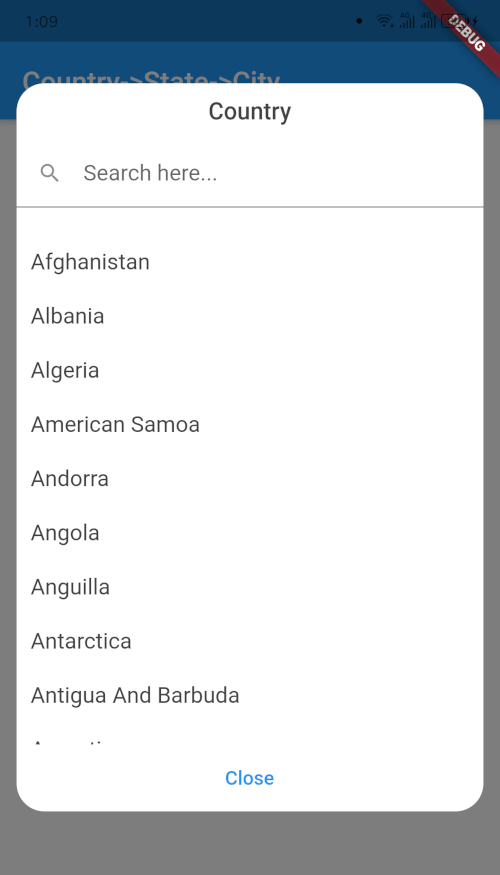
Country Searching State Dialog
image info image info
City Dialog Final Data
image info image info

Usage

import 'package:country_state_city/country_state_city_picker.dart';

///Define Controller
TextEditingController country=TextEditingController();
TextEditingController state=TextEditingController();
TextEditingController city=TextEditingController();

///Widget initialize
CountryStateCityPicker(
                country: country,
                state: state,
                city: city,
                dialogColor: Colors.grey.shade200,
                textFieldDecoration: InputDecoration(
                  fillColor: Colors.blueGrey.shade100,
                  filled: true,
                  suffixIcon: const Icon(Icons.arrow_downward_rounded),
                  border: const OutlineInputBorder(borderSide: BorderSide.none))
            ),

Example Code

import 'package:flutter/material.dart';
import 'package:country_state_city/country_state_city_picker.dart';

void main() {
  runApp(MyApp());
}
class MyApp extends StatelessWidget {
  @override
  Widget build(BuildContext context) {
    return MaterialApp(
      title: 'Country->State->City',
      theme: ThemeData(
        primarySwatch: Colors.blue,
      ),
      home: HomePage(),
    );
  }
}

class HomePage extends StatefulWidget {
  @override
  _HomePageState createState() => _HomePageState();
}
class _HomePageState extends State<HomePage> {
  TextEditingController country=TextEditingController();
  TextEditingController state=TextEditingController();
  TextEditingController city=TextEditingController();
  @override
  Widget build(BuildContext context) {
    return Scaffold(
      appBar: AppBar(
        title: Text('Country->State->City'),
      ),
      body: Padding(
          padding: EdgeInsets.all(15.0),
          child: Column(
            children: [
              CountryStateCityPicker(
                country: country,
                state: state,
                city: city,
                dialogColor: Colors.grey.shade200,
                textFieldDecoration: InputDecoration(
                   fillColor: Colors.blueGrey.shade100,
                   filled: true,
                   suffixIcon: const Icon(Icons.arrow_downward_rounded), 
                   border: const OutlineInputBorder(borderSide: BorderSide.none))
              ),
              SizedBox(height: 20),

              Text("${country.text}, ${state.text}, ${city.text}")
            ],
          )
      ),
    );
  }
}

Connect with

sujitsarkar.cse@gmail.com
Find more project on github

Categories

Source repository

Projects using this package

No data available yet.