Package selection guidance compiled from public package information, community data, and project usage.
cr_json_widget is a Flutter package that displays a hierarchical tree structure, where each node can be any custom widget. It enables developers to visualize JSON data or nested structures in an interactive and customizable way. The widget supports dynamic expansion and collapse of nodes, making it ideal for debugging, configuration views, or data exploration interfaces. Designed for cross-platform use, it works seamlessly on Android, iOS, Web, macOS, Windows, and Linux. Its flexible architecture allows integration with various data sources and UI components.
Use cases
Visualizing nested JSON data
Debugging complex data structures
Interactive configuration panels
Data exploration interfaces
Custom tree-based UIs
Key features
Supports any widget as a node
Dynamic expandable/collapsible nodes
Cross-platform compatibility
Customizable tree styling
Easy integration with JSON data
Extensible for custom rendering
Suitable for
Developers building debug tools
UI designers creating data visualization
Apps requiring hierarchical data display
Teams working on multi-platform projects
Projects involving nested configuration data
Considerations
May impact performance with very large trees
Requires careful state management for dynamic updates
Custom node widgets must handle layout constraints
Limited built-in editing capabilities
Best suited for read-only or simple interaction scenarios
Original README
Original README snapshot from the linked source repository. Visit the repository for the latest content.
cr_json_widget
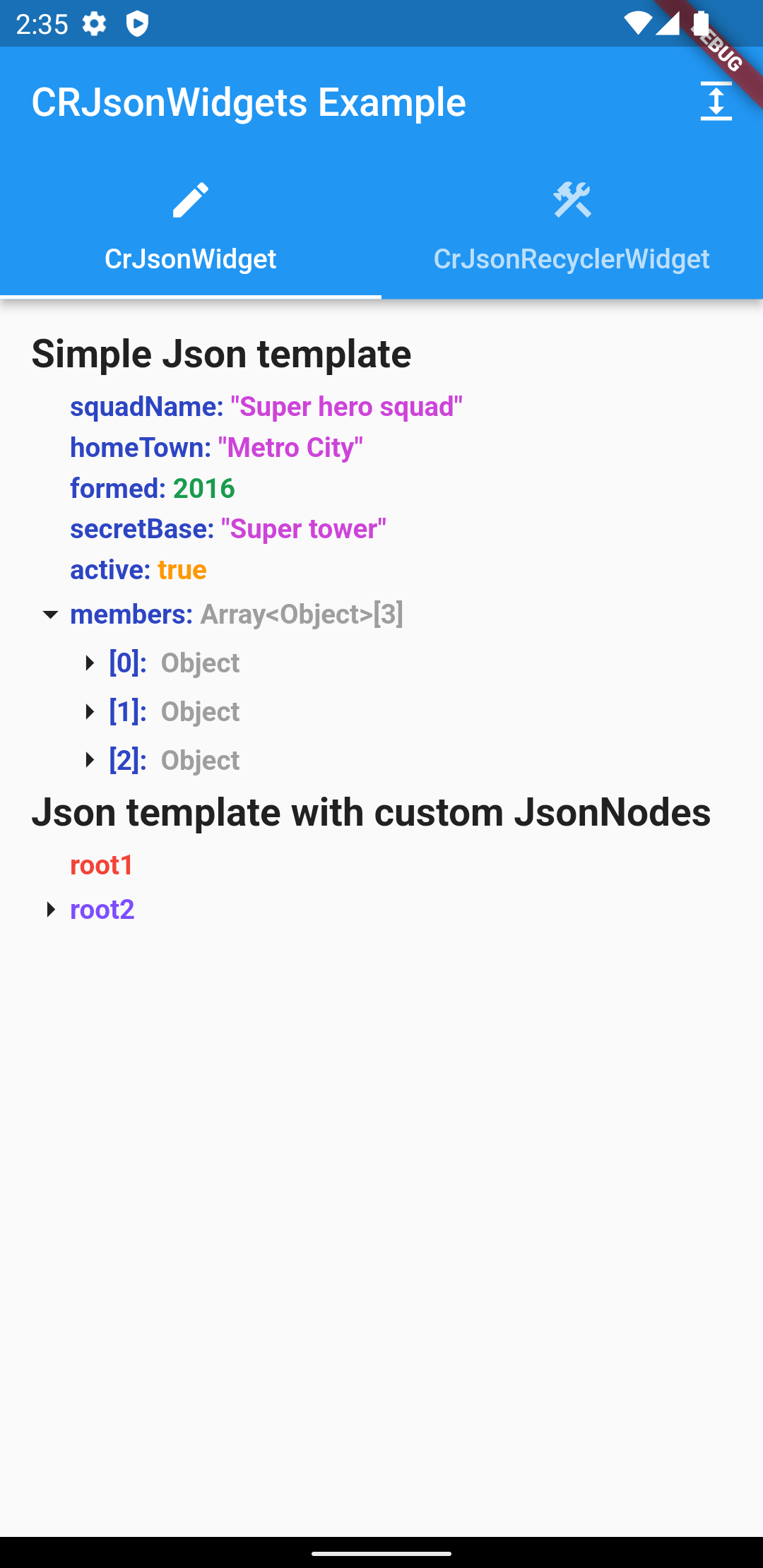
This widget visualises a tree structure, where a node can be any widget.
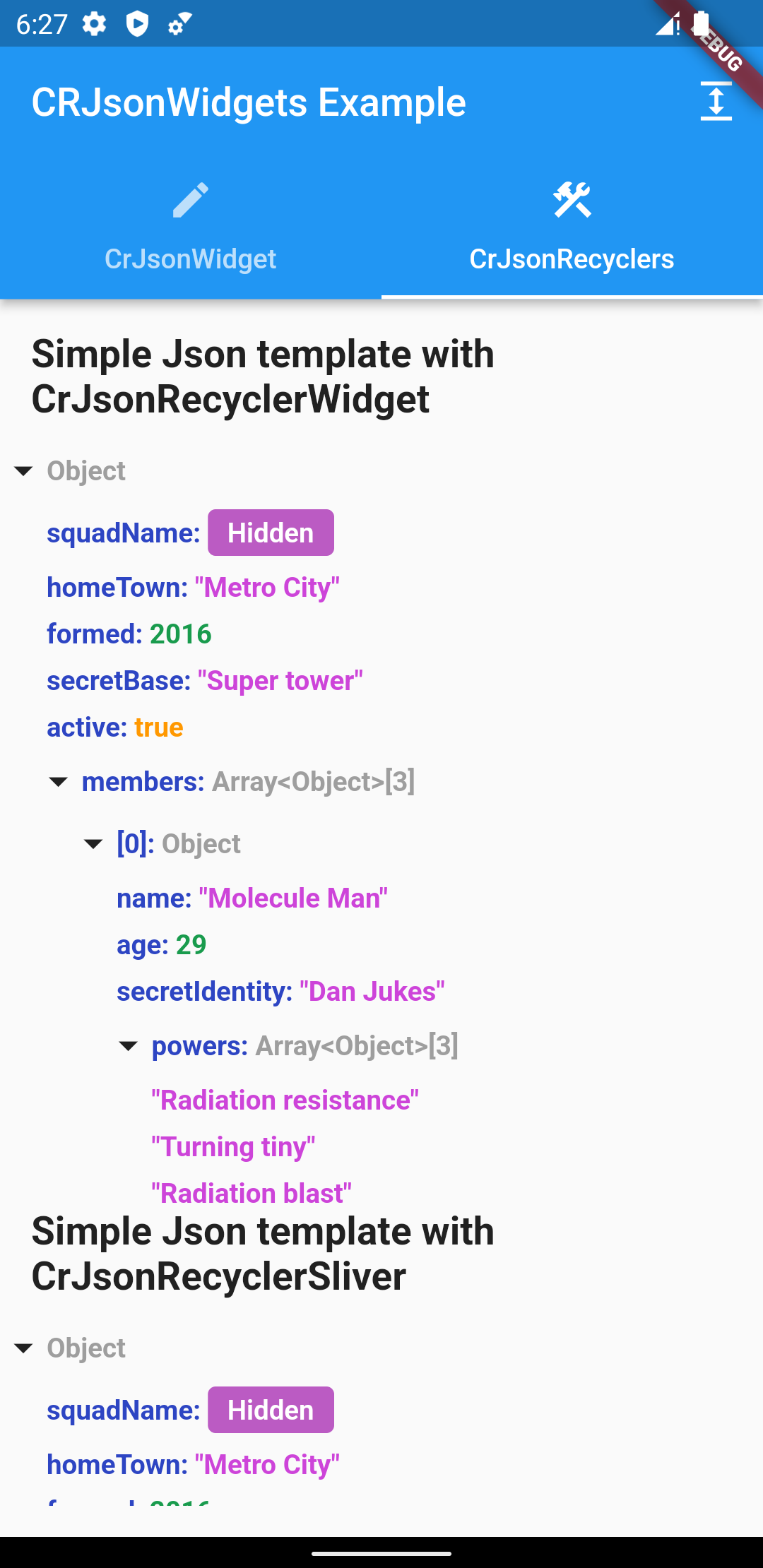
Examples
Getting Started
Add plugin to your project:
dependencies:cr_json_widget:^1.1.0
Usage
CrJsonWidget
This widget display all children as simple ListView and that it does not have good performance with huge jsons.
Create JsonController:
final _jsonController = JsonController(
    allNodesExpanded: false,
    uncovered: 3,
);
allNodesExpanded - Sets whether the json tree is expanded by default
uncovered - Sets the value to what nesting by default the json tree will be expanded
Add widget:
2.1 Accepts json as Map <String, Any> and builds the tree automatically:
    ...
    final data = <String, dynamic>{
        'integer': 1,
        'string': 'test',
    }
    ...
    CrJsonWidget(
        ..
        json: data
    )
    ...
2.2 Accepts your custom List , for placement in the form of a tree: