Search packages, repositories and app categories

cupertino_sidebar cover
Package detailsv1.0.1

cupertino_sidebar

Brings iOS-style sidebars and floating tab bars to Flutter, providing a sleek, native feel for iPadOS-style navigation in your app.

AndroidiOSWebmacOSWindowsLinux
30-day downloads
822
Likes
63
Pub points
150

Install package

flutter pub add cupertino_sidebar

Package Overview

Package selection guidance compiled from public package information, community data, and project usage.

The cupertino_sidebar package enhances Flutter apps with iOS-style sidebars and floating tab bars, delivering a native iPadOS-like navigation experience. Designed for developers aiming to replicate Apple's sleek interface on multiple platforms, it seamlessly integrates into Flutter projects across Android, iOS, Web, macOS, Windows, and Linux. With intuitive gestures and responsive layouts, it supports both compact and expanded sidebar modes, ideal for productivity and content-rich applications. The package is lightweight and easy to implement, aligning with Cupertino design principles.

Use cases

  • iPadOS-style app navigation
  • Productivity apps with side panels
  • Content management interfaces
  • Multi-pane layouts on desktop
  • Apps targeting Apple ecosystem users

Key features

  • iOS-style floating tab bar
  • Responsive sidebar layout
  • Support for all major platforms
  • Gesture-driven navigation
  • Cupertino design compliance
  • Compact and expanded modes

Suitable for

  • Developers targeting iPadOS users
  • Apps requiring multi-pane navigation
  • Designers seeking native iOS aesthetics
  • Cross-platform desktop applications
  • Flutter projects emphasizing usability

Considerations

  • Best suited for larger screens
  • May require layout adjustments on small devices
  • Limited customization beyond Cupertino style
  • Not ideal for traditional mobile-only apps
Original README

Original README snapshot from the linked source repository. Visit the repository for the latest content.

Cupertino Sidebar

cupertino_sidebar brings iOS-style sidebars and floating tab bars to Flutter, providing a sleek, native feel for iPadOS-style navigation in your app.

Features

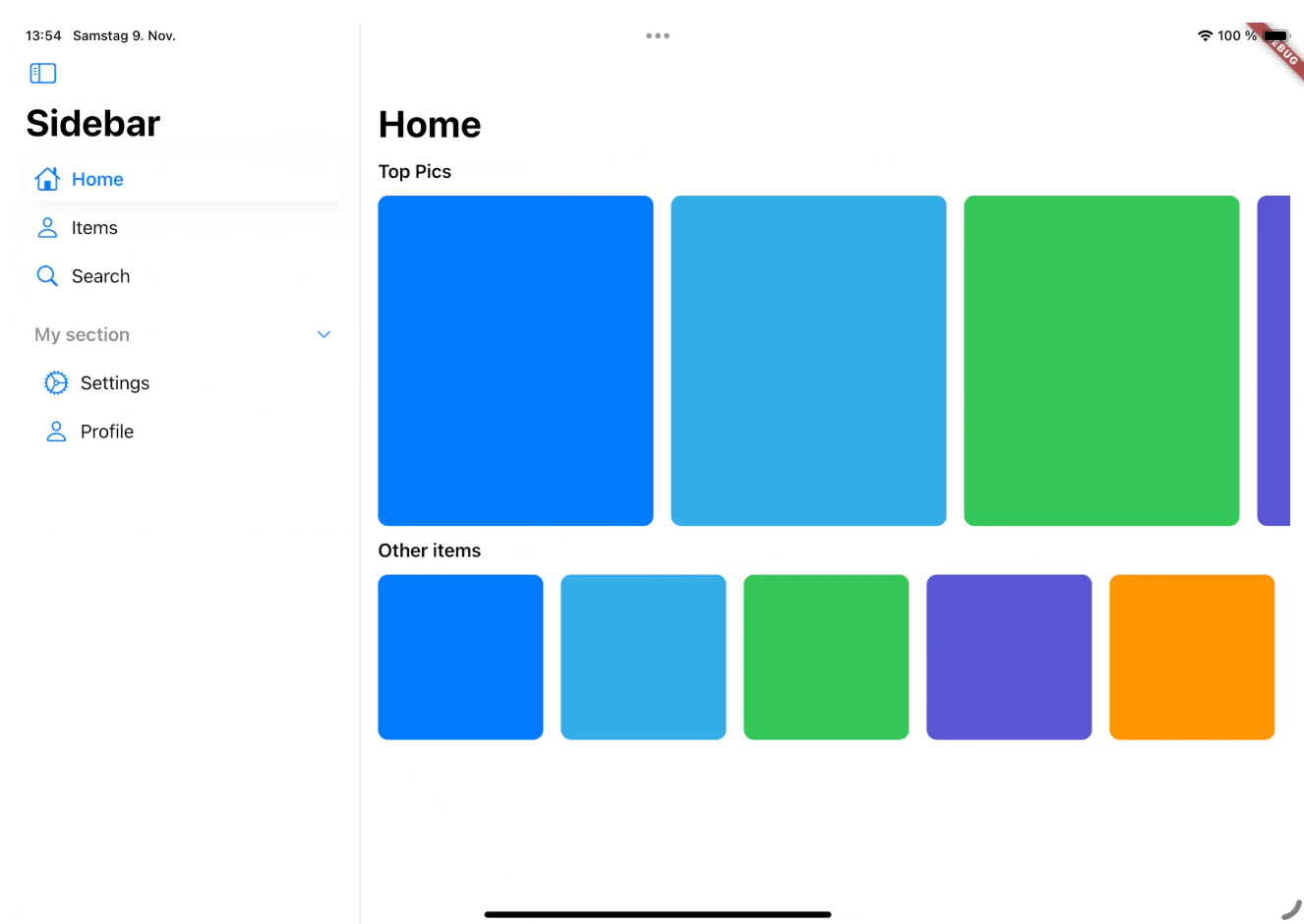
Cupertino Sidebar

Cupertino Sidebar

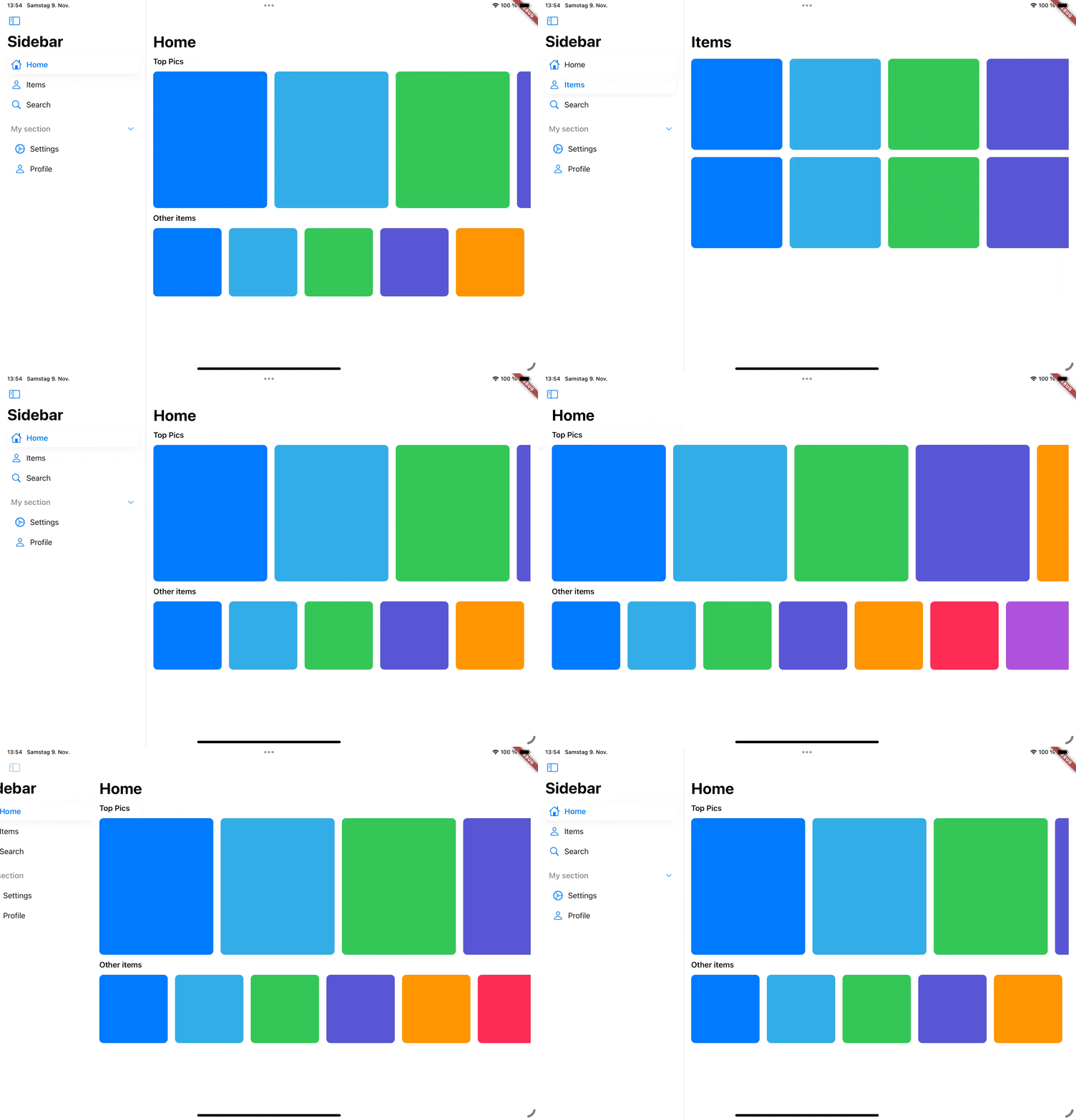
A iOS-style sidebar that can be used to navigate through your app.

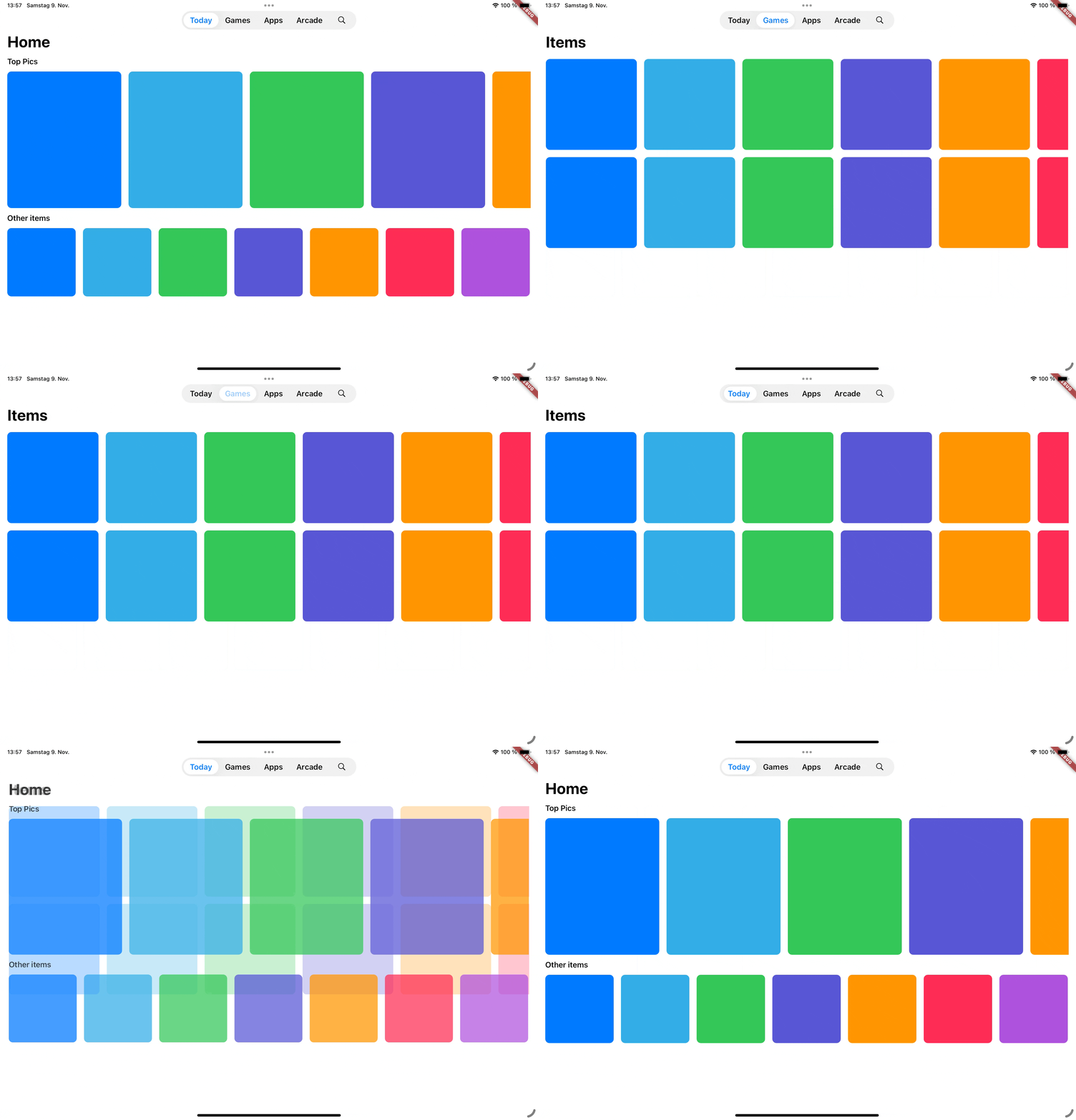
Cupertino Floating Tab Bar

Cupertino Floating Tab Bar

A iPadOS-style floating tab bar that can also be used to navigate through your app.

📖 Usage

Sidebar

The CupertinoSidebar works very similar to Flutter's NavigationDrawer. It accepts a list of destinations, a selected index, and a callback function triggered when a destination is tapped.

CupertinoSidebar(
  selectedIndex: _selectedIndex,
  onDestinationSelected: (value) {
    setState(() {
      // Update the selected index when a destination is selected.
      _selectedIndex = value;
    });
  },
  children: [
    // index 0
    SidebarDestination(
      icon: Icon(CupertinoIcons.home),
      label: Text('Home'),
    ),
    // index 1
    SidebarDestination(
      icon: Icon(CupertinoIcons.person),
      label: Text('Items'),
    ),
    // index 2
    SidebarDestination(
      icon: Icon(CupertinoIcons.search),
      label: Text('Search'),
    ),
  ],
);

CupertinoSidebar also supports expandable sections, allowing you to group destinations.

...
children: [
    ...
   SidebarSection(
      label: Text('My section'),
      children: [
        SidebarDestination(
          icon: Icon(CupertinoIcons.settings),
          label: Text('Settings'),
        ),
        ...
      ],
    ),
]

For a full example, see the Sidebar example.

Floating Tab Bar

The CupertinoFloatingTabBar is managed by a TabController, with options to add tabs and specify a callback function.

CupertinoFloatingTabBar(
  onDestinationSelected: (value) {},
  controller: _myTabController,
  tabs: const [
    CupertinoFloatingTab(
      child: Text('Today'),
    ),
    CupertinoFloatingTab(
      child: Text('Library'),
    ),
    CupertinoFloatingTab.icon(
      icon: Icon(CupertinoIcons.search),
    ),
  ],
)

For a full example, see the Tab Bar example.

Additional examples

📅 Roadmap

This package is actively being developed. Planned features include:

  • Tab bar to sidebar transition
  • Adaptive scaffold that switches between a sidebar and a floating tab bar and a bottom tab bar depending on the screen size.

🤝 Contributing

Contributions are welcome! Feel free to submit issues, ideas, or pull requests. Together, we can make cupertino_sidebar even better!

Categories

Source repository

Projects using this package

No data available yet.