Search packages, repositories and app categories

currency_textfield cover
Package detailsv5.0.0+1

currency_textfield

A flutter package that implements a Controller for currency text input.

AndroidiOSWebmacOSWindowsLinux
30-day downloads
395
Likes
53
Pub points
160

Install package

flutter pub add currency_textfield

Package Overview

Package selection guidance compiled from public package information, community data, and project usage.

A Flutter package that provides a specialized controller for handling currency text input with automatic formatting, masking, and validation. It ensures users enter monetary values in a consistent format, automatically inserting decimal points and currency symbols while preventing invalid characters. Ideal for forms requiring precise financial data entry, it supports multiple platforms including mobile, web, and desktop. The package enhances user experience by reducing input errors and improving readability of currency values.

Use cases

  • Financial form inputs
  • E-commerce checkout fields
  • Budgeting applications
  • Invoice and payment forms
  • Real-time currency display

Key features

  • Automatic decimal formatting
  • Currency symbol insertion
  • Input validation
  • Cross-platform support
  • Customizable decimal places
  • Real-time feedback

Suitable for

  • Developers building finance apps
  • Apps requiring accurate monetary input
  • Forms with strict data formatting needs
  • Multi-platform financial tools
  • UIs focused on usability and correctness

Considerations

  • May require additional styling for custom appearance
  • Limited to numeric and currency-specific behavior
  • Does not handle currency conversion
  • Depends on correct initialization in TextEditingController
  • Potential conflicts with other formatters if not managed properly

Original README

Original README snapshot from the linked source repository. Visit the repository for the latest content.

currency_textfield

Build Status pub package

A Controller for currency text input

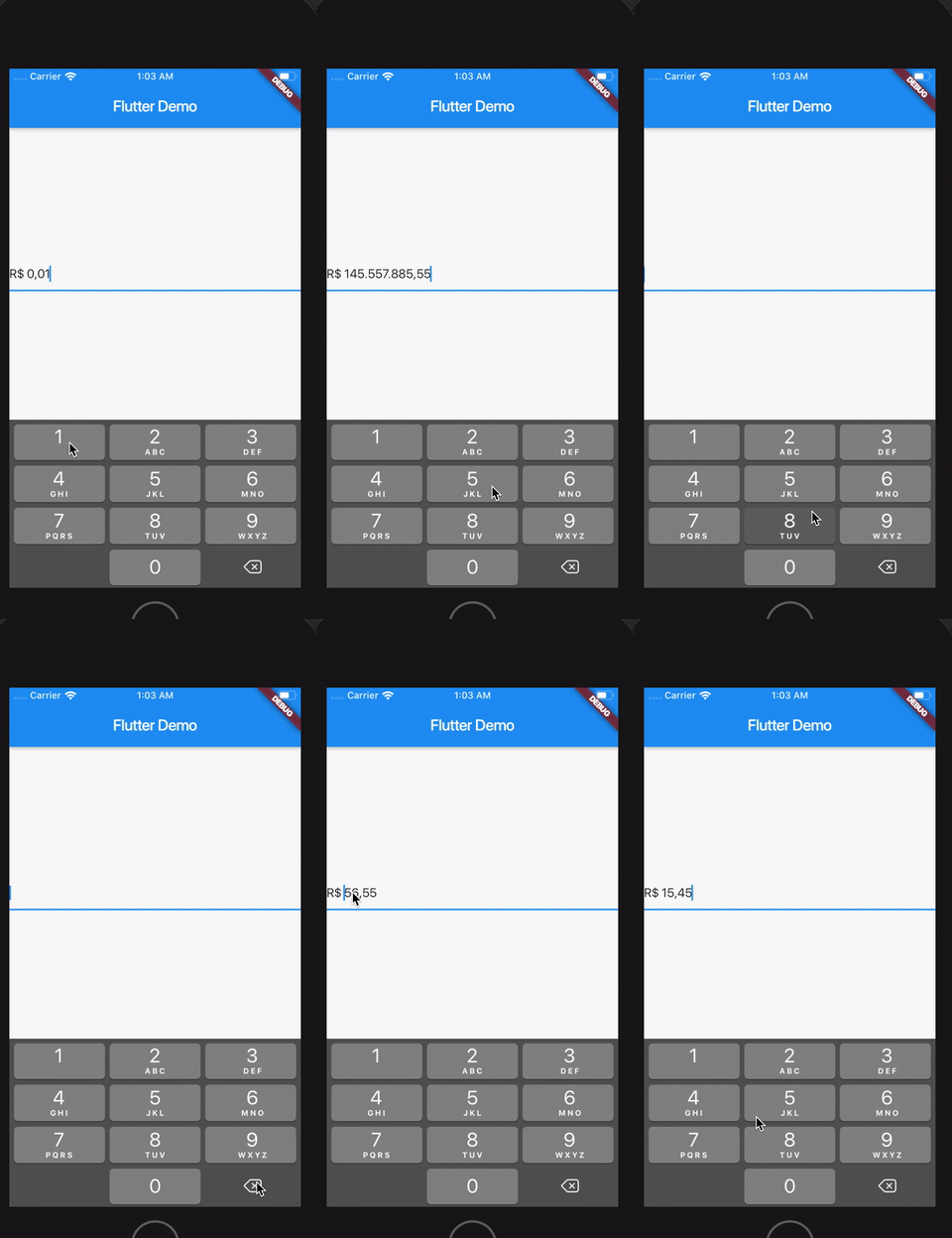
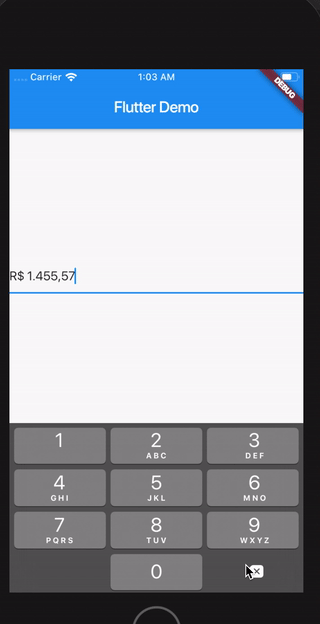
Demo

sample

Install

Follow this guide

Usage

Import the library

import 'package:currency_textfield/currency_textfield.dart';

Create the Controller

CurrencyTextFieldController controller = CurrencyTextFieldController()

Parameters and getters

Currency Symbol, Decimal and Thousand separator

It's possible to customize currencySymbol, decimalSymbol and thousandSymbol:

var controller = CurrencyTextFieldController(currencySymbol: "RR", decimalSymbol: ".", thousandSymbol: ",");
Get double value, get int value and get number in string format

To get the number value from controller, you can use both the doubleValue or the intValue properties:

//Double value:
final double val = controller.doubleValue;
//Int value:
final int val = controller.intValue;
//String number:
final int val = controller.textWithoutCurrencySymbol;
Initial value

You can initialize the controller using a int or a double, but not both at the same time. To make this, just use initDoubleValue or initIntValue:

final CurrencyTextFieldController controller2 = CurrencyTextFieldController(initDoubleValue: 10);
final CurrencyTextFieldController controller3 = CurrencyTextFieldController(initIntValue: 1000);

// this will raise an error!
final CurrencyTextFieldController controller4 = CurrencyTextFieldController(initIntValue: 1000,initDoubleValue: 10);
Position of the symbol and separator

You can decide if the symbol will be before or after the number. To make this, just use currencyOnLeft:

// default with the currency before the number
final CurrencyTextFieldController controller = CurrencyTextFieldController();

// currency after the number
final CurrencyTextFieldController controller2 = CurrencyTextFieldController(currencyOnLeft: false);

And also define the separator between the symbol and the value with currencySeparator:

// the default value is a single space
final CurrencyTextFieldController controller = CurrencyTextFieldController(currencySeparator: ' -> ');
Block the user from setting negative numbers

Just set enableNegative to false

Force a value from outside the TextField
final CurrencyTextFieldController controller = CurrencyTextFieldController();
// using a double
controller.forceValue(initDoubleValue: 300.5);

// using an int
controller.forceValue(initIntValue: 10000);
Change the currency symbol of the controller
final CurrencyTextFieldController controller = CurrencyTextFieldController();
// keeping the current value:
controller.replaceCurrencySymbol('EUR');

// reseting the current value:
controller.replaceCurrencySymbol('EUR', resetValue: true);

Categories

Source repository

Projects using this package

No data available yet.