Search packages, repositories and app categories

delayed_display cover
Package detailsv2.0.0

delayed_display

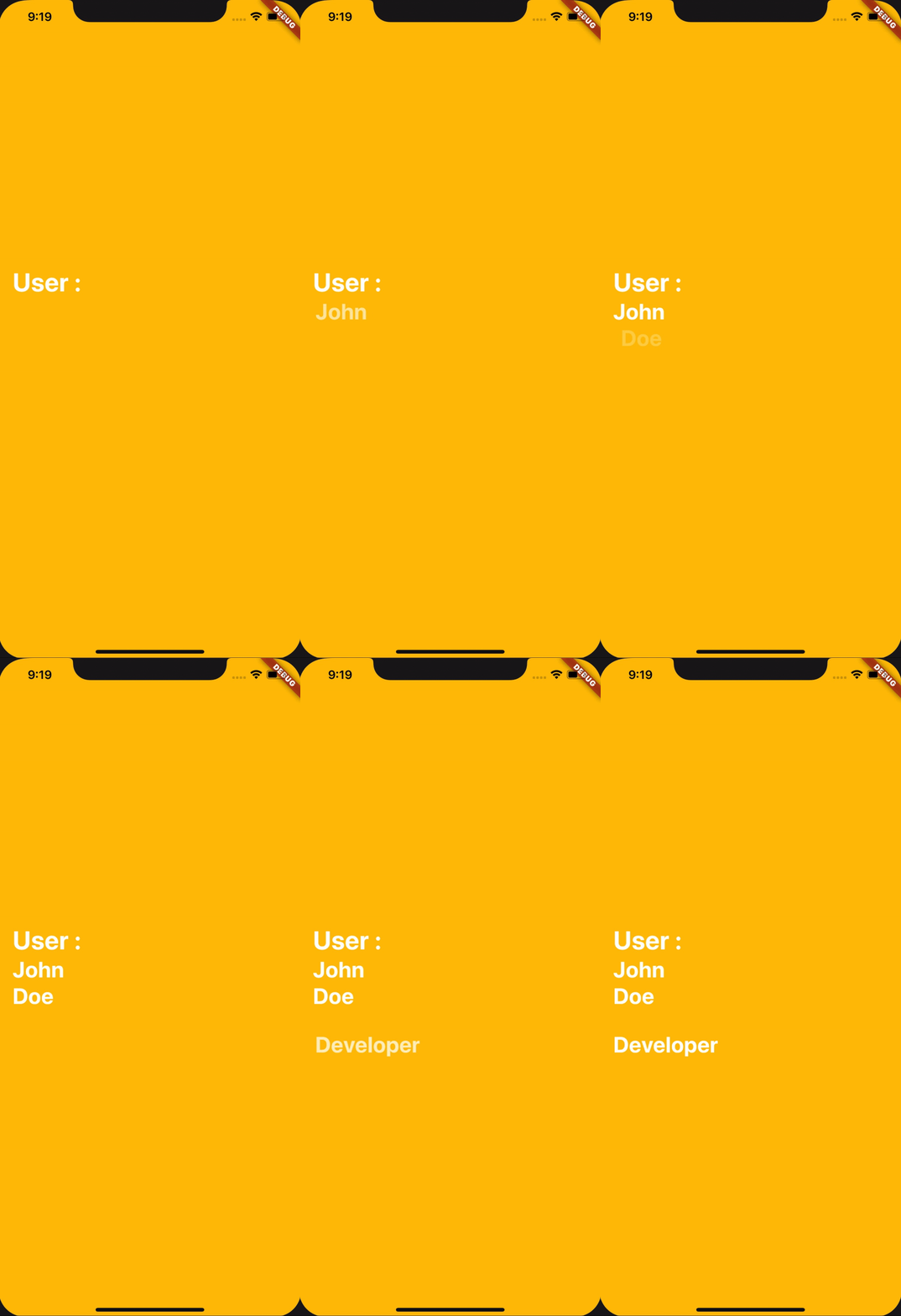
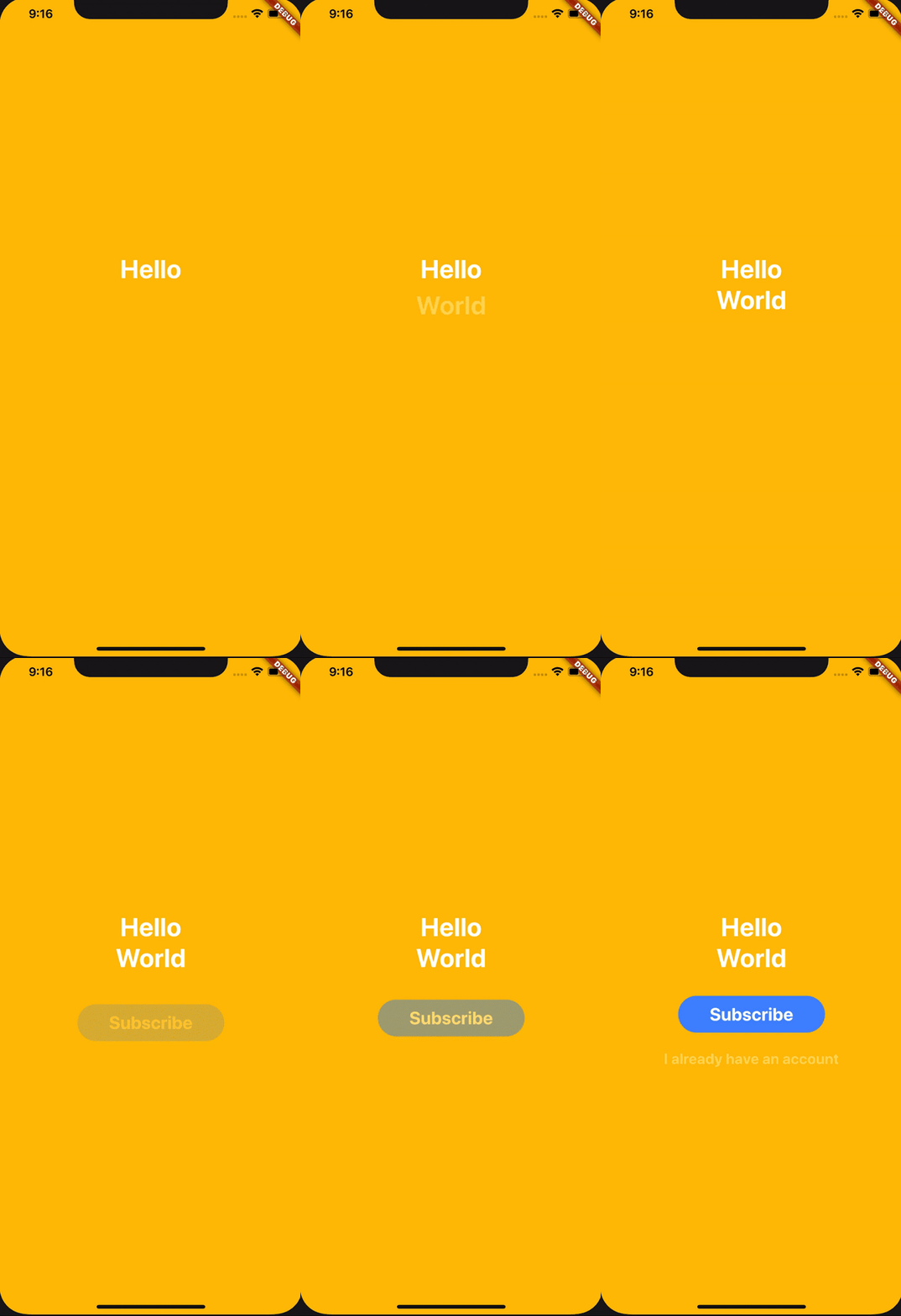
A widget that enables you to display a child after a delay and with beautiful fading and sliding animation.

AndroidiOSWebmacOSWindowsLinux
30-day downloads
12.3K
Likes
489
Pub points
160

Install package

flutter pub add delayed_display

Package Overview

Package selection guidance compiled from public package information, community data, and project usage.

The delayed_display package provides a widget that delays the appearance of its child with smooth fading and sliding animations. Ideal for creating timed visual effects in Flutter apps, it enhances user experience by introducing subtle transitions. The widget is easy to integrate and supports all major platforms, including mobile, web, and desktop. It offers customizable delay durations and animation curves, making it suitable for splash screens, onboarding sequences, or any scenario requiring timed content reveal.

Use cases

  • Onboarding screen animations
  • Splash screen transitions
  • Timed UI element reveals
  • Loading state indicators
  • Animated welcome messages

Key features

  • Customizable delay duration
  • Smooth fade and slide animations
  • Cross-platform support
  • Simple API integration
  • Configurable animation curves
  • Supports null safety

Suitable for

  • Developers seeking timed UI animations
  • Designers enhancing app onboarding
  • Apps needing subtle visual feedback
  • Projects with animated splash screens
  • Flutter beginners exploring transitions

Considerations

  • May impact performance if overused
  • Requires careful timing for optimal UX
  • Limited to basic animation types
  • Not ideal for complex interactive sequences
  • Animation behavior may vary slightly across platforms

Original README

Original README snapshot from the linked source repository. Visit the repository for the latest content.

delayed_display

A widget that enables you to display a child after a delay and with beautiful fading and sliding animation.

examples

How does it works

All you have to do is to use the widget DelayedDisplay like this for example :

DelayedDisplay(
  delay: Duration(seconds: 1),
  child: Text(
    "Hello",
    style: TextStyle(
      fontWeight: FontWeight.bold,
      fontSize: 35.0,
      color: Colors.white,
    ),
  ),
),

And ... That's all ! It will automatically handle fading and sliding animation and will make the Text appear after 1 second delay.

Let's customize it !

Here are the accepted parameters :

Name Type Usage Required Default Value
child Widget The Widget that needs to appear yes null
delay Duration The duration before showing the widget (and animating it) false null
fadingDuration Duration The duration of the fading animation false const Duration(milliseconds: 800)
slidingCurve Curve The curve of the sliding animation false Curves.decelerate
slidingBeginOffset Offset The offset from where the sliding animation will start false const Offset(0.0, 0.35)

Categories

Source repository

Projects using this package