Search packages, repositories and app categories

delayed_widget cover
Package detailsv1.1.2

delayed_widget

A simple and easy to use flutter package, to make the widget show up in a smooth way as soon as it is created.

AndroidiOSWebmacOSWindowsLinux
30-day downloads
908
Likes
32
Pub points
140

Install package

flutter pub add delayed_widget

Package Overview

Package selection guidance compiled from public package information, community data, and project usage.

The delayed_widget package is a lightweight Flutter solution that enables smooth, timed appearance of widgets after creation. It simplifies the process of adding delays to widget rendering, making transitions appear more natural and polished. Ideal for animations or loading sequences, it allows developers to control when a widget becomes visible with minimal code. The package supports all major platforms and integrates seamlessly into existing Flutter projects.

Use cases

  • Smooth UI transitions
  • Delayed loading indicators
  • Animated entry effects
  • Onboarding screens
  • Progressive content display
  • Loading state management

Key features

  • Simple delay configuration
  • Minimal boilerplate
  • Cross-platform support
  • Easy integration
  • Smooth visual transitions
  • Flexible timing control

Suitable for

  • Beginner Flutter developers
  • UI/UX enhancement projects
  • Animation-focused apps
  • Apps with progressive content loading
  • Projects requiring subtle visual feedback

Considerations

  • Not suitable for complex animation sequences
  • Limited customization beyond delay time
  • May require additional handling for dynamic delays
  • Best used with simple widget displays
  • Performance impact negligible but present with many instances
Original README

Original README snapshot from the linked source repository. Visit the repository for the latest content.

delayed_widget

A simple and easy to use flutter package, to make widgets show up in a smooth way as soon as it is created.

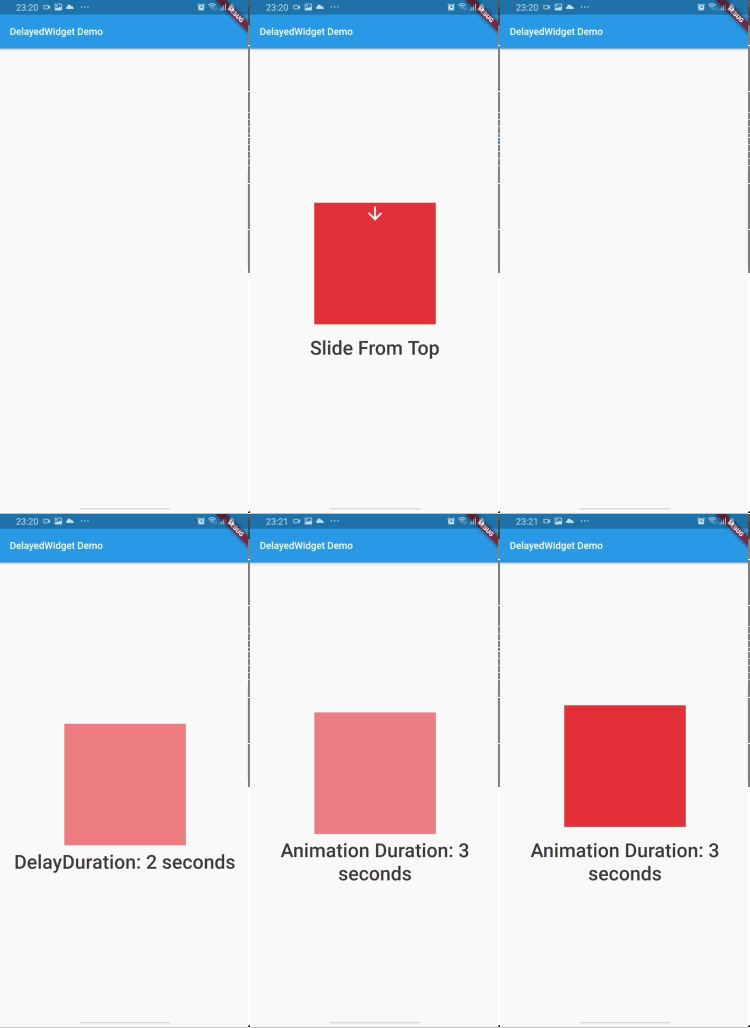
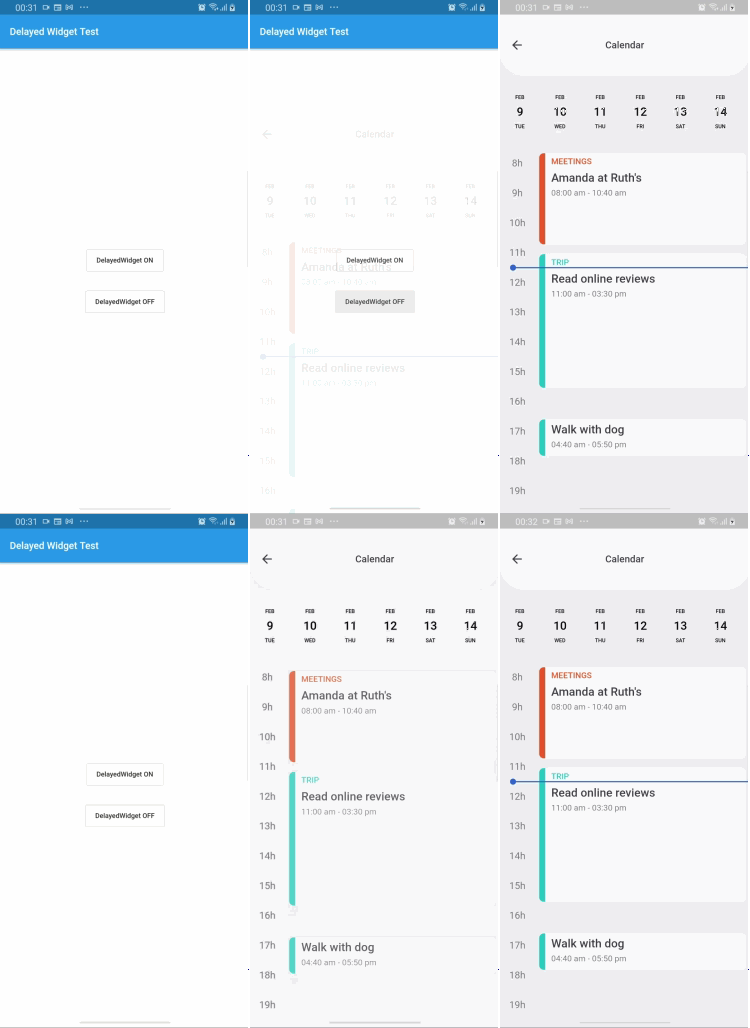
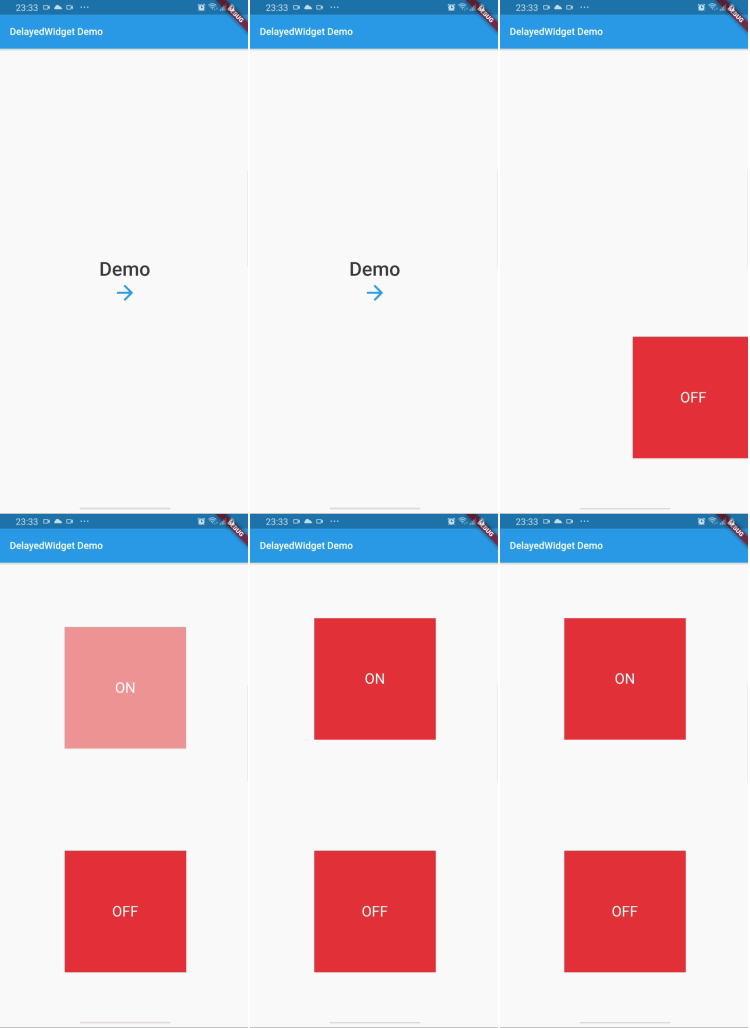
Gif

Gif

Gif

Add dependency
dependencies:
  delayed_widget: ^1.1.1
Easy to use
Scaffold(
    appBar: AppBar(
    title: Text('DelayedWidget Example'),
),
body: Center(
    child: DelayedWidget(
        delayDuration: Duration(milliseconds: 200),// Not required
        animationDuration: Duration(seconds: 1),// Not required
        animation: DelayedAnimations.SLIDE_FROM_BOTTOM,// Not required
        child: Container(
            width: 200,
            height: 200,
            color: Colors.red,
        ))),
    )
Attributes

enable: Enable/Disable animation
delayDuration: Set the delay time before start animation
animationDuration: Set the duration of animation
animation: Set the animation type

Categories

Source repository

Projects using this package

No data available yet.