Search packages, repositories and app categories

double_back_to_close cover
Package detailsv2.0.0

double_back_to_close

Flutter package for request double back pressed before close app/route/screen. Wrap any widget with it to use.

AndroidiOSWebmacOSWindowsLinux
30-day downloads
585
Likes
65
Pub points
140

Install package

flutter pub add double_back_to_close

Package Overview

Package selection guidance compiled from public package information, community data, and project usage.

A Flutter package that prompts users to press the back button twice before closing an app, route, or screen. It wraps any widget to enable this behavior, helping prevent accidental exits. Ideal for mobile and desktop apps where unintended navigation could disrupt user experience. The package supports all major platforms including Android, iOS, Web, macOS, Windows, and Linux, ensuring consistent functionality across devices.

Use cases

  • Preventing accidental app closure
  • Enhancing user experience in mobile apps
  • Avoiding unintended route dismissal
  • Protecting critical workflows
  • Ensuring intentional navigation exit
  • Supporting multi-platform applications

Key features

  • Double back press detection
  • Cross-platform compatibility
  • Simple widget wrapping
  • Customizable timeout
  • Minimal configuration required
  • Works with routes and screens

Suitable for

  • Mobile app developers
  • Desktop app creators
  • UX-focused projects
  • Apps with sensitive workflows
  • Developers seeking simple exit protection
  • Multi-platform Flutter apps

Considerations

  • May not be suitable for all UI patterns
  • Requires user awareness of double-press behavior
  • Timeout settings may need tuning
  • Not ideal for fast-paced interactions
  • Limited customization options
  • Potential accessibility concerns for some users
Original README

Original README snapshot from the linked source repository. Visit the repository for the latest content.

double_back_to_close

Flutter package for request double back pressed before close app/route/screen.

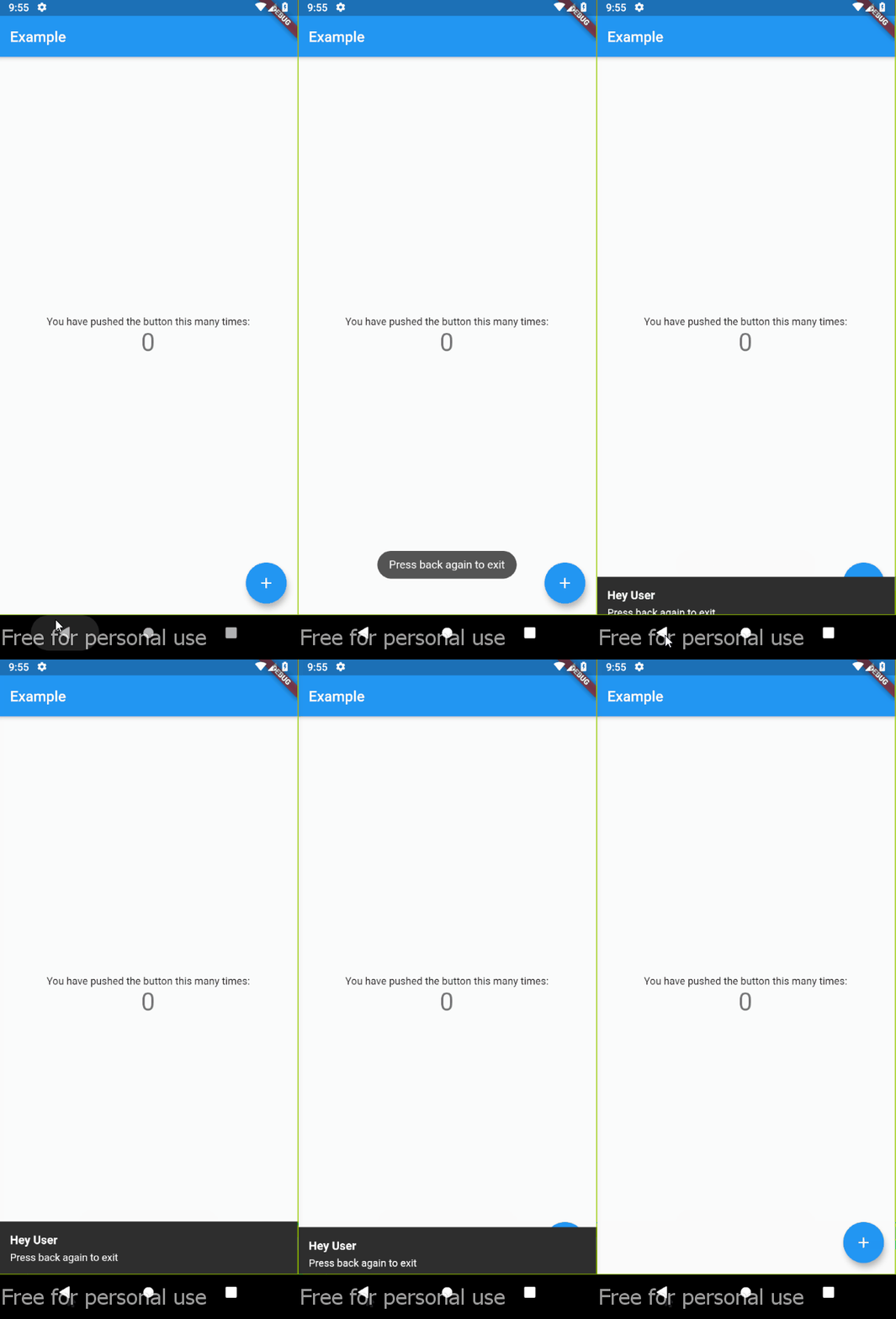
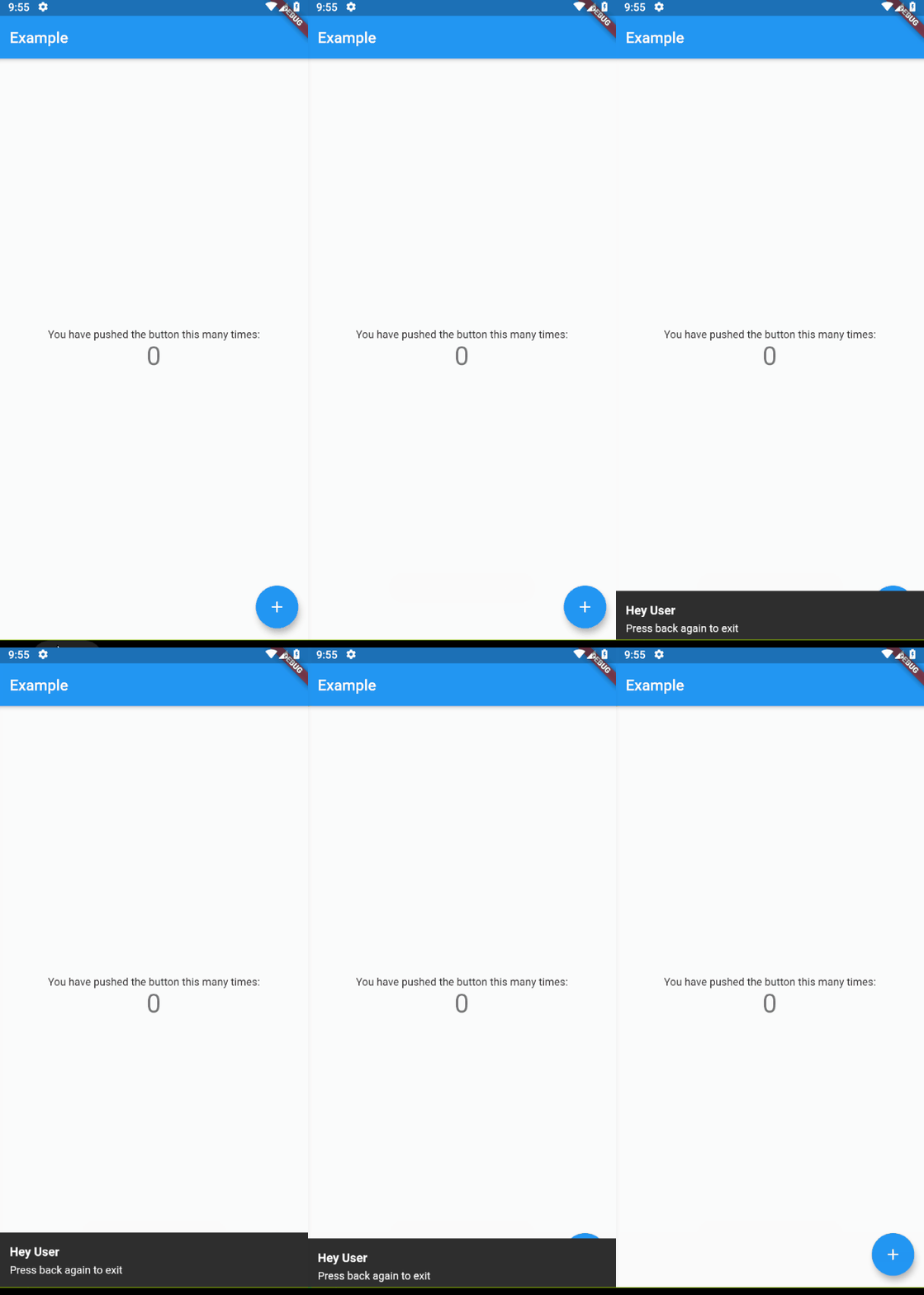
Demo

Usage

Wrapping widget with DoubleBack where you want to use double back to close screen or app:

Default (using TOAST)
class MyApp extends StatelessWidget {
  @override
  Widget build(BuildContext context) {
    return MaterialApp(
      home: DoubleBack(
          message:"Press back again to close",
          child: Home(),
        ),
      ),
  }
}
Default (using TOAST) with optional style
class MyApp extends StatelessWidget {
  @override
  Widget build(BuildContext context) {
    return MaterialApp(
      home: DoubleBack(
          message:"Press back again to close",
          child: Home(),
        ),
      ),
      // optional style
      textStyle: TextStyle(
        fontSize: 13,
        color: Colors.white,
      ),
      background: Colors.red,
      backgroundRadius: 30,
    );
  }
}
Custom ( using snackbar for example)


class MyApp extends StatelessWidget {
  @override
  Widget build(BuildContext context) {
    return MaterialApp(
      home: DoubleBack(
        onFirstBackPress: (context) {

          // you can use your custom here
          // change this with your custom action
          final snackBar = SnackBar(content: Text('Press back again to exit'));
          ScaffoldMessenger.of(context).showSnackBar(snackBar);
          // ---

        },

        child: Home(),
      ),
    );
  }
}
with custom delay
class MyApp extends StatelessWidget {
  @override
  Widget build(BuildContext context) {
    return MaterialApp(
      home: DoubleBack(
          onFirstBackPress: (context) {

            Flushbar(
              title: "Hey User",
              message: "Press back again to exit",
              duration: Duration(seconds: 15), // show 15 second flushbar
            )..show(context);

          },
          child: Home(),
          waitForSecondBackPress: 15, // wait for 15 second for second back pressed
        ),
    );
  }
}
with custom condition

if you want to show message at spesific condition, for example, only show message if pageView at index 0.

class MyApp extends StatelessWidget {
  @override
  Widget build(BuildContext context) {
    return MaterialApp(
      // Imagine that you are using materialbottom and only want to close when tabIndex = 0

      home: DoubleBack(
          condition: tabIndex == 0, // only show message when tabIndex=0
          onConditionFail: (){
            setState((){
                tabIndex = 0; // if not 0, set pageview jumptopage 0
            });
          }
          child: Home(),
        ),
    );
  }
}

Categories

Source repository

Projects using this package

No data available yet.