Search packages, repositories and app categories

draggable_expandable_fab cover
Package detailsv1.0.0

draggable_expandable_fab

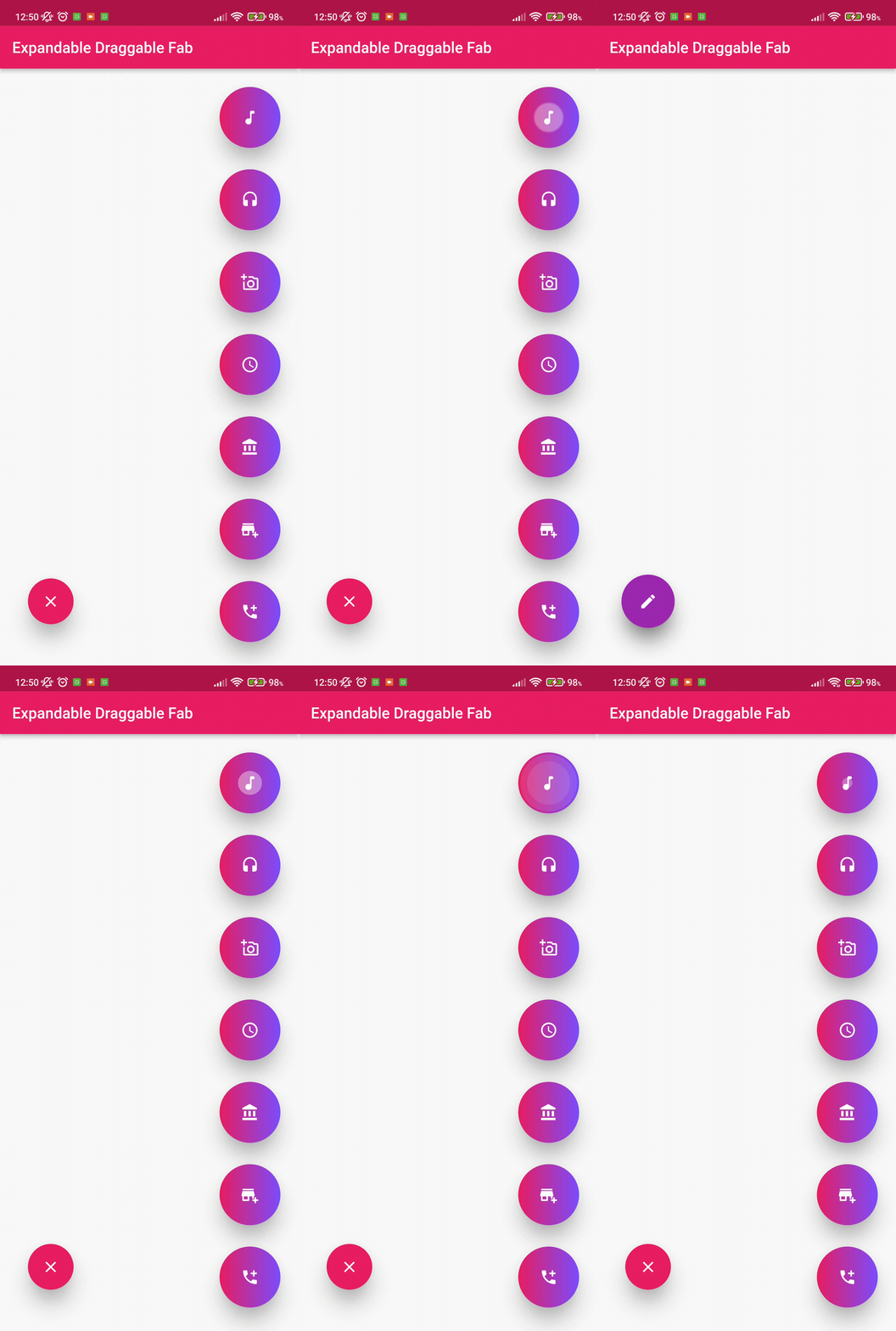
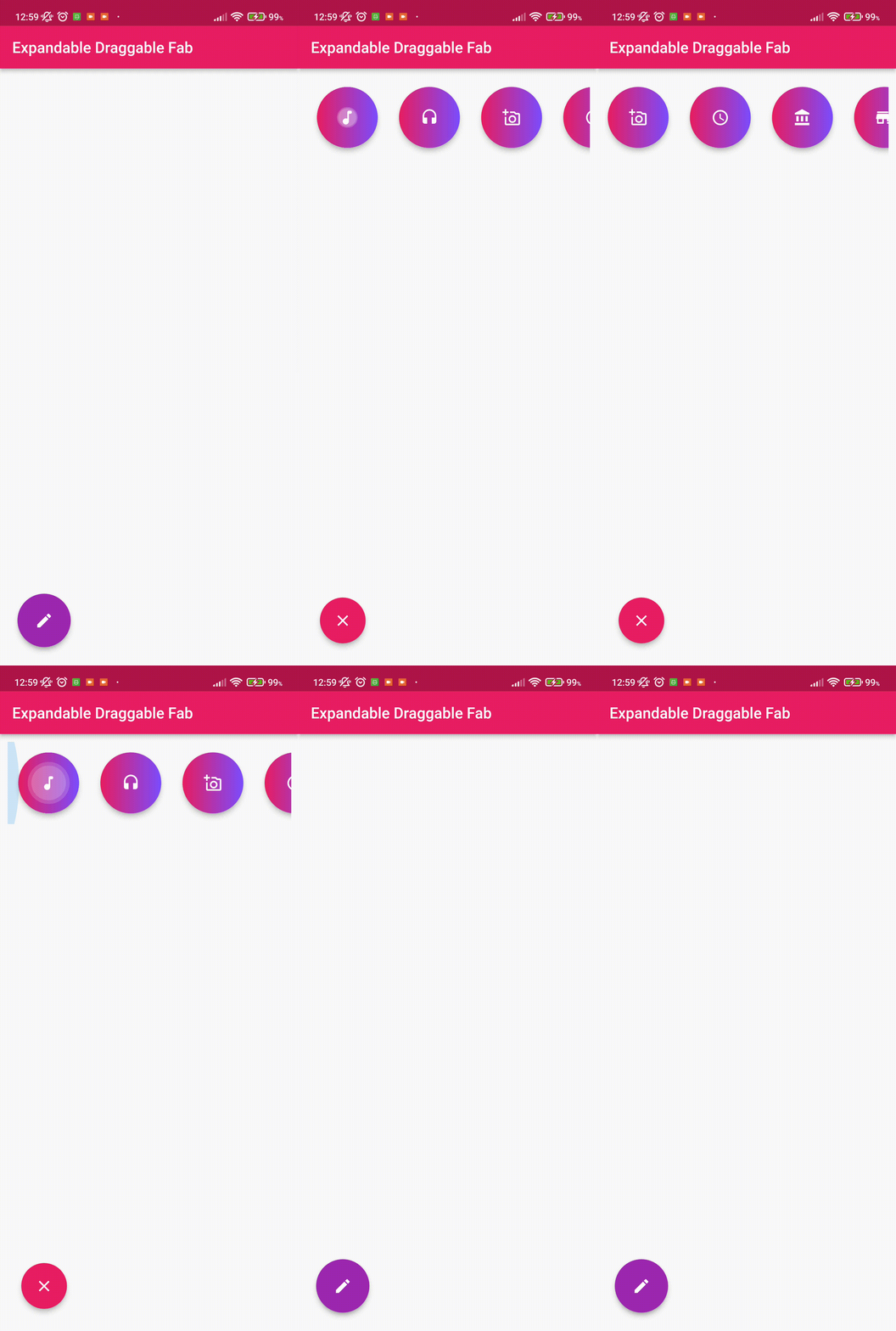
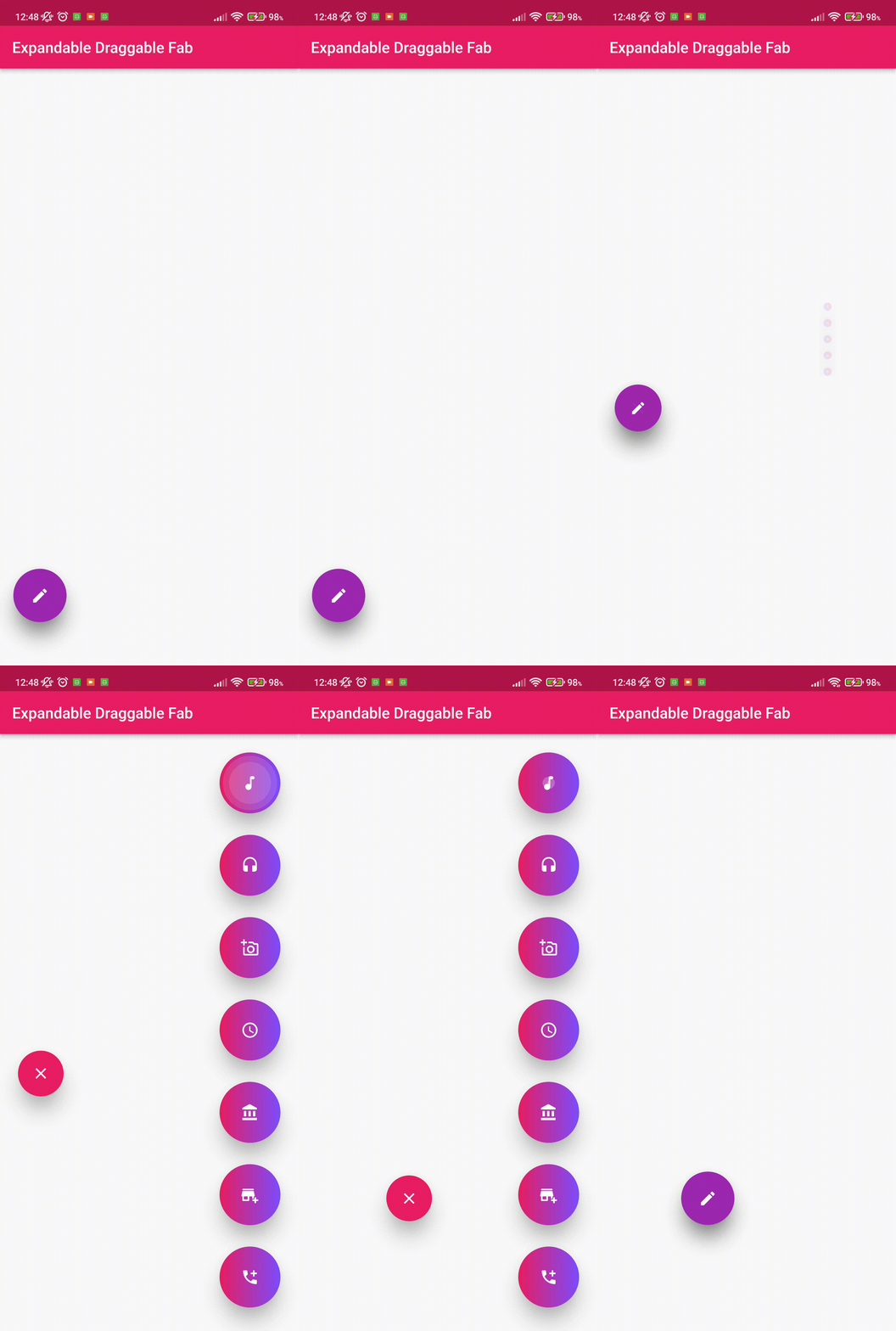
This Flutter package provides a Expandable and Draggable Floating Button with animation.

AndroidiOSWebmacOSWindowsLinux
30-day downloads
96
Likes
27
Pub points
150

Install package

flutter pub add draggable_expandable_fab

Package Overview

Package selection guidance compiled from public package information, community data, and project usage.

The draggable_expandable_fab package enhances Flutter apps with a floating action button that can expand into multiple actions and be dragged anywhere on the screen. It features smooth animations for both expansion and movement, offering an interactive and visually engaging user experience. Ideal for apps needing quick access to multiple functions from a single button, it supports all major platforms including mobile, web, and desktop. The button maintains responsiveness and fluid motion, making it suitable for modern, gesture-driven interfaces.

Use cases

  • Quick access to multiple actions
  • Gesture-based navigation
  • Interactive UI elements
  • Mobile and desktop app enhancements
  • Customizable action menus
  • Enhanced user engagement

Key features

  • Draggable floating button
  • Expandable action menu
  • Smooth animation transitions
  • Cross-platform support
  • Customizable layout
  • Responsive touch handling

Suitable for

  • App developers seeking interactive FABs
  • Designers wanting dynamic UI components
  • Projects requiring gesture-rich interfaces
  • Multi-action toolbars in mobile apps
  • Modern, animated app interfaces

Considerations

  • May impact performance on low-end devices
  • Requires careful placement to avoid overlap
  • Limited customization beyond basic styling
  • Not ideal for simple single-action use cases
  • Needs testing across all target platforms
Original README

Original README snapshot from the linked source repository. Visit the repository for the latest content.

Expandable Draggable Fab

This Flutter package provides a Expandable and Draggable Floating Button with animation.

💻 Installation

In the dependencies: section of your pubspec.yaml, add the following line:

dependencies:
  draggable_expandable_fab: <latest version>

To use the latest changes:

  draggable_expandable_fab:
    git:
      url: https://github.com/Tughra/draggable_expandable_fab.git
      ref: master

❔ Usage

Import this class

import 'package:draggable_expandable_fab/draggable_expandable_fab.dart';

Replace Scaffold's parameters with these to better usage.

      floatingActionButtonAnimator: NoScalingAnimation(),
      floatingActionButtonLocation: ExpandableFloatLocation(),

Simple Implementation

Scaffold(
      floatingActionButtonAnimator: NoScalingAnimation(),
      floatingActionButtonLocation: ExpandableFloatLocation(),
      floatingActionButton: ExpandableDraggableFab(childrenCount: 3,
      distance: 100,// Animatiion distance during open and close. 
      children: [
        FloatingActionButton(onPressed: (){}),
        FloatingActionButton(onPressed: (){}),
        FloatingActionButton(onPressed: (){}),
      ],),
      body: Container(),
    );

Full Implementation

   final Size _size = MediaQuery.of(context).size;
    return Scaffold(
      floatingActionButtonAnimator: NoScalingAnimation(),
      floatingActionButtonLocation: ExpandableFloatLocation(),
      floatingActionButton: ExpandableDraggableFab(childrenCount: 3,
        onTab: (){
        debugPrint("Tab");
        },
        childrenTransition: ChildrenTransition.fadeTransation,
        initialOpen: false,
        childrenBoxDecoration: const BoxDecoration(color: Colors.red),
        enableChildrenAnimation: true,
        curveAnimation: Curves.linear,
        reverseAnimation: Curves.linear,
        childrenType: ChildrenType.columnChildren,
        closeChildrenRotate: false,
        childrenAlignment: Alignment.topRight,
        initialDraggableOffset: Offset(_size.width-90,_size.height-100),
      distance: 100,// Animation distance during open and close.
      children: [
        FloatingActionButton(onPressed: (){}),
        FloatingActionButton(onPressed: (){}),
        FloatingActionButton(onPressed: (){}),
      ],),
      body: Container(),
    );

Categories

Source repository

Projects using this package

No data available yet.