Search packages, repositories and app categories

dynamic_background cover
Package detailsv0.6.0

dynamic_background

Allows developers to create animated backgrounds for their Flutter apps.

AndroidiOSWebmacOSWindowsLinux
30-day downloads
512
Likes
52
Pub points
160

Install package

flutter pub add dynamic_background

Package Overview

Package selection guidance compiled from public package information, community data, and project usage.

The dynamic_background package enables Flutter developers to implement smooth, animated backgrounds in their applications with ease. It supports a variety of visual effects including gradient animations, shader-based visuals, and customizable motion patterns. Designed for cross-platform use, it works seamlessly across Android, iOS, Web, macOS, Windows, and Linux. The package integrates cleanly into existing Flutter projects via a simple pub add command and provides a flexible API for fine-tuning animation speed, direction, and color transitions. Ideal for enhancing app aesthetics without heavy performance overhead.

Use cases

  • Creating immersive splash screens
  • Enhancing onboarding experiences
  • Adding visual flair to dashboards
  • Improving user engagement through motion
  • Designing themed app interfaces

Key features

  • Animated gradient backgrounds
  • Shader-based visual effects
  • Customizable animation speed and direction
  • Cross-platform compatibility
  • Lightweight and performant
  • Easy integration via pub.dev

Suitable for

  • UI designers seeking dynamic visuals
  • Developers building engaging onboarding flows
  • Apps requiring modern, animated backdrops
  • Projects targeting multiple platforms
  • Creative or lifestyle application development

Considerations

  • May impact performance on low-end devices
  • Requires careful tuning for optimal frame rates
  • Limited customization beyond provided parameters
  • Best used with minimal foreground content
  • Not recommended for static or minimalist designs

Original README

Original README snapshot from the linked source repository. Visit the repository for the latest content.

Dynamic Background

A blue and black logo for Dynamic BG

Dynamic Background is a Flutter package that transforms your app's background into a captivating canvas of animated elements. Whether you prefer sleek stripes, mesmerizing gradients, or playful shapes, Dynamic Background provides an easy-to-use solution to breathe life into your UI. This versatile package offers customizable options to suit any design aesthetic, effortlessly elevating your app's visual appeal. Take your Flutter development to the next level with Dynamic Background – where stunning visuals meet effortless implementation for an immersive and visually striking app interface.

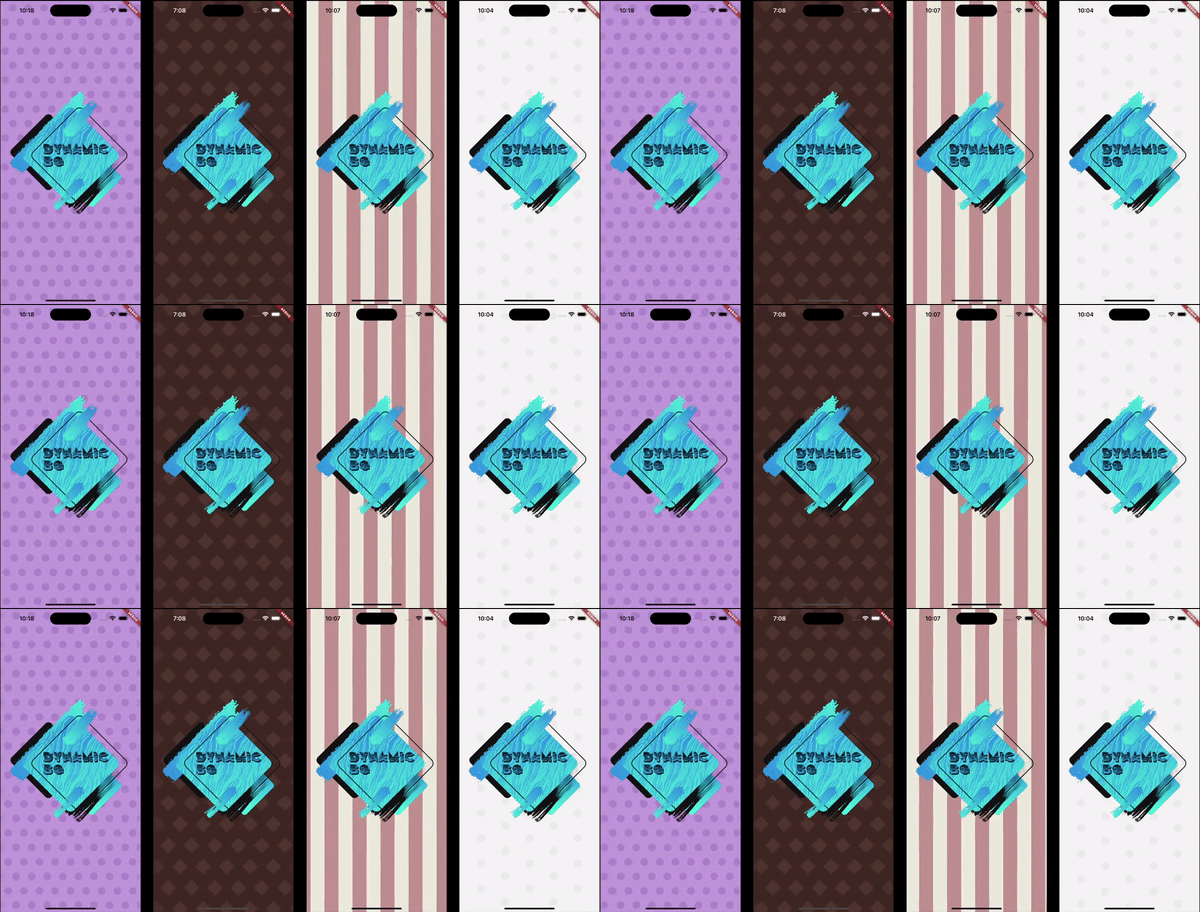
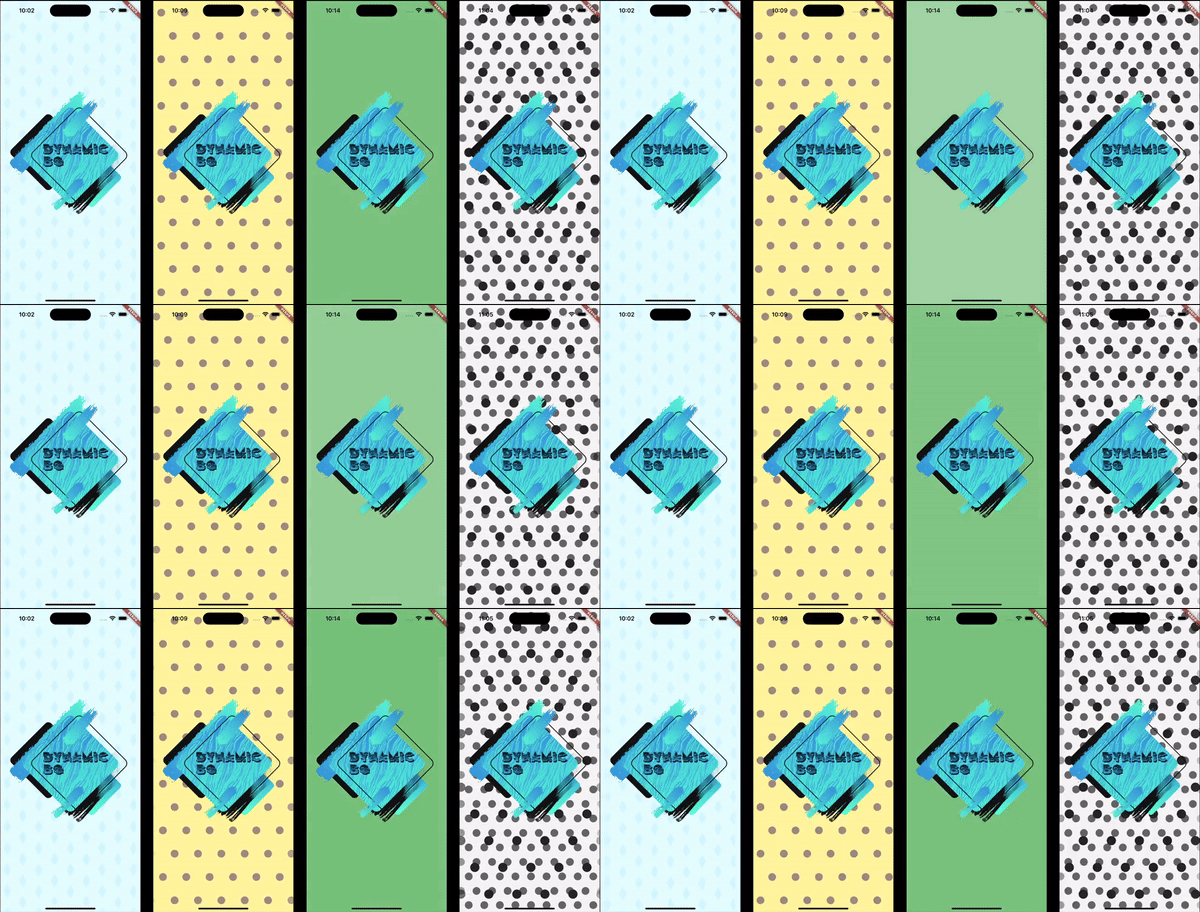
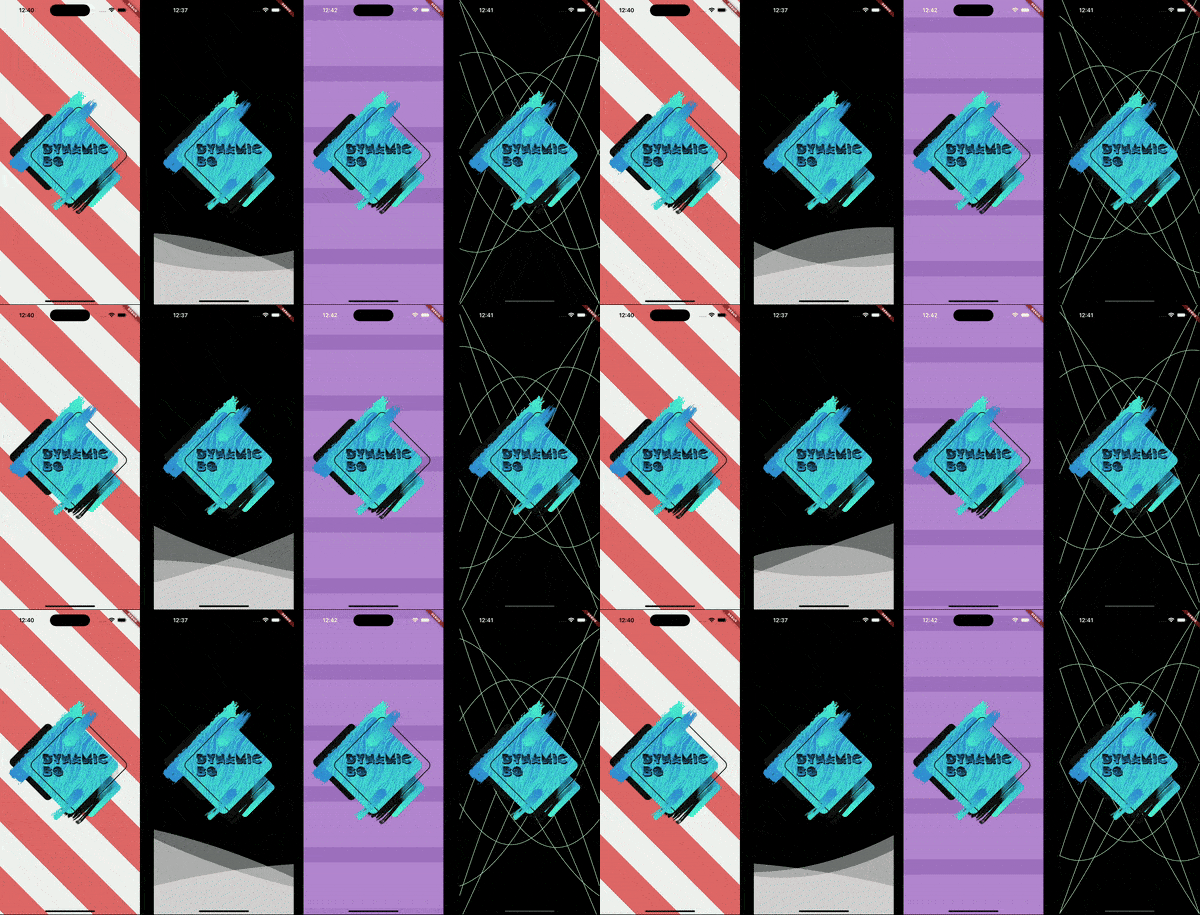
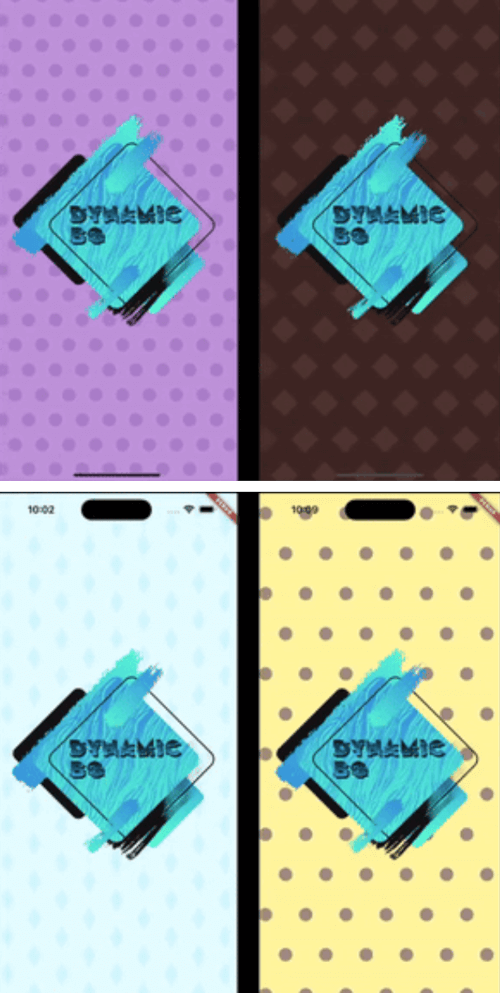
Four examples of different animated backgrounds. Four examples of different animated backgrounds. Four examples of different animated backgrounds.

Installation

In the pubspec.yaml of your project, add the following dependency:

dependencies:
  dynamic_background: ^0.5.0

Import it to each file you use it in:

import 'package:dynamic_background/dynamic_background.dart';

Usage

Example 1 - Simple circles scrolling

This example shows how to set up an animated background that shows blue circles scrolling from right to left on a pale blue background.

Note: The colors being used are provided with this package.

DynamicBg(
  painterData: ScrollerPainterData(
    shape: ScrollerShape.circles,
    backgroundColor: ColorSchemes.gentleBlueBg,
    color: ColorSchemes.gentleBlueFg,
    shapeOffset: ScrollerShapeOffset.shiftAndMesh,
  ),
  child: yourPageHere(),
),
Example 2 - Simple blue fader

This example shows how to set up an animated background that fades gently and randomly between different shades of blue.

Note: The colors being used are provided with this package.

DynamicBg(
  painterData: FaderPainterData(
    behavior: FaderBehavior.random,
    colors: ColorSchemes.gentleBlue,
  ),
  child: yourPageHere(),
),
Example 3 - Simple wave

This example shows how to set up an animated background with a blue, sine wave line in the middle of the screen.

Note: The colors being used are provided with this package.

DynamicBg(
  duration: const Duration(seconds: 5),
  painterData: WavePainterData(
    waves: [
      Wave(
        direction: WaveDirection.left2Right,
        amplitude: 50.0,
        offset: 0.5,
        color: Colors.transparent,
        lineColor: ColorSchemes.gentleBlueBg,
        lineThickness: 3.0,
      ),
    ],
  ),
  child: yourPageHere(),
),
Example 4 - Simple Lava Lamp

This example shows how to set up an animated background with moving circles to have a lava lamp effect.

Note: The colors being used are provided with this package.

DynamicBg(
  duration: const Duration(seconds: 35),
  painterData: LavaPainterData(
    width: 250.0,
    widthTolerance: 75.0,
    growAndShrink: true,
    growthRate: 10.0,
    growthRateTolerance: 5.0,
    blurLevel: 25.0,
    numBlobs: 5,
    backgroundColor: ColorSchemes.gentleWhiteBg,
    colors: [
      ColorSchemes.vibrantOrangeBg,
      ColorSchemes.vibrantOrangeFg,
      ColorSchemes.vibrantYellowBg,
      ColorSchemes.vibrantYellowFg,
    ],
    allSameColor: false,
    fadeBetweenColors: true,
    changeColorsTogether: false,
    speed: 20.0,
    speedTolerance: 5.0,
  ),
  child: yourPageHere(),
),
Example 5 - Prebuilt backgrounds

This example shows how to use prebuilt backgrounds.

This example also show the use of a custom duration. The prebuilt backgrounds give suggestions in their comments on how best to use them; this includes duration and platform brightness.

DynamicBg(
  duration: const Duration(seconds: 45),
  painterData: PrebuiltPainters.chocolate,
  child: yourPageHere(),
),
Example 6 - Modify prebuilt backgrounds

This example shows how to modify prebuilt backgrounds to best fit your needs.

The copyWith method can also be used on your own custom backgrounds.

DynamicBg(
  duration: const Duration(seconds: 45),
  painterData: PrebuiltPainters.chocolate.copyWith(
    backgroundColor: ColorSchemes.gentleYellowBg,
  ),
  child: yourPageHere(),
),
Example 7 - Stack backgrounds

This example shows how to stack backgrounds for interesting new effects.

DynamicBg(
  painterData: ScrollerPainterData(
    direction: ScrollDirection.left2Right,
    backgroundColor: ColorSchemes.gentleWhiteBg,
    color: ColorSchemes.gentleBlackFg,
    shapeOffset: ScrollerShapeOffset.shiftAndMesh,
  ),
  child: DynamicBg(
    duration: const Duration(seconds: 45),
    painterData: ScrollerPainterData(
      backgroundColor: Colors.transparent,
      color: ColorSchemes.vibrantBlackFg,
      shapeWidth: 28.0,
      spaceBetweenShapes: 55.0,
      shapeOffset: ScrollerShapeOffset.shiftAndMesh,
    ),
    child: yourPageHere(),
  ),
),
Example 8 - Backgrounds for smaller widgets

This example shows that you can apply dynamic backgrounds to widgets rather than the entire screen. Here is a button with an animated background.

final double buttonWidth = 500.0;
final double buttonHeight = 65.0;
final BorderRadius buttonRadius = BorderRadius.circular(5.0);

ClipRRect(
  borderRadius: buttonRadius,
  child: DynamicBg(
    width: buttonWidth,
    height: buttonHeight,
    painterData: ScrollerPainterData(
      direction: ScrollDirection.right2Left,
      shape: ScrollerShape.stripesDiagonalForward,
      backgroundColor: Color.fromARGB(255, 214, 232, 185),
      color: Color.fromARGB(255, 198, 225, 151),
      shapeWidth: 24.0,
      spaceBetweenShapes: 24.0,
      fadeEdges: false,
    ),
    child: Material(
      color: Colors.transparent,
      child: InkWell(
        onTap: () {
          print('Button pressed');
        },
        borderRadius: buttonRadius,
        child: Center(
          child: Text(
            'Save',
            style: TextStyle(
              color: Colors.white,
              fontSize: 25.0,
              fontWeight: FontWeight.w800,
            ),
          ),
        ),
      ),
    ),
  ),
),

If you found this helpful, please consider donating. Thanks!

buy me a coffee      paypal      venmo


Categories

Dependencies

Dependency list 1 items

Source repository

Projects using this package

No data available yet.