Search packages, repositories and app categories

easy_loader cover
Package detailsv2.0.0

easy_loader

The easiest way to handle a simple full screen loader in Flutter. Written in Dart. Fully customizable.

AndroidiOSWebmacOSWindowsLinux
30-day downloads
109
Likes
16
Pub points
160

Install package

flutter pub add easy_loader

Package Overview

Package selection guidance compiled from public package information, community data, and project usage.

Easy Loader is a lightweight Flutter package that provides a simple and fully customizable full-screen loader for your applications. Written in Dart, it enables developers to quickly implement loading indicators with minimal code. The package supports all major platforms including Android, iOS, Web, macOS, Windows, and Linux, making it ideal for cross-platform projects. With intuitive APIs and extensive customization options, Easy Loader enhances user experience during asynchronous operations like data fetching or processing.

Use cases

  • Displaying loading states during API calls
  • Showing progress during app initialization
  • Enhancing UX during data processing
  • Implementing splash screens with loaders
  • Providing feedback during form submissions

Key features

  • Full-screen loading overlay
  • Highly customizable appearance
  • Simple integration with minimal setup
  • Cross-platform compatibility
  • Supports custom widgets and animations
  • Lightweight and efficient

Suitable for

  • Beginner Flutter developers
  • Projects requiring quick loader implementation
  • Apps with frequent async operations
  • UX-focused applications
  • Cross-platform mobile and web apps

Considerations

  • May require additional styling for complex UIs
  • Not suitable for non-fullscreen loading scenarios
  • Customization may need basic Dart knowledge
  • Limited to single loader per screen without extra logic
Original README

Original README snapshot from the linked source repository. Visit the repository for the latest content.

EasyLoader

The easiest way to handle a simple full screen loader in Flutter. Written in Dart. Fully customizable.

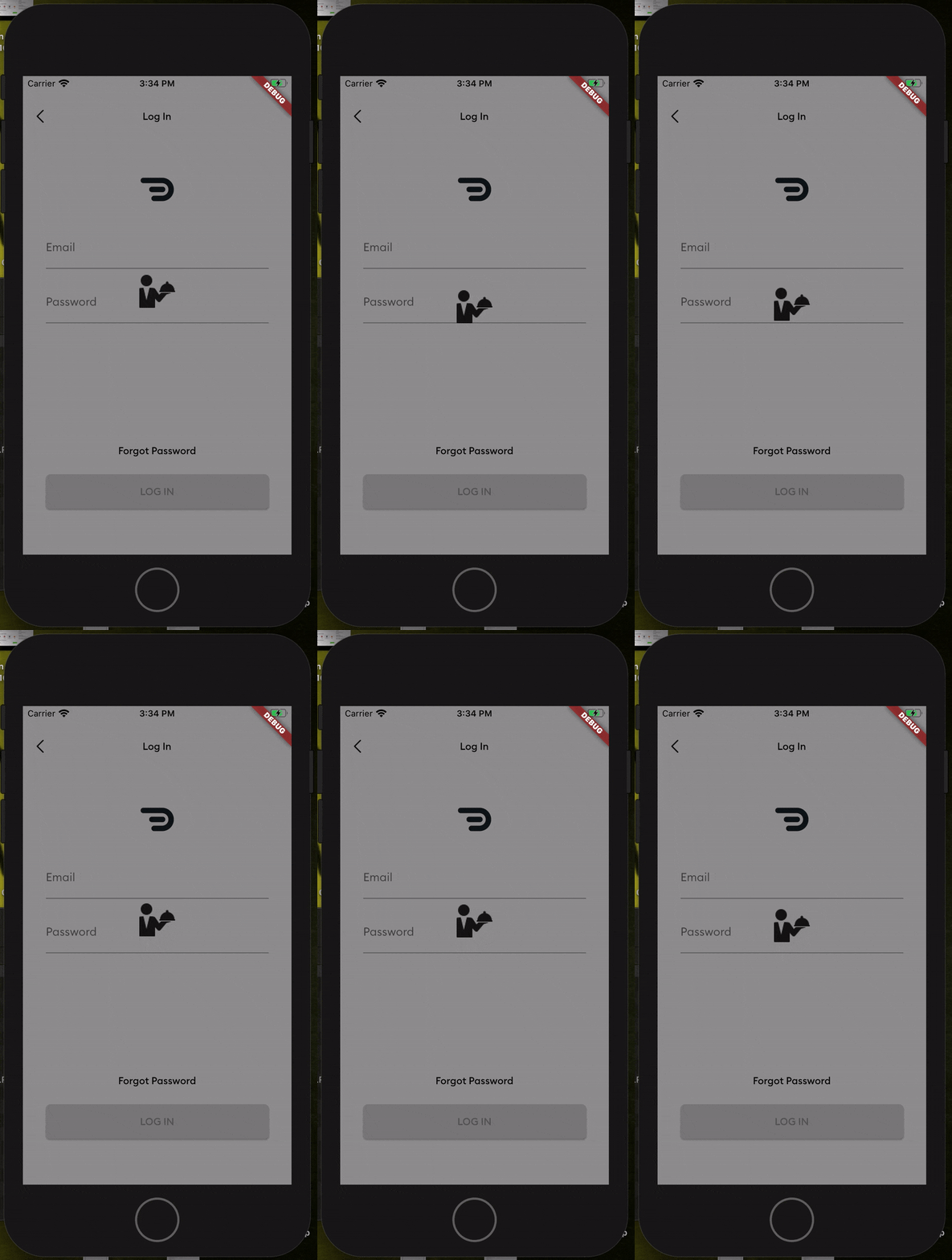
Screenshot

Getting Started

Add this to your package's pubspec.yaml file

dependencies:
  easy_loader: ^1.0.3

Usage

Next, you just have to import the package using:

import 'package:easy_loader/easy_loader.dart';

Then wrap your body within a Stack and place the EasyLoader() widget at the end of the Stack

  Widget build(BuildContext context) {
    return Scaffold(
      //// Wrap your body in a stack
      body: Stack(
        children: <Widget>[
          Center(
            child: Text("Lorem Ipsum"),
          ),
          //// Put the loader widget at the end of the stack. You can set it to appear based on a boolean. E.g. a loading flag.
          EasyLoader(image: AssetImage('assets/loading.png'),)
        ],
      ),
    );
  }

All done! You can customize other things like the icon size, background color, icon color and the animation by passing the values into the constructor.

Categories

Source repository

Projects using this package

No data available yet.