Search packages, repositories and app categories

fade_scroll_app_bar cover
Package detailsv0.0.7

fade_scroll_app_bar

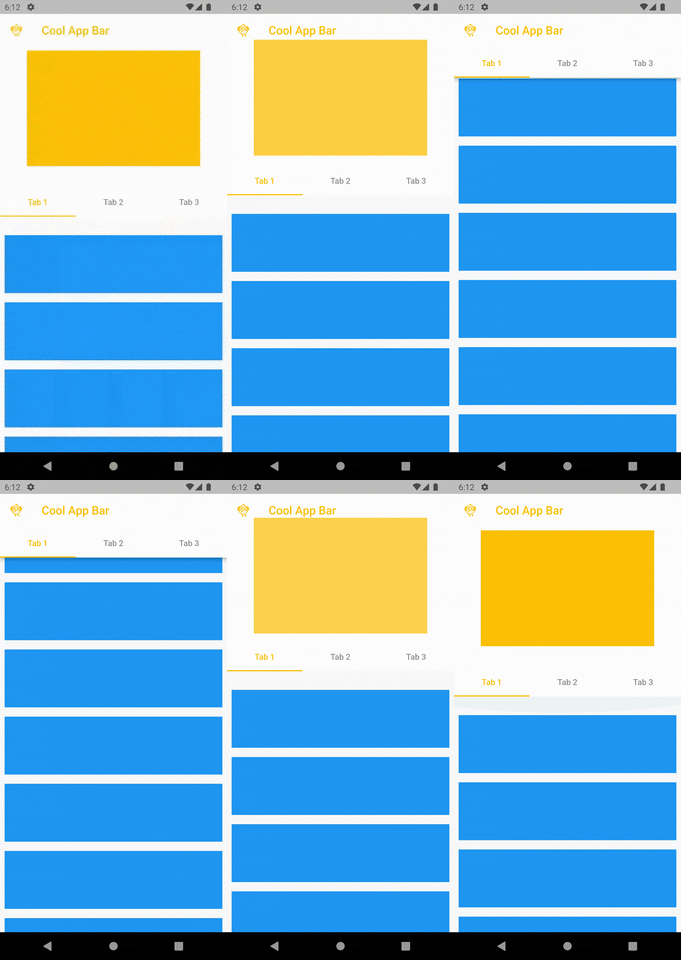
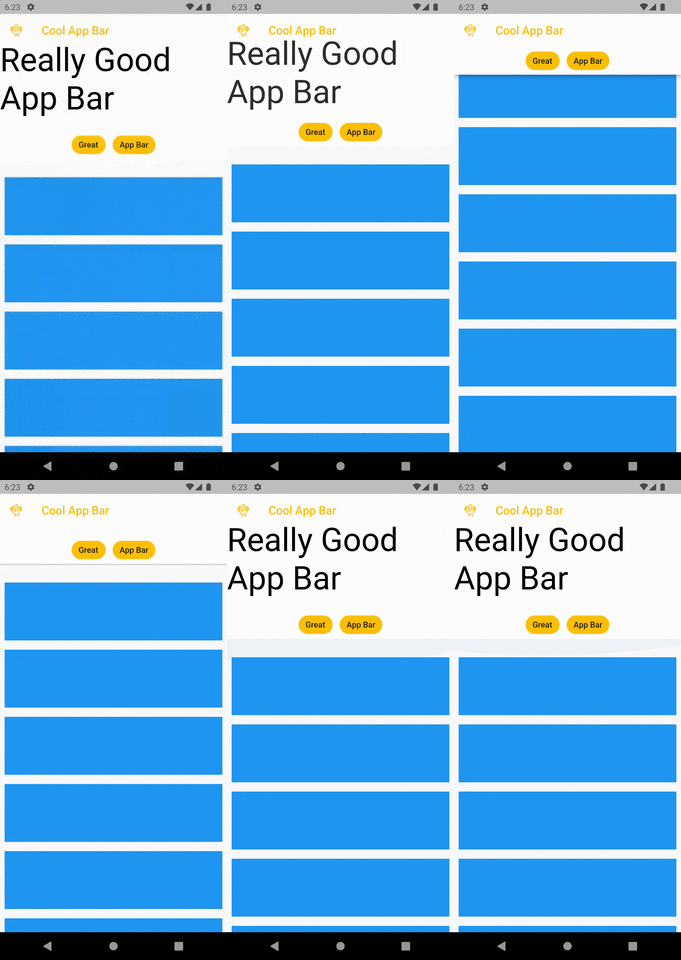
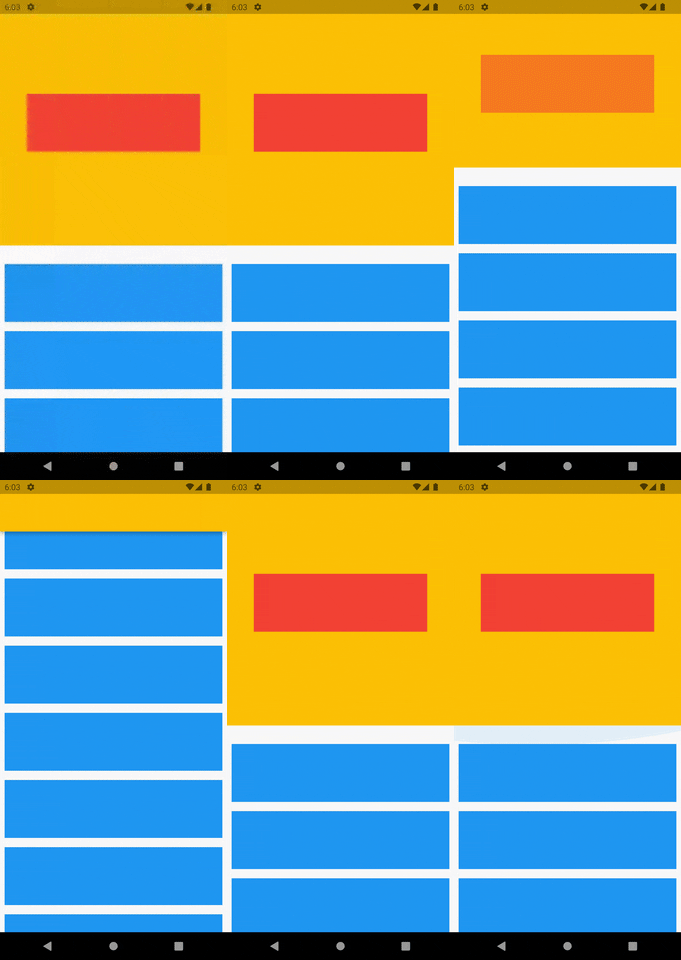
You can create a large appbar and make a smooth fade effect by swiping.

AndroidiOSWebmacOSWindowsLinux
30-day downloads
572
Likes
40
Pub points
130

Install package

flutter pub add fade_scroll_app_bar

Package Overview

Package selection guidance compiled from public package information, community data, and project usage.

The fade_scroll_app_bar package enables developers to create a large app bar that smoothly fades out as the user scrolls down, enhancing visual appeal and user experience. It provides a seamless transition effect ideal for modern, immersive UIs. The package is compatible across multiple platforms including Android, iOS, Web, macOS, Windows, and Linux, making it versatile for cross-platform applications. With minimal setup via Flutter pub add, it integrates easily into existing projects. It's particularly useful for apps with long scrollable content where maintaining a clean interface is essential.

Use cases

  • Scrolling content with dynamic app bar
  • Creating immersive UI experiences
  • Enhancing visual transitions in mobile and web apps
  • Designing sleek navigation bars
  • Implementing responsive app bars for long lists
  • Improving user engagement through smooth animations

Key features

  • Smooth fade-out effect on scroll
  • Supports large app bars
  • Cross-platform compatibility
  • Easy integration with Flutter
  • Customizable appearance
  • Built-in animation handling

Suitable for

  • Mobile and web app developers
  • UI/UX designers seeking dynamic interfaces
  • Projects requiring elegant scrolling effects
  • Developers building content-heavy apps
  • Teams focused on polished user experiences
  • Flutter beginners exploring advanced widgets

Considerations

  • May impact performance on low-end devices
  • Requires careful styling to match design themes
  • Limited customization beyond fade behavior
  • Not suitable for static or non-scrolling layouts
  • Best used with scrollable content like lists or slivers
  • Depends on proper implementation of ScrollController
Original README

Original README snapshot from the linked source repository. Visit the repository for the latest content.

Fade Scroll App Bar

With this package, you can create a large appbar and make a smooth fade effect by swiping.

Features

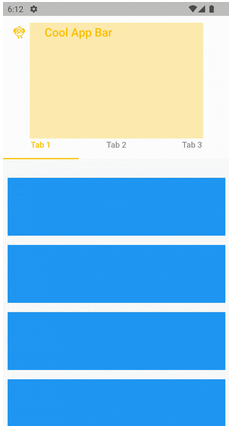
App Screenshot 0 App Screenshot 1 App Screenshot 2

Usage

First you should create ScrollController.

  final ScrollController _scrollController = ScrollController();

And adding in it.

FadeScrollAppBar(
        scrollController: _scrollController,
        appBarLeading: Icon(Icons.flutter_dash_outlined),
        appBarTitle: Text('Cool App Bar'),
        appBarForegroundColor: Colors.amber,
        pinned: true,
        fadeOffset: 120,
        expandedHeight: 250,
        backgroundColor: Colors.white,
        fadeWidget: Column(
          mainAxisAlignment: MainAxisAlignment.center,
          crossAxisAlignment: CrossAxisAlignment.start,
          children: [
            Text("Really Good App Bar",
                style: Theme.of(context).textTheme.headline2?.copyWith(
                      color: Colors.black,
                    )),
          ],
        ),
        bottomWidgetHeight: 40,
        bottomWidget: Row(
          mainAxisAlignment: MainAxisAlignment.center,
          children: [
            Chip(
              label: Text("Great"),
              backgroundColor: Colors.amber,
              side: BorderSide(
                color: Colors.white,
                width: 1,
              ),
            ),
            SizedBox(width: 10),
            Chip(
              label: Text("App Bar"),
              backgroundColor: Colors.amber,
              side: BorderSide(
                color: Colors.white,
                width: 1,
              ),
            ),
          ],
        ),
        child: ListView.builder(
          itemCount: 100,
          itemBuilder: (BuildContext context, int index) {
            return Padding(
              padding: const EdgeInsets.all(8.0),
              child: Container(
                height: 100,
                width: 300,
                color: Colors.blue,
              ),
            );
          },
        ),
      ),

Categories

Source repository

Projects using this package

No data available yet.