Search packages, repositories and app categories

floating_overlay cover
Package detailsv1.2.1

floating_overlay

A widget wrapper that allows a floating widget be dragged and rescaled.

AndroidiOSWebmacOSWindowsLinux
30-day downloads
447
Likes
47
Pub points
150

Install package

flutter pub add floating_overlay

Package Overview

Package selection guidance compiled from public package information, community data, and project usage.

The floating_overlay package provides a widget wrapper that enables floating widgets to be dragged and rescaled interactively. It is ideal for creating movable UI elements such as pop-up panels, draggable tools, or floating action zones. The package supports multiple platforms including Android, iOS, Web, macOS, Windows, and Linux, ensuring consistent behavior across devices. Built with Flutter, it integrates smoothly into existing layouts and offers responsive touch and pointer interactions. It is lightweight and focused on core functionality without unnecessary dependencies.

Use cases

  • Draggable pop-up panels
  • Floating toolbars
  • Interactive overlays
  • Resizable UI components
  • Custom floating windows

Key features

  • Draggable positioning
  • Rescalable content
  • Cross-platform support
  • Simple API integration
  • Pointer interaction handling

Suitable for

  • Developers building interactive UIs
  • Apps needing movable overlays
  • Designers prototyping floating elements
  • Multi-platform Flutter apps
  • UI components requiring user manipulation

Considerations

  • Requires manual handling of edge constraints
  • May need additional logic for collision detection
  • Performance depends on overlay complexity
  • Not suitable for static overlays
  • Limited built-in animations

Original README

Original README snapshot from the linked source repository. Visit the repository for the latest content.

A widget wrapper that allows a floating widget be dragged and rescaled.

Features

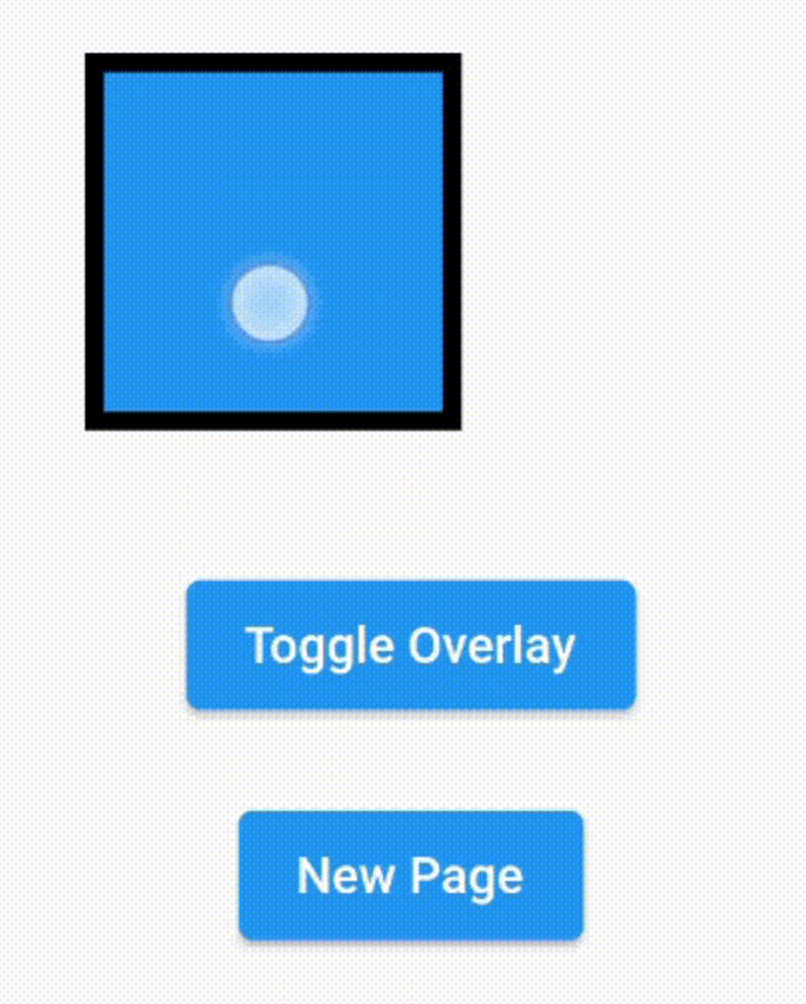
  • Floating widget on top of the screen
  • Resizing and repositioning the floating widget
  • Constrainable space to float inside the tree (optional)
  • Limiting borders with padding
  • State managment when pushing and poping screens (needs the RouteObserver for managing push)

FloatingOverlay

Getting started

Add to your pubspec.yaml file:

dependencies:
  flutter:
    sdk: flutter
  floating_overlay: ^1.2.1

Import the package

import 'package:floating_overlay/floating_overlay.dart';

Usage

Create a FloatingOverlayController

final controller = FloatingOverlayController.absoluteSize(
  maxSize: const Size(200, 200),
  minSize: const Size(100, 100),
  start: Offset.zero,
  padding: const EdgeInsets.all(20.0),
  constrained: true,
);

or

final controller = FloatingOverlayController.relativeSize(
  maxScale: 2.0,
  minScale: 1.0,
  start: Offset.zero,
  padding: const EdgeInsets.all(20.0),
  constrained: true,
);

Insert the FloatingOverlay widget inside your widget tree and give it the controller, a child and a floatingChild.

FloatingOverlay(
  controller: controller,
  floatingChild: SizedBox.square(
    dimension: 100.0,
    child: Container(
      decoration: BoxDecoration(
        color: Theme.of(context).primaryColor,
        border: Border.all(
          color: Colors.black,
          width: 5.0,
        ),
      ),
    ),
  ),
  child: Container(),
);

Then use the controller to make the floating child show or hide.

controller.hide();
controller.isFloating;
controller.show();
controller.toggle();

Categories

Dependencies

Dependency list 3 items

Source repository

Projects using this package

No data available yet.