Search packages, repositories and app categories

fluid_dialog cover
Package detailsv2.0.0

fluid_dialog

A dialog that can switch between multiple contents and animates size and alignment dynamically.

AndroidiOSWebmacOSWindowsLinux
30-day downloads
306
Likes
204
Pub points
160

Install package

flutter pub add fluid_dialog

Package Overview

Package selection guidance compiled from public package information, community data, and project usage.

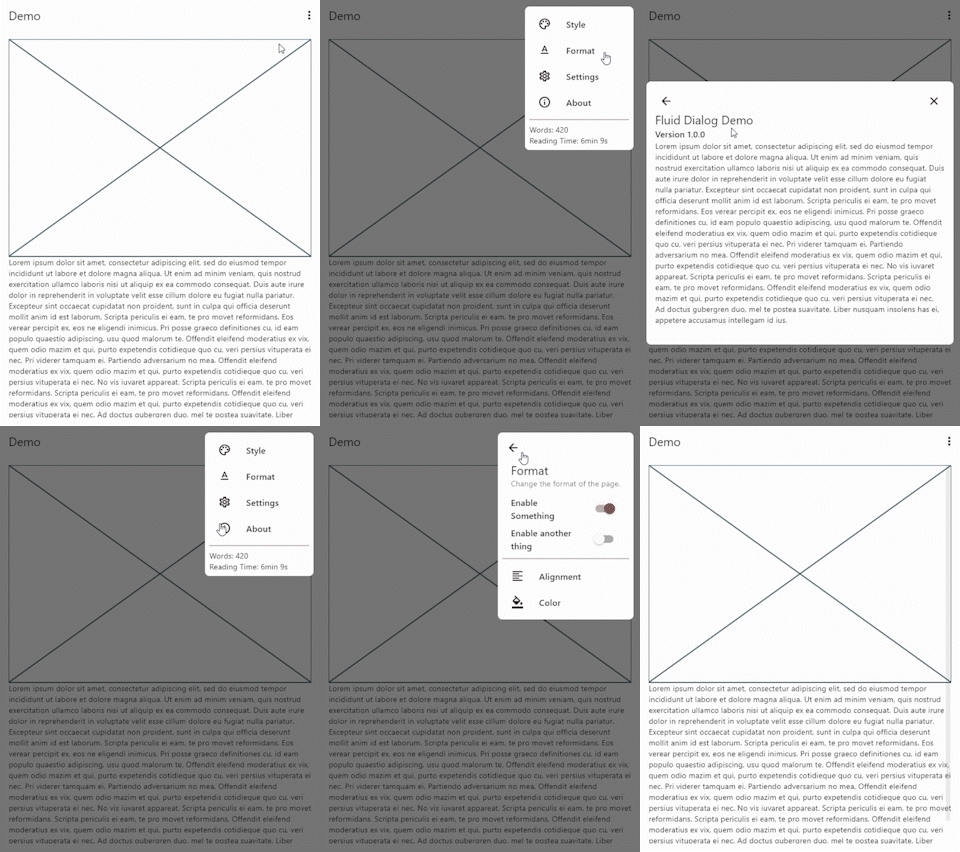
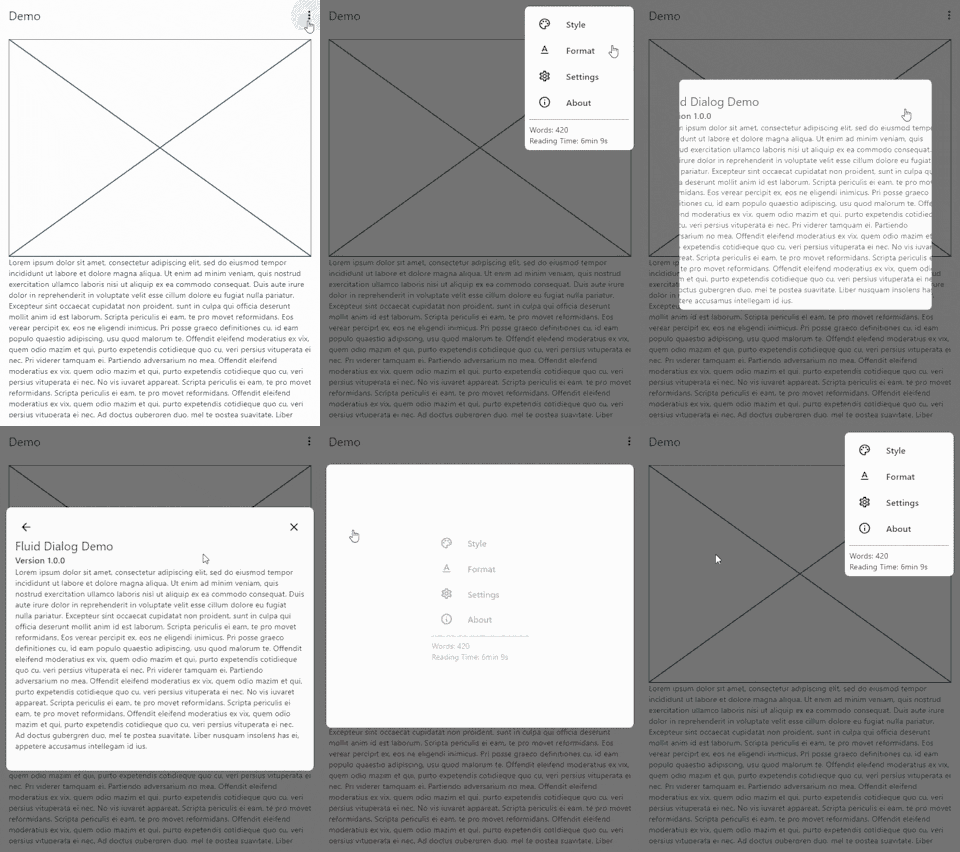
Fluid Dialog is a Flutter package that enables dynamic, animated dialogs capable of switching between multiple content screens. It automatically adjusts its size and alignment based on the current content, providing a smooth and responsive user experience across different platforms. Ideal for modals that need to adapt their layout without abrupt changes, it enhances UI fluidity in apps requiring flexible dialog behavior. The package supports all major platforms including Android, iOS, Web, macOS, Windows, and Linux.

Use cases

  • Dynamic content switching in modals
  • Responsive dialog sizing
  • Smooth transitions between screen states
  • Adaptive UIs for multi-step forms
  • Interactive help or tutorial dialogs
  • Cross-platform dialog consistency

Key features

  • Automatic size and alignment animation
  • Multiple content support
  • Cross-platform compatibility
  • Smooth transitions between states
  • Customizable animations
  • Lightweight and easy integration

Suitable for

  • Developers building interactive dialogs
  • Apps with multi-step user flows
  • UI-heavy applications needing fluid transitions
  • Cross-platform Flutter projects
  • Design systems requiring adaptive modals

Considerations

  • May impact performance with complex nested content
  • Requires careful state management for content switching
  • Animation timing may need tuning for specific use cases
  • Limited customization for non-standard layouts
  • Best suited for simple to moderately complex dialog structures
Original README

Original README snapshot from the linked source repository. Visit the repository for the latest content.

cover

Fluid Dialog

style: very good analysis License: MIT

A dialog that can switch between multiple contents and animates size and alignment dynamically.

Video Demo

video demo

Features 🎉
  • Navigate between different pages
  • Animated size and alignment
  • Fully customizable
Usage 🧪

To show a FluidDialog you typically use Flutter's showDialog function. You can also use your implementation to show the dialog.

Here's an example:

showDialog(
 context: context,
 builder: (context) => FluidDialog(
  // Set the first page of the dialog.
  rootPage: FluidDialogPage(
    alignment: Alignment.bottomLeft, //Aligns the dialog to the bottom left.
    builder: (context) => const TestDialog(), // This can be any widget.
  ),
 ),
);

To navigate in the dialog, use the DialogNavigator. It works similarly to the flutter navigator.

This only works for widgets in the FluidDialog

TextButton(
  onPressed: () => DialogNavigator.of(context).push(
    FluidDialogPage(
      builder: (context) => const SecondDialogPage(),
    ),
  ),
  child: const Text('Go to next page'),
),

Take a look at the example or demo for more code.

Categories

Source repository

Projects using this package

No data available yet.