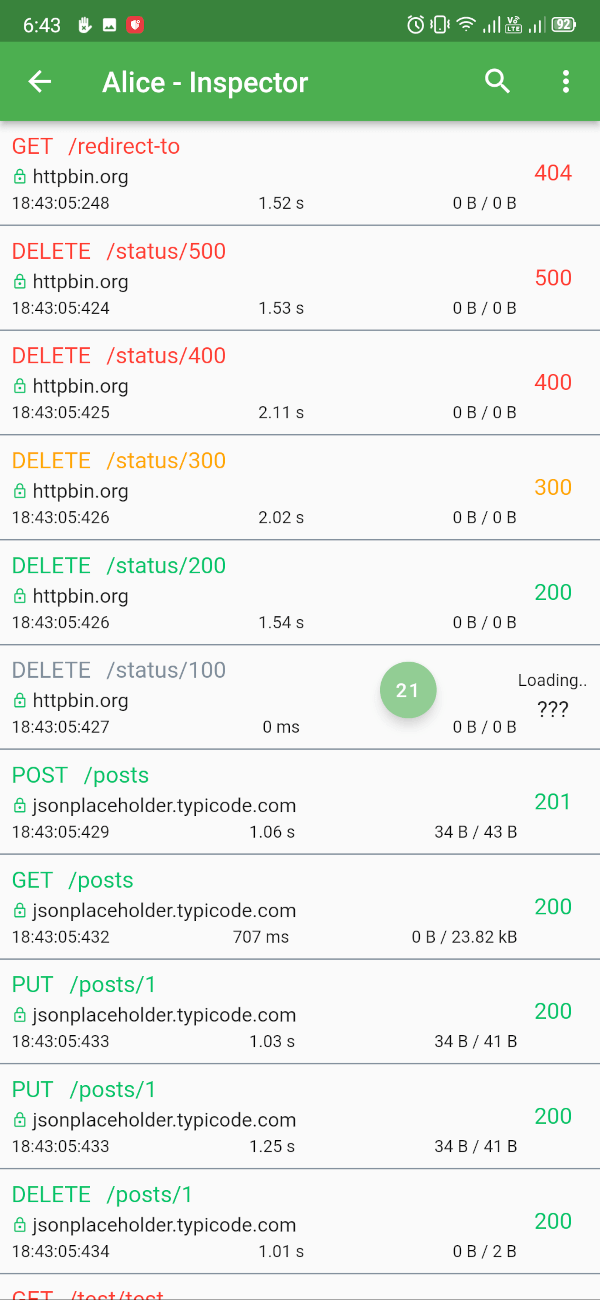
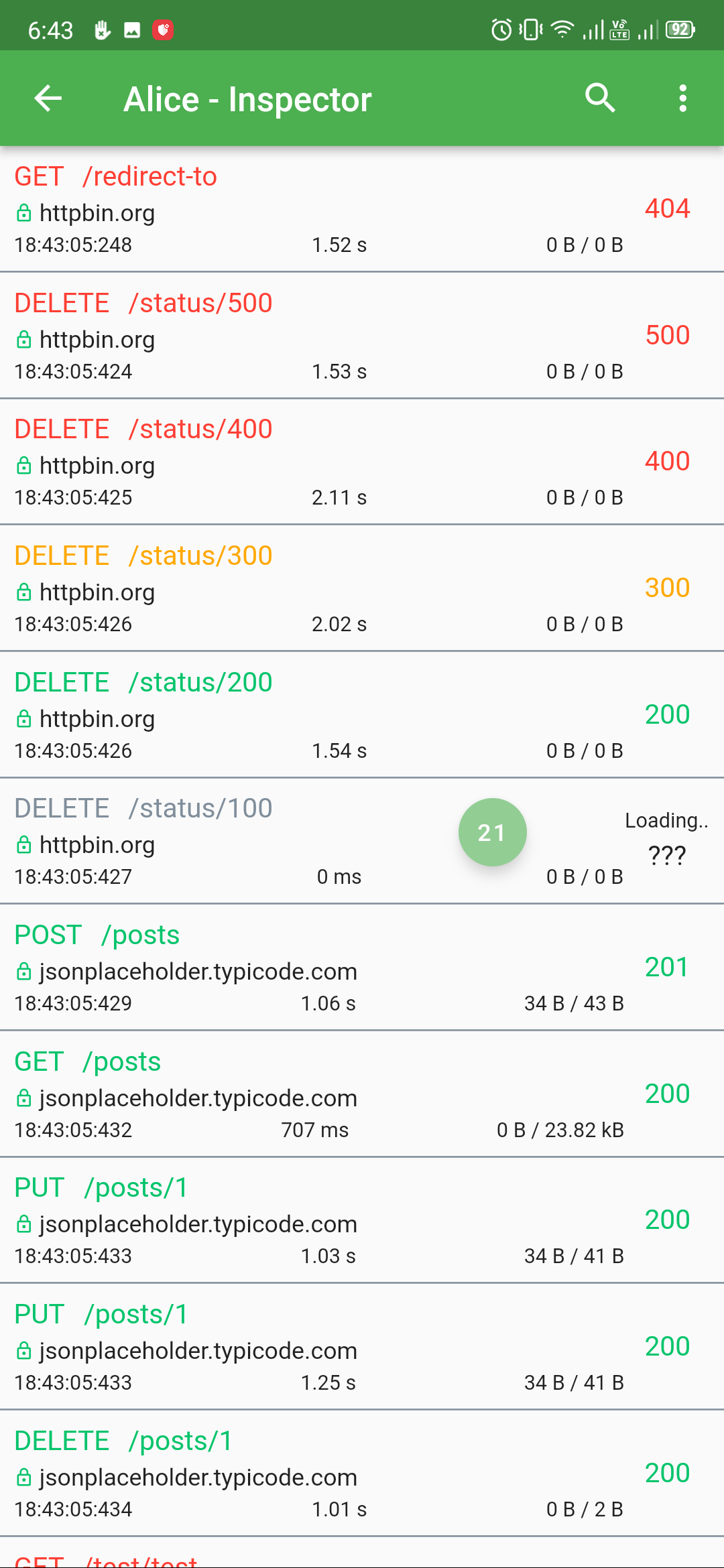
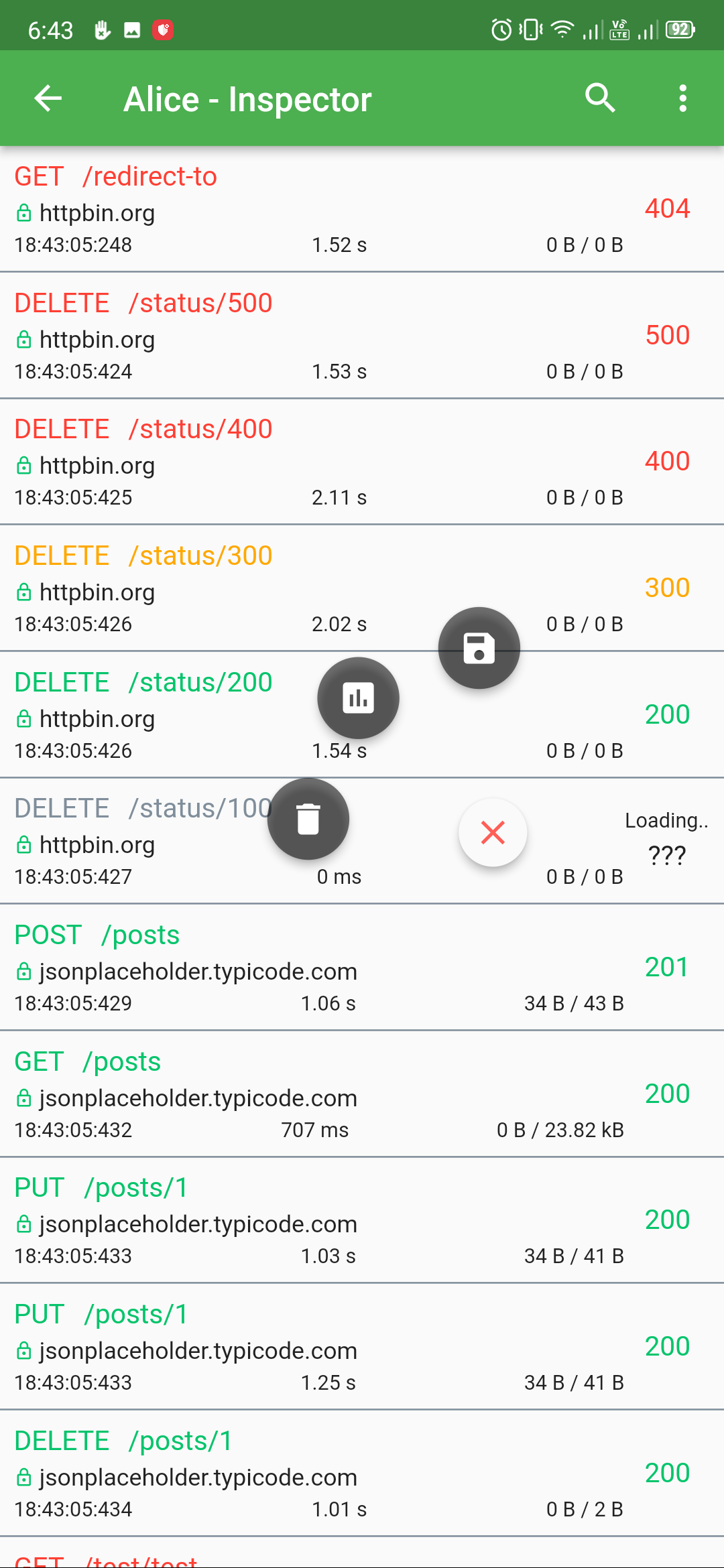
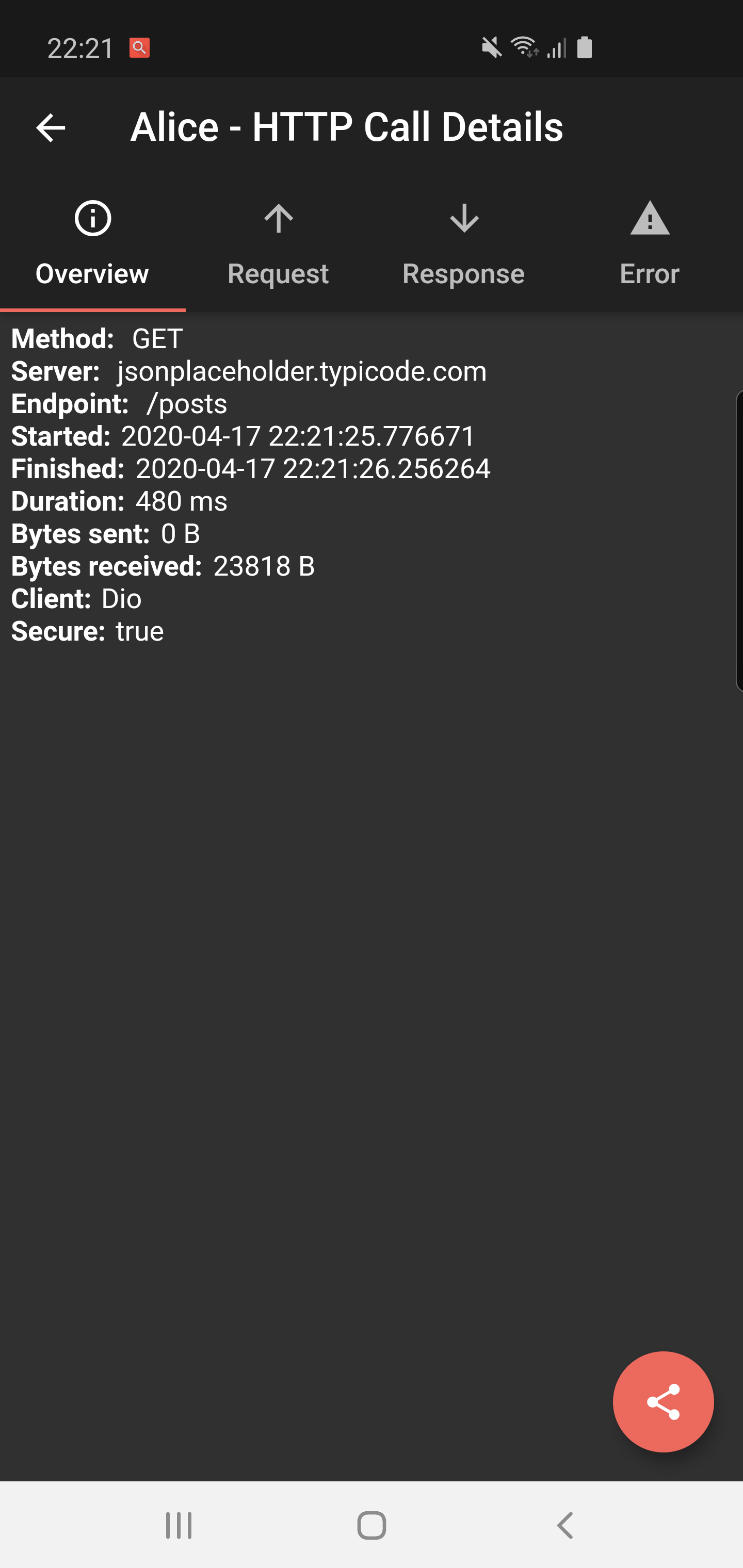
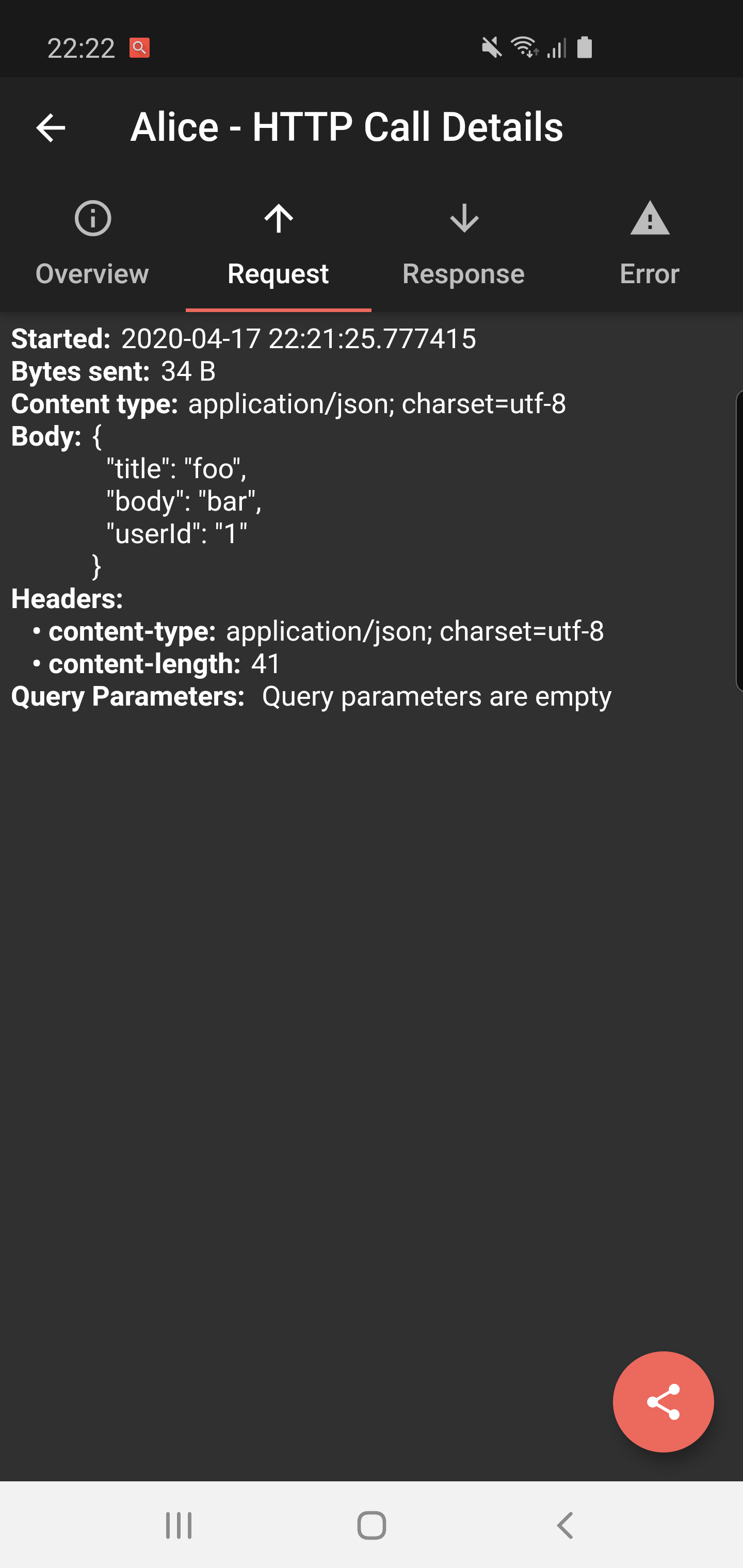
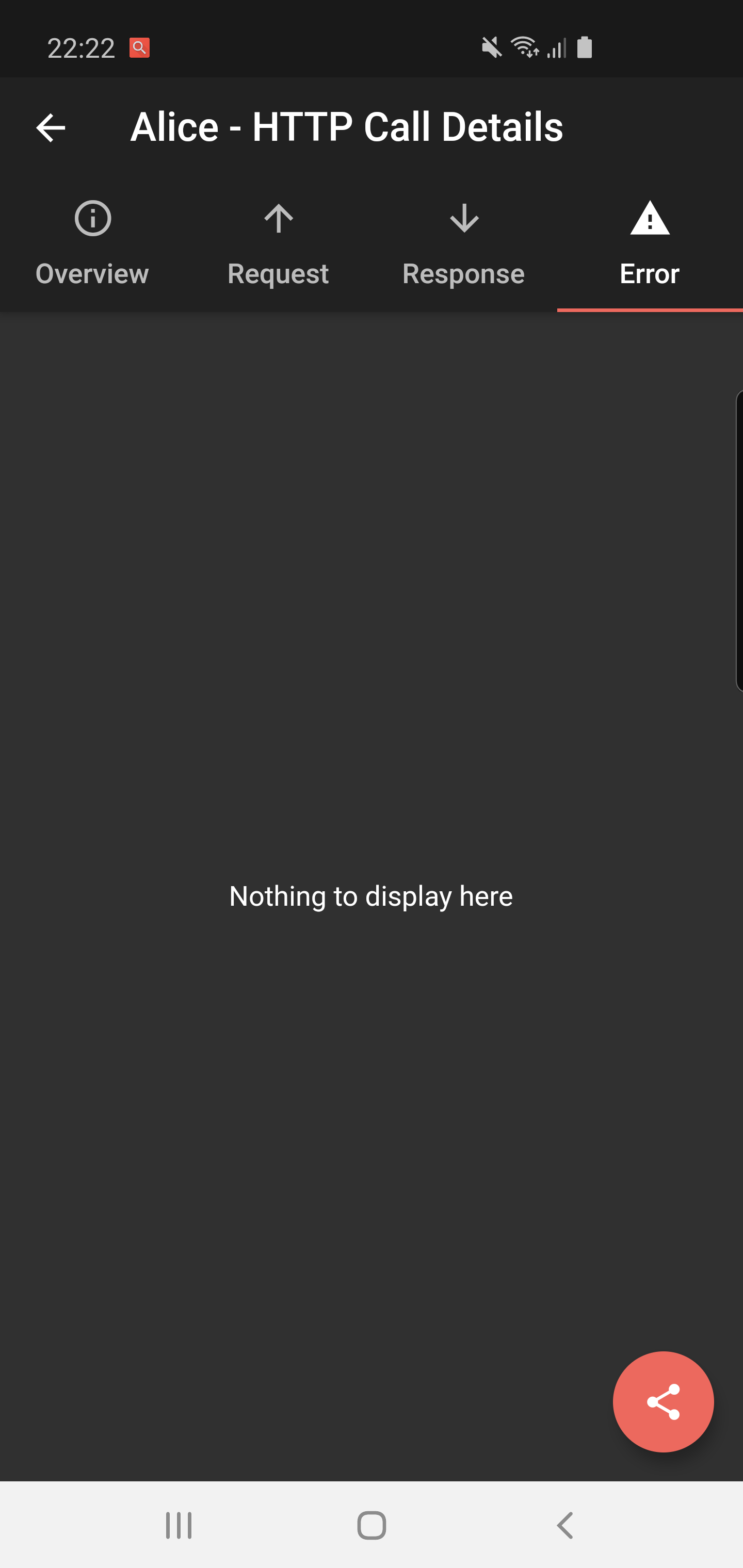
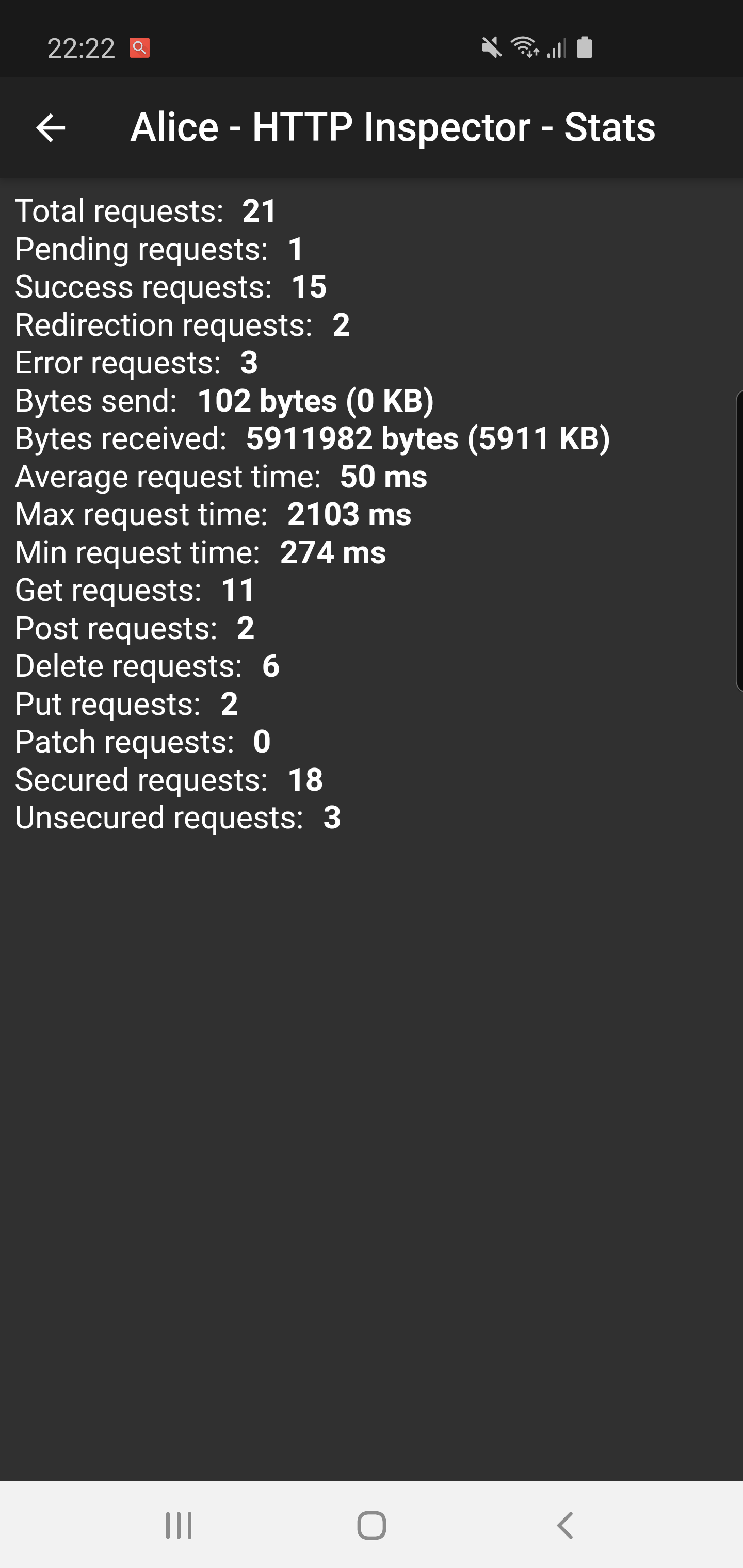
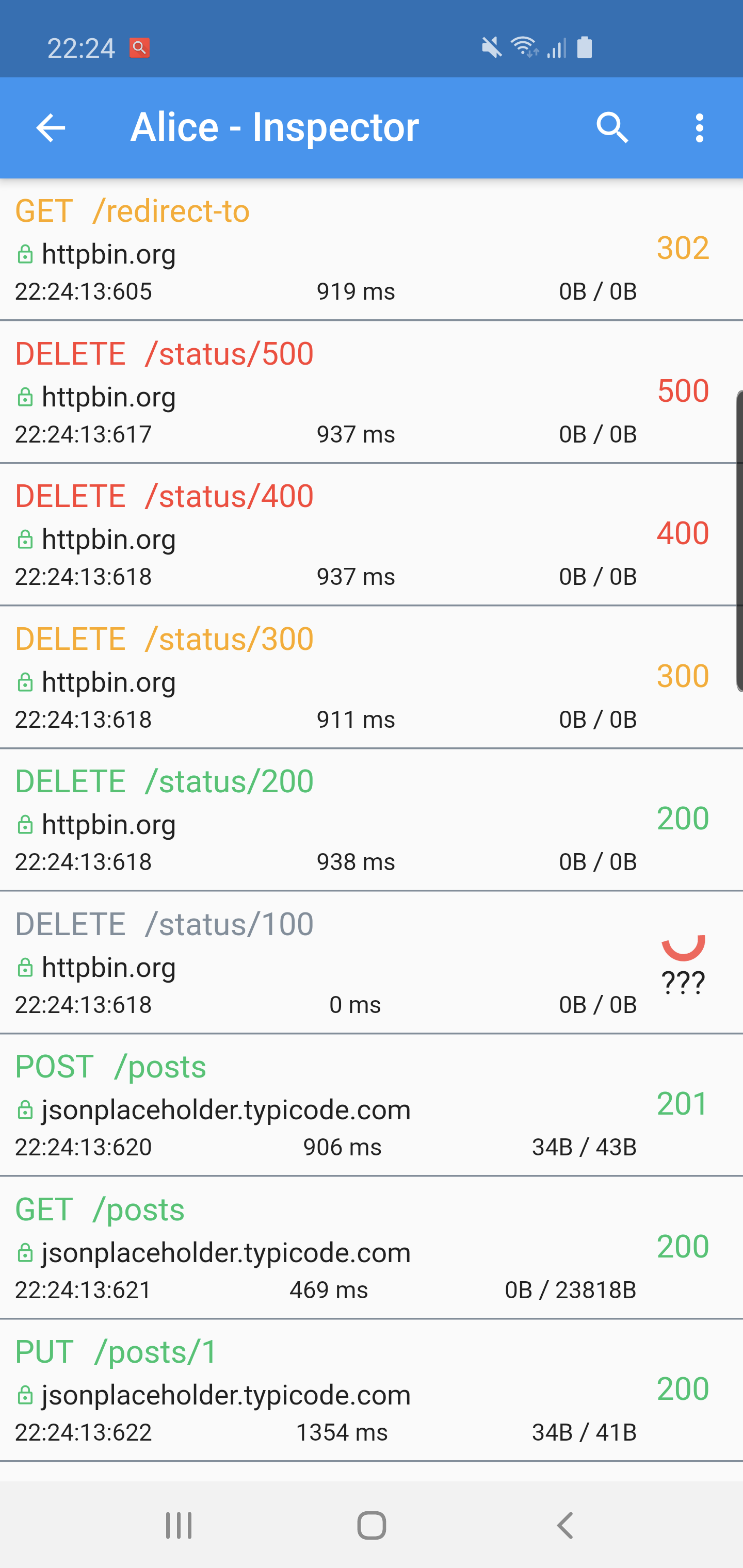
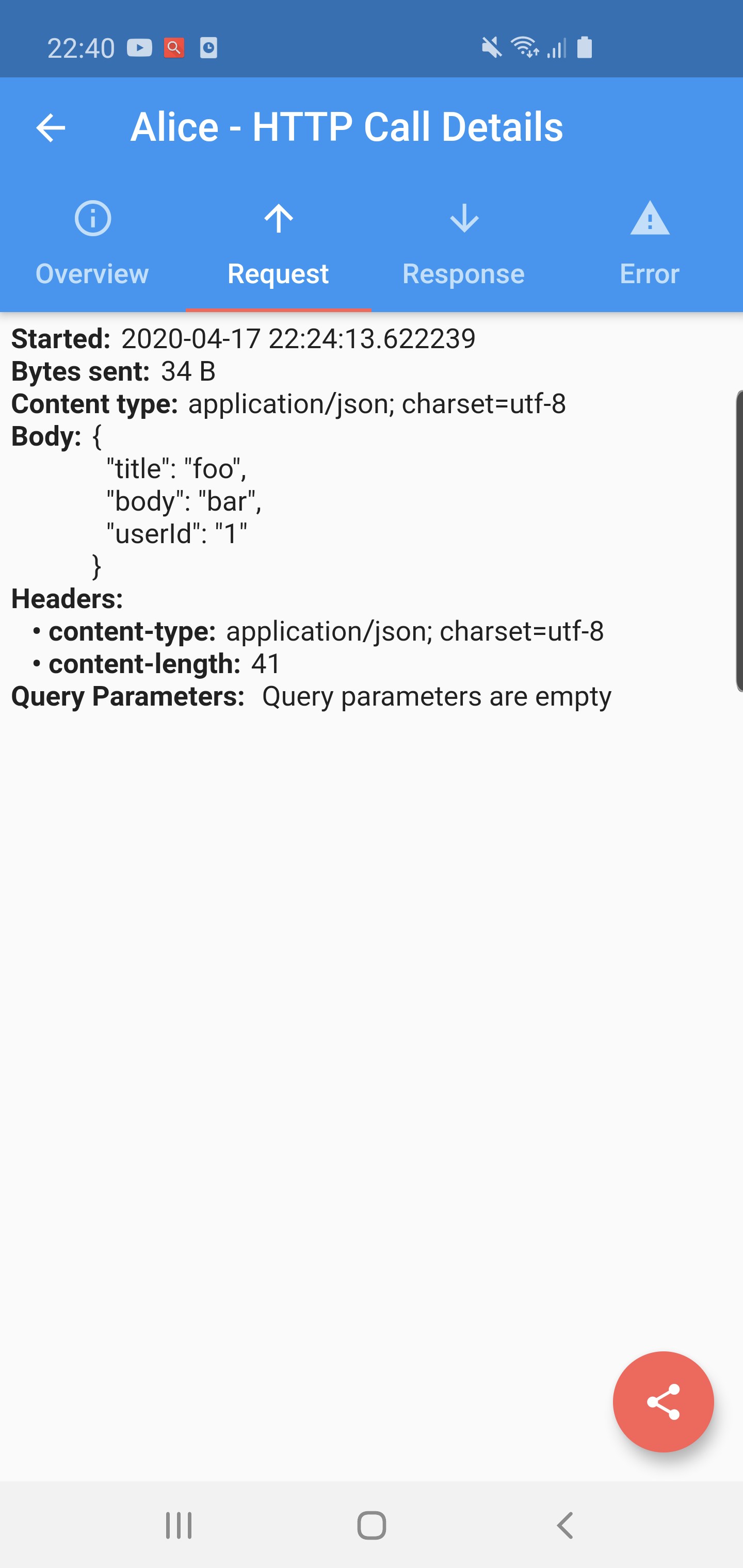
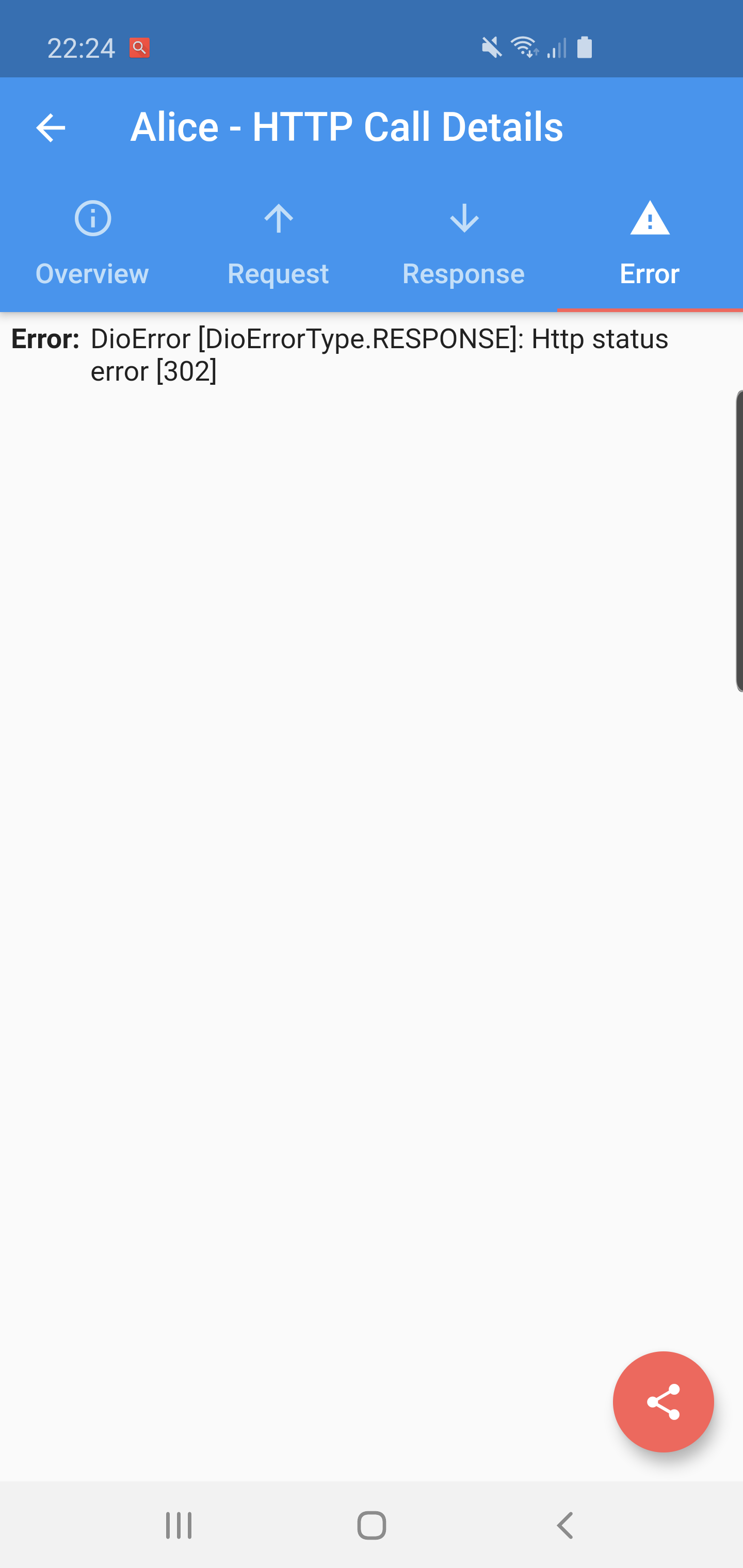
Alice is an HTTP Inspector tool which helps debugging http requests. It catches and stores http requests and responses, which can be viewed via simple UI.
Package selection guidance compiled from public package information, community data, and project usage.
Flutter Alice is a debugging tool for HTTP requests, capturing and storing all outgoing requests and their responses. It provides a simple, intuitive UI to inspect the full details of each request and response, including headers, body, status codes, and timing. Ideal for developers during app development and testing, it helps identify issues in API communication quickly. The tool integrates seamlessly into Flutter apps and supports multiple platforms, making it accessible across Android, iOS, macOS, Windows, and Linux. Its open-source nature allows transparency and community contributions.
Use cases
Debugging API calls during development
Inspecting request/response headers and bodies
Monitoring network performance
Testing RESTful services
Troubleshooting failed HTTP requests
Key features
Real-time HTTP request logging
Interactive web-based inspection UI
Supports all major platforms
Easy integration via pub.dev
Open-source and customizable
Suitable for
Flutter developers
API testers
Mobile app debuggers
Frontend engineers
Team collaboration on network issues
Considerations
Not recommended for production builds
Requires manual activation in dev mode
UI may not be suitable for complex data structures
Limited to HTTP traffic only
May impact performance slightly during heavy usage
Original README
Original README snapshot from the linked source repository. Visit the repository for the latest content.
A ⭐ star on GitHub repo is the greatest motivation for me
to keep improving this project! 💖
Alice
Alice is an HTTP Inspector tool for Flutter which helps debugging http requests.
It catches and stores http requests and responses, which can be viewed via simple UI.
It is inspired from Chuck (https://github.com/jgilfelt/chuck) and Chucker (https://github.com/ChuckerTeam/chucker).
Overlay bubble version of Alice: https://github.com/jhomlala/alice
Supported Dart http client plugins:
Dio
HttpClient from dart:io package
Http from http/http package
Generic HTTP client
Features:
✔️ Detailed logs for each HTTP calls (HTTP Request, HTTP Response)
✔️ Inspector UI for viewing HTTP calls
✔️ Statistics
✔️ Support for top used HTTP clients in Dart
✔️ Error handling
✔️ HTTP calls search
✔️ Bubble overlay entry
Install
Add this to your pubspec.yaml file:
dependencies:flutter_alice:^1.0.1
Install it
$ flutter pub get
Import it
import'package:flutter_alice/alice.dart';
Usage
Alice configuration
Create Alice instance:
// Define a navigator keyfinal navigatorKey = GlobalKey<NavigatorState>();
// Create Alice with the navigator keyfinal alice = Alice(navigatorKey: navigatorKey);
final dio = Dio();
dio.interceptors.add(alice.getDioInterceptor());
For HTTP package
You can use extension methods for cleaner code:
// Import extensionsimport'package:flutter_alice/core/alice_http_extensions.dart';
// Use extension methods
http
.get(Uri.parse('https://jsonplaceholder.typicode.com/posts'))
.interceptWithAlice(alice);
// For POST requests with body
http
.post(Uri.parse('https://jsonplaceholder.typicode.com/posts'), body: body)
.interceptWithAlice(alice, body: body);
Or use the standard approach:
http.get(Uri.parse('https://jsonplaceholder.typicode.com/posts')).then((response) {
  alice.onHttpResponse(response);
});

// For POST requests with body
http.post(Uri.parse('https://jsonplaceholder.typicode.com/posts'), body: body).then((response) {
  alice.onHttpResponse(response, body: body);
});
For HttpClient from dart:io
You can use extension methods:
// Import extensionsimport'package:flutter_alice/core/alice_http_client_extensions.dart';
// Use extension methods
httpClient
.getUrl(Uri.parse("https://jsonplaceholder.typicode.com/posts"))
.interceptWithAlice(alice);
// For POST requests with body
httpClient
.postUrl(Uri.parse("https://jsonplaceholder.typicode.com/posts"))
.interceptWithAlice(alice, body: body, headers: Map());
### Opening the InspectorYou can open the inspector UI in different ways:
```dart
// Open directlyElevatedButton(
child: Text("Open Inspector"),
onPressed: alice.showInspector,
)
// Or call from anywhere in your code
alice.showInspector();