Search packages, repositories and app categories

Package detailsv0.1.4

flutter_candlesticks

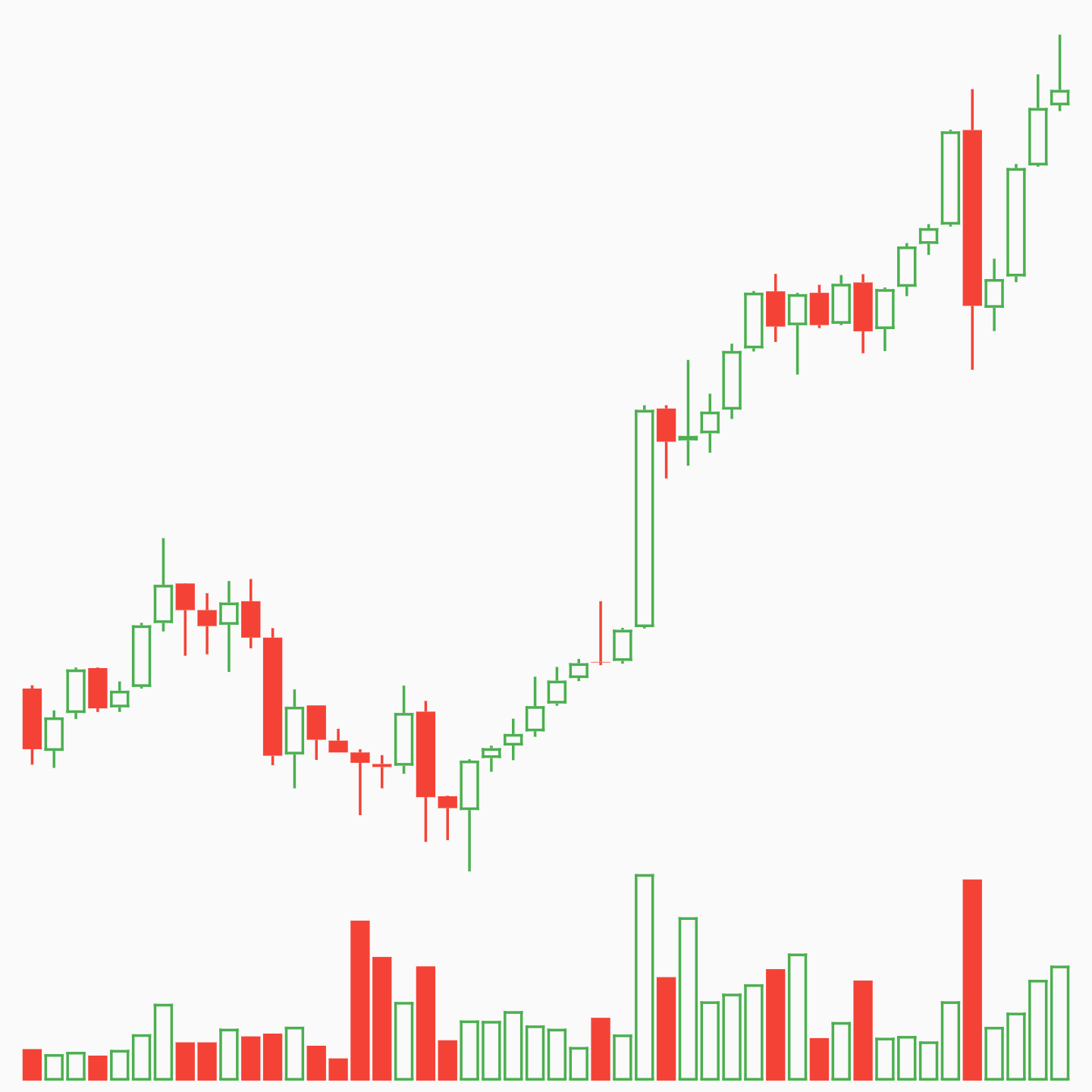
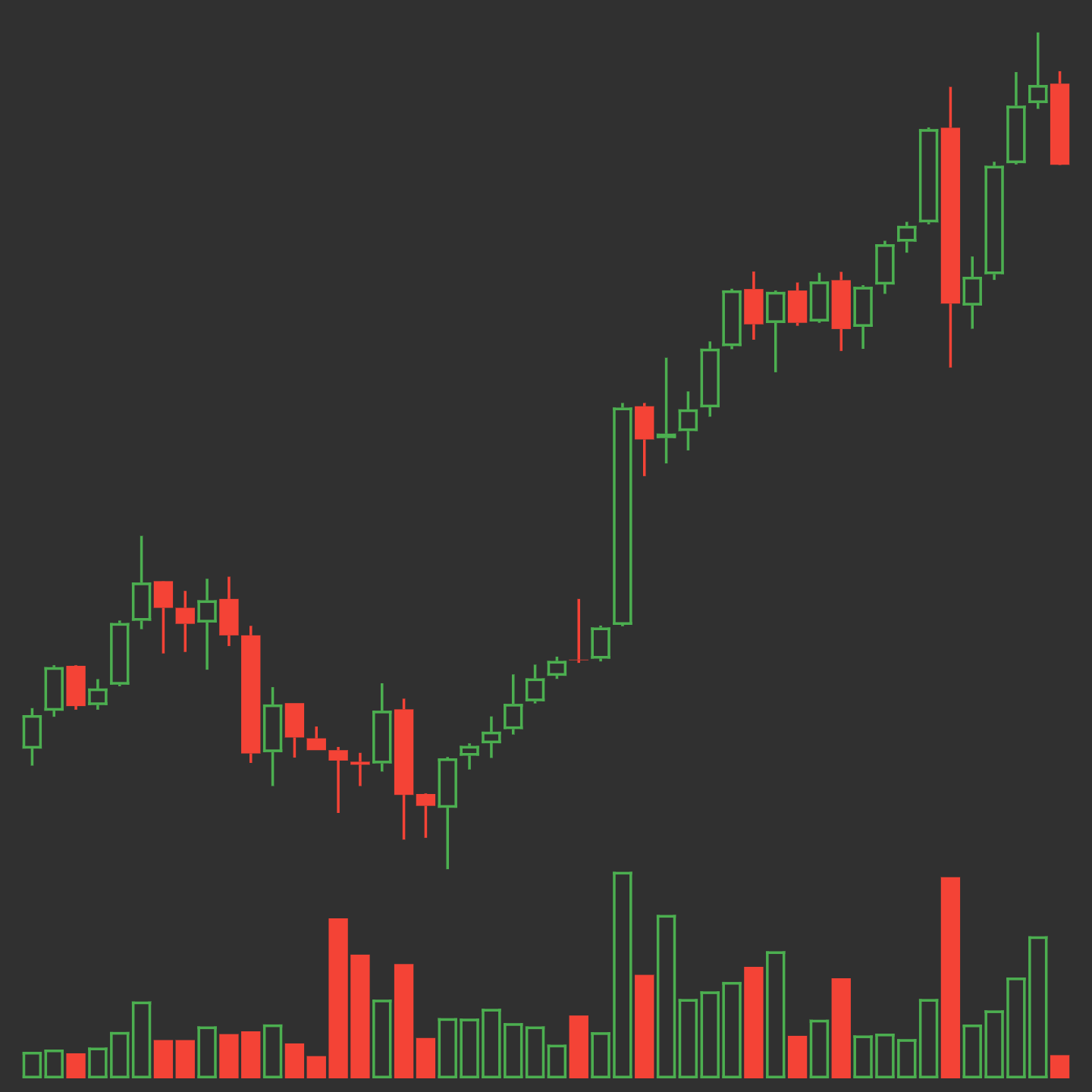
Elegant OHLC Candlestick and Trade Volume charts for Flutter.

30-day downloads
56
Likes
30
Pub points
40

Install package

flutter pub add flutter_candlesticks

Package Overview

Package selection guidance compiled from public package information, community data, and project usage.

A Flutter package for creating elegant OHLC (Open, High, Low, Close) candlestick charts and trade volume visualizations. Designed for financial data display, it provides smooth, customizable chart rendering with support for real-time updates. The package integrates seamlessly into Flutter apps, offering a clean API for plotting price movements and trading activity. Ideal for cryptocurrency, stock, or forex tracking applications requiring professional-grade charting capabilities.

Use cases

  • Financial market data visualization
  • Cryptocurrency price tracking
  • Stock and forex charting
  • Real-time trading dashboards
  • Portfolio performance monitoring

Key features

  • OHLC candlestick rendering
  • Trade volume visualization
  • Smooth animations
  • Customizable colors and styles
  • Responsive design
  • Easy integration with data streams

Suitable for

  • Trading app developers
  • Financial data analysts
  • Crypto dashboard creators
  • Real-time charting applications
  • UI-focused finance tools

Considerations

  • Limited to 2D chart types
  • No built-in data fetching
  • Requires manual handling of time-series data
  • Not optimized for very large datasets
  • Depends on external data source for live updates

Original README

Original README snapshot from the linked source repository. Visit the repository for the latest content.

pub package

flutter_candlesticks

Elegant OHLC Candlestick and Trade Volume charts for Flutter

Usage

Install for Flutter with pub.

Property Description
data Required. List of maps containing open, high, low, close and volumeto
enableGridLines Required. Enable or disable grid lines
volumeProp Required. Proportion of container to be given to volume bars
lineWidth Default 1.0. Width of most lines
gridLineAmount Default 5. Number of grid lines to draw. Labels automatically assigned
gridLineWidth Default 0.5. Width of grid lines
gridLineColor Default Colors.grey. Color of grid lines
gridLineLabelColor Default Colors.grey. Color of grid line labels
labelPrefix Default "$". Prefix before grid line labels.
increaseColor Default Colors.green. Color of increasing candles.
decreaseColor Default Colors.red. Color of decreasing candles.

Examples

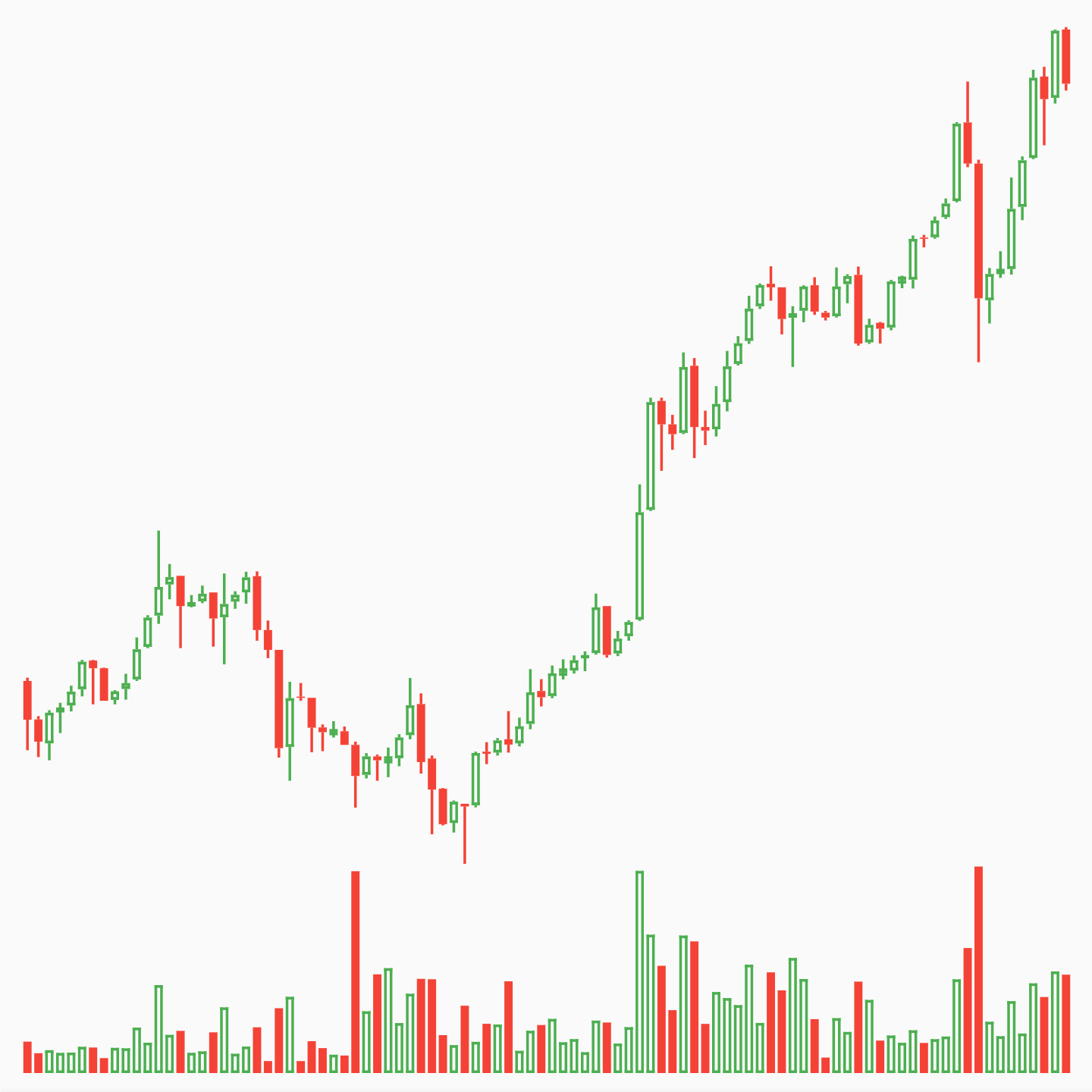
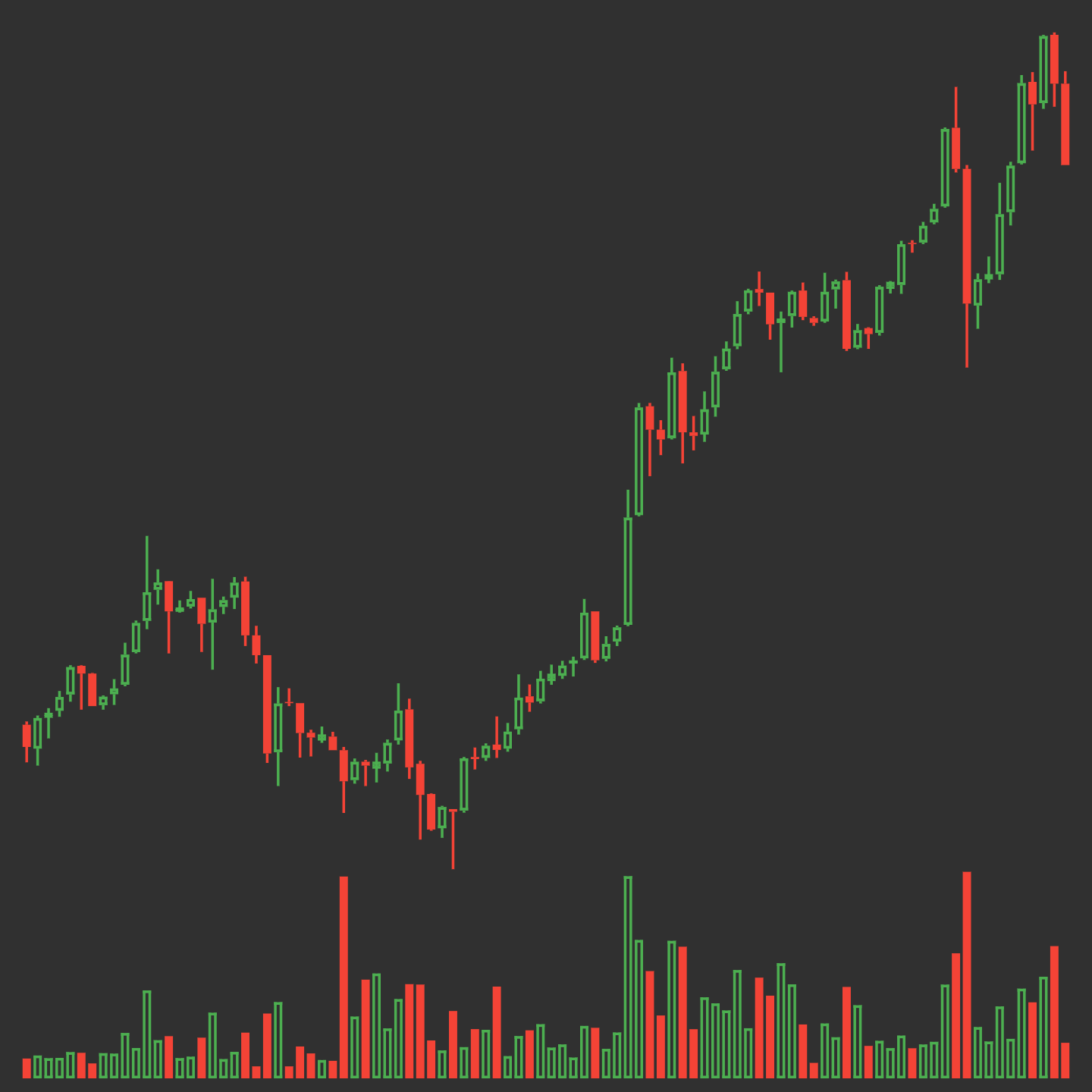
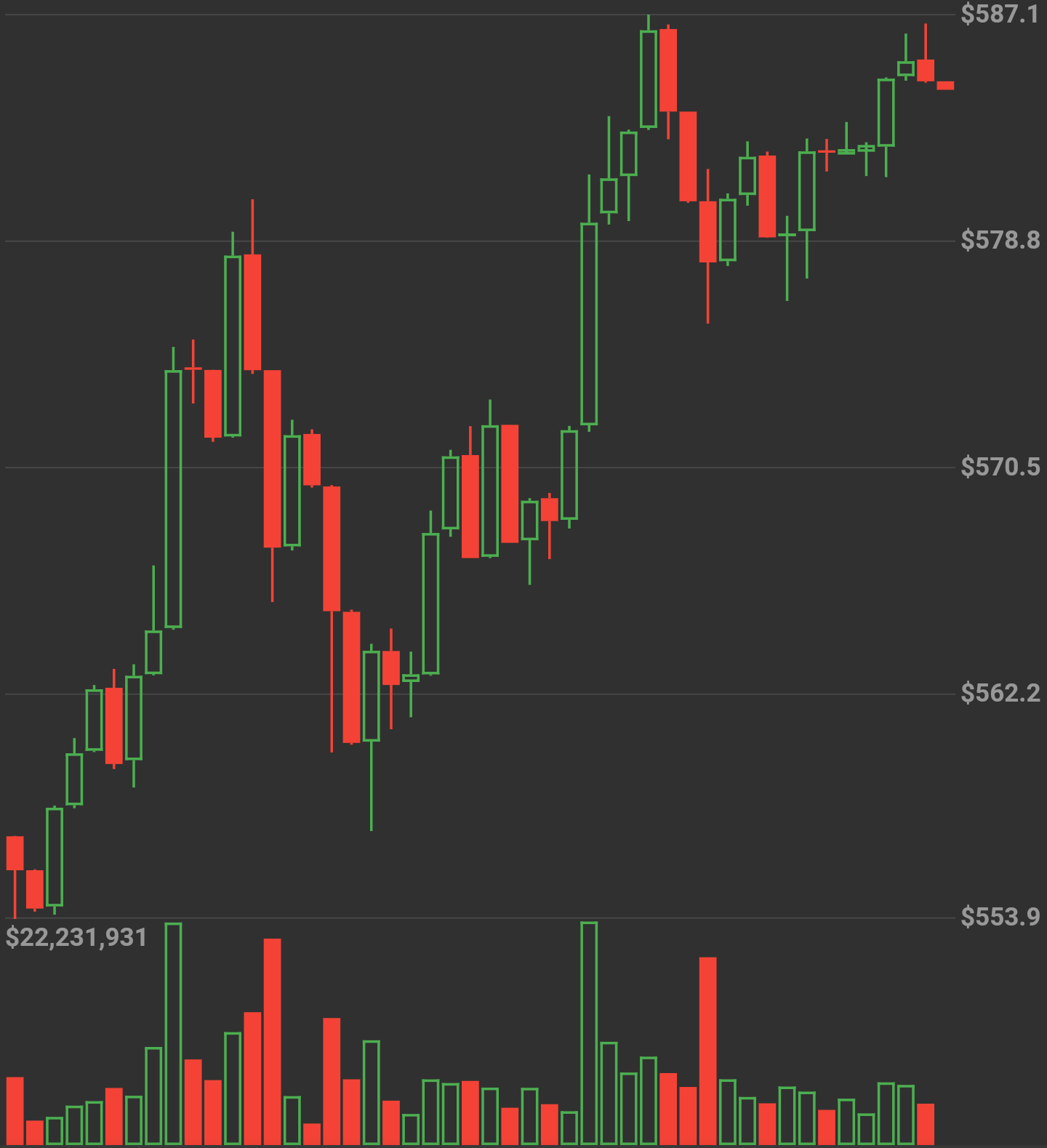
No Grid Lines
new OHLCVGraph(
    data: sampleData,
    enableGridLines: false,
    volumeProp: 0.2
    )
)

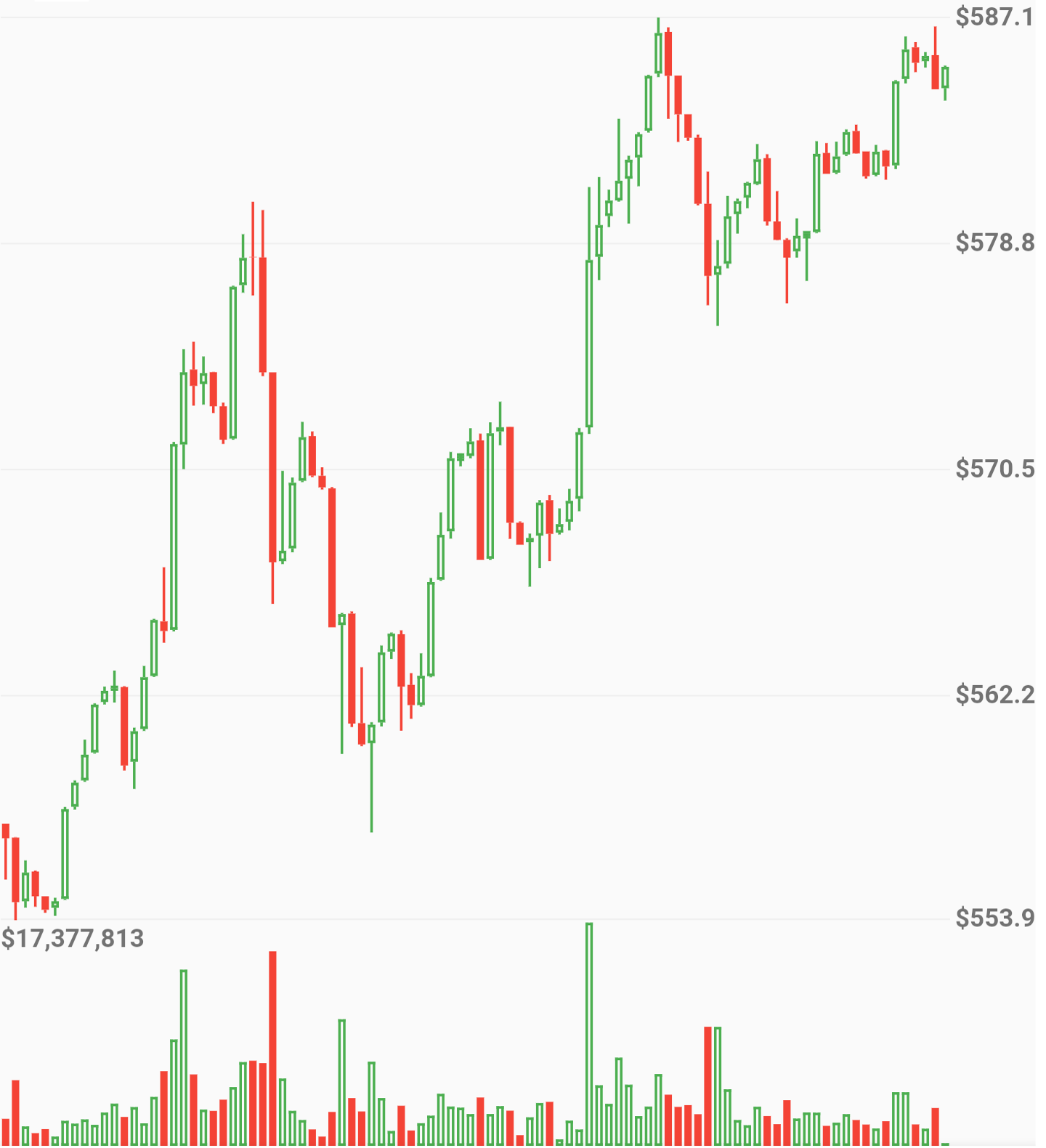
Candle size dynamically changes by amount of data

Grid Lines
new OHLCVGraph(
    data: sampleData,
    enableGridLines: true,
    volumeProp: 0.2,
    gridLineAmount: 5,
    gridLineColor: Colors.grey[300],
    gridLineLabelColor: Colors.grey
    )
)

Full App Example
import 'package:flutter/material.dart';
import 'package:flutter_candlesticks/flutter_candlesticks.dart';

void main() {
  List sampleData = [
    {"open":50.0, "high":100.0, "low":40.0, "close":80, "volumeto":5000.0},
    {"open":80.0, "high":90.0, "low":55.0, "close":65, "volumeto":4000.0},
    {"open":65.0, "high":120.0, "low":60.0, "close":90, "volumeto":7000.0},
    {"open":90.0, "high":95.0, "low":85.0, "close":80, "volumeto":2000.0},
    {"open":80.0, "high":85.0, "low":40.0, "close":50, "volumeto":3000.0},
  ];

  runApp(
    new MaterialApp(
      home: new Scaffold(
        body: new Center(
          child: new Container(
            height: 500.0,
            child: new OHLCVGraph(
                data: sampleData,
                enableGridLines: false,
                volumeProp: 0.2
            ),
          ),
        ),
      )
    )
  );
}

Categories

Source repository

Projects using this package