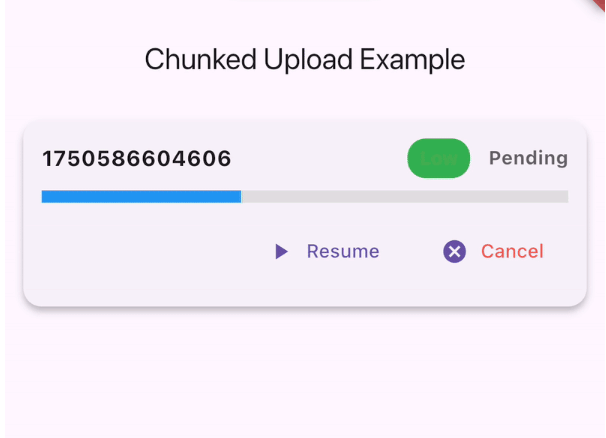
A Flutter package for chunked file uploads with resume, progress tracking, and queue management. Supports pause, resume, cancel, and persistent storage for large files.
Package selection guidance compiled from public package information, community data, and project usage.
A Flutter package designed for uploading large files in chunks, enabling resume capability, real-time progress tracking, and efficient queue management. It supports pause, resume, and cancel operations, with persistent storage to maintain upload state across app restarts. Ideal for handling large file transfers reliably on multiple platforms including Android, iOS, macOS, Windows, and Linux.
Use cases
Uploading large video files
Resuming interrupted uploads
Managing multiple file uploads in a queue
Handling unstable network connections
Offline-first file transfer workflows
Key features
Chunked file upload support
Resume interrupted uploads
Real-time progress tracking
Pause and resume functionality
Persistent upload state storage
Cross-platform compatibility
Suitable for
Apps requiring large file uploads
Network-intensive applications
Offline-capable data sync features
File-sharing or backup services
Applications with unreliable connectivity
Considerations
Requires careful handling of storage permissions
May consume significant memory for large files
Needs proper error handling for network failures
Not ideal for small file transfers
Depends on stable background execution on some platforms
Original README
Original README snapshot from the linked source repository. Visit the repository for the latest content.
flutter_chunked_upload
A Flutter package for handling chunked file uploads with resume capability, progress tracking, and queue management.
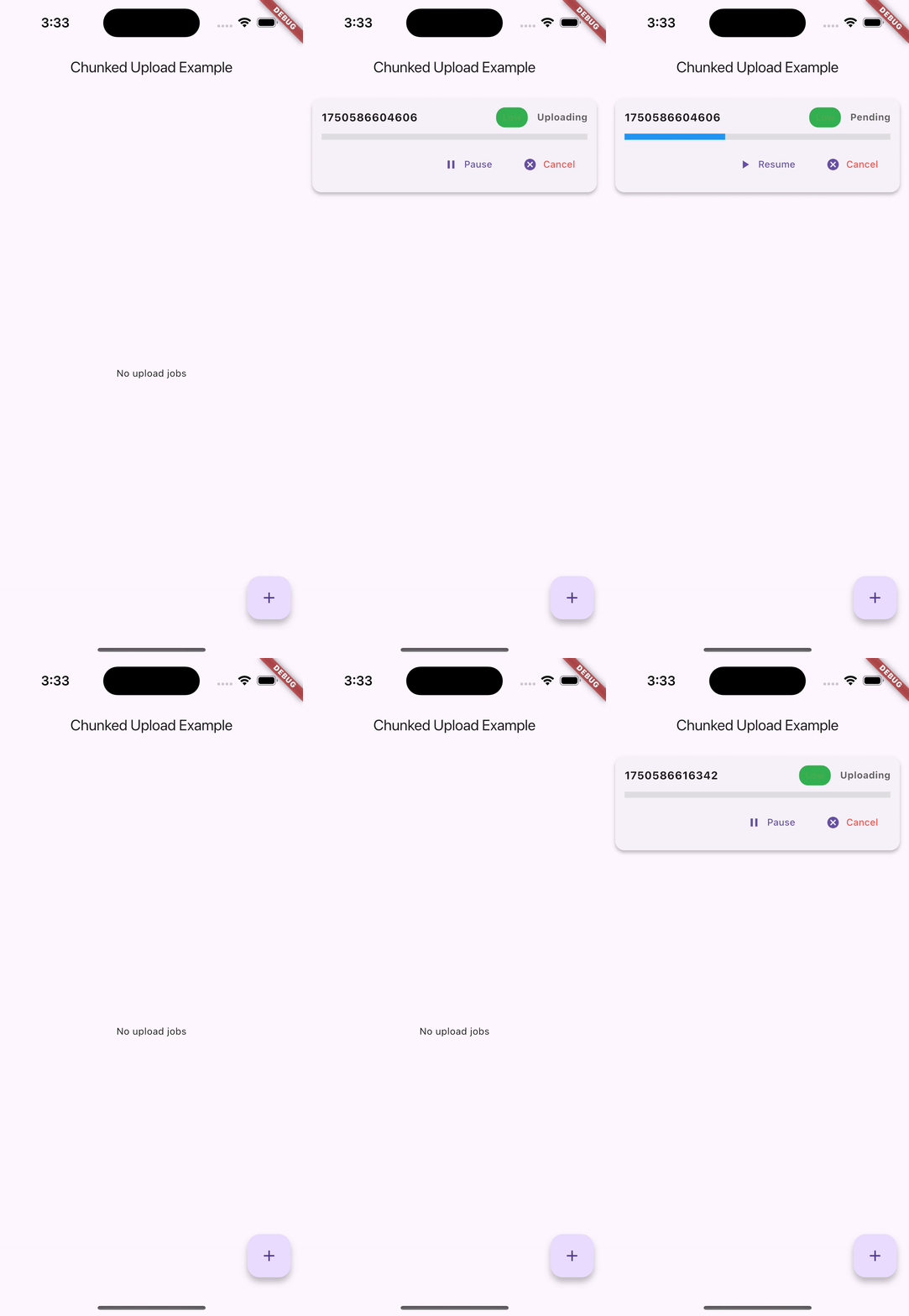
🚀 Demo
Android Demo
iOS Demo
🌟 Features
Chunked File Uploads: Split large files into manageable chunks for reliable uploads
Resume Capability: Automatically resume uploads from where they left off
Queue Management: Manage multiple uploads with priority support
Progress Tracking: Real-time progress updates with callbacks
Pause/Resume/Cancel: Full control over upload operations
Automatic Connectivity Handling: Pause uploads when internet is lost, resume when restored
Persistent Storage: Upload progress saved using Hive for app restarts
Cross-Platform: Works on iOS, Android, Web, and Desktop
Backend Agnostic: Works with any server that supports chunked uploads
Notifications: Built-in success, retry, and failure notifications
Error Handling: Comprehensive error handling with automatic retries
The package automatically handles internet connectivity changes:
Internet Lost: All active uploads are automatically paused
Internet Restored: All paused uploads are automatically resumed
No Manual Intervention: Works seamlessly in the background
Progress Preserved: No data loss during connectivity changes
// The connectivity handling is automatic - no additional code needed!// Uploads will pause when internet is lost and resume when restored
Managing Uploads
// Pause an upload
queueManager.pauseJob('job_id');
// Resume an upload
queueManager.resumeJob('job_id');
// Cancel an upload
queueManager.cancelJob('job_id');
// Get all pending jobsfinal pendingJobs = await queueManager.getPendingJobs();
// Get paused jobsfinal pausedJobs = await queueManager.getPausedJobs();
// Clear all jobs
queueManager.clearAllJobs();
Using the Debug Panel
import'package:flutter/material.dart';
import'package:flutter_chunked_upload/flutter_chunked_upload.dart';
classMyAppextendsStatelessWidget{
@overrideWidgetbuild(BuildContext context) {
returnMaterialApp(
home: Scaffold(
appBar: AppBar(title: Text('Upload Manager')),
body: UploadJobsDebugPanel(), // Shows all upload jobs with controls
),
);
}
}
Custom Storage Adapters
You can implement custom storage adapters for different persistence needs:
classCustomJobStorageAdapterimplementsUploadJobStorageAdapter{
// Implement the required methods@overrideFuture<void> saveJob(UploadJob job) async {
// Your custom implementation
}
// ... implement other methods
}
// Use custom adaptersawait queueManager.initAsync(
jobStorage: CustomJobStorageAdapter(),
chunkStorage: CustomChunkStorageAdapter(),
);
API Reference
UploadJob
The main class representing an upload job.
classUploadJob{
String id; // Unique identifierString filePath; // Path to fileString url; // Upload endpointint chunkSize; // Size of each chunkUploadJobStatus status; // Current statusint retryCount; // Number of retriesint maxRetries; // Maximum retriesbool isPaused; // Pause stateint priority; // Queue prioritydouble progress; // Upload progress (0.0-1.0)// CallbacksProgressCallback? onProgress;
UploadCompleteCallback? onComplete;
UploadFailedCallback? onFailed;
HeaderBuilder? headerBuilder;
}
UploadJobStatus
enumUploadJobStatus {
pending, // Waiting in queue
uploading, // Currently uploading
success, // Upload completed
failed, // Upload failed
}