Package selection guidance compiled from public package information, community data, and project usage.
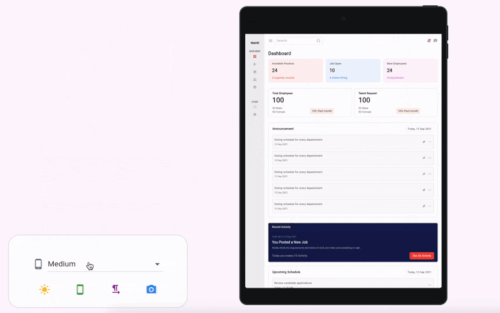
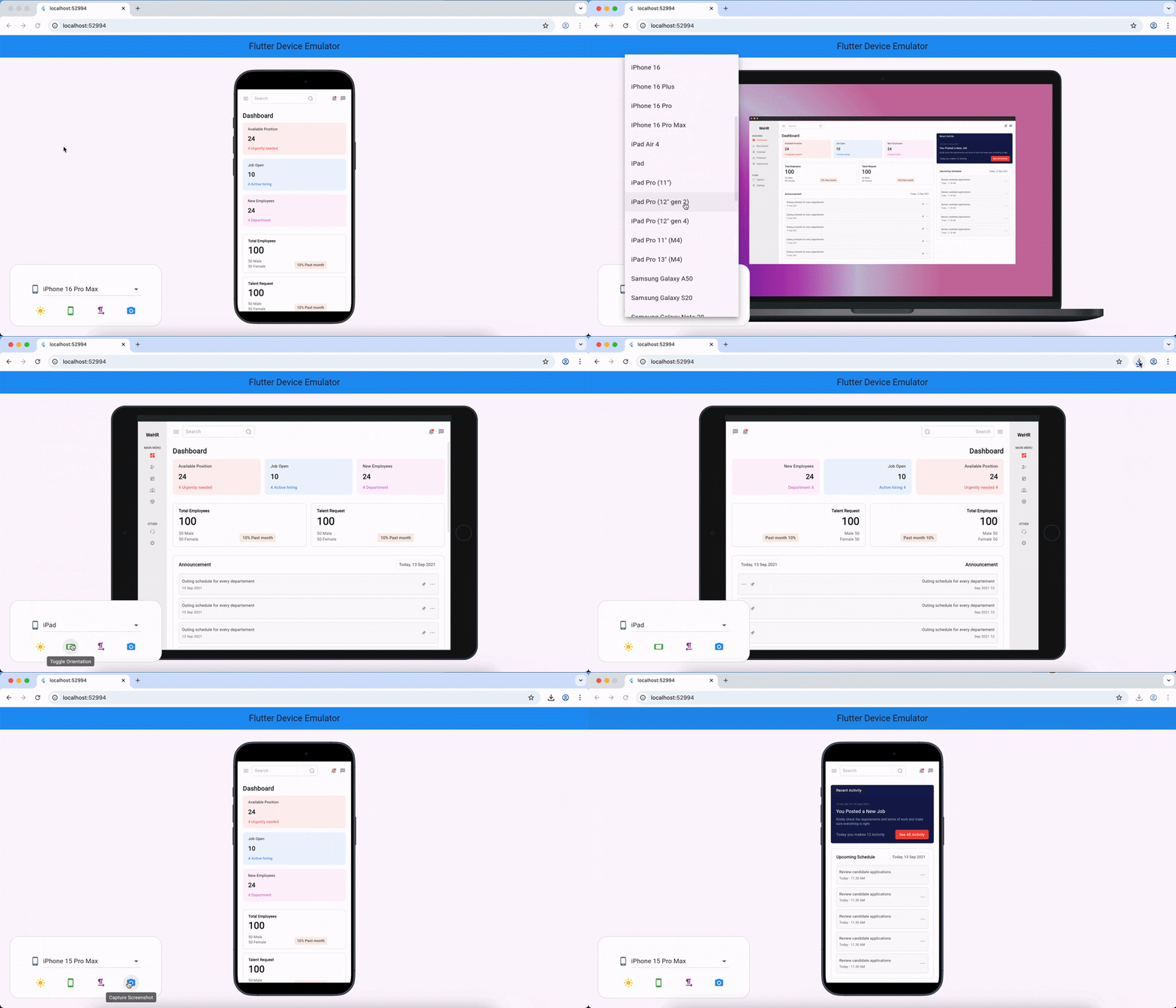
Flutter Device Emulator is a tool that allows developers to preview their Flutter widgets across various device screen sizes and orientations in real-time. It supports multiple platforms including Android, iOS, Web, macOS, Windows, and Linux, enabling consistent UI testing without needing physical devices. The package integrates seamlessly into the development workflow, offering instant visual feedback during design iterations. It's particularly useful for ensuring responsive layouts and cross-platform compatibility.
Use cases
Real-time widget preview
Cross-platform UI testing
Responsive design validation
Rapid prototyping
Design consistency checks
Screen size simulation
Key features
Real-time device preview
Multiple device templates
Support for all major platforms
Live layout updates
Easy integration with Flutter
Orientation switching
Suitable for
UI/UX designers
Flutter developers
Cross-platform app testers
Prototyping teams
Frontend engineers
Considerations
Requires manual setup for some features
Limited to visual preview (no runtime interaction)
May impact performance on low-end machines
Not a replacement for physical device testing
No built-in theme or locale simulation
Original README
Original README snapshot from the linked source repository. Visit the repository for the latest content.
flutter_device_emulator
A Flutter package to emulate different device screens and layouts, making it easier to preview and test your app on various device types and resolutions directly within your Flutter app or development environment.
Features
Emulate multiple device screen sizes and resolutions
Switch between device types (phone, tablet, etc.)
Preview your app in different orientations
Easy integration with your existing Flutter project