Package selection guidance compiled from public package information, community data, and project usage.
Flutter Fortune Wheel is a customizable widget library for creating interactive spinning wheels and fortune bars in Flutter applications. It enables developers to visualize random selection processes, ideal for games, rewards systems, or抽奖 (raffle) mechanics. The package supports multiple platforms including Android, iOS, Web, macOS, Windows, and Linux, making it highly versatile. With smooth animations and easy integration via pub, it enhances user engagement through dynamic visual feedback. Developers can customize segments, colors, and spin behavior to match their app's design.
Use cases
Gamified user rewards
Interactive raffles
Prize selection interfaces
Engaging onboarding experiences
Randomized content display
Loyalty program mechanics
Key features
Smooth spinning animations
Customizable wheel segments
Support for multiple platforms
Easy integration with pub
Configurable spin duration and speed
Event callbacks for spin completion
Suitable for
Game developers
App designers seeking interactivity
Marketing apps with prize mechanics
Educational apps with random quizzes
UX-focused mobile applications
Considerations
Requires careful handling of animation timing
May need performance optimization for complex designs
Limited built-in accessibility features
Not intended for high-frequency rapid spins
Best suited for occasional interactive events
Depends on external dependencies for full functionality
Original README
Original README snapshot from the linked source repository. Visit the repository for the latest content.
Flutter Fortune Wheel
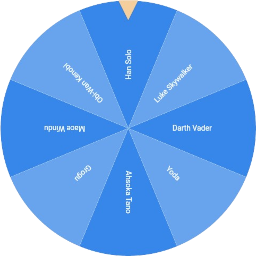
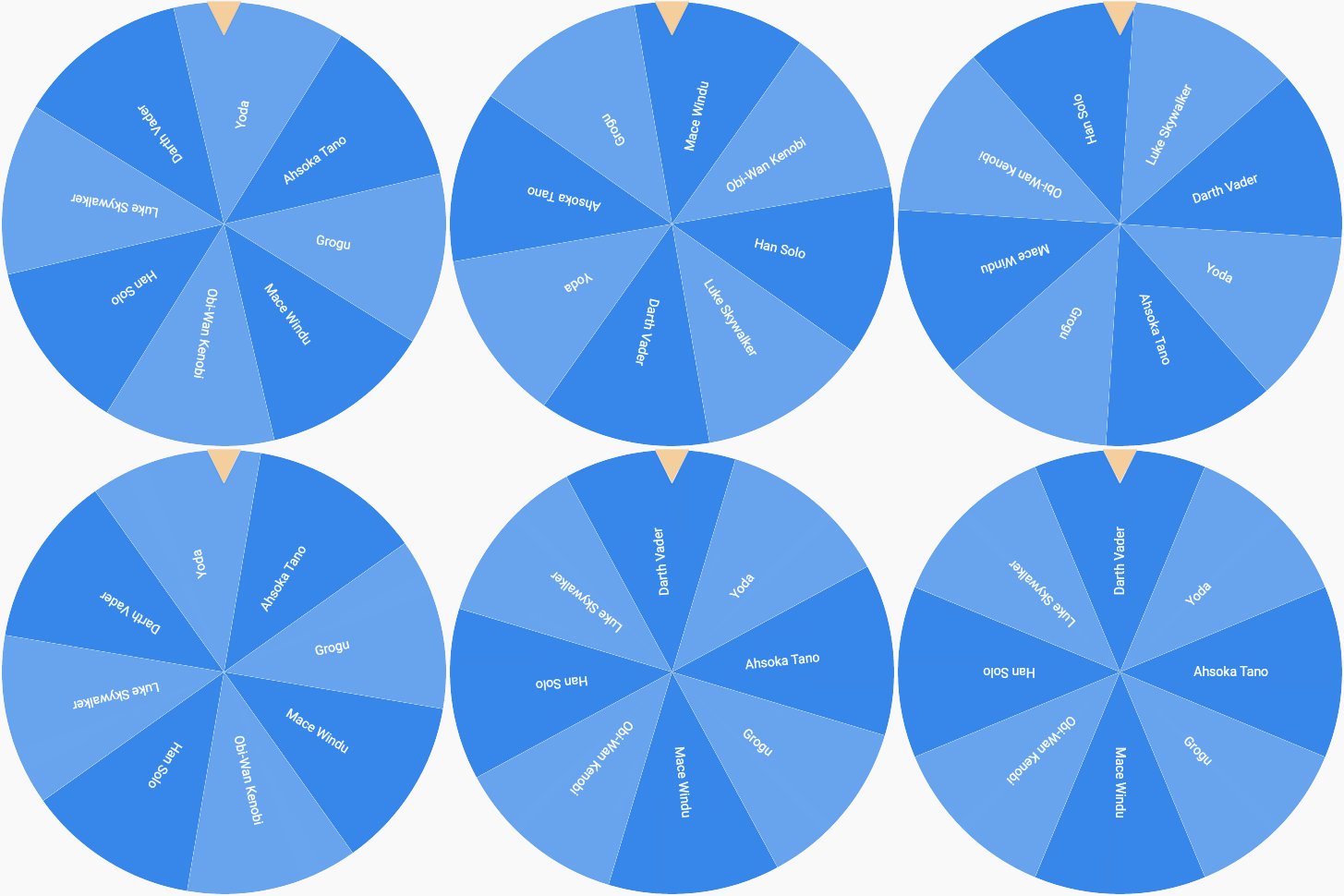
This Flutter package includes wheel of fortune widgets, which allow you to visualize random selection processes.
They are highly customizable and work across mobile, desktop and the web.
The wheel of fortune is the most iconic visualization.
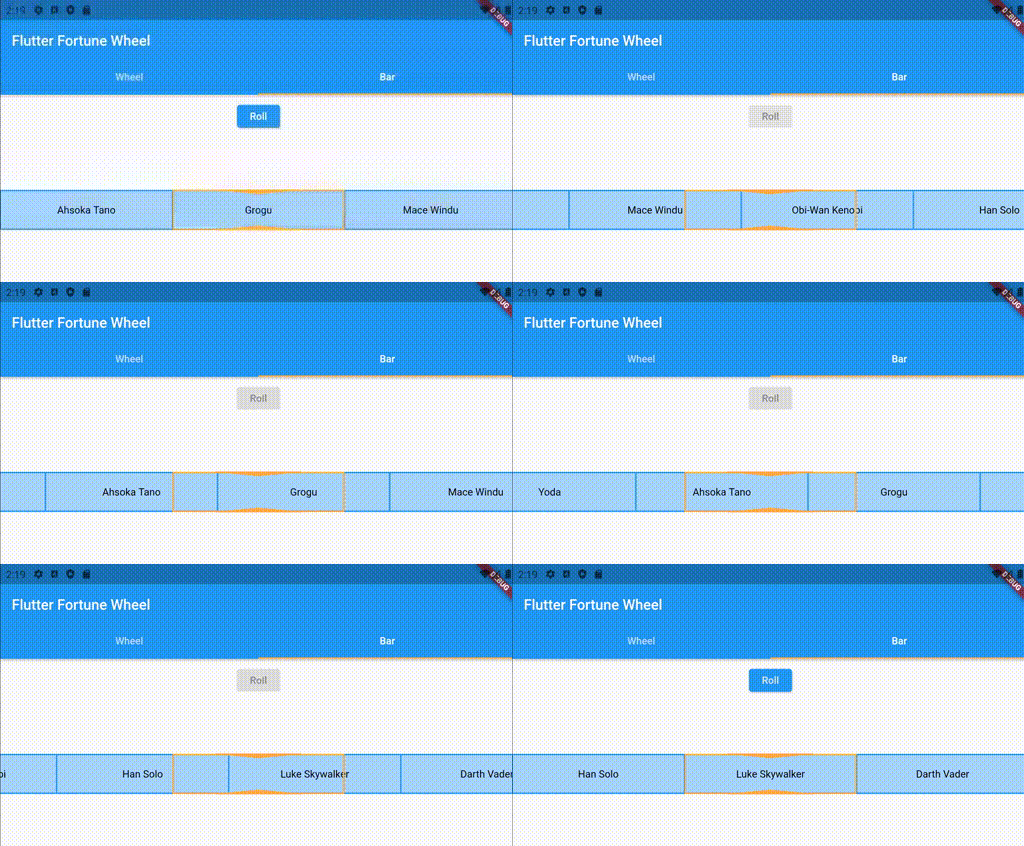
Unfortunately, a circular shape is not the best solution when vertical screen space is scarce. Therefore,
the fortune bar, which is smaller in the vertical direction, is provided as an alternative. See below for an example:
By default, the fortune widgets react to touch and drag input. This behavior can be customized using the physics property, which expects an implementation
of the PanPhysics class.
If you want to disable dragging, simply pass an instance of NoPanPhysics.
FortuneItems can be styled individually using their style property. Styling a FortuneWidget's
items according to a common logic is achieved by passing a StyleStrategy.
By default, the FortuneWheel uses the AlternatingStyleStrategy
and the FortuneBar uses the UniformStyleStrategy.
As with drag behavior, you can pass custom implementations to the styleStrategy property.
// styling FortuneItems individuallyFortuneWheel(
selected: Stream.value(0),
items: [
FortuneItem(
child: Text('A'),
style: FortuneItemStyle(
color: Colors.red, // <-- custom circle slice fill color
borderColor: Colors.green, // <-- custom circle slice stroke color
borderWidth: 3, // <-- custom circle slice stroke width
),
),
FortuneItem(child: Text('B')),
],
)
// common styling for all items of a FortuneWidgetFortuneBar(
// using alternating item styles on a fortune bar
styleStrategy: AlternatingStyleStrategy(),
selected: Stream.value(0),
items: [
FortuneItem(child: Text('Han Solo')),
FortuneItem(child: Text('Yoda')),
FortuneItem(child: Text('Obi-Wan Kenobi')),
],
)
Indicator Styling
The position indicators can be customized by passing a list of FortuneIndicators to FortuneWidget.indicators. By default, the FortuneWheel uses a TriangleIndicator and the FortuneBar uses a RectangleIndicator. You may either pass styled versions of these existing widgets or create your own implementations, since indicators can be any kind of widget. Here is an example of using a customized indicator:
FortuneWheel(
  selected: Stream.value(0),
  indicators: <FortuneIndicator>[
    FortuneIndicator(
      alignment: Alignment.bottomCenter, // <-- changing the position of the indicator
      child: TriangleIndicator(
        color: Colors.green, // <-- changing the color of the indicator
        width: 20.0, // <-- changing the width of the indicator
        height: 20.0, // <-- changing the height of the indicator
        elevation: 0, // <-- changing the elevation of the indicator
      ),
    ),
  ],
  items: [
    FortuneItem(child: Text('A'))
    FortuneItem(child: Text('B')),
  ],
)
Contributions
Contributions are much appreciated.
If you have any ideas for alternative visualizations, feel free to
open a pull request or
raise an issue.
The same holds for any requests regarding existing widgets.