Package selection guidance compiled from public package information, community data, and project usage.
flutter_img is a Flutter package that provides an enhanced image widget capable of efficiently loading and displaying images from assets, networks, and SVG files. It simplifies image handling across multiple platforms including Android, iOS, Web, macOS, Windows, and Linux. The package supports common image formats like PNG and JPG, as well as scalable vector graphics (SVG), making it ideal for apps requiring flexible and responsive image rendering. With minimal setup via `flutter pub add flutter_img`, developers can seamlessly integrate robust image functionality into their applications.
Use cases
Loading network images
Displaying local asset images
Rendering SVGs in Flutter apps
Cross-platform image support
Simple image widget replacement
Key features
Supports PNG, JPG, and SVG
Handles both asset and network images
Minimal configuration required
Works on all major platforms
Built-in error and loading states
Suitable for
Apps needing SVG support
Developers seeking simple image widgets
Cross-platform projects
UI-heavy applications
Rapid prototyping
Considerations
Limited to basic image operations
No advanced caching built-in
Depends on external SVG rendering library
Not suitable for complex image processing
May require additional dependencies for advanced features
Original README
Original README snapshot from the linked source repository. Visit the repository for the latest content.
flutter_img
A Flutter widget with SVG code support and the ability to handle SVG, png, and jpg pictures from
assets and the network. Cached photos can be handled by it.
❗ In order to start using flutter_img you must have the Flutter SDK
installed on your machine.
Add flutter_img to your pubspec.yaml:
dependencies:flutter_img:
Install it:
flutter pub add flutter_img
Parameters
Param
Description
String src
src is the one and only positional parameter here, and it's required it will take the asset link, HTTP image link, or SVG code as a string. as you know it takes a string, so for SVG code make sure there is no new line.
double? height
If you want to set image height explicitly you can pass a height value or it will adjust the height based on image height and screen height
double? width
Similar to the height, the width parameter also can be used for explicit value
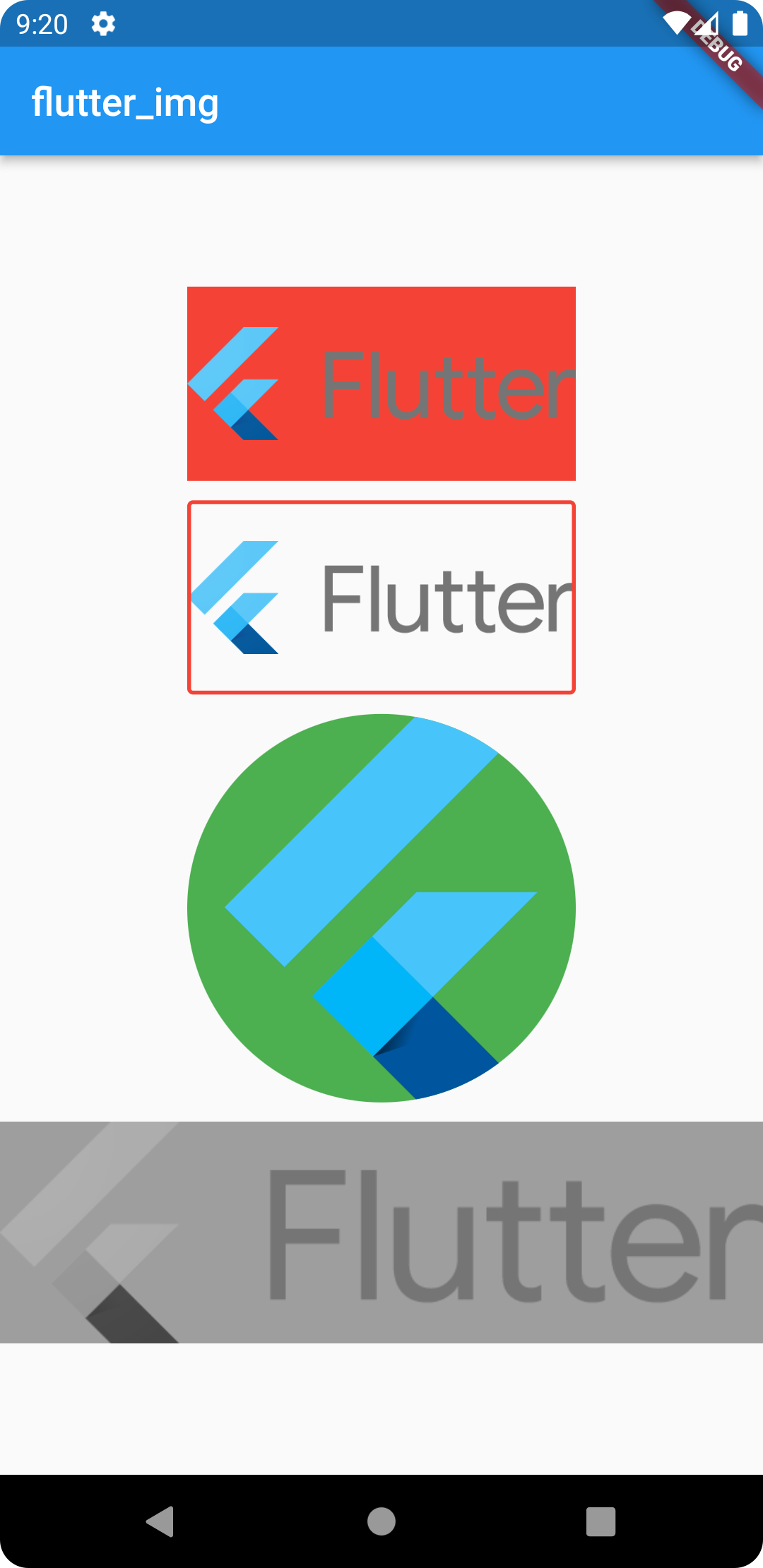
BoxShape? shape
The shape parameter can be used to change the shape of the image.
BoxBorder? border
The border parameter can be used to add the shape of the image.
BorderRadiusGeometry? borderRadius
using borderRadius You can add a border to the image
EdgeInsetsGeometry? margin
the margin of the image
EdgeInsetsGeometry? padding
the padding of the image
ColorFilter? colorFilter
The colorFilter allow you to set a color filter over the image
Widget? placeholder
The placeholder parameter allows you to provide any widget as a placeholder before the network image is fully loaded. this parameter only works with png, jpg/jpeg network images. asset images or SVG images will not be affected
String? blurHash
The blurHash parameter also allows you to load blurhash images before the network image is fully loaded. this parameter only works with png, jpg/jpeg network images. asset images or SVG images will not be affected. By default, if you don't provide placeholder blurhash will apply. and the default value is L5H2EC=PM+yV0g-mq.wG9c010J}I
Color? bgColor
bgColor will set the background color of the image
Widget? errorWidget
errorWidget parameter allows you to provide any widget that will visible if network request failed or any error happened during loading network image
final String? package
package is the name of the package where the image is located. It's only used for asset images