Search packages, repositories and app categories

flutter_json_view cover
Package detailsv1.1.5

flutter_json_view

Displaying json models in a Flutter widget with customization.

AndroidiOSWebmacOSWindowsLinux
30-day downloads
17.1K
Likes
145
Pub points
160

Install package

flutter pub add flutter_json_view

Package Overview

Package selection guidance compiled from public package information, community data, and project usage.

A Flutter package that displays JSON data in a customizable, readable widget format. It enables developers to visualize JSON models directly within their app UI, with options for styling, expansion controls, and nested structure rendering. Ideal for debugging, data inspection, or presenting structured data to users. The package supports all major platforms including Android, iOS, Web, macOS, Windows, and Linux.

Use cases

  • Debugging JSON responses
  • Displaying API data
  • Inspecting configuration files
  • Educational apps showing data structures
  • Building developer tools

Key features

  • Customizable theme and colors
  • Expandable/collapsible JSON nodes
  • Support for all Flutter platforms
  • Easy integration with existing widgets
  • Responsive layout for different screen sizes

Suitable for

  • Developers building debug tools
  • Apps requiring JSON visualization
  • Frontend teams working with APIs
  • Educational or tutorial applications

Considerations

  • May impact performance with very large JSON files
  • Limited interactivity beyond expand/collapse
  • Not optimized for production data display without customization

Original README

Original README snapshot from the linked source repository. Visit the repository for the latest content.

Displaying json models in a Flutter widget

😎 Cool solution for viewing models in debug working
Show some ❤️ and star the repo to support the project!


Pub License: MIT Repository views Pub

Pub likes Pub popularity Pub points


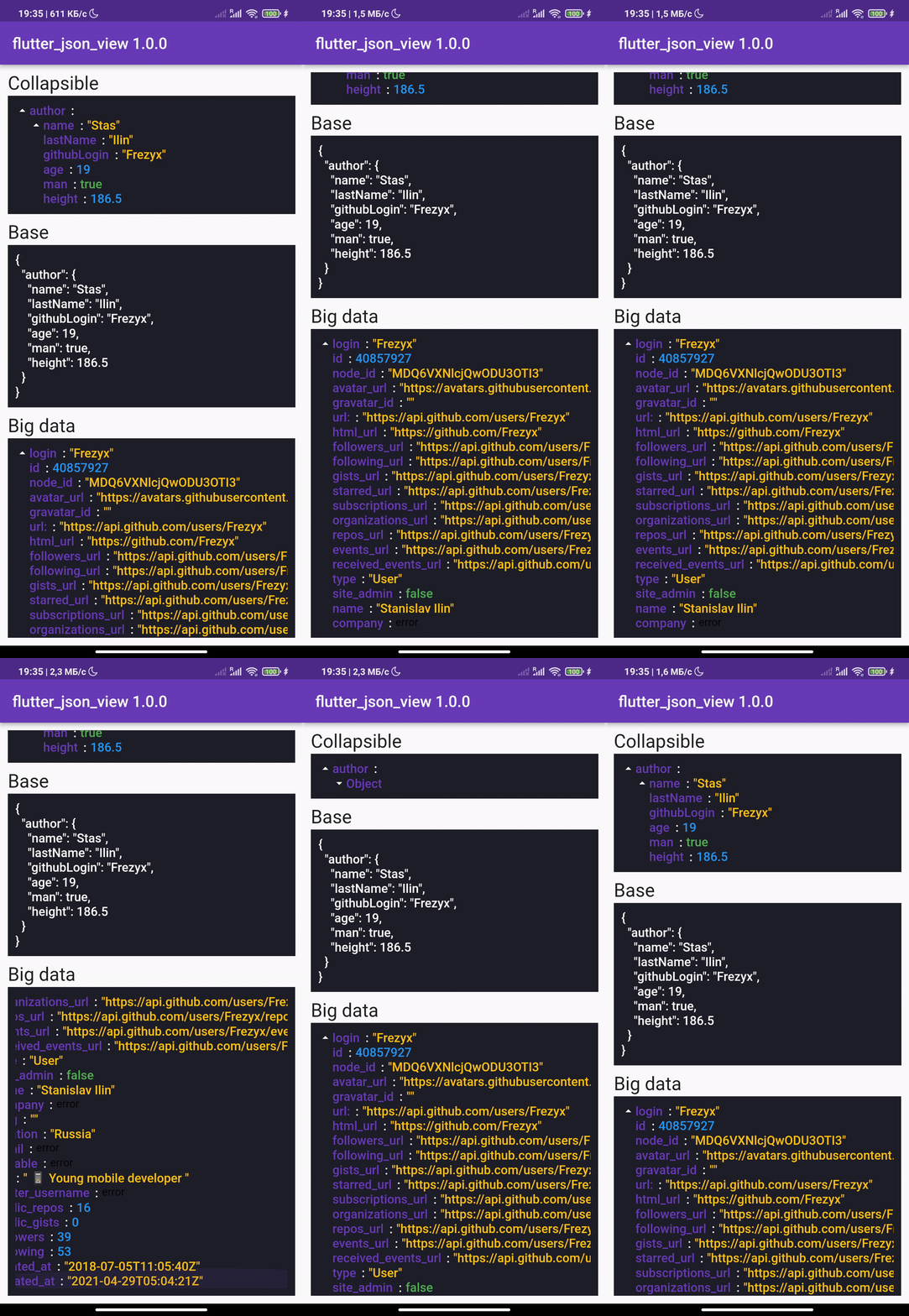
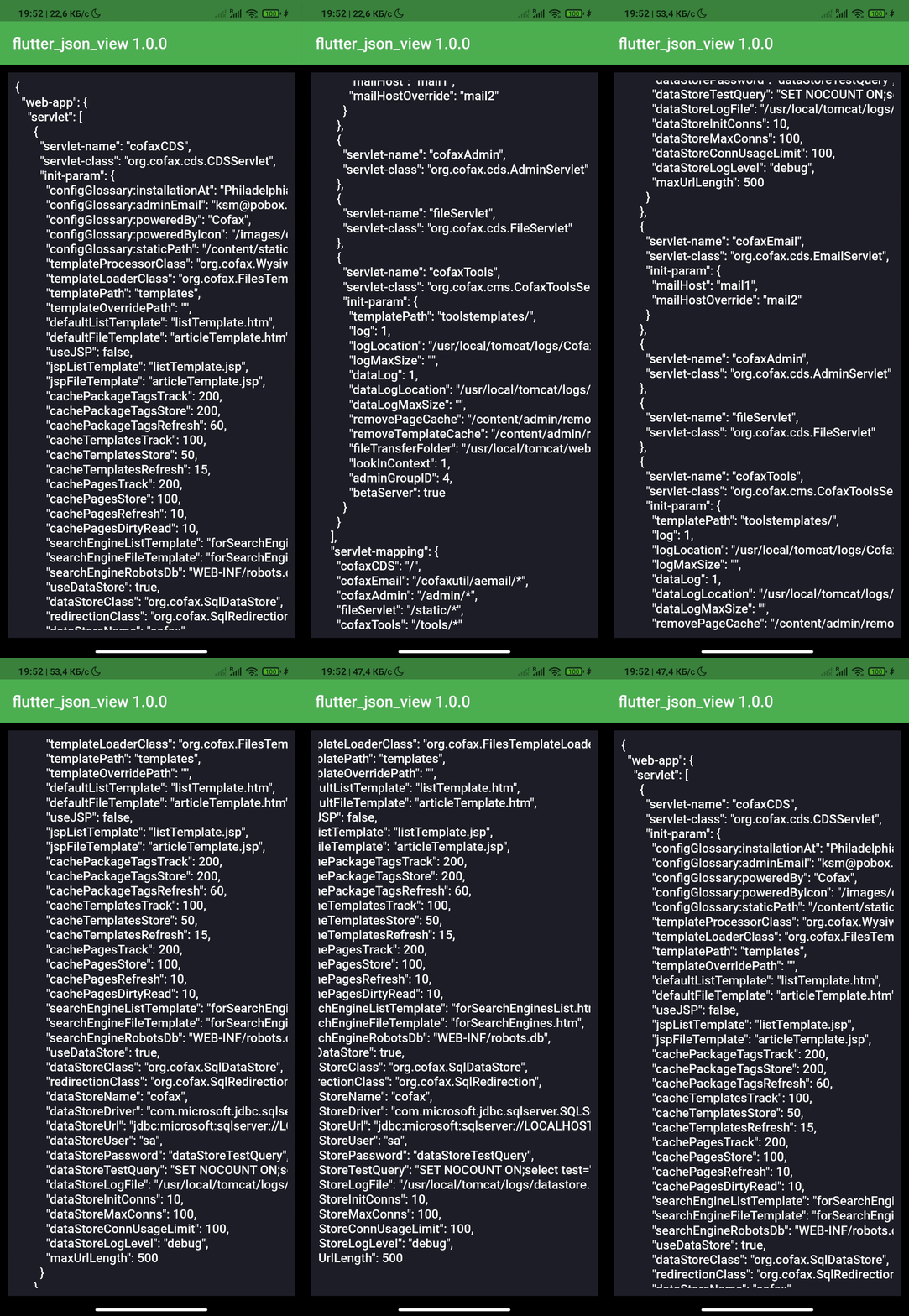
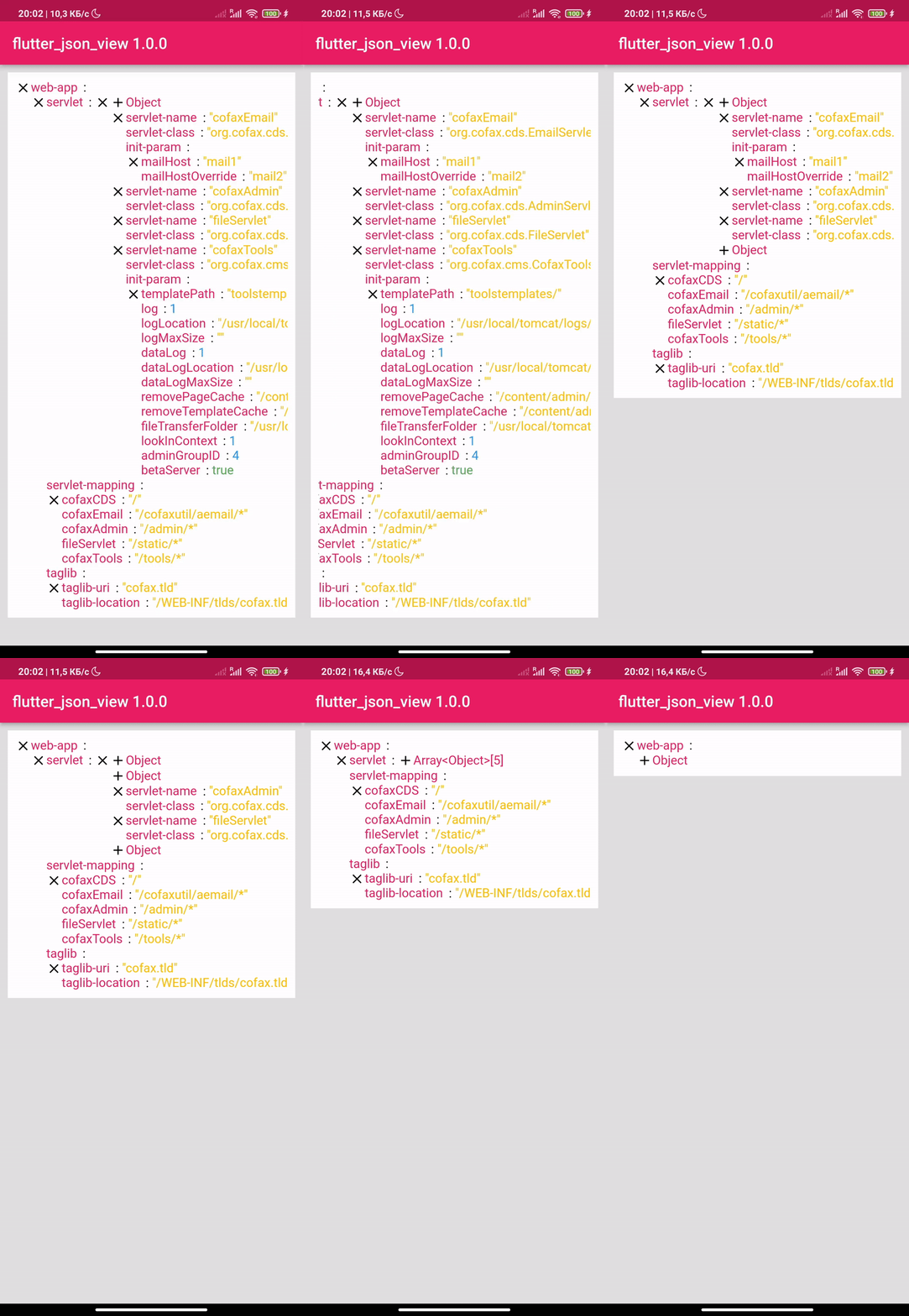
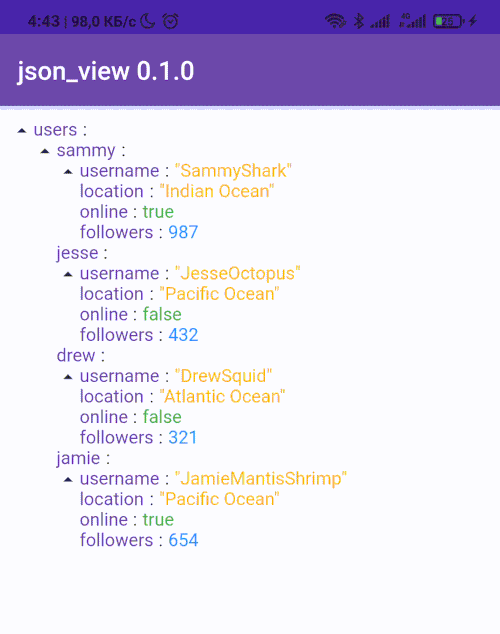
Image Image Image

Getting Started

Add dependency
dependencies:
  flutter_json_view: ^1.1.5
Add import package
import 'package:flutter_json_view/flutter_json_view.dart';
Easy to use

Add one of the constructors in your code

String constructor
JsonView.string('{"key":"value"}'),
Asset file constructor
JsonView.asset('assets/data.json'),
Map constructor
JsonView.map({"key":"value"}),

Customization

🎨 The package was created in order to be able to customize your json view

drawing
JsonView.string(
    '{"key":"value"}',
    theme: JsonViewTheme(
      keyStyle: TextStyle(
        color: Colors.black54,
        fontSize: 16,
        fontWeight: FontWeight.w600,
      ),
      doubleStyle: TextStyle(
        color: Colors.green,
        fontSize: 16,
      ),
      intStyle: TextStyle(
        color: Colors.green,
        fontSize: 16,
      ),
      stringStyle: TextStyle(
        color: Colors.green,
        fontSize: 16,
      ),
      boolStyle: TextStyle(
        color: Colors.green,
        fontSize: 16,
      ),
      closeIcon: Icon(
        Icons.close,
        color: Colors.green,
        size: 20,
      ),
      openIcon: Icon(
        Icons.add,
        color: Colors.green,
        size: 20,
      ),
      separator: Padding(
        padding: EdgeInsets.symmetric(horizontal: 8.0),
        child: Icon(
          Icons.arrow_right_alt_outlined,
          size: 20,
          color: Colors.green,
        ),
      ),
    ),
  ),

More examples you can see here


Thanks to all contributors of this package


For help getting started with Flutter, view our online documentation, which offers tutorials, samples, guidance on mobile development, and a full API reference.

Categories

Source repository

Projects using this package

No data available yet.