Search packages, repositories and app categories

Package detailsv0.0.4

flutter_material_symbols

A Flutter package that provides a set of Material Symbols icons.

AndroidiOSWebmacOSWindowsLinux
30-day downloads
730
Likes
29
Pub points
60

Install package

flutter pub add flutter_material_symbols

Package Overview

Package selection guidance compiled from public package information, community data, and project usage.

A Flutter package that delivers a comprehensive collection of Material Symbols icons, designed to align with Google's Material Design guidelines. These scalable, vector-based icons are optimized for performance and consistency across platforms. The package simplifies icon integration into Flutter apps, supporting all major platforms including Android, iOS, Web, macOS, Windows, and Linux. It enables developers to use modern, customizable icons with minimal setup and code. Ideal for applications requiring a cohesive visual language.

Use cases

  • Integrating Material Design-compliant icons
  • Building cross-platform UIs
  • Enhancing app visual consistency
  • Creating responsive icon sets
  • Simplifying icon management

Key features

  • Supports all major platforms
  • Vector-based scalable icons
  • Follows Material Design standards
  • Easy integration with Flutter
  • Customizable icon sizes and colors

Suitable for

  • UI/UX designers using Flutter
  • Developers building Material Design apps
  • Cross-platform mobile and web projects
  • Apps needing consistent iconography

Considerations

  • Requires Flutter 3.0 or higher
  • Limited to Material Symbols set
  • No built-in icon search functionality
  • May increase app size slightly with large icon sets
Original README

Original README snapshot from the linked source repository. Visit the repository for the latest content.

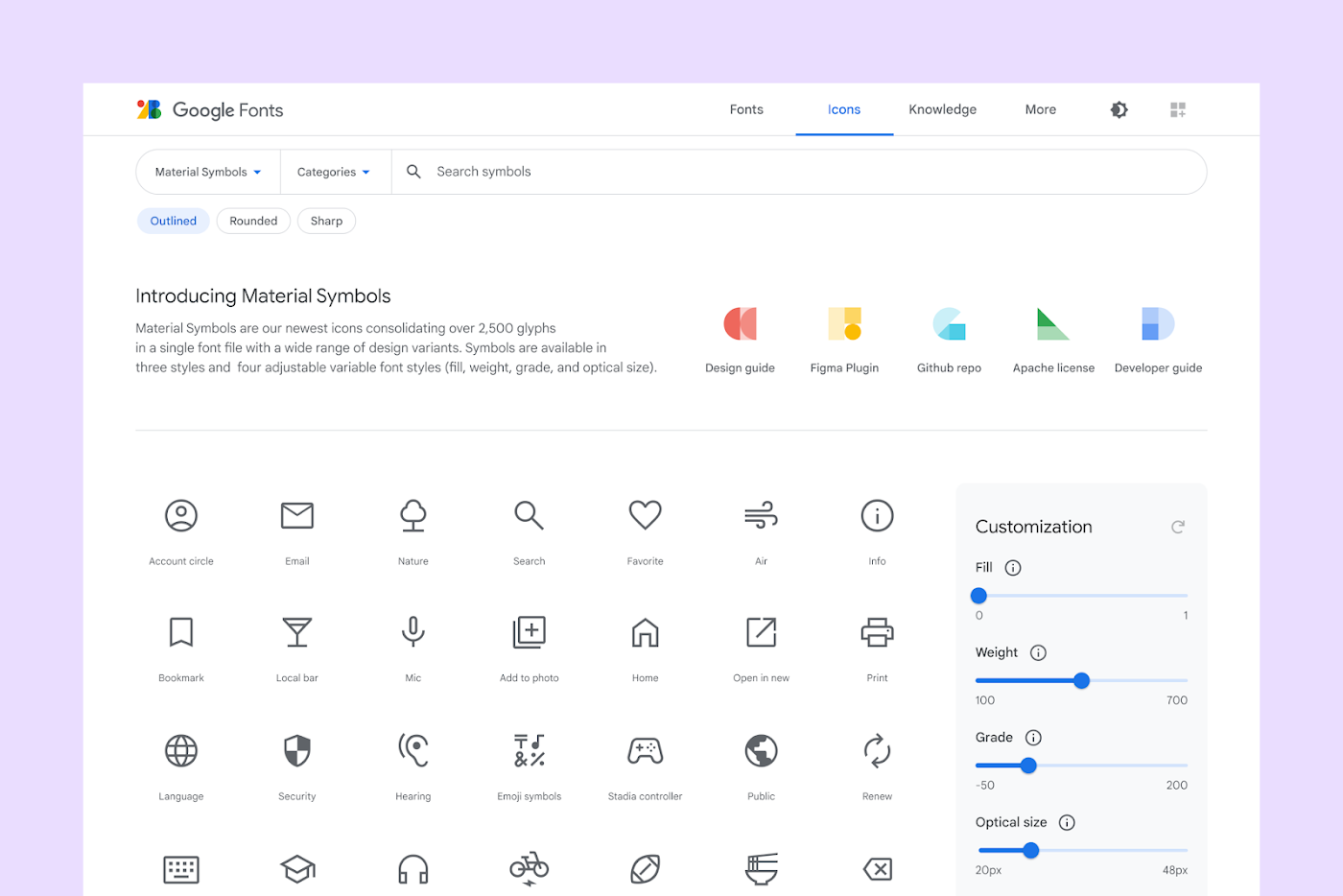
Material Symbols

fonts.google.com Image Source: material.io

pub package donate

This Flutter package aims to add all icons from Material Symbols introduced by Google along with the Material 3.

Read Google's official announcement here.

Installation

To use this package, add flutter_material_symbols as a dependency in your pubspec.yaml file.

Using the command line:

flutter pub add flutter_material_symbols

Or, if you prefer to add directly to your pubspec.yaml file:

dependencies:
  flutter_material_symbols: ^0.0.1

Usage

Import the package:

import 'package:flutter_material_symbols/flutter_material_symbols.dart';

Use the MaterialSymbols class to access the icons:

Icon(MaterialSymbols.favorite),
IconButton(
  icon: Icon(MaterialSymbols.add),
  onPressed: () {},
)

This package also supports filled, outlined, and sharp icons, which can be used by adding the filled, outlined, or sharp suffix to the icon name:

Icon Styles Image Source: material.io

Icon(MaterialSymbols.favorite_filled),
Icon(MaterialSymbols.favorite_outlined),
Icon(MaterialSymbols.favorite_sharp),

Contributors

Report Issues / Bugs

If you find any bugs or misplaced icons, please open an issue here.

License

This package is licensed under the MIT License

Categories

Source repository

Projects using this package

No data available yet.