Search packages, repositories and app categories

Package detailsv0.1.15

flutter_mobile_vision_2

(+Non NULL)Flutter implementation for Google Mobile Vision. Scan Barcodes, Recognize Text and Detect Faces.

AndroidiOS
30-day downloads
52
Likes
50
Pub points
140

Install package

flutter pub add flutter_mobile_vision_2

Package Overview

Package selection guidance compiled from public package information, community data, and project usage.

Flutter Mobile Vision 2 is a Flutter plugin that provides access to Google's Mobile Vision APIs for barcode scanning, text recognition, and face detection. It enables developers to integrate real-time image analysis directly into mobile apps on both Android and iOS platforms. The package supports live camera feeds and offers reliable performance for identifying barcodes, extracting printed or handwritten text, and detecting facial features such as eyes, nose, and mouth. Designed for simplicity and efficiency, it bridges native vision capabilities with Flutter’s cross-platform framework.

Use cases

  • Barcode scanning in retail apps
  • Text extraction from images
  • Face detection for user authentication
  • Real-time document scanning
  • Image-based data entry

Key features

  • Live camera integration
  • Barcode scanning
  • Text recognition (OCR)
  • Face detection
  • Cross-platform support (Android & iOS)

Suitable for

  • Mobile apps requiring OCR
  • Retail and inventory management tools
  • Document digitization apps
  • User identity verification systems
  • Apps needing real-time image analysis

Considerations

  • Requires camera permissions
  • Depends on Google Play Services (Android)
  • Limited offline functionality
  • May require device compatibility checks
  • Performance varies by hardware

Original README

Original README snapshot from the linked source repository. Visit the repository for the latest content.

flutter_mobile_vision_2

https://pub.dartlang.org/packages/flutter_mobile_vision_2

This is a simple non-null migration for https://github.com/edufolly/flutter_mobile_vision Thanks to Edufolly

pub package

Flutter implementation for Google Mobile Vision.

Based on Google Mobile Vision.

Android Samples -=- iOS Samples

Liked? :star: Star the repo to support the project!


Migration from fluttermobilevision by edufolly

If you are migrating from edufolly's package, please note the following changes.

[1]

import 'package:fluttermobilevision/fluttermobilevision.dart';

has been changed to

import 'package:flutter_mobile_vision_2/flutter_mobile_vision_2.dart';

so update your imports.

[2]

io.github.edufolly.fluttermobilevision

has been changed to

 ng.com.piccmaq.flutter.flutter_mobile_vision_2

so update your AndroidManifest.xml


Features

  • [x] Android

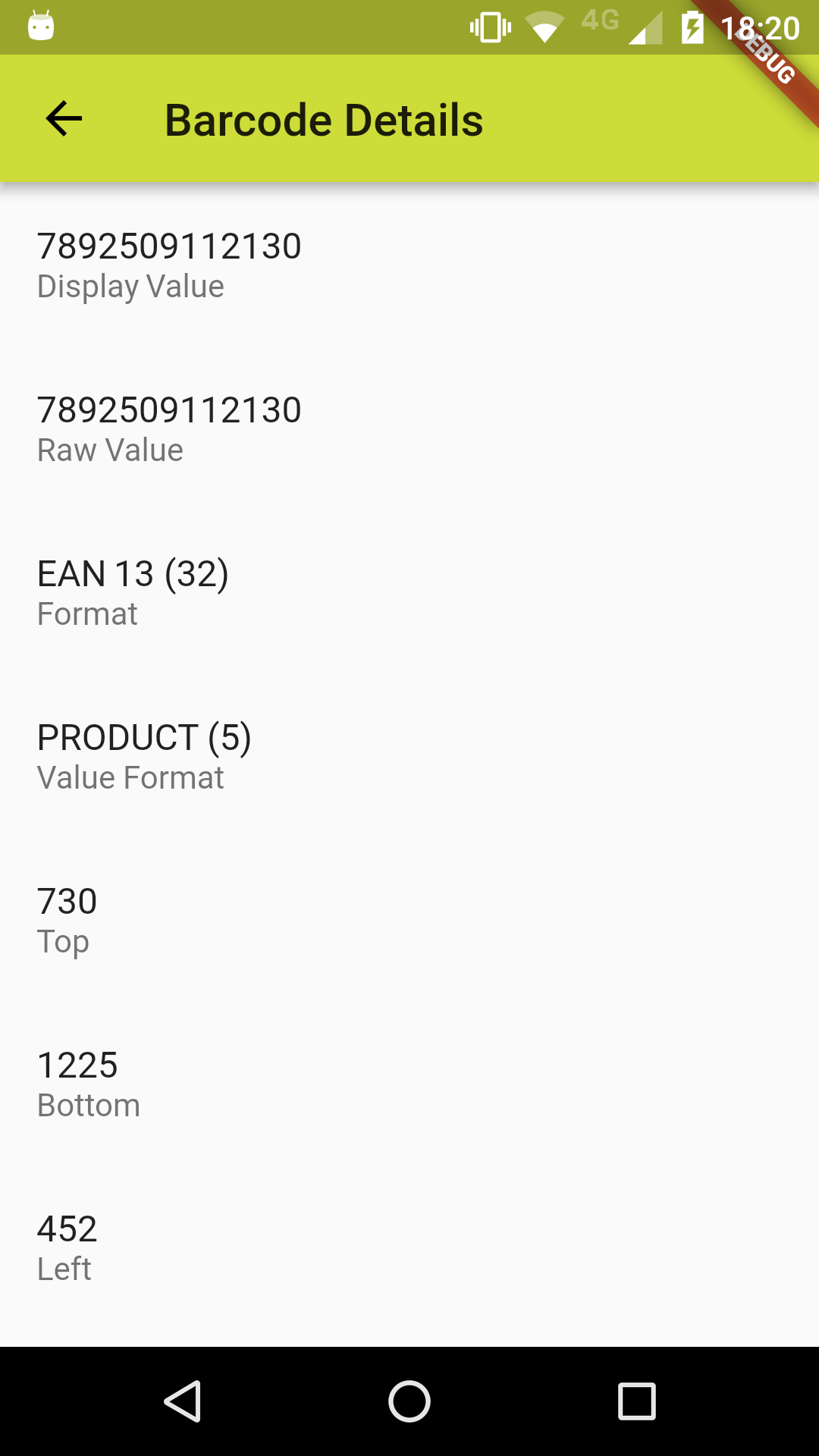
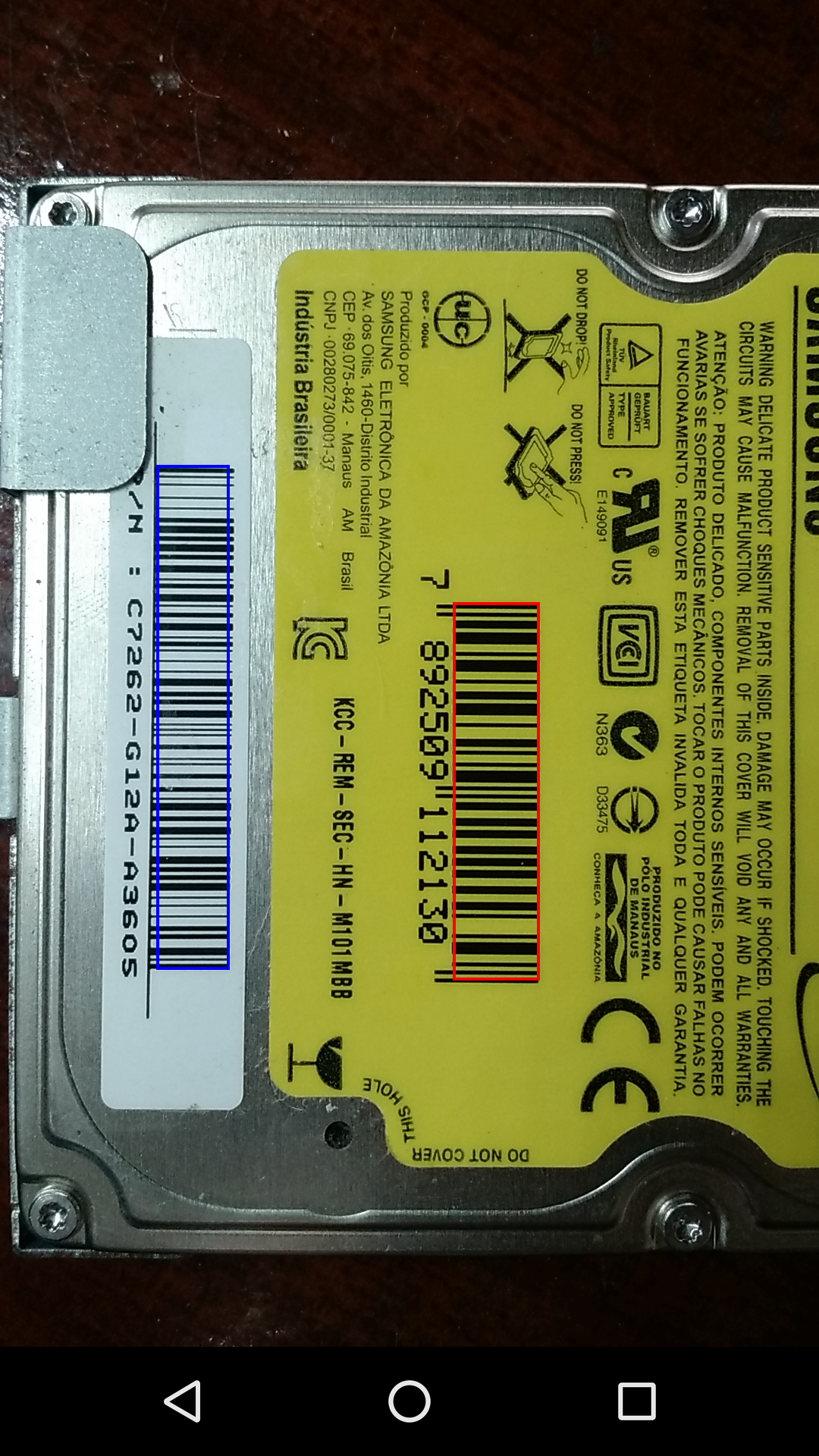
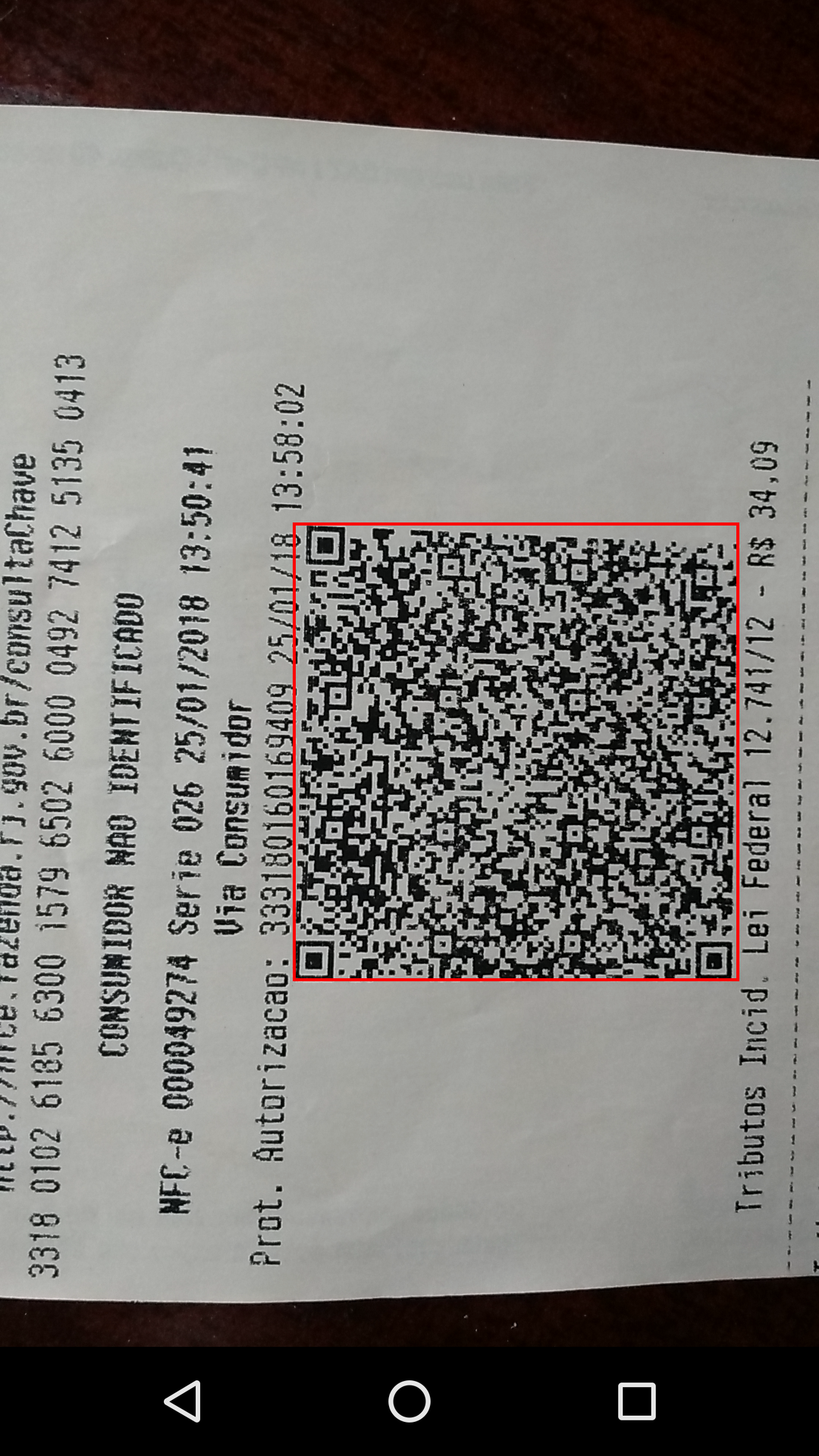
    • [x] Barcode Scan
      • [x] Front or Back camera.
      • [x] Select preview sizes.
      • [x] Simple scan.
      • [x] Toggle torch.
      • [x] Toggle auto focus.
      • [x] Specify types of barcodes that will be read.
      • [x] Tap to capture.
      • [x] Select barcode type to be scanned.
      • [x] Scan multiple barcodes.
      • [x] Barcode coordinates.
      • [x] Show barcode text.
      • [x] Standard code.
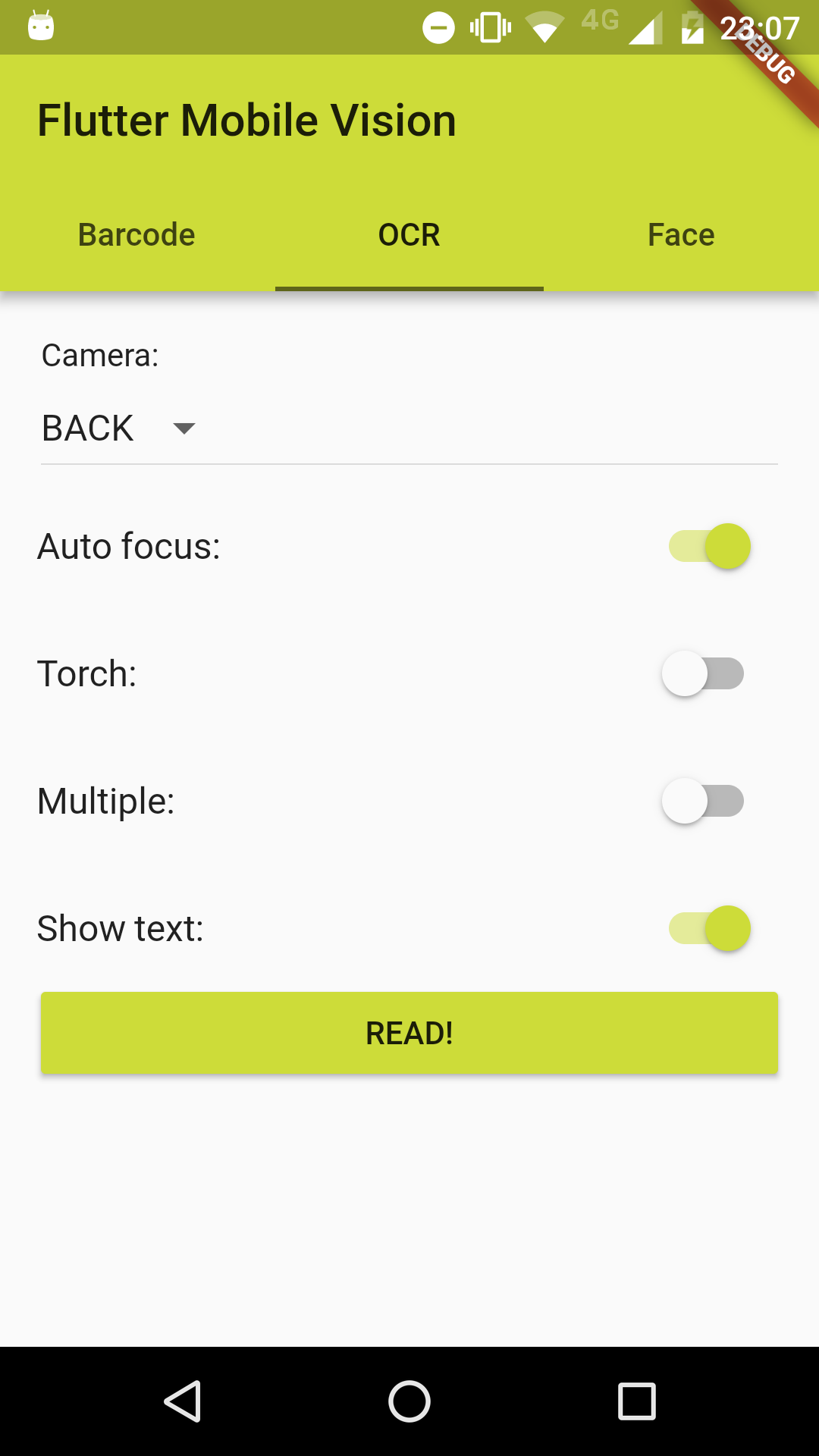
    • [x] Recognize Text
      • [x] Front or Back camera.
      • [x] Select preview sizes.
      • [x] Simple OCR.
      • [x] Toggle torch.
      • [x] Toggle auto focus.
      • [x] Multiple recognition.
      • [x] Text language.
      • [x] Text coordinates.
      • [x] Hide recognized text.
      • [x] Standard code.
    • [x] Detect Faces
      • [x] Front or Back camera.
      • [x] Select preview sizes.
      • [x] Simple detection.
      • [x] Toggle torch.
      • [x] Toggle auto focus.
      • [x] Multiple detection.
      • [x] Face coordinates.
      • [x] Hide detection information.
      • [x] Standard code.
    • [x] Generalization of capture activities.
    • [x] Choose between back and front camera.
    • [x] Control camera FPS.
  • [ ] iOS

    • [ ] Barcode Scan
      • [ ] Future Tasks
    • [ ] Recognize Text
      • [ ] Future Tasks
    • [ ] Detect Faces
      • [ ] Future Tasks
Your feature isn't listed? Open a issue right now!

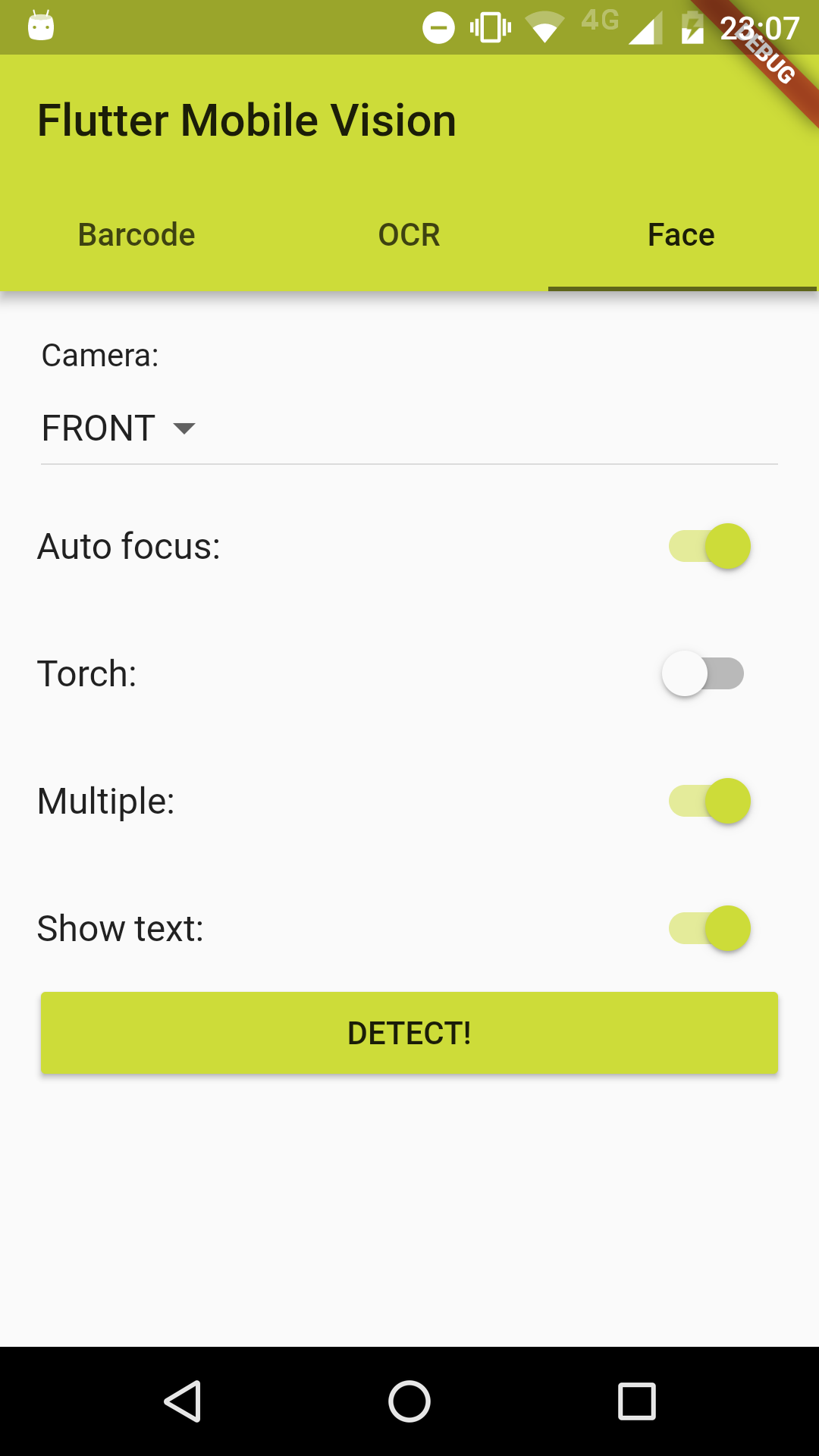
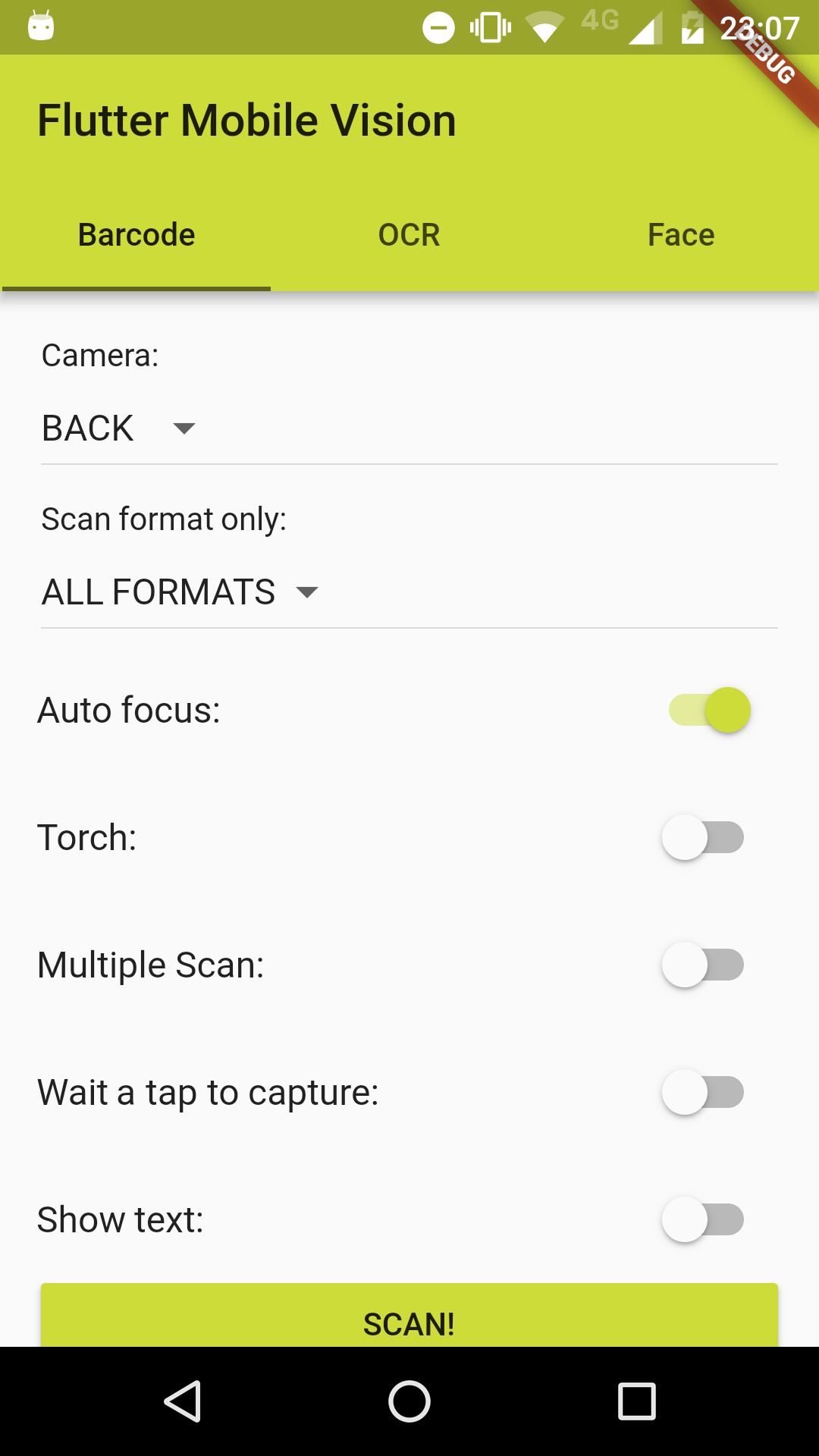
Screenshots

Usage

Example

To use this plugin :

  • add the dependency to your pubspec.yaml file:
  dependencies:
    flutter:
      sdk: flutter
    flutter_mobile_vision_2: ^0.1.9
  • add FlutterMobileVision.start() to initState():
@override
void initState() {
  super.initState();
  FlutterMobileVision.start().then((x) => setState(() {}));
}

or for a better implementation:

@override
void initState() {
  super.initState();
  FlutterMobileVision.start().then((previewSizes) => setState(() {
    _previewBarcode = previewSizes[_cameraBarcode].first;
    _previewOcr = previewSizes[_cameraOcr].first;
    _previewFace = previewSizes[_cameraFace].first;
  }));
}

Barcode

//...
List<Barcode> barcodes = [];
try {
  barcodes = await FlutterMobileVision.scan(
    flash: _torchBarcode,
    autoFocus: _autoFocusBarcode,
    formats: _onlyFormatBarcode,
    multiple: _multipleBarcode,
    waitTap: _waitTapBarcode,
    //OPTIONAL: close camera after tap, even if there are no detection.
    //Camera would usually stay on, until there is a valid detection
    forceCloseCameraOnTap: true,
    //OPTIONAL: path to save image to. leave empty if you do not want to save the image
    imagePath: '', //'path/to/file.jpg'
    showText: _showTextBarcode,
    preview: _previewBarcode,
    camera: _cameraBarcode,
    fps: 15.0,
  );
} on Exception {
  barcodes.add(new Barcode('Failed to get barcode.'));
}
//...
Android

For Android, you must do the following before you can use the plugin:

  • Add the camera permission to your AndroidManifest.xml

    <uses-feature android:name="android.hardware.camera" />

    <uses-permission android:name="android.permission.CAMERA" />

  • Add the Barcode activity to your AndroidManifest.xml (after other activity nodes)

    <activity android:name="ng.com.piccmaq.flutter.flutter_mobile_vision_2.barcode.BarcodeCaptureActivity" />

iOS

If you can help, the community thanks. Your fork is needed. :wink:


OCR

//...
List<OcrText> texts = [];
try {
  texts = await FlutterMobileVision.read(
    flash: _torchOcr,
    autoFocus: _autoFocusOcr,
    multiple: _multipleOcr,
    showText: _showTextOcr,
    previewSize: _previewOcr,
    preview: _previewOcr,
    camera: _cameraOcr,
    fps: 2.0,
  );
} on Exception {
  texts.add(new OcrText('Failed to recognize text.'));
}
//...
Android

For Android, you must do the following before you can use the plugin:

  • Add the camera permission to your AndroidManifest.xml

    <uses-feature android:name="android.hardware.camera" />

    <uses-permission android:name="android.permission.CAMERA" />

  • Add the OCR activity to your AndroidManifest.xml (after other activity nodes)

    <activity android:name="ng.com.piccmaq.flutter.flutter_mobile_vision_2.ocr.OcrCaptureActivity" />

iOS

If you can help, the community thanks. Your fork is needed. :wink:


Face Detection

//...
List<Face> faces = [];
try {
  faces = await FlutterMobileVision.face(
    flash: _torchFace,
    autoFocus: _autoFocusFace,
    multiple: _multipleFace,
    showText: _showTextFace,
    preview: _previewFace,
    camera: _cameraFace,
    fps: 15.0,
  );
} on Exception {
  faces.add(new Face(-1));
}
//...
Android

For Android, you must do the following before you can use the plugin:

  • Add the camera permission to your AndroidManifest.xml
    <uses-feature android:name="android.hardware.camera" />

    <uses-permission android:name="android.permission.CAMERA" />

  • Add the Face Detection activity to your AndroidManifest.xml (after other activity nodes)

    <activity android:name="ng.com.piccmaq.flutter.flutter_mobile_vision_2.face.FaceCaptureActivity" />

iOS

If you can help, the community thanks. Your fork is needed. :wink:

Categories

Source repository

Projects using this package

No data available yet.