
Overview
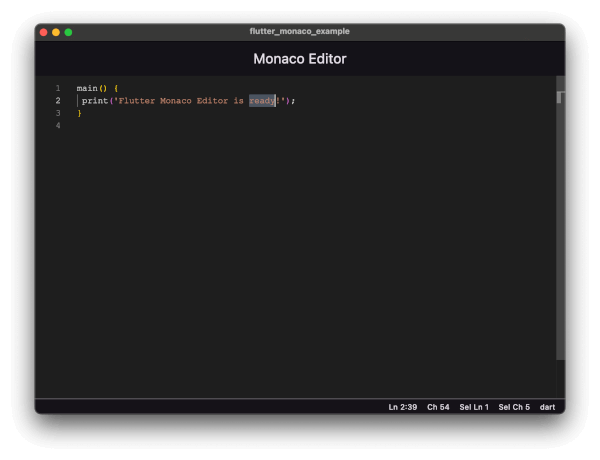
flutter_monaco integrates the Monaco Editor—used in Visual Studio Code—into Flutter applications. It supports over 100 programming languages with real-time syntax highlighting, customizable themes, and access to the full Monaco API. Ideal for building code editors, IDE-like features, or interactive coding environments within Flutter apps across Android, iOS, Web, macOS, and Windows platforms.
Use cases
- Building in-app code editors
- Creating interactive coding tutorials
- Developing lightweight IDEs
- Implementing configuration file editors
- Enabling real-time code collaboration
Key features
- Supports 100+ programming languages
- Full Monaco Editor API access
- Real-time syntax highlighting
- Customizable themes
- Cross-platform compatibility
Suitable for
- Developers building code-centric apps
- Educational platforms with coding exercises
- Tools requiring rich text editing
- Web-based development environments
- Desktop and mobile app developers
Considerations
- Higher memory usage on mobile
- Requires web platform setup for web builds
- Limited customization of editor UI
- Potential performance impact with large files
- Dependent on external Monaco library updates