Search packages, repositories and app categories

flutter_playout cover
Package detailsv2.0.1

flutter_playout

This plugin provides audio/video playback from a URL with background audio support, lock screen controls & player events for both iOS and Android.

AndroidiOS
30-day downloads
165
Likes
234
Pub points
140

Install package

flutter pub add flutter_playout

Package Overview

Package selection guidance compiled from public package information, community data, and project usage.

flutter_playout is a Flutter plugin enabling audio and video playback from URLs with robust background audio support, lock screen controls, and real-time player event handling on both Android and iOS. Designed for streaming applications, it ensures seamless media playback even when the app is minimized or the device is locked. The plugin integrates smoothly with Flutter's ecosystem and provides reliable performance for live streams and on-demand content. It is particularly useful for radio apps, video-on-demand platforms, and any application requiring persistent media playback.

Use cases

  • Live radio streaming
  • On-demand video playback
  • Background audio for podcasts
  • Media apps with lock screen controls
  • Cross-platform media players

Key features

  • Background audio playback
  • Lock screen controls
  • Real-time player events
  • Cross-platform (iOS & Android)
  • URL-based media source support

Suitable for

  • Streaming apps
  • Audio/video players
  • Podcast applications
  • Media-rich Flutter apps
  • Apps needing persistent playback

Considerations

  • Requires platform-specific setup
  • Limited to URL-based sources
  • May need additional permissions for background audio
  • Depends on underlying native media frameworks
  • Not suitable for local file playback without customization

Original README

Original README snapshot from the linked source repository. Visit the repository for the latest content.

AVPlayer for Flutter

pub package

Audio & Video player in Flutter. This plugin provides audio/video playback with background audio support, text tracks and lock screen controls for both iOS & Android. It also provides player events such as onPlay, onPause, onTime etc. See example for more details.

  • Video supports HLS and Progressive Steaming for both iOS & Android with multi-audio support.

  • Audio supports playback from URL only.

Apps Using flutter_playout

See below for example of apps using flutter_playout.

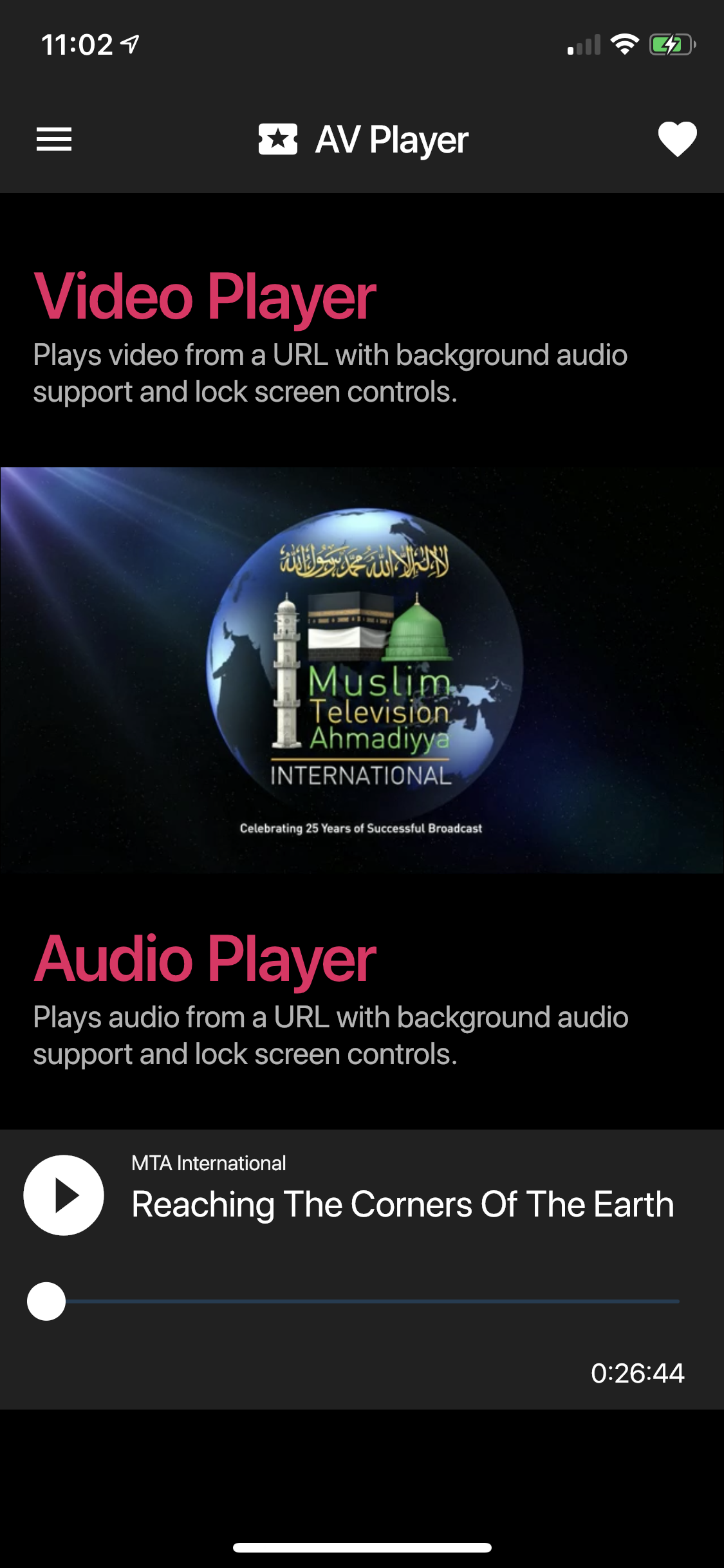
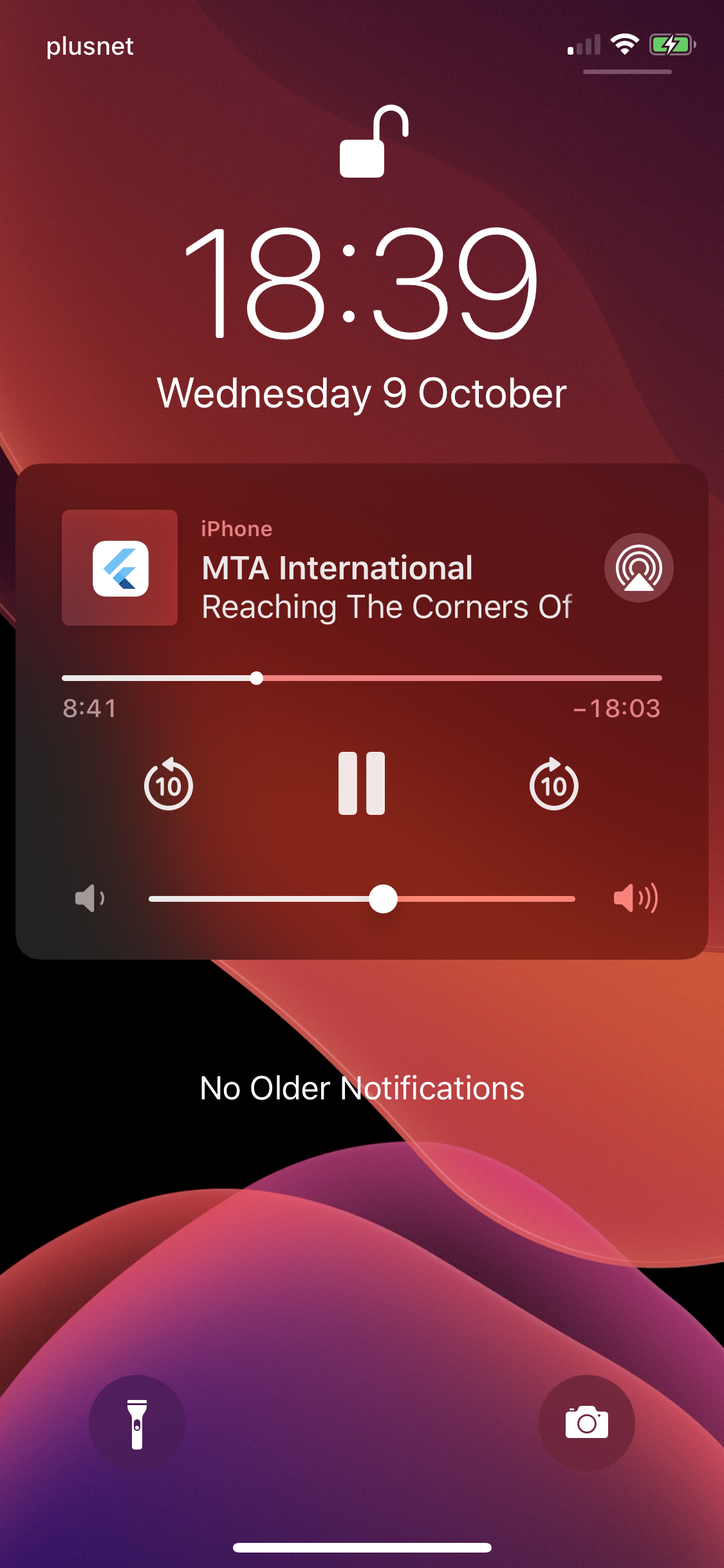
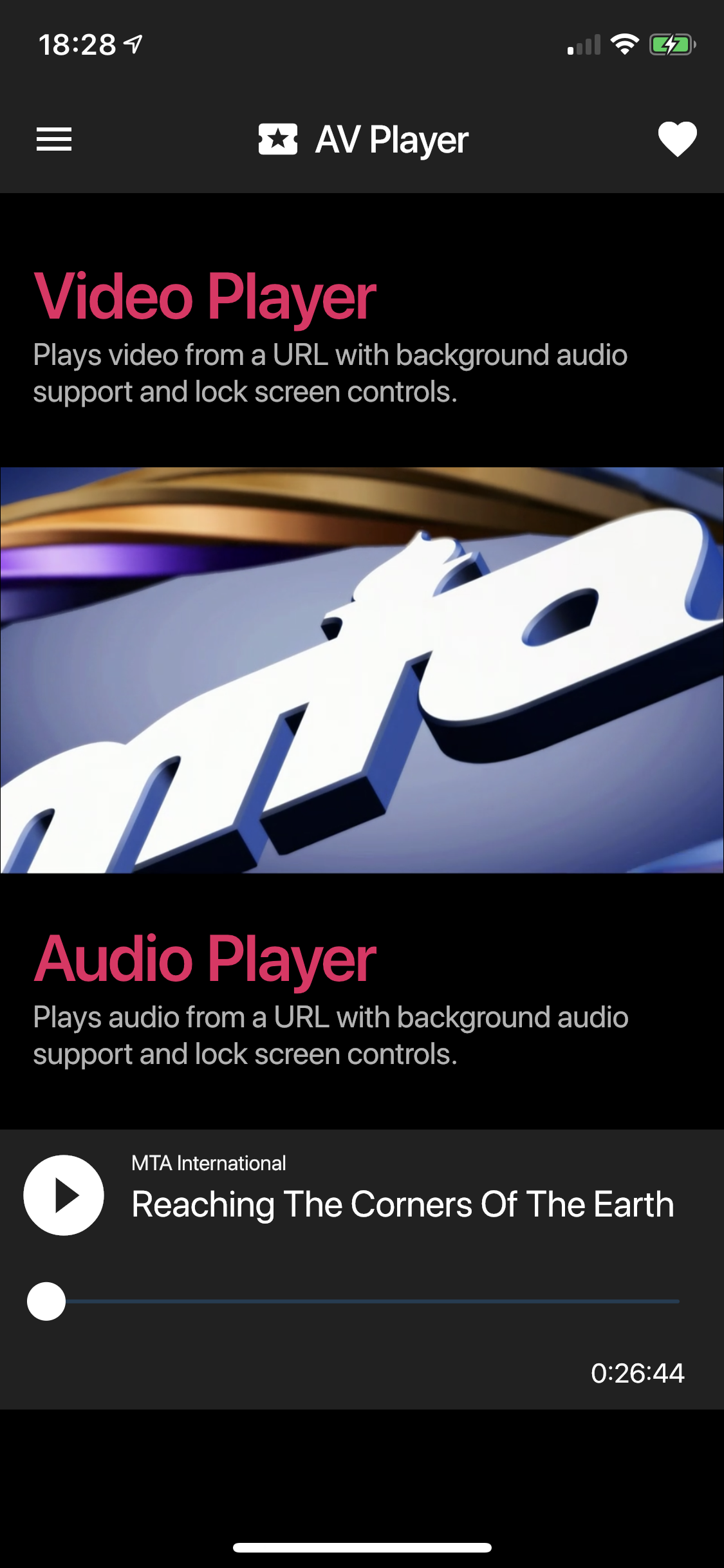
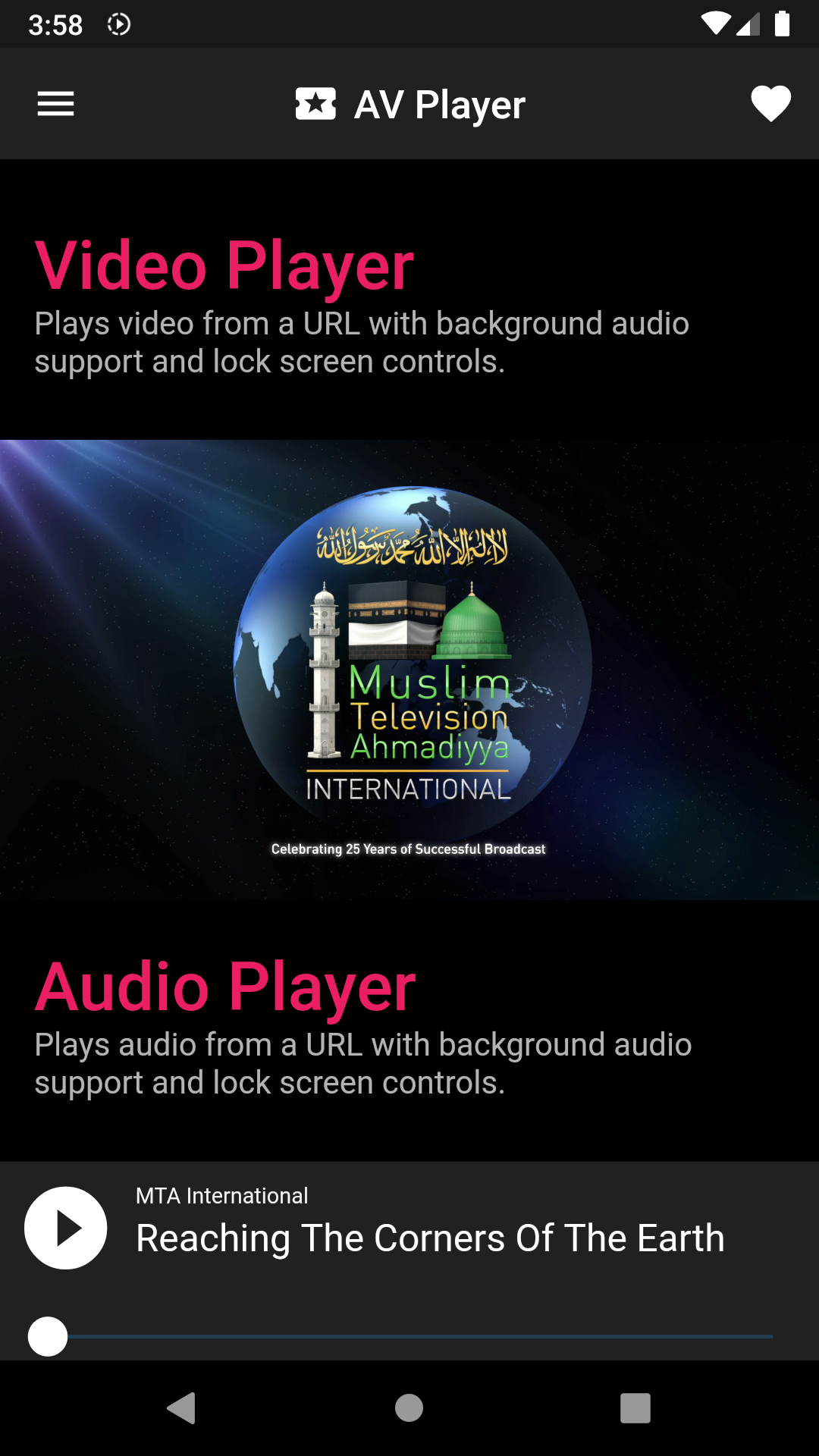
  1. MTA International (iOS - Android)

Send a pull request to list your app here.

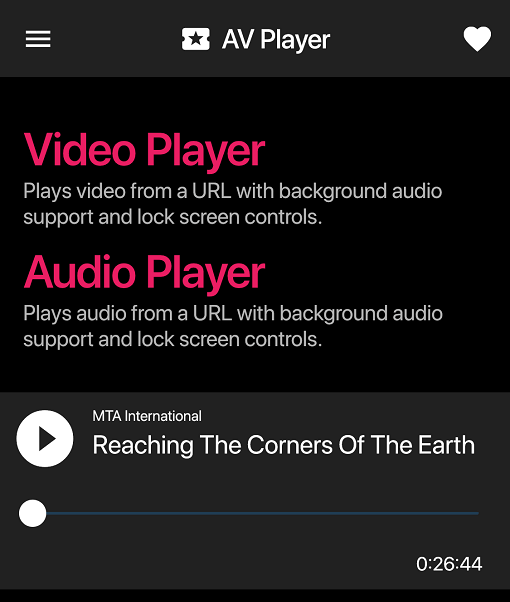
iOS Example
screenshot1 screenshot4 screenshot3
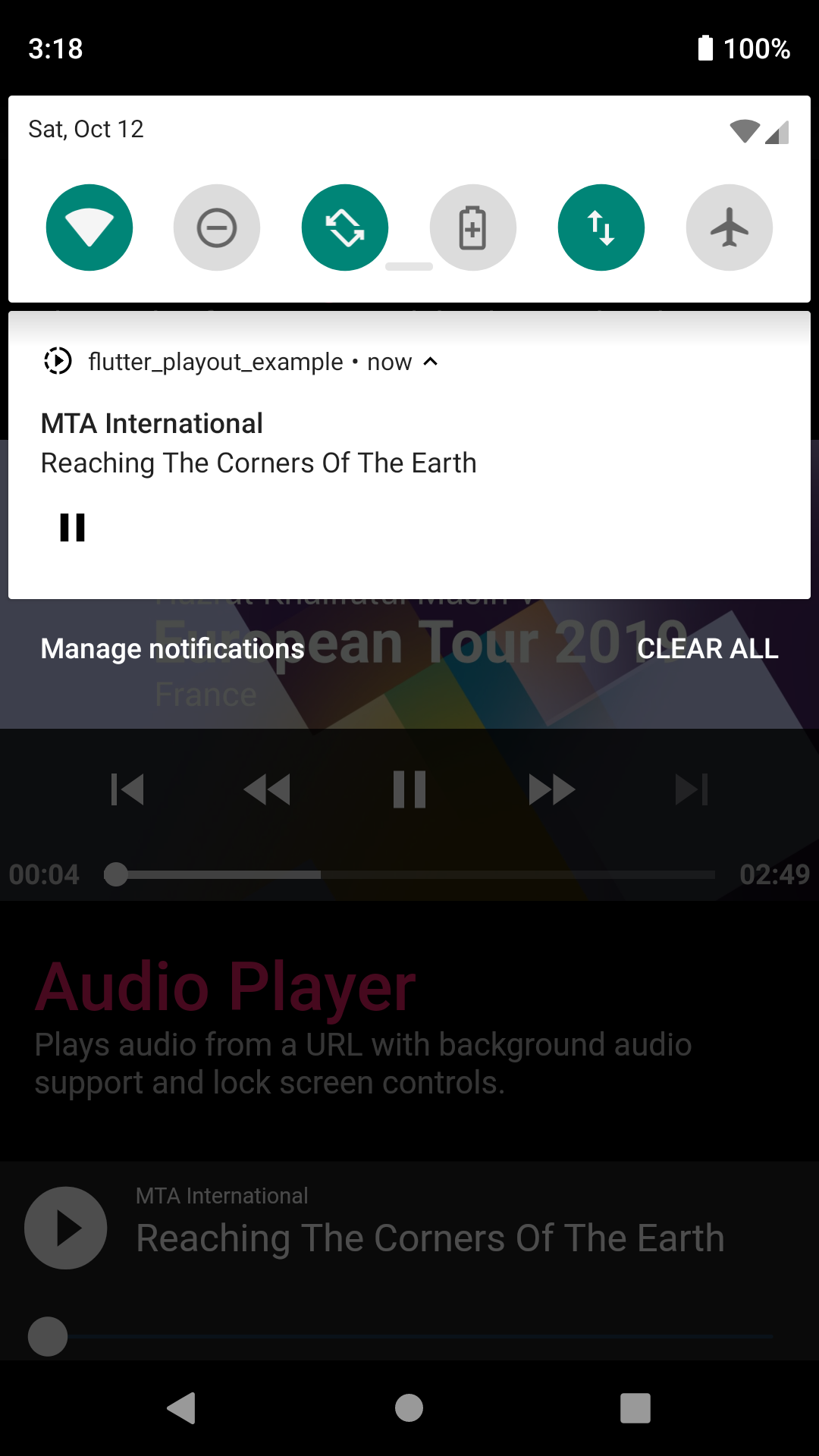
Android Example
screenshot5 screenshot6

Getting Started

Android

Uses ExoPlayer with PlatformView for Video playback and MediaPlayer for audio playback.

When using this plugin, please make sure you have included a notification icon for your project in drawable resource directory named ic_notification_icon. This plugin will use this icon to show lock screen controls for playback.

iOS

Uses AVPlayer with PlatformView for video playback and AVPlayer with Flutter MethodChannels for audio playback.

Please make sure you've enabled background audio capability for your project. Please also note that the player might not function properly on a simulator.

Opt-in to the embedded views preview by adding a boolean property to the app's Info.plist file with the key io.flutter.embedded_views_preview and the value YES.

HLS MultiAudio Support

Please see example app on how to implement multi-audio for Android. On iOS multi-audio is provided natively by the AVPlayer.

Text Tracks Support

To display subtitles, pass in an array of TextTrack sources to the Video widget. You can select a track by providing preferredTextLanguage to the Video widget with a language ISO code for example en or fr. This setup only applies to Android. For iOS please embed text tracks in the HLS manifest.

Categories

Source repository

Projects using this package

No data available yet.