Search packages, repositories and app categories

flutter_qr_reader cover
Package detailsv1.0.5

flutter_qr_reader

QR code (scan QRCode and picture) recognition (AndroidView/UiKitView)

AndroidiOS
30-day downloads
12.3K
Likes
80
Pub points
125

Install package

flutter pub add flutter_qr_reader

Package Overview

Package selection guidance compiled from public package information, community data, and project usage.

A Flutter package for scanning QR codes and reading them from images, supporting both real-time camera scanning and image-based recognition. It leverages platform views (AndroidView/UiKitView) to integrate native scanning capabilities on Android and iOS. Ideal for applications requiring quick data extraction from QR codes, such as payment systems, ticketing, or inventory tracking. The package is lightweight and designed for seamless integration with minimal configuration.

Use cases

  • Real-time QR code scanning in apps
  • Reading QR codes from saved images
  • Payment and ticket verification systems
  • Inventory and asset tracking
  • User authentication via QR codes
  • Data entry automation

Key features

  • Supports live camera scanning
  • Image-based QR code recognition
  • Native platform view integration
  • Cross-platform compatibility (iOS & Android)
  • Simple API for integration
  • High accuracy in code detection

Suitable for

  • Mobile apps needing QR scanning
  • E-commerce and retail applications
  • Event ticketing platforms
  • Logistics and supply chain tools
  • Developer teams building barcode solutions

Considerations

  • Requires camera permissions on mobile devices
  • May need additional setup for iOS camera access
  • Performance depends on device hardware
  • Limited to QR code type (not other barcodes)
  • Background scanning not supported
  • Image quality affects recognition success
Original README

Original README snapshot from the linked source repository. Visit the repository for the latest content.

flutter_qr_reader

QR code (scan code / picture) recognition (AndroidView/UiKitView)

DEMO

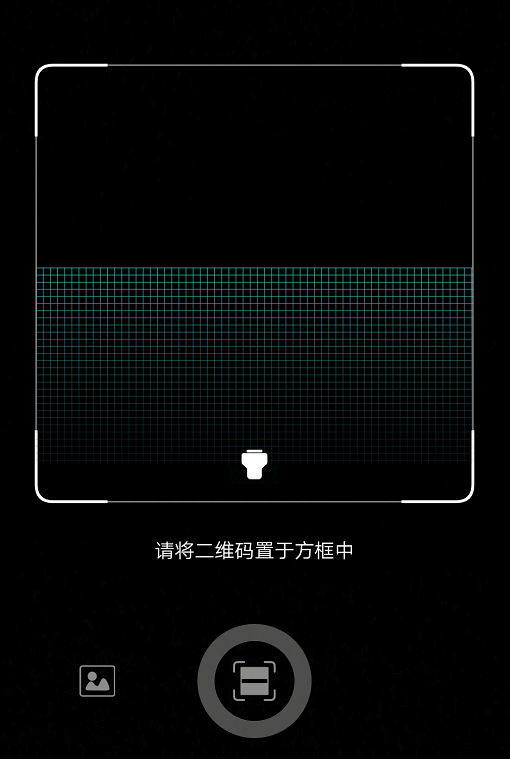
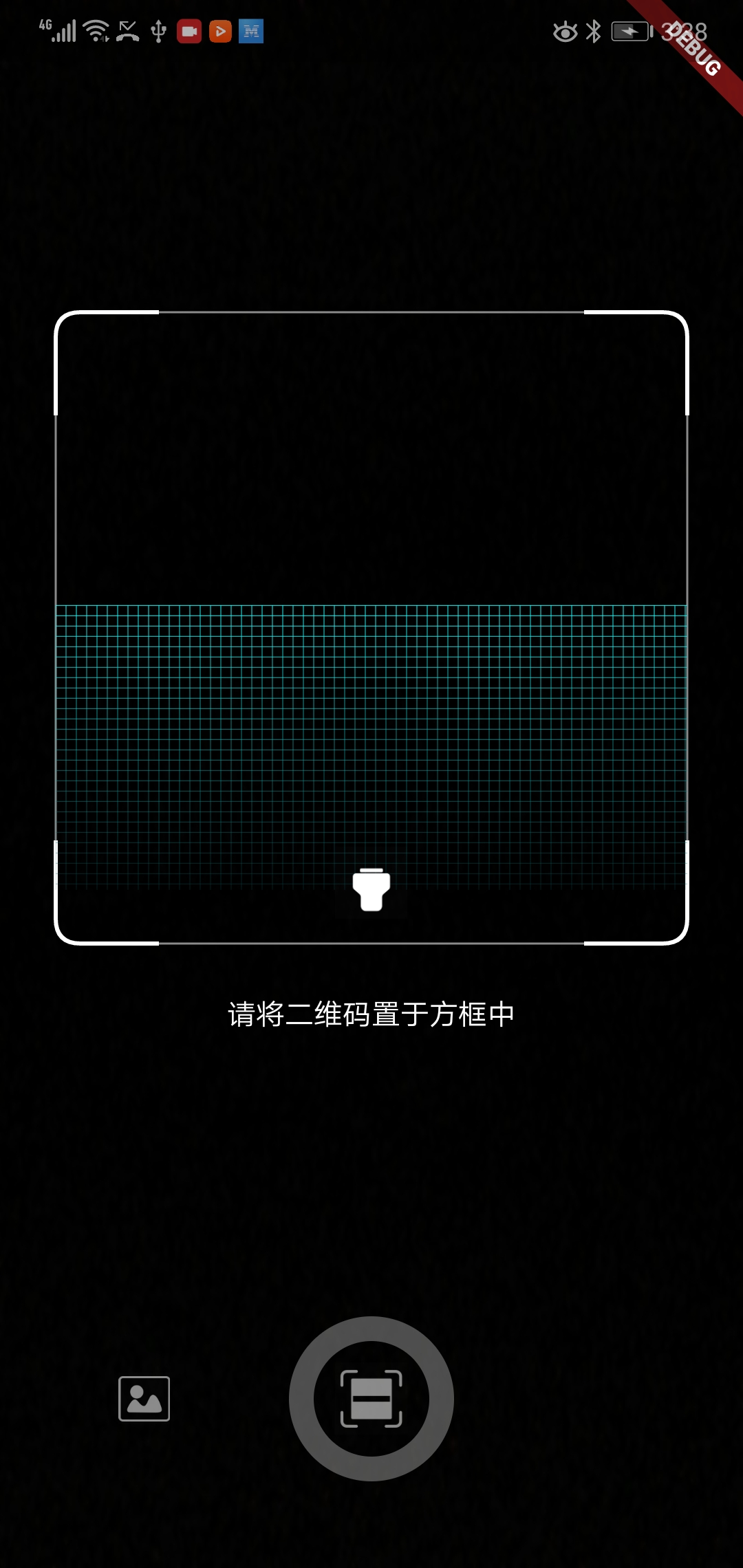
demo

demo

Getting Started

import 'package:flutter_qr_reader/flutter_qr_reader.dart';

// 识别图片
final String data = await FlutterQrReader.imgScan(File);

// 嵌入视图
QrReaderView(
  width: 320,
  height: 350,
  callback: (container) {},
)
// 打开手电筒
..setFlashlight
// 开始扫码
..startCamera
// 结束扫码
..stopCamera
For IOS

Opt-in to the embedded views preview by adding a boolean property to the app's Info.plist file with the key io.flutter.embedded_views_preview and the value YES.

<key>io.flutter.embedded_views_preview</key>
<string>YES</string>

And you will need provide the description of camera's permission to work properly, otherwise will crash your app.

  <key>NSCameraUsageDescription</key>
	<string>The porpuse explaining why you will use the camera</string>

Built-in UI

Widget build(BuildContext context) {
    return new Scaffold(
      body: QrcodeReaderView(key: qrViewKey, onScan: onScan),
    );
}

GlobalKey<QrcodeReaderViewState> qrViewKey = GlobalKey();

Future onScan(String data) async {
    await showCupertinoDialog(
      context: context,
      builder: (context) {
        return CupertinoAlertDialog(
          title: Text("扫码结果"),
          content: Text(data),
          actions: <Widget>[
            CupertinoDialogAction(
              child: Text("确认"),
              onPressed: () => Navigator.pop(context),
            )
          ],
        );
      },
    );
    qrViewKey.currentState.startScan();
}

Categories

Source repository

Projects using this package