Package selection guidance compiled from public package information, community data, and project usage.
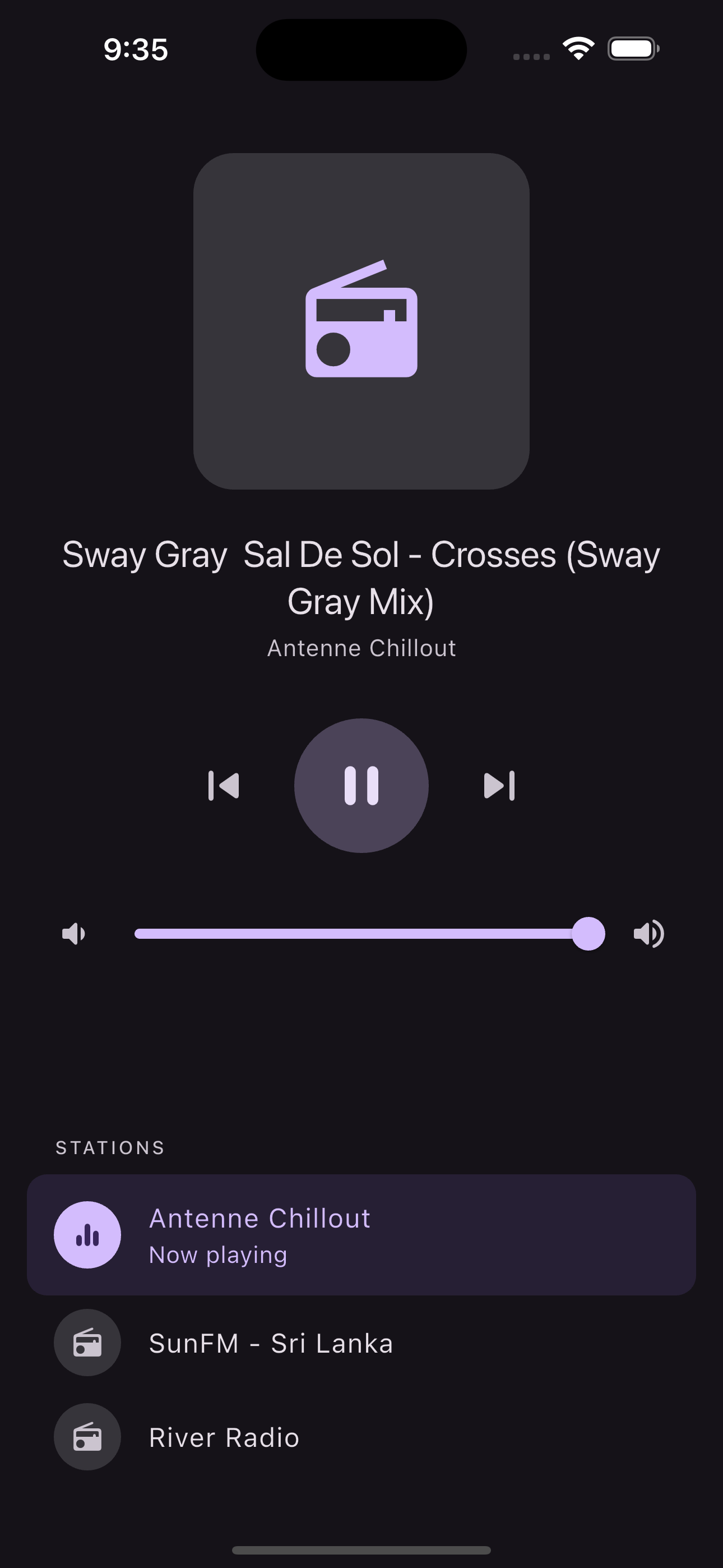
Flutter Radio Player is a Flutter package that enables developers to integrate online radio streaming into their apps with support for background playback and lock screen controls on both Android and iOS. It provides seamless audio streaming, allowing users to listen to internet radio stations without interruption. The package is designed for ease of use, offering a clean API for managing playback, metadata display, and media session integration. It leverages native platform capabilities to ensure smooth performance across devices.
Use cases
Streaming internet radio stations
Building music or podcast apps with background play
Creating apps with lock screen media controls
Developing audio-focused applications for mobile
Enabling continuous playback during app suspension
Key features
Background audio playback
Lock screen media controls
Cross-platform support (Android & iOS)
Real-time streaming integration
Media session management
Metadata display during playback
Suitable for
Mobile audio application developers
Radio station app creators
Apps requiring persistent audio playback
Developers targeting both Android and iOS
Projects needing minimal setup for streaming audio
Considerations
Requires proper permissions for background execution
May need additional configuration for iOS background modes
Depends on stable internet connection for streaming
Limited to audio-only content
Platform-specific behavior may vary slightly
Original README
Original README snapshot from the linked source repository. Visit the repository for the latest content.
Flutter Radio Player
A Flutter plugin for playing streaming radio with background playback, lock screen controls, and platform-native media integrations.
Android
iOS
Support
SDK 21+
iOS 14+
Features
Background audio playback with no extra configuration
Lock screen and notification media controls
ICY/Shoutcast metadata extraction
Multiple source queue with next/previous/jump-to navigation
Volume control with stream updates
Artwork support (asset paths and remote URLs)
watchOS, WearOS, CarPlay, and Android Auto integration
Swift Package Manager and CocoaPods support on iOS
Quick Start
Installation
flutter pub add flutter_radio_player
Minimal Example
import'package:flutter_radio_player/flutter_radio_player.dart';
final player = FlutterRadioPlayer();
await player.initialize([
constRadioSource(url: 'https://example.com/stream'),
], playWhenReady: true);
Working with Sources
Define your radio stations using the RadioSource model:
The nowPlayingStream automatically extracts ICY metadata from Shoutcast/Icecast streams. If the stream provides metadata (e.g., artist and song title), it will appear here without any extra configuration.