Package selection guidance compiled from public package information, community data, and project usage.
flutter_sensors is a Flutter plugin that provides access to the device's built-in sensors, such as accelerometer, gyroscope, and magnetometer. It enables developers to collect real-time motion and orientation data from Android and iOS devices. The plugin offers a simple, consistent API for listening to sensor events, making it ideal for applications requiring movement tracking or interactive experiences based on device motion. It integrates seamlessly with Flutter’s reactive framework, allowing efficient handling of sensor streams.
Use cases
Motion-based game controls
Fitness and activity tracking
Augmented reality applications
Device orientation detection
Interactive UI elements
Key features
Real-time sensor data streaming
Support for accelerometer, gyroscope, and magnetometer
Cross-platform compatibility (Android & iOS)
Stream-based API for reactive programming
Simple event-driven interface
Suitable for
Developers building motion-sensitive apps
Apps requiring device orientation awareness
Interactive and immersive user experiences
Wearable and fitness technology integrations
Considerations
Requires appropriate permissions on Android
Battery usage may increase with continuous sensor polling
Data accuracy depends on device hardware
Not suitable for high-precision industrial applications
Original README
Original README snapshot from the linked source repository. Visit the repository for the latest content.
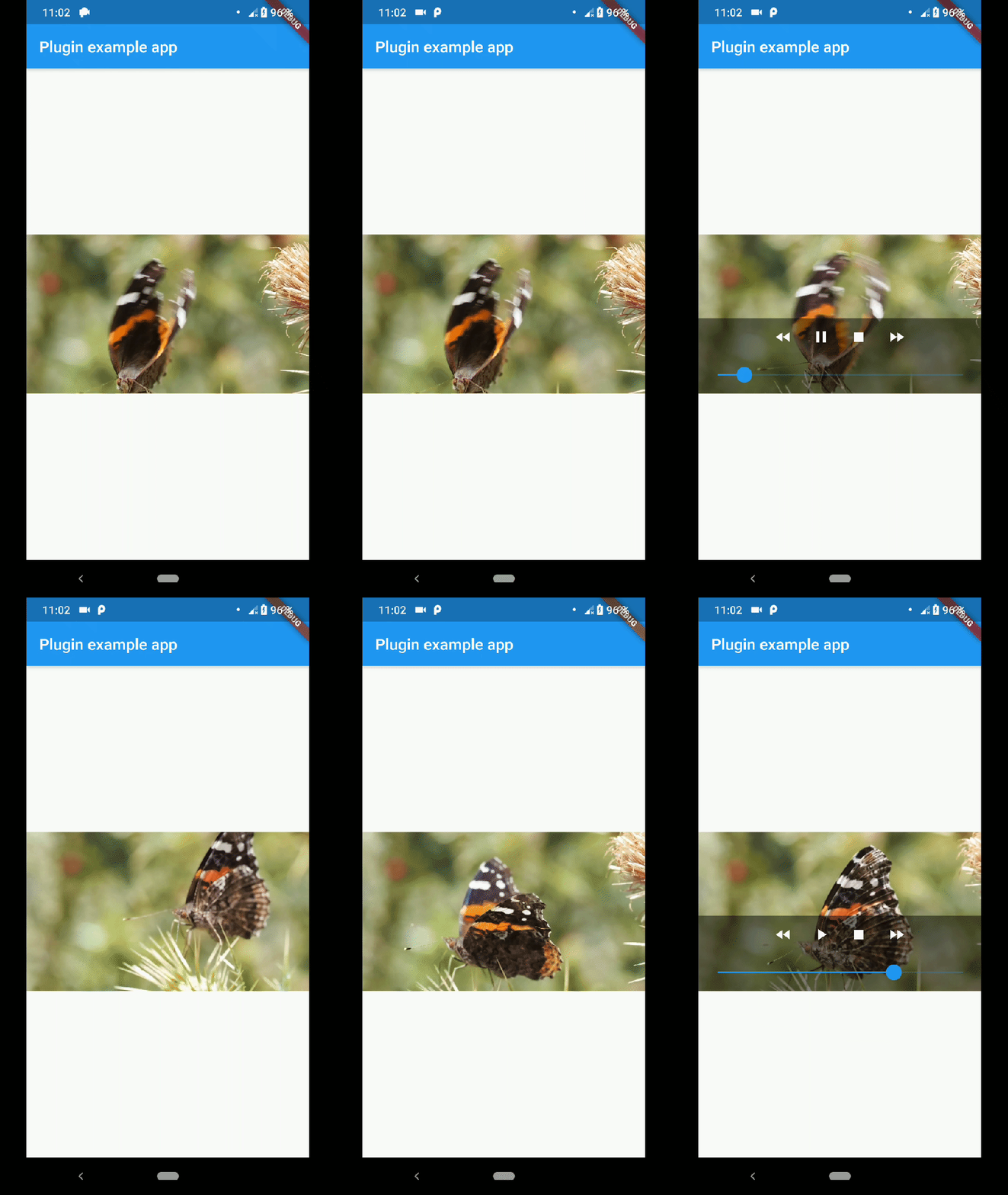
native_video_view
A video player widget displayed using the platform native player
(VideoView in Android and AVPlayer in iOS).
Disclaimer
This plugin uses VideoView because in some devices the ExoPlayer plugin
is not working correctly (due to decoders or something) and VideoView is
a reasonable alternative. In iOS is sorta similar to Google's
video_player so you should use
their plugin if you want a player for iOS only.
Installation
First you need to add the dependency in your pubspec.yaml.
native_video_view:^0.3.0
Then import the plugin in the .dart file you want to use it.
You need to add the necessary permissions to play the videos. If
you are playing videos from the internet, you need to add the internet
permissions in your AndroidManifest.xml located in the android
folder in your project.
keepAspectRatio: Wraps the video player in a AspectRatio widget.
The aspect ratio is calculated once the video is loaded. By default the
aspect ratio is 4/3.
showMediaController: Shows a default media controller overlay
in the video player widget.
enableVolumeControl: Adds an option in the MediaController to control the volume of the
playback.
useExoPlayer: Use ExoPlayer as the underlying player.
Android Only.
autoHide: Automatically hides the media controller after
a few seconds of no use. Default is true.
autoHideTime: The time after which the controller is hidden.
Default is 2 seconds.
onCreated: (required) Callback called when the PlatformView is
finished creating.
onPrepared: (required) Callback called when the player has
finished loading the video.
onCompletion: (required) Callback called when the video reached
the end.
onError: Callback called if an error occurs in the player.
onProgress: Callback used to notify progress in the video
playback.
AudioFocus
To make the player get the audio focus of the system you just have to use the setting
requestAudioFocus when setting the video source. See the example below.