Search packages, repositories and app categories

flutter_sequence_animation cover
Package detailsv4.0.0

flutter_sequence_animation

Composite together any animation with this robust and simple to use package.

AndroidiOSWebmacOSWindowsLinux
30-day downloads
14.1K
Likes
248
Pub points
140

Install package

flutter pub add flutter_sequence_animation

Package Overview

Package selection guidance compiled from public package information, community data, and project usage.

Flutter Sequence Animation is a powerful and intuitive package that enables developers to compose complex animations by chaining together individual animation sequences. It simplifies the creation of synchronized, timed, or conditional animations across widgets, making it ideal for interactive UIs, onboarding flows, and dynamic transitions. With a clean API and strong support across all major platforms, it enhances animation workflows without adding complexity.

Use cases

  • Onboarding screen animations
  • Interactive UI transitions
  • Complex widget choreography
  • Loading sequence effects
  • Animated form validation
  • Game-like interface movements

Key features

  • Easy-to-use sequence composition
  • Support for parallel and sequential animations
  • Built-in timing and delay controls
  • Cross-platform compatibility
  • Simple integration with existing animations
  • Extensible animation building blocks

Suitable for

  • Developers creating animated onboarding flows
  • Teams building rich interactive interfaces
  • App designers needing precise animation control
  • Projects requiring multi-step visual feedback
  • Beginners learning Flutter animations

Considerations

  • May require understanding of basic animation concepts
  • Performance impact with very long sequences
  • Limited documentation beyond core examples
  • Not optimized for high-frequency real-time animations
  • Best suited for declarative, pre-defined animation paths
Original README

Original README snapshot from the linked source repository. Visit the repository for the latest content.

flutter_sequence_animation

Features
  • No need to use intervals and calculate percentages for your total animation time.
  • Animate the same variable with multiple animatables!
  • You only need one AnimationController
  • Intuitive and easy to use interface

Installation

dependencies:
  flutter_sequence_animation: "^4.0.0"

then

$ flutter packages get

then

import 'package:flutter_sequence_animation/flutter_sequence_animation.dart';

Demo

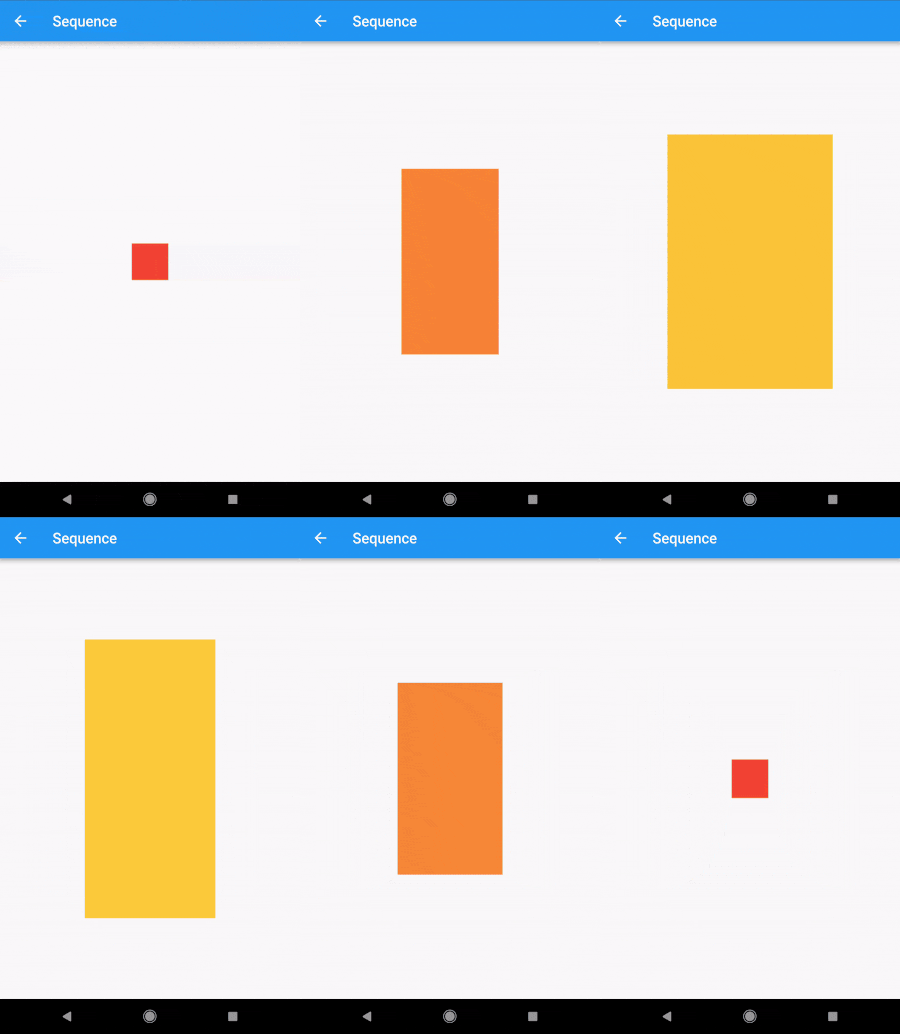
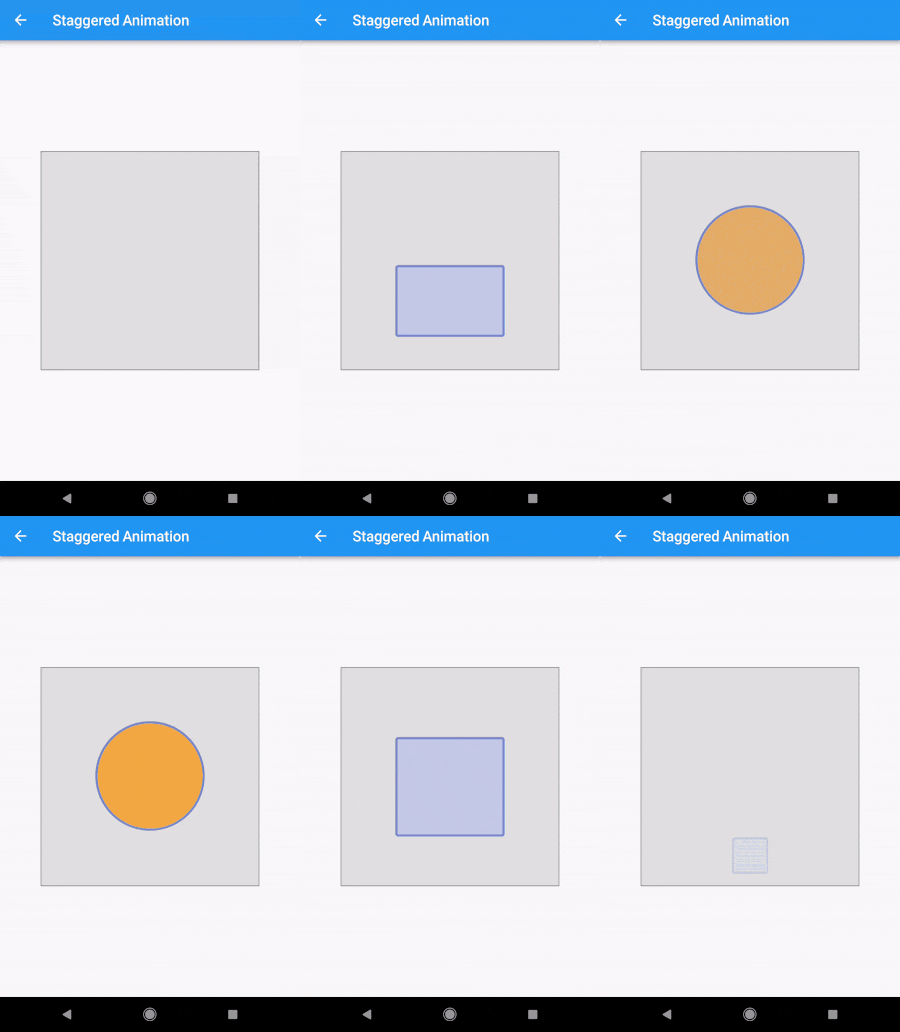
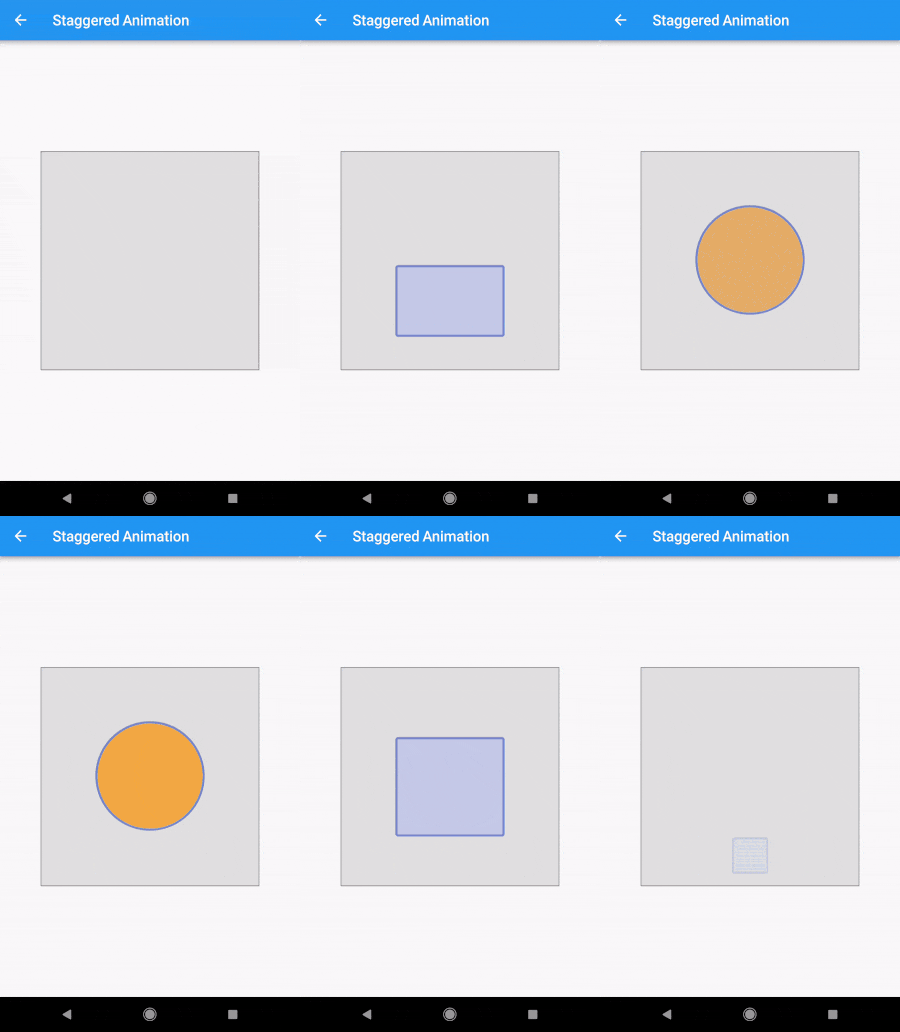
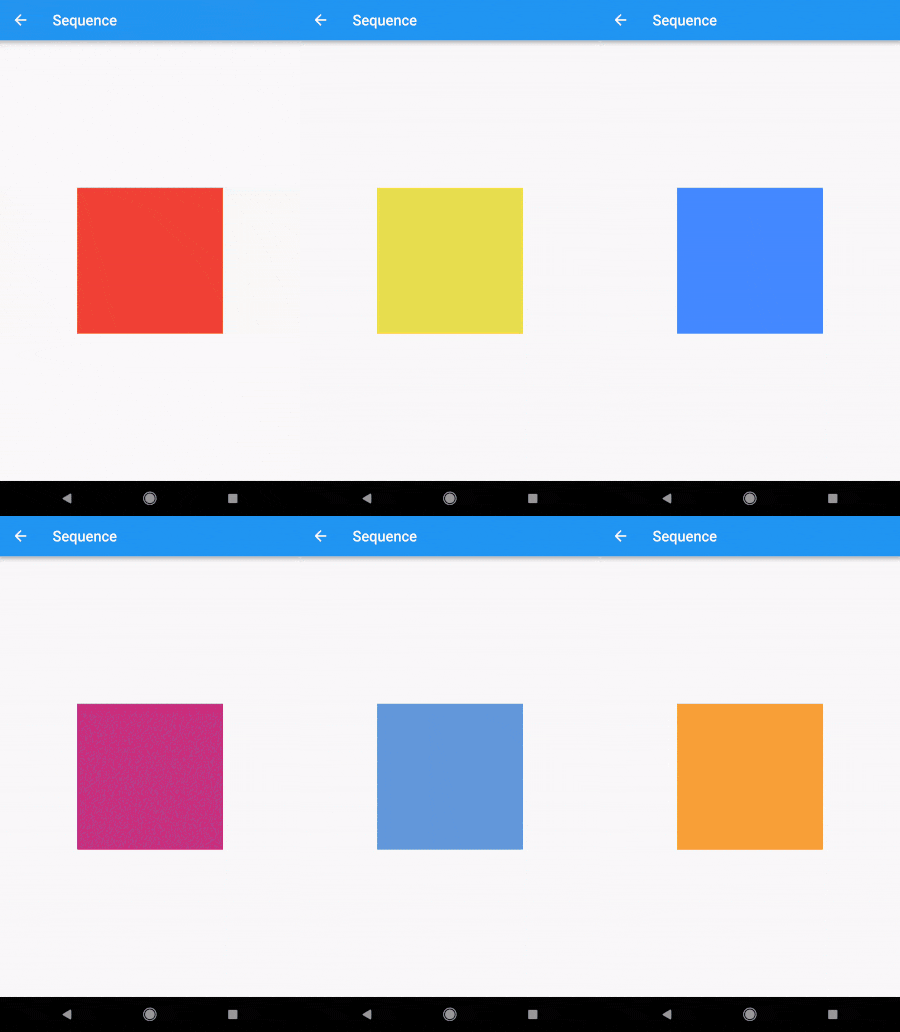
alt-text-1 alt-text-1alt-text-1

Code

The Staggered Animation example from here is 207 lines of code . The same animation with this package is 128 lines of code. It is also much easier to read and edit.

You specify a sequence of animatables like this:
    sequenceAnimation = new SequenceAnimationBuilder()
      .addAnimatable(
          animatable: new ColorTween(begin: Colors.red, end: Colors.yellow),
          from:  const Duration(seconds: 0),
          to: const Duration(seconds: 2),
          tag: "color"
        ).addAnimatable(
          animatable: new ColorTween(begin: Colors.yellow, end: Colors.blueAccent),
          from:  const Duration(seconds: 2),
          to: const Duration(seconds: 4),
          tag: "color",
          curve: Curves.easeOut
        ).addAnimatable(
          animatable: new ColorTween(begin: Colors.blueAccent, end: Colors.pink),
          //  animatable: new Tween<double>(begin: 200.0, end: 40.0),
          from:  const Duration(seconds: 5),
          to: const Duration(seconds: 6),
          tag: "color",
          curve: Curves.fastOutSlowIn
        ).animate(controller);

In this case only the color is animated but you can add as many different properties to the sequence as you'd like to. The only restriction is that animations with the same tag can not overlap and need to be ordered.

Now you can access the resulting animation from anywhere in your code with
sequenceAnimation["color"]

This animation is a composition of all animatables you passed in with the same tag.

Example usage of this example:
new AnimatedBuilder(
          builder: (context, child) {
            return new Center(
              child: new Container(
                color: sequenceAnimation["color"].value,
                height: 200.0,
                width: 200.0,
              ),
            );
          },
          animation: controller,
        ),
The animation duration is set automatically (don't change the duration of the controller yourself).
Sepcial thanks to Simon Lightfoot for the help!

Getting Started

For help getting started with Flutter, view our online documentation.

For help on editing package code, view the documentation.

Categories

Dependencies

Dependency list 1 items

Source repository

Projects using this package