Package selection guidance compiled from public package information, community data, and project usage.
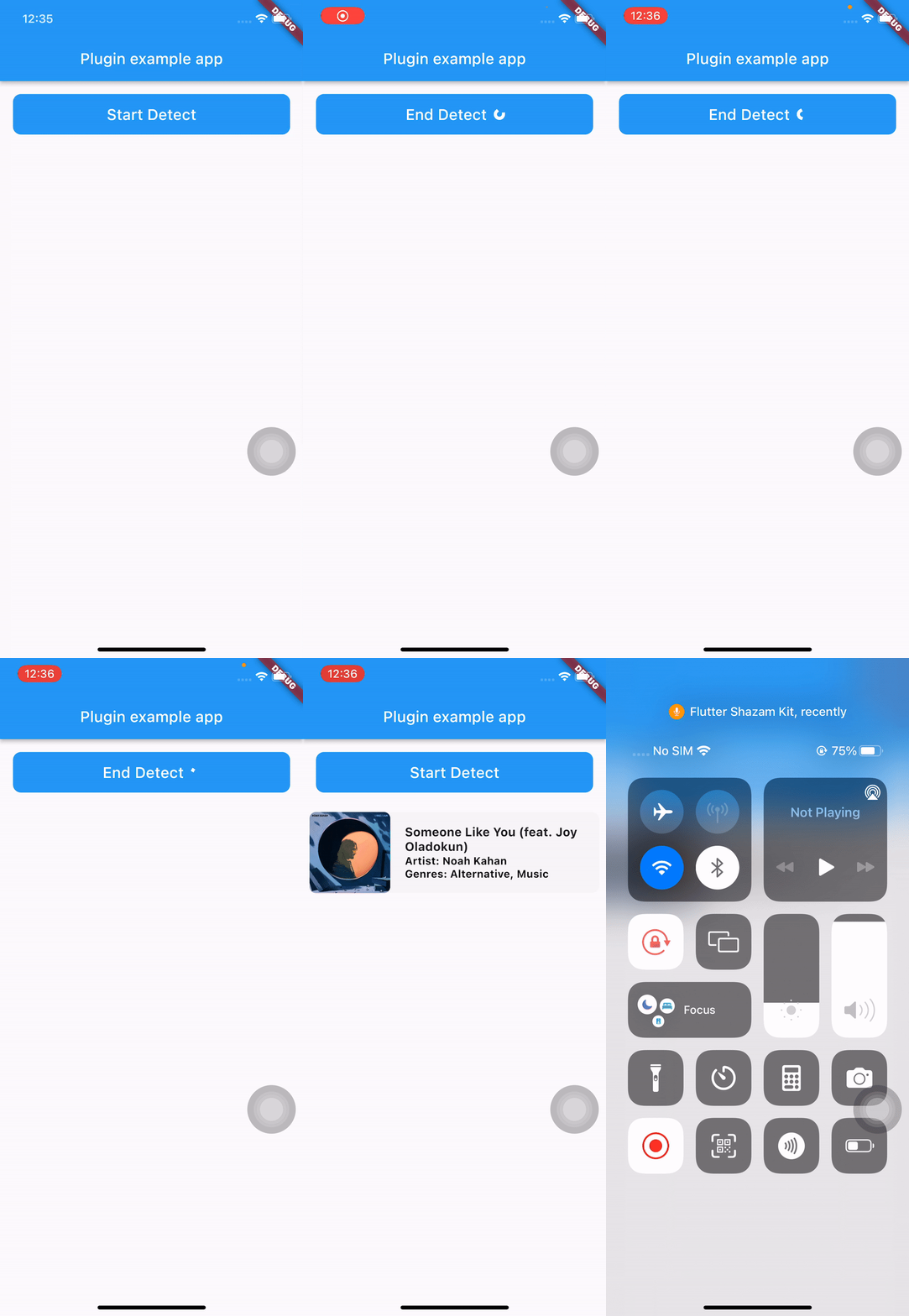
flutter_shazam_kit is a Flutter plugin that enables audio recognition by leveraging the device's microphone to identify songs in real time. It integrates Shazam's powerful music detection technology into Flutter applications, allowing users to discover music playing around them. The plugin supports both Android and iOS platforms, providing a seamless experience for developers building music discovery features. With minimal setup via pub add, it offers a straightforward API for initiating song detection and retrieving metadata such as track name, artist, and album. Ideal for apps focused on music exploration or social sharing.
Use cases
Music discovery in real-time
Integrating Shazam-like functionality
Social media music tagging
Audio-based search features
Live event music identification
Key features
Real-time song detection
Supports Android and iOS
Simple integration with pub add
Retrieves song metadata
Uses device microphone
Suitable for
Music discovery apps
Social media platforms
Event apps
Audio recognition tools
Developer prototyping
Considerations
Requires microphone permissions
Depends on internet connectivity
Limited to Shazam's database
Background detection may be restricted
Accuracy depends on audio quality
Original README
Original README snapshot from the linked source repository. Visit the repository for the latest content.
Flutter Shazam Kit
A plugin that helps you detect songs through your device's microphone
Note:
This plugin depends on Apple's ShazamKit, requires IOS 15 or higher, and requires Android API level 23 (Android 6.0) or higher.
In the early versions of this plugin, I only use ShazamCatalog, it was the default catalog used as library for music detection and I plan to implement CustomCatalog in the future.
Go to this Download Page and download the latest version of ShazamKit for Android, once you have downloaded it, create a new folder called libs inside your android’s app folder and place the .aar file inside that libs folder.
Your android project’s structure should look like this:
Inside your app-level build.gradle, change minSdkVersion to 23 and sync your project again.
minSdkVersion 23
In order to use ShazamCatalog on Android, you need to have an Apple Developer Token to access ShazamKit service provided by Apple, please follow this link for more details.
If you don’t know how to do that, please follow those steps below:
On the top left, click the add button (+), then enter your key name.
Enable Media Services (MusicKit, ShazamKit) checkbox, the click Configure button on the right.
Select the Media ID you created earlier and click Save.
Click Continue and then click Register.
Download the private key (.p8 file) and remember your Key ID.
3/ Generate a Developer Token
Please refer to this link to learn how to generate a developer token.
Due to apple policy, Developer Token can only be valid for up to 6 months. So you should have a remote place to store and refresh your Developer Token once it is generated, you can either use a Backend Server or an alternative solution like Firebase Remote Config or something similar to store, generate and refresh your Developer Token.
For testing purposes you can use the following Node JS snippet or you can use my repository to create it.
Note: This code snippet use the famous jsonwebtoken library so you need to install this library first before using this code snippet.
"use strict";
const fs = require("fs");
const jwt = require("jsonwebtoken");
const privateKey = fs.readFileSync("<YOUR_P8_FILE_NAME>.p8").toString();
const teamId = "<YOUR_TEAM_ID>";
const keyId = "<YOUR_KEY_ID>";
const jwtToken = jwt.sign({}, privateKey, {
algorithm: "ES256",
issuer: teamId,
expiresIn: "180d", // due to apple policy, developer key can only valid for 180 daysheader: {
alg: "ES256",
kid: keyId,
typ: "JWT"
}
});
console.log(jwtToken);
_flutterShazamKitPlugin.onMatchResultDiscovered((result) {
if (result isMatched) {
print(result.mediaItems)
} elseif (result isNoMatch) {
// do something in no match case
}
});