Package selection guidance compiled from public package information, community data, and project usage.
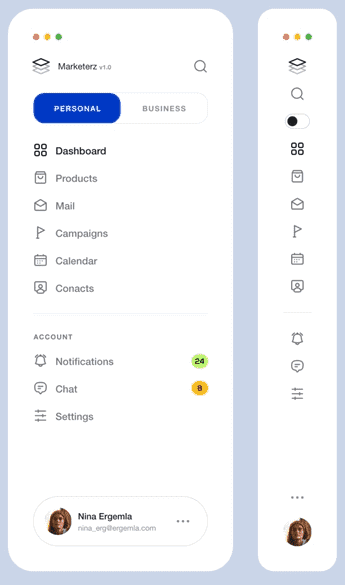
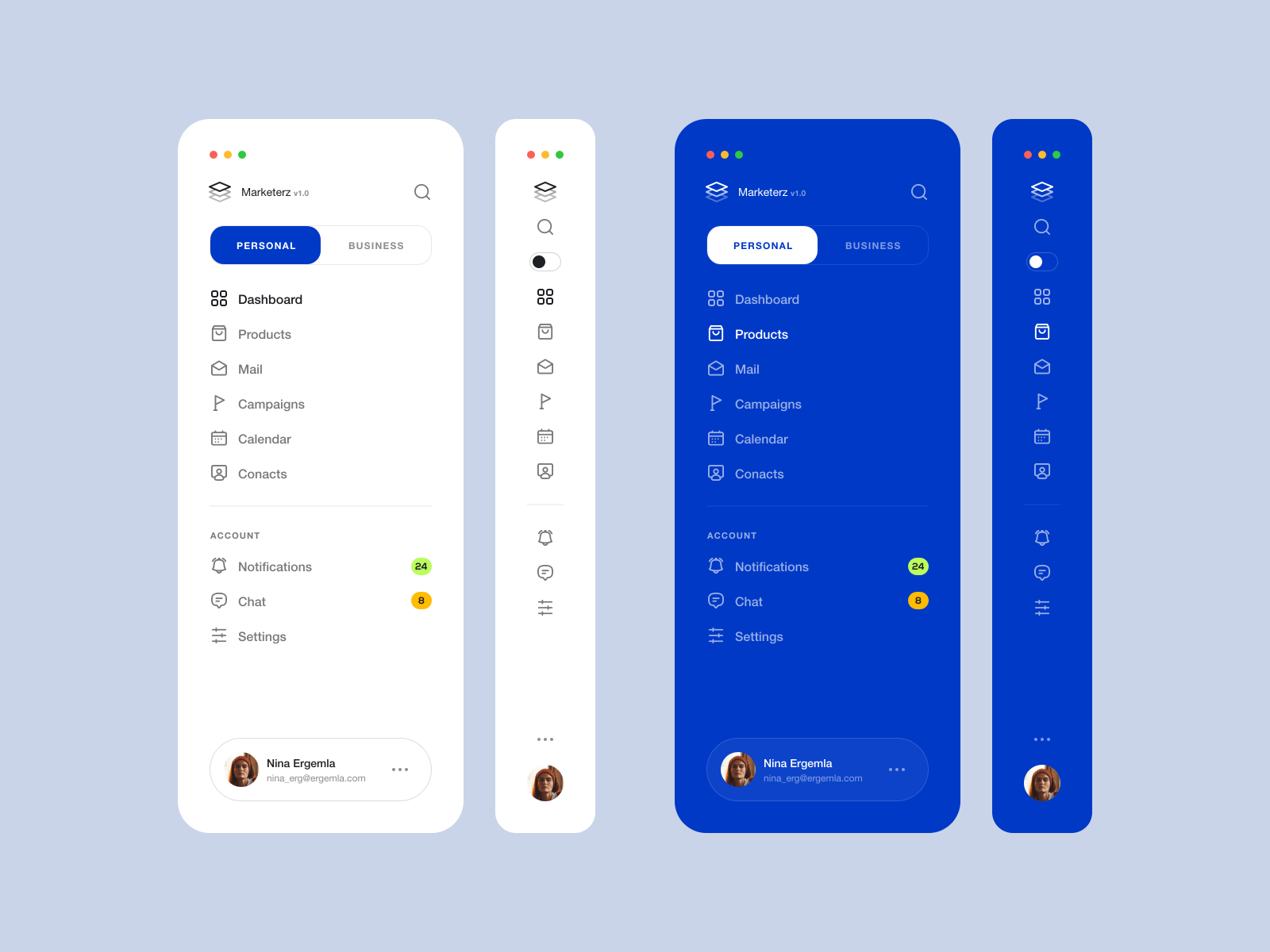
Flutter Side Menu is a fully customizable side navigation component designed for Flutter applications. It supports various use cases such as navigation menus, filter panels, and related page directories. Built with flexibility in mind, it integrates seamlessly across Android, iOS, Web, macOS, Windows, and Linux platforms. The package allows developers to tailor the menu's appearance and behavior to match app-specific needs, enhancing user experience through intuitive navigation. Its lightweight design and responsive layout make it ideal for apps requiring structured, accessible side-based interfaces.
Use cases
Navigation menus
Filter panels
Related pages directory
Dashboard layouts
Settings navigation
Content categorization
Key features
Fully customizable design
Cross-platform support
Responsive layout
Easy integration
Customizable animations
Extensible structure
Suitable for
Apps with complex navigation
Dashboard interfaces
Mobile and web apps
Admin panels
User settings sections
Considerations
Requires manual styling for advanced customization
Limited built-in themes
May need additional state management
Not optimized for very large item lists
Depends on parent widget context
Original README
Original README snapshot from the linked source repository. Visit the repository for the latest content.
Flutter Side Menu
Flutter's full customizable side menu has been used as a directory for Related Pages, Navigation Items, Filter side and more.
Return 'SideMenuData' that includes headers, footers, items, or custom child
controller
SideMenuController
null
The 'controller' that can be used to open, close, or toggle side menu.
mode
SideMenuMode
SideMenuMode.auto
The 'SideMenuMode' which is auto, open or compact and can determine the menu state
priority
SideMenuPriority
SideMenuPriority.mode
The 'SideMenuPriority' which is mode or sizer. in sizer mode the side menu width not change if user set custom size with 'Resizer'
position
SideMenuPosition
SideMenuPosition.left
The 'SideMenuPosition' which is left or right.
minWidth
double
50.0
The 'minWidth' value is used to determine the side menu width in the smallest case.
maxWidth
double
250.0
The 'maxWidth' value is used to determine the side menu width in the largest case.
hasResizer
bool
true
The 'hasResizer' enable 'Resizer' widget for side menu. With 'Resizer' the side menu width can be customized by the user.
resizerData
ResizerData
ResizerData()
The 'ResizerData' that can set custom style for a 'Resizer'.
hasResizerToggle
bool
true
The 'hasResizerToggle' enable 'ResizerToggle' widget for side menu. With 'ResizerToggle' button you can toggle the width of the side menu between 'minWidth' or 'maxWidth'.
resizerToggleData
ResizerToggleData
ResizerToggleData()
The 'resizerToggleData' that can set custom style for a 'ResizerToggle'.
backgroundColor
Color
Color(0xffffffff)
The 'backgroundColor' it's used to determine the side menu background color