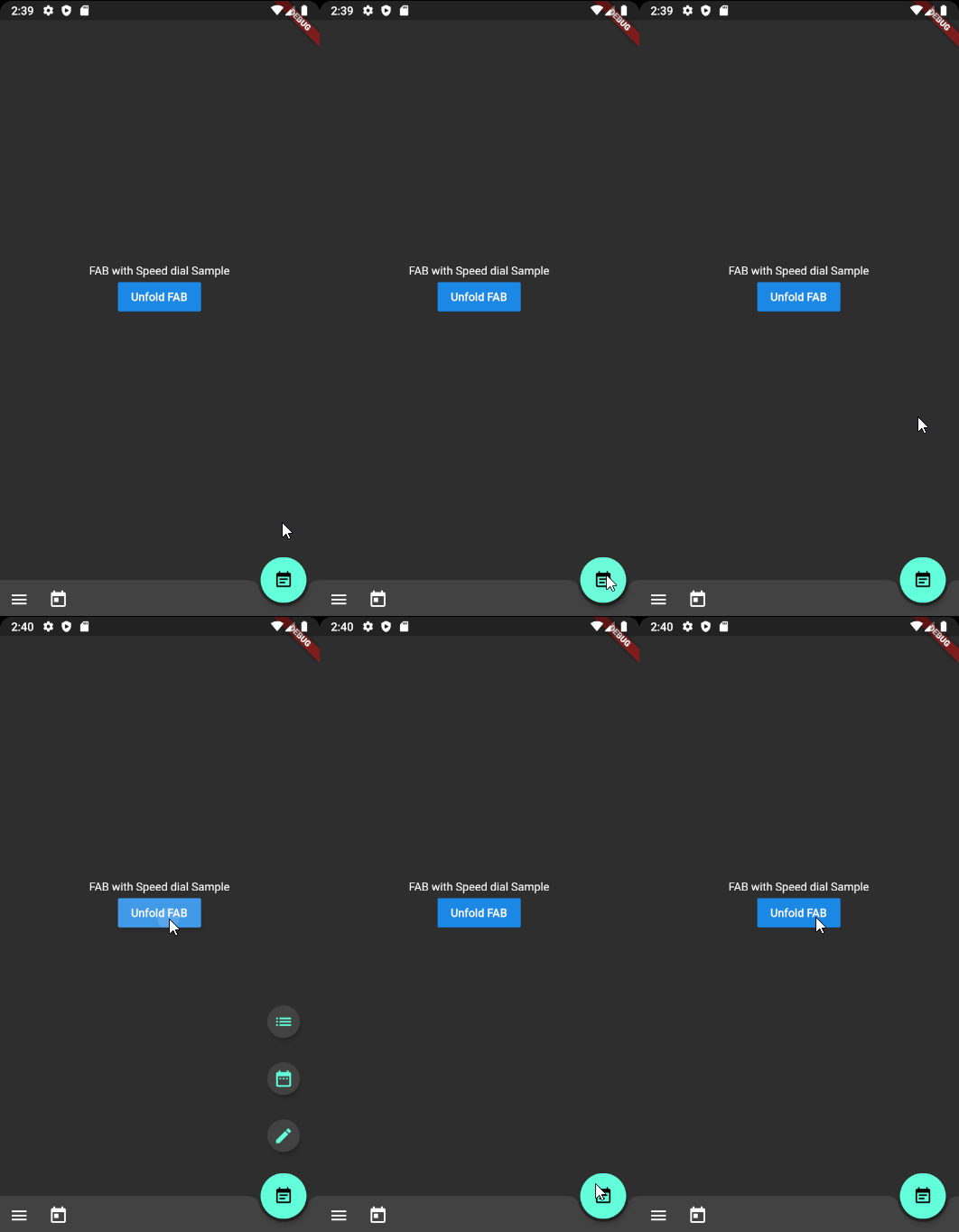
A Flutter plugin that implements the Material Design Speed Dial, a floating action button with expandable menu options. It follows Material Design guidelines for transitions and interactions, enabling users to access multiple actions from a single FAB. The package supports customizable icons, labels, and animation styles, making it ideal for enhancing user interface efficiency in mobile apps. It integrates seamlessly into existing Flutter projects with minimal setup.
Use cases
- Adding quick-access action menus in mobile apps
- Enhancing navigation in task-oriented interfaces
- Improving UI consistency with Material Design standards
- Creating compact yet feature-rich floating buttons
- Simplifying access to secondary actions in a clean layout
Key features
- Material Design-compliant animations
- Customizable menu items and icons
- Support for labels and tooltips
- Easy integration with existing Flutter widgets
- Configurable expansion direction and speed
Suitable for
- Developers building Material Design apps
- UI-focused applications requiring quick action access
- Projects aiming for polished, modern interfaces
- Mobile app developers seeking reusable FAB components
- Teams following Google's design guidelines
Considerations
- Limited platform-specific customization
- May require additional styling for non-Material themes
- Not optimized for very large menu sets
- Animation performance may vary on older devices
- No built-in support for keyboard navigation