Package selection guidance compiled from public package information, community data, and project usage.
flutter_tags_x is a Flutter package that simplifies the creation of selectable and input-based tags, combining functionality for both pre-defined and user-entered tags. It provides an intuitive interface with built-in support for text fields, selection states, and dynamic tag management. Ideal for forms, filters, or tagging systems, it enhances user interaction with clean, customizable chip components across multiple platforms.
Use cases
Form inputs with tag suggestions
User-generated content tagging
Filtering interfaces with selectable chips
Tag-based search functionality
Dynamic tag management in forms
Interactive list of selectable items
Key features
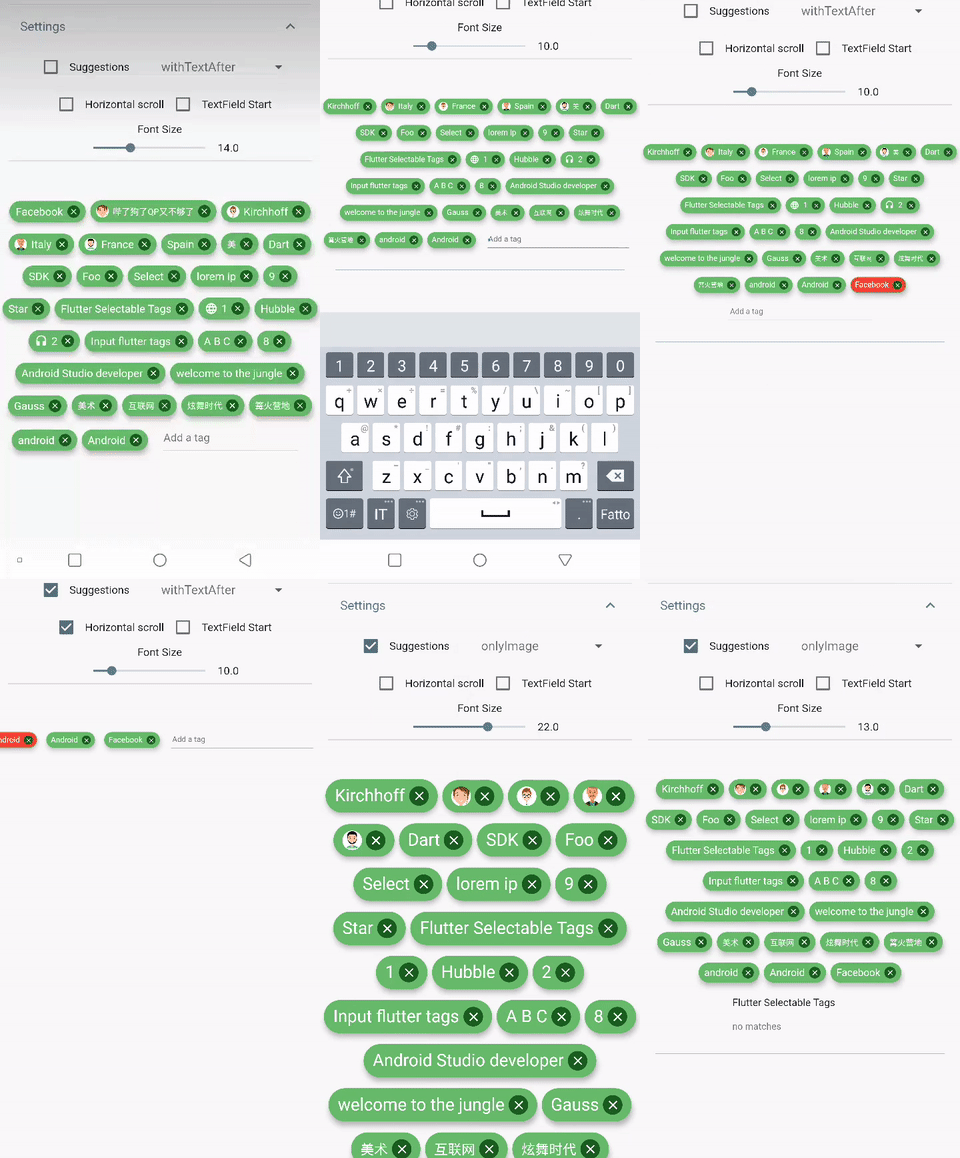
Supports both predefined and input tags
Built-in text field for adding new tags
Selectable and removable tag chips
Customizable styling and themes
Cross-platform compatibility
Easy integration with existing form logic
Suitable for
Developers building interactive forms
Apps requiring tag-based filtering
Projects with user-generated content
Designers wanting clean tag UIs
Teams targeting multiple platforms
Considerations
Requires careful handling of tag duplication
May need custom validation for input constraints
Styling customization requires understanding of Flutter widgets
Performance with large tag lists may require optimization
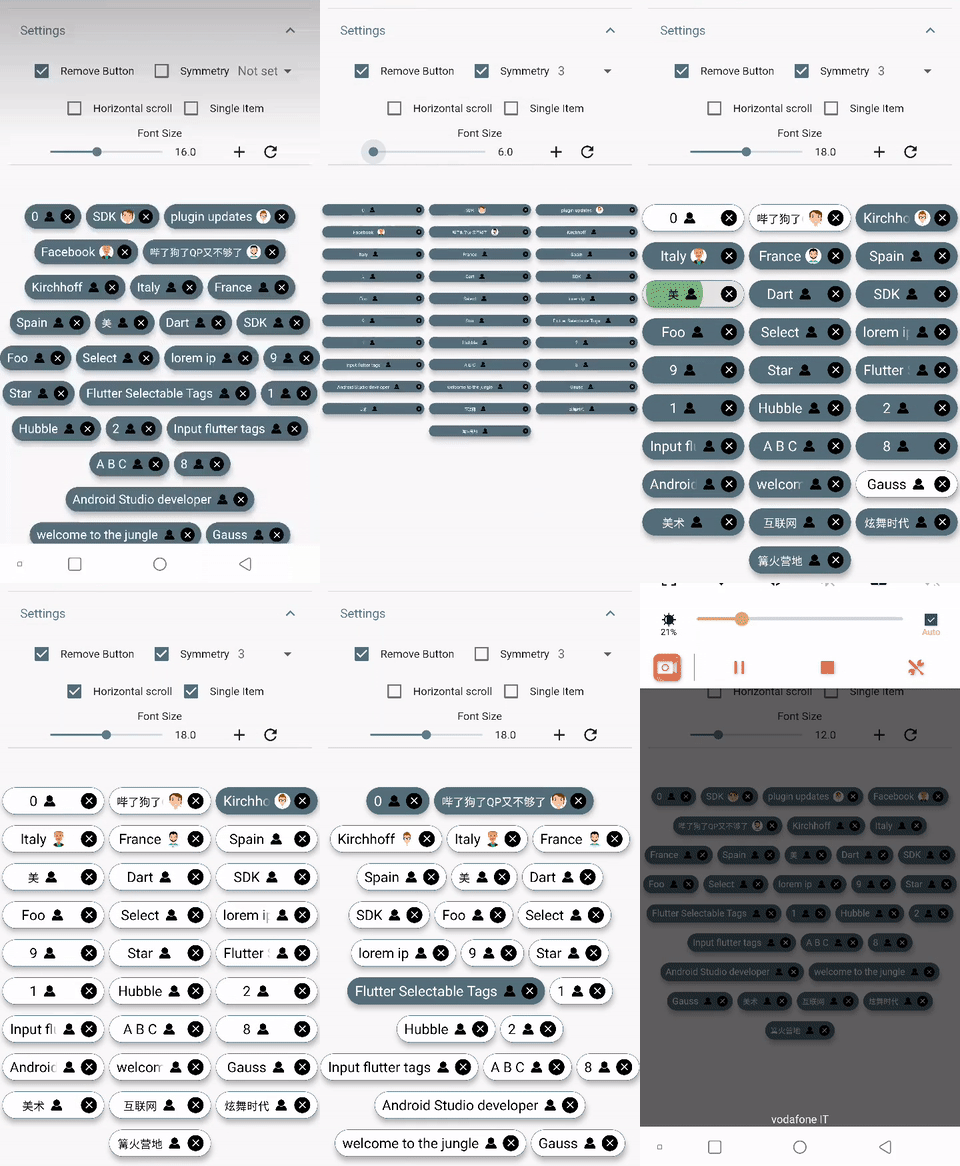
Possibility to set number of columns when necessary
null
itemCount
Tag number to display
required
symmetry
Ability to view and scroll tags horizontally
false
horizontalScroll
Offset drawer width
0.4
heightHorizontalScroll
height for HorizontalScroll to set to display tags correctly
60
spacing
Horizontal space between the tags
6
runSpacing
Vertical space between the tags
14
alignment
Horizontal WrapAlignment
WrapAlignment.center
runAlignment
Vertical WrapAlignment
WrapAlignment.center
direction
Direction of the ItemTags
Axis.horizontal
verticalDirection
Iterate Item from the lower to the upper direction or vice versa
VerticalDirection.down
textDirection
Text direction of the ItemTags
TextDirection.ltr
itemBuilder
tag generator
textField
add textField
TagsTextFiled()
ItemTags() parameters
index - required
title - required
textScaleFactor - custom textScaleFactor
active - bool value (default true)
pressEnabled - active onPress tag ( default true)
customData - Possibility to add any custom value in customData field, you can retrieve this later. A good example: store an id from Firestore document.