A light-weight and highly customizable SVG avatar library for Flutter apps. Provides a Customizer Widget, CircleAvatar and other utility functions that are ready-to-use.
Package selection guidance compiled from public package information, community data, and project usage.
Fluttermoji is a lightweight, customizable SVG-based avatar library for Flutter, designed to simplify the creation of profile pictures and chat heads. It offers a Customizer Widget for dynamic avatar generation, a CircleAvatar implementation, and utility functions that integrate seamlessly into apps. Built with scalability in mind, it supports multiple platforms including Android, iOS, Web, macOS, Windows, and Linux. The library enables developers to easily generate unique avatars using SVGs with minimal code, ideal for social apps, messaging interfaces, or user profiles.
Use cases
User profile avatars
Messaging app chat heads
Social media app UIs
Onboarding screens
Multi-user dashboards
Key features
SVG-based avatar rendering
Customizer Widget for real-time customization
CircleAvatar integration
Cross-platform support
Highly customizable appearance
Lightweight and fast performance
Suitable for
Developers building social or messaging apps
Teams needing branded avatars
Apps requiring dynamic user profile visuals
Projects focused on performance and minimal bundle size
Considerations
Requires basic knowledge of SVGs
Limited to avatar-specific use cases
May need additional styling for complex UIs
Not suitable for non-avatar graphics
Original README
Original README snapshot from the linked source repository. Visit the repository for the latest content.
fluttermoji
A light-weight and highly customizable SVG graphic set for Flutter, which provides a Customizer Widget, CircleAvatar and other utility functions.
This package provides you three easy-to-use widgets -
Name
Description
Screenshot
FluttermojiCircleAvatar
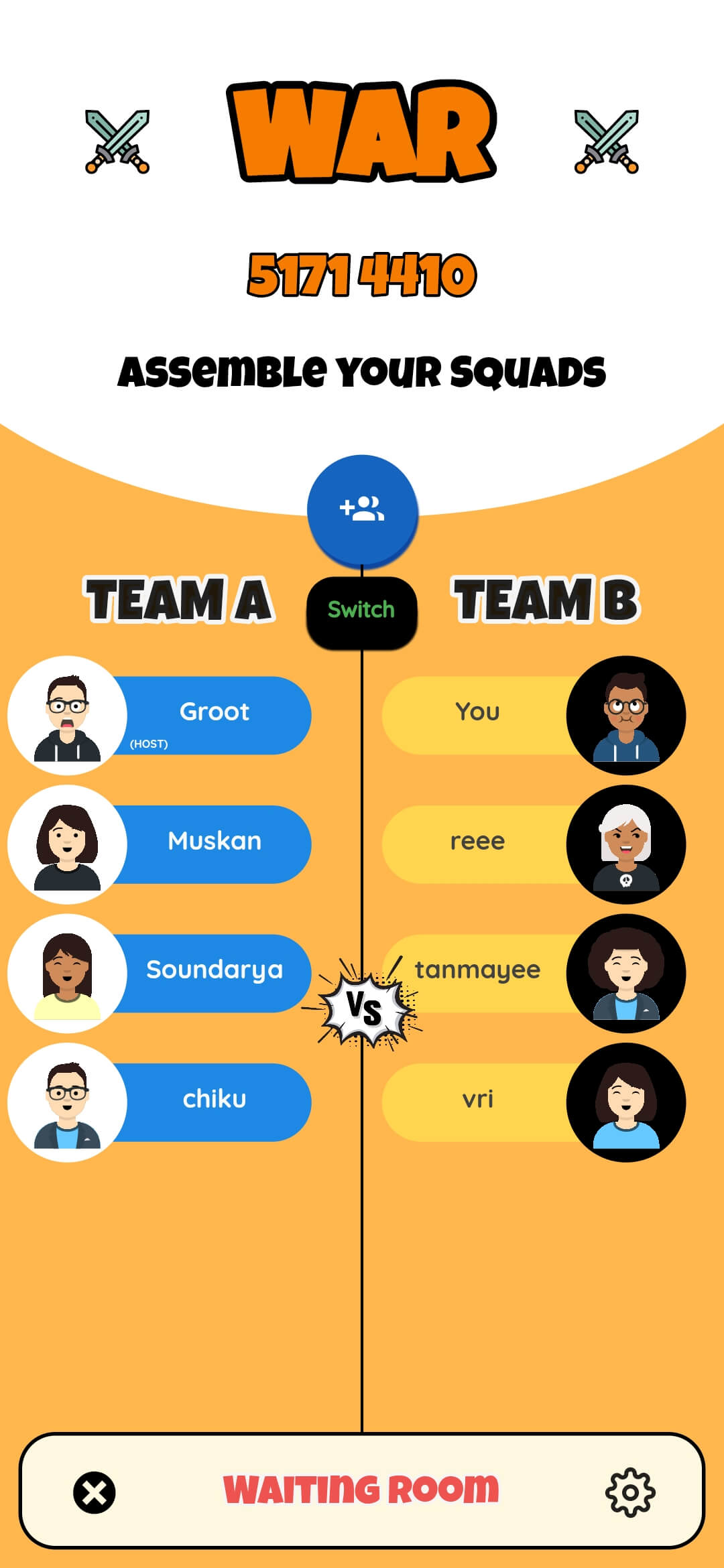
Use your fluttermoji anywhere in your Flutter app with a simple customizable widget. Supports material dark theme too.
FluttermojiCustomizer
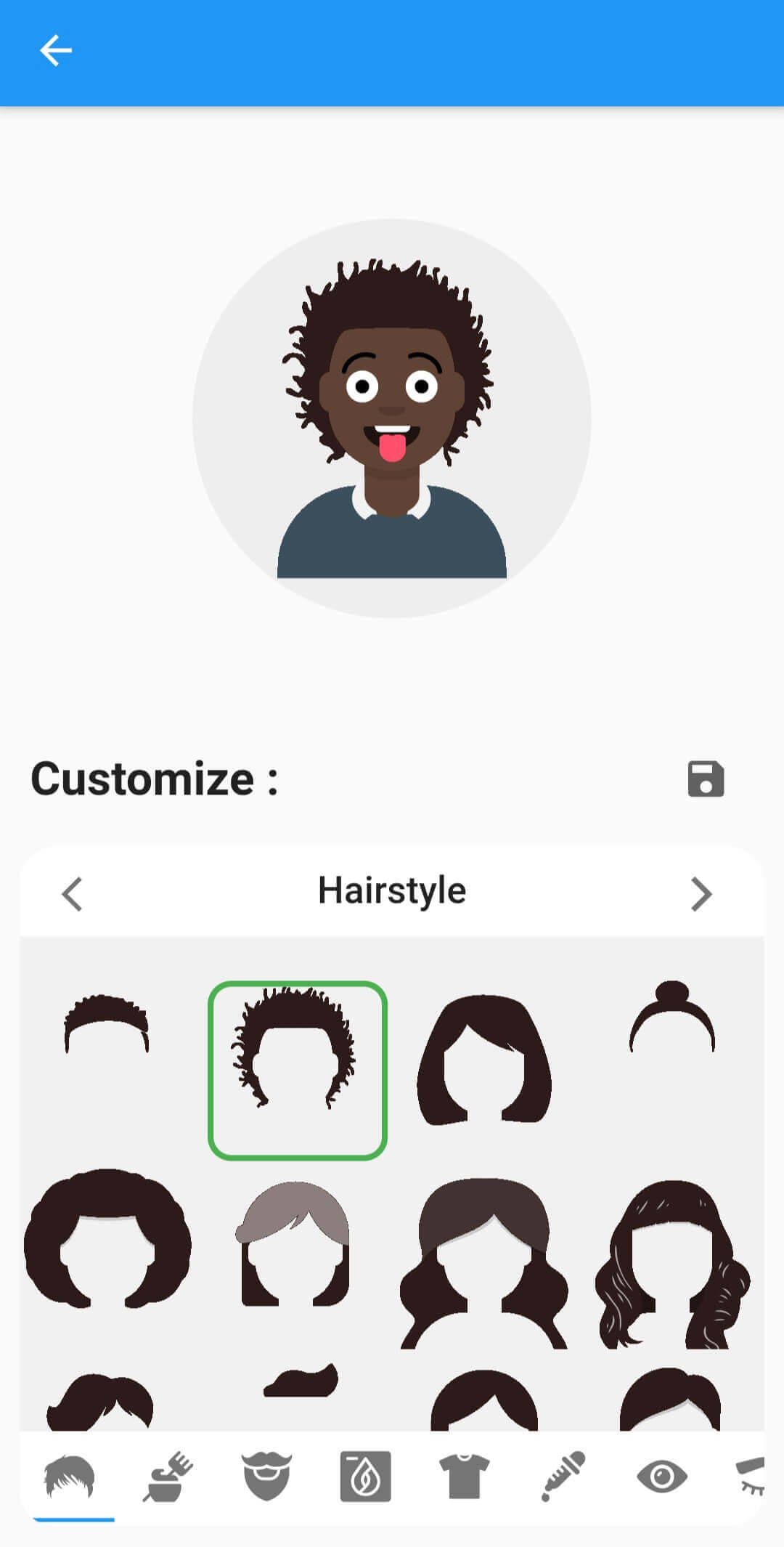
A comprehensize UI to customize the user's fluttermoji. Offers previews of each individual component and whose looks can be tweaked with a FluttermojiThemeData
FluttermojiSaveWidget
Renders a save button by default OR can be used as an [InkWell] wrapper for the [child] widget.
The appearance of the widgets can be tweaked with FluttermojiThemeData. It let's you change things like the customizer's background colours, the box decoration etc.
Use the given utility functions to send and receive Fluttermoji data from your server/DB efficiently.
Depend on it by importing your package in the pubspec.yaml file.
dependencies:fluttermoji:latest_version
Add the following import to your .dart file
import'package:fluttermoji/fluttermoji.dart';
Add the FluttermojiCircleAvatar widget to display your Fluttermoji where needed.
FluttermojiCircleAvatar();
To allow your users to personalize their Fluttermoji, add the following widget and pair it with the above one in your page.
FluttermojiCustomizer();
That's all it takes, simple right ? The two widgets communicate with each other and update in real-time throughout your widget tree.
Usage Guidelines
The package offers a ton of features in the simplest way possible, however there are some points worth noting.
FluttermojiCircleAvatar only renders the local user's avatar. To display the avatar of other users', you'll have to use the SvgPicture.string() method from flutter_svg .
FluttermojiCircleAvatar would render a default avatar until customized and saved by the local user for the first time.
Use the canvaskit renderer when building for web, the default html renderer will not work with SVGs.
The fluttermoji's attributes are saved to local app/browser storage. Clearing app/browser data would mean clearing these attributes as well.
You can create a FluttermojiThemeData instance to configure the look and feel of the widgets to your liking.