Search packages, repositories and app categories

full_screen_menu cover
Package detailsv3.1.1

full_screen_menu

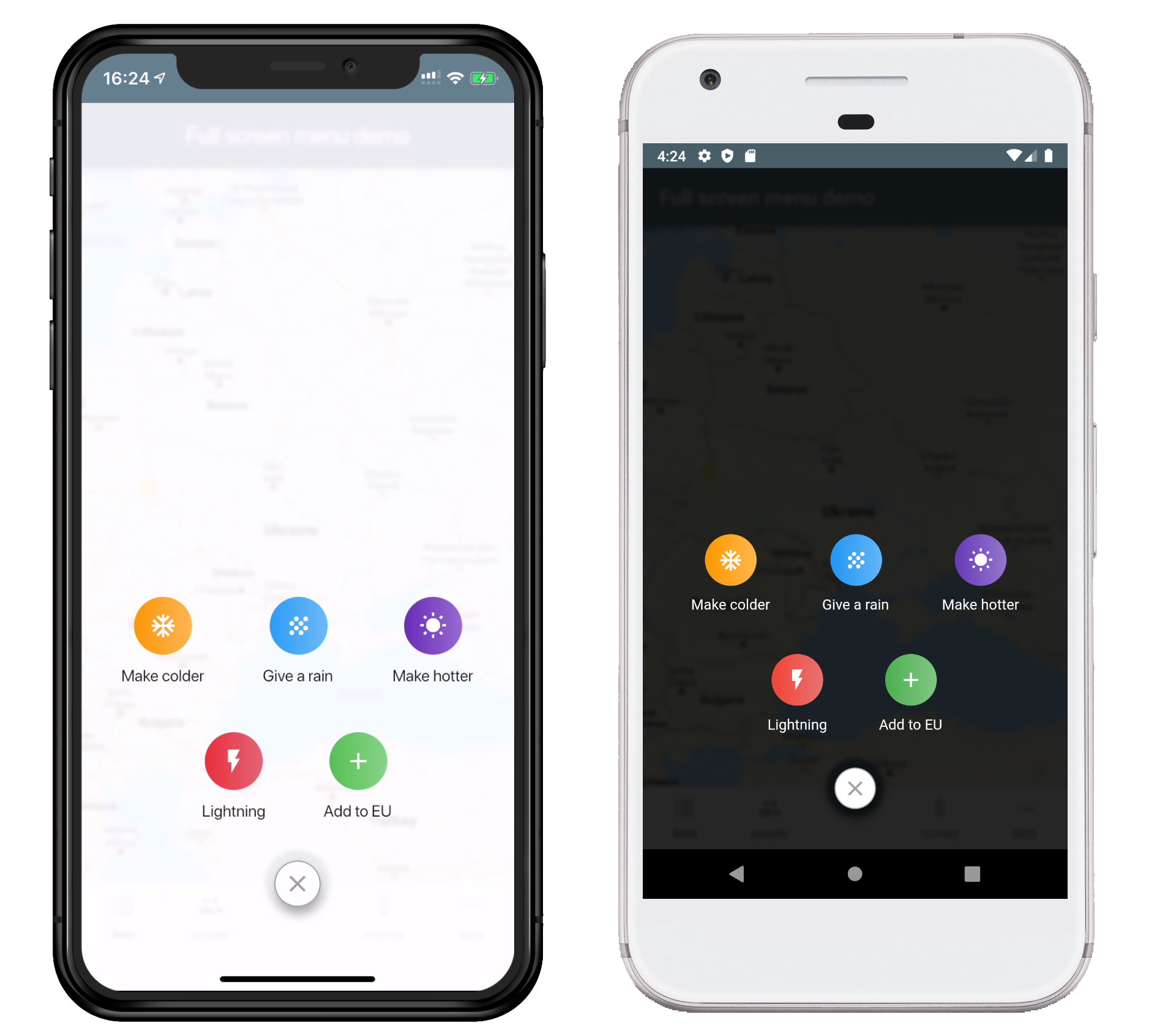
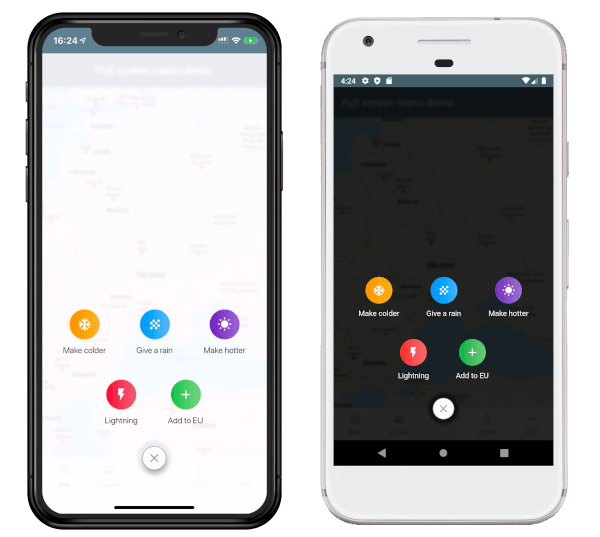
Full screen menu for Flutter apps to give a user a broad variety of variants in beautiful way

AndroidiOSWebmacOSWindowsLinux
30-day downloads
858
Likes
90
Pub points
160

Install package

flutter pub add full_screen_menu

Package Overview

Package selection guidance compiled from public package information, community data, and project usage.

A Flutter package that provides a full-screen menu with visually appealing and customizable variants for mobile and desktop applications. It enables developers to implement immersive navigation experiences across Android, iOS, Web, macOS, Windows, and Linux platforms. The menu supports smooth animations and responsive layouts, making it ideal for apps requiring elegant, user-friendly navigation interfaces. Built with Flutter's flexibility, it integrates seamlessly into existing projects with minimal setup.

Use cases

  • Immersive app navigation
  • Customizable side menus
  • Responsive UI design
  • Enhanced user onboarding
  • Modern dashboard interfaces
  • Cross-platform menu implementation

Key features

  • Full-screen layout support
  • Multiple visual variants
  • Smooth animations
  • Cross-platform compatibility
  • Easy integration
  • Customizable styling

Suitable for

  • Mobile and desktop app developers
  • Design-focused applications
  • Apps needing rich navigation
  • UI/UX designers using Flutter
  • Projects with complex navigation needs

Considerations

  • May require performance optimization on low-end devices
  • Limited documentation beyond basic usage
  • Potential overlap with other navigation packages
  • Best suited for apps prioritizing visual appeal over minimalism

Original README

Original README snapshot from the linked source repository. Visit the repository for the latest content.

Full Screen Menu for Flutter

Pub Version

Installing:

  1. Add the dependency in your pubspec.yaml file.
dependencies:
  full_screen_menu: ^2.0.0
  1. Import the settings_ui package.
import 'package:full_screen_menu/full_screen_menu.dart';

Basic Usage:

    FullScreenMenu.show(
      context,
      items: [
        Image.asset('assets/image.png'),
        FSMenuItem(
          icon: Icon(Icons.ac_unit, color: Colors.white),
          text: Text('Make colder'),
          gradient: orangeGradient,
          onTap: () => print('The weather is colder now');
        ),
        FSMenuItem(
          icon: Icon(Icons.wb_sunny, color: Colors.white),
          text: Text('Make hotter'),
          gradient: blueGradient,
          onTap: () => print('The weather is hotter now');
        ),
      ],
    );


Full Screen Menu Base Widget

The Full Screen Menu Base Widget is the block of your menu items located in your screen

Parameters
Parameter Description Required
Color backgroundColor Set a background color of your FullScreenMenu +
VoidCallback onHide Set a function which is called by pressing FAB -
List items Set a menu items which you want to display -
BuildContext context Set the context of your parent widget -
Function(AnimationController) animationController Setup your animation when open full screen menu +


FSMenuItem

The Full Screen Menu Base Widget is the block of your menu items located in your screen

Parameters
Parameter Description Required
Text text Set the text that will be displayed on the item -
Icon icon Set the icon that will be displayed on the item -
Function onTap Set The function that will be called when you click on item +
Gradient gradient Set a gradient that will fill the background of your icon +


License

This project is licensed under the Apache License 2.0 - see the LICENSE file for details

Categories

Dependencies

Dependency list 1 items

Source repository

Projects using this package

No data available yet.