Package selection guidance compiled from public package information, community data, and project usage.
A Flutter package that provides an intuitive image viewer with support for pinch-to-zoom, multi-image navigation, and gallery-style browsing. It includes built-in full-screen dialog functionality, making it ideal for displaying images in a seamless, user-friendly manner across platforms. Designed for simplicity and performance, it integrates easily into apps requiring robust image viewing capabilities without extensive custom implementation. The package supports all major platforms including Android, iOS, Web, macOS, Windows, and Linux.
Use cases
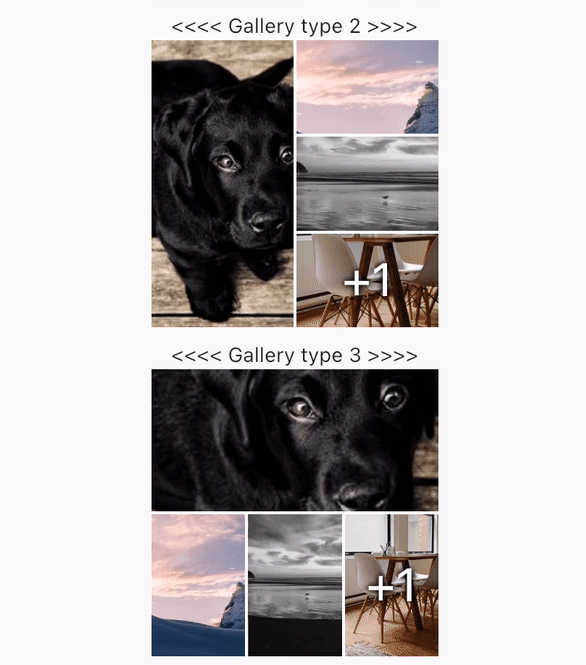
Displaying image galleries
Viewing high-resolution images with zoom
Full-screen image browsing
Integrating image viewers in photo apps
Enhancing user experience in media-heavy apps
Key features
Pinch-to-zoom gesture support
Multi-image navigation
Built-in full-screen dialog
Cross-platform compatibility
Simple integration with minimal setup
Gallery-style image browsing
Suitable for
Photo sharing apps
E-commerce product image viewers
Travel or portfolio apps
Educational or documentation apps
Apps requiring interactive image exploration
Considerations
Requires proper image asset management
May need additional styling for custom UI
Performance depends on image size and count
Limited to image-only content
Not designed for video playback
Original README
Original README snapshot from the linked source repository. Visit the repository for the latest content.
GalleryImageViewer
An easy way to display images in a full-screen dialog, including pinch & zoom.
Features
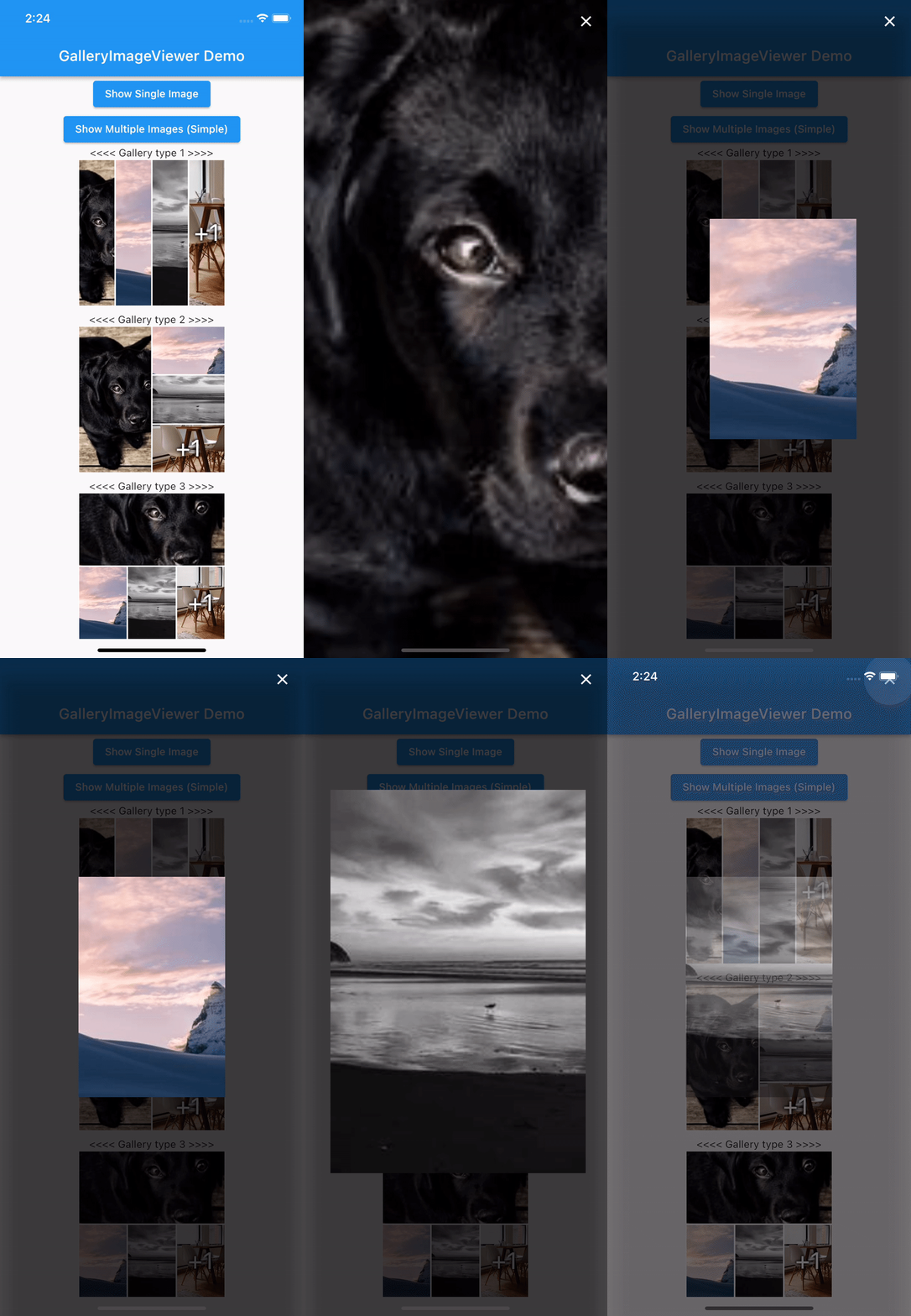
Show a single image or a swipeable list of images
Use pinch & zoom to zoom in and out of images
Optionally allow "swipe down to dismiss" by passing in swipeDismissible: true
MultiImageProvider multiImageProvider = MultiImageProvider([
  Image.network("https://picsum.photos/id/1001/5616/3744").image,
  Image.network("https://picsum.photos/id/1003/1181/1772").image,
  Image.network("https://picsum.photos/id/1004/5616/3744").image,
  Image.network("https://picsum.photos/id/1005/5760/3840").image
]);

showImageViewerPager(context, multiImageProvider, onPageChanged: (page) {
  print("page changed to $page");
}, onViewerDismissed: (page) {
  print("dismissed while on page $page");
});
Usually you'll want to implement your own EasyImageProvider. Suppose you have
a list of Products, each of which has an imagePath property with the path
to a local image file. You could create an EasyImageProvider that takes a list
of Products like this:
ProductsImageProvider productsImageProvider = ProductsImageProvider(products: products);

showImageViewerPager(context, productsImageProvider, onPageChanged: (page) {
  print("page changed to $page");
}, onViewerDismissed: (page) {
  print("dismissed while on page $page");
});
Credits
GalleryImageViewer is custom from EasyImageViewer.
EasyImageViewer is a project by TSG, a full-service digital agency taking software from concept to launch.
Our powerhouse team of designers and engineers build iOS, Android, and web apps across many industries.