Package selection guidance compiled from public package information, community data, and project usage.
Gate Generator is a dependency injection code generator for Flutter and Dart applications, leveraging annotations and build_runner to automatically generate boilerplate code. It simplifies the setup of dependency injection by analyzing annotated classes and generating the necessary registration and resolution logic at compile time. This reduces runtime overhead and improves type safety. The tool integrates seamlessly into existing projects with minimal configuration, making it ideal for scalable and maintainable application architecture.
Use cases
Automating dependency injection setup
Reducing manual DI boilerplate
Improving app scalability
Enabling type-safe service resolution
Supporting modular application design
Key features
Annotation-based configuration
Build runner integration
Compile-time code generation
Minimal runtime overhead
Type-safe dependency resolution
Suitable for
Large-scale Flutter applications
Teams prioritizing maintainability
Projects using clean architecture
Developers seeking automated DI setup
Applications requiring high testability
Considerations
Requires build_runner setup
Limited to compile-time generation
Depends on correct annotation usage
May increase build time slightly
Not suitable for dynamic DI scenarios
Original README
Original README snapshot from the linked source repository. Visit the repository for the latest content.
💎 Features
Provide Injectable as a singleton
Provide Injectable as a dynamic service
Inject an Injectable class into another
💡 Motivation
Providing Service should be independent from your pages or other code.
The DI pattern separates the responsibility of creating an object of the service class out of the client class.
Also using code generation we can get rid of the boilerplate part.
🚀 Getting started
install gate with build_runner in you pubspec.yaml
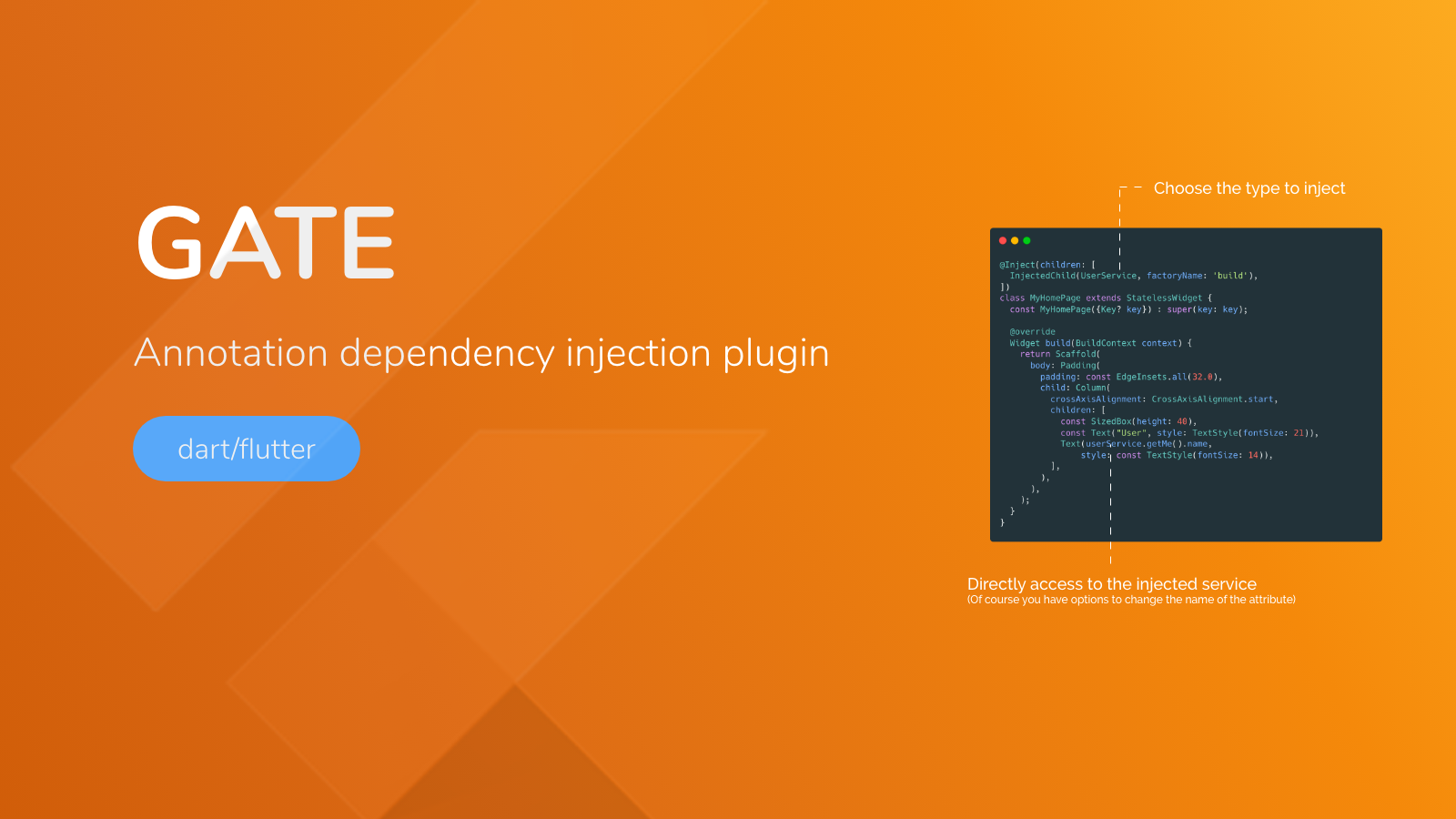
You can inject as many dependency as you want into your class as long as their are Injectable.
part 'coffee_page.gate_inject.g.part'; will be be added to your file
this file will be genererated on next step
don't forget to import "gate_provider.dart" that is generated next
3. Generate code
Using build runner you can run the command in your shell
flutter packages pub run build_runner build --delete-conflicting-outputs
Once build runner is done, you can run your flutter app and use all injected class.
If you change your factory or wants to inject other class... just rerun the build_runner 😀
📗 Properties
Annotation
Description
Injectable
mark a class as containing Singleton or Provide factories
Singleton
mark a factory as a Singleton Injectable
Provide
mark a factory as a Dymamic Injectable. Each time you inject will create a new instance of that class
Inject
mark a class to inject dependencies
Inject annotation
Property
Description
children
a list of InjectedChild
InjectedChild annotation
Property
Description
type
The type to inject
factoryName
The factory name to use
attrName
(optionnal) The attribute name to call it from your class
✅ Tests
Run tests
dart pub global activate coverage
dart test --coverage="coverage"
format_coverage --lcov --in=coverage --out=coverage.lcov --packages=.packages --report-on=lib
Mock an injected dependency for testing
To remplace your service by mocks, you have to set them, before testing.
Gate will generate all methods for you.
First, declare your mocked services with your preferred libraries.
Then use the appProvider to set mocks.
Finally, don't forget to reset mocks by setting them to null.