Search packages, repositories and app categories

glass cover
Package detailsv2.0.0+2

glass

Allows conversion of any widget to a "glass" or "frosted glass" version of itself

AndroidiOSWebmacOSWindowsLinux
30-day downloads
93
Likes
135
Pub points
150

Install package

flutter pub add glass

Package Overview

Package selection guidance compiled from public package information, community data, and project usage.

The glass package enables developers to easily transform any widget into a frosted glass or glassmorphic effect, ideal for modern UI designs. By applying blur and transparency layers, it creates visually appealing translucent overlays that mimic real-world frosted glass. The package is lightweight and integrates seamlessly with Flutter’s widget system, supporting all major platforms including mobile, web, and desktop. It's particularly useful for creating floating cards, modals, and backdrop effects with depth and elegance.

Use cases

  • Creating frosted glass UI elements
  • Designing translucent overlays
  • Building modern app interfaces
  • Enhancing visual depth in layouts
  • Implementing floating cards and modals

Key features

  • Easy widget-to-glass conversion
  • Supports blur effects
  • Cross-platform compatibility
  • Minimal setup required
  • Customizable transparency and blur intensity

Suitable for

  • UI designers seeking modern aesthetics
  • Developers building sleek mobile or web apps
  • Projects requiring glassmorphic design patterns
  • Apps with dark mode or immersive backgrounds

Considerations

  • Performance impact on low-end devices
  • Limited customization beyond blur and opacity
  • May require additional styling for optimal appearance
  • Not suitable for high-contrast accessibility scenarios

Original README

Original README snapshot from the linked source repository. Visit the repository for the latest content.

Pub Version License

Glass

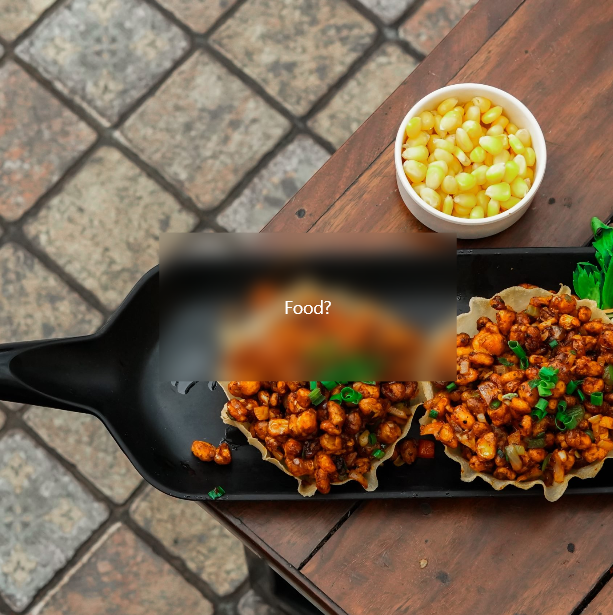
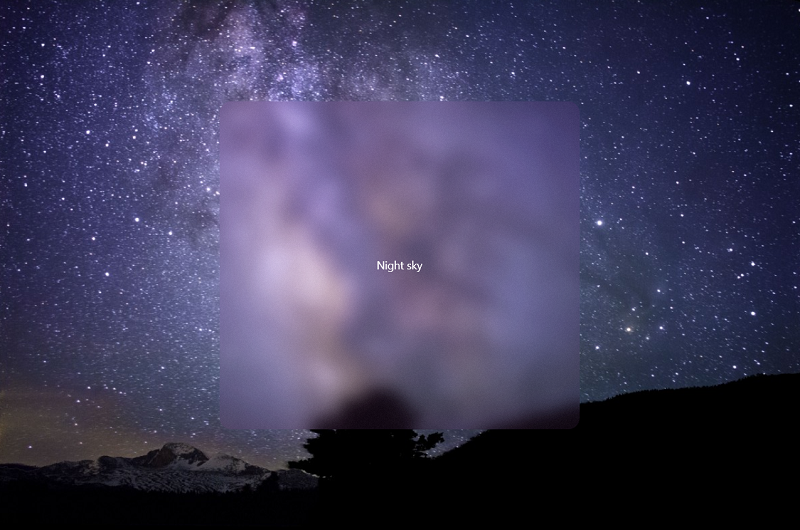
Easily convert any Widget into a glass / frosted glass version of itself, following the glassmorphism / glassmorphic design trend.

Sample screenshot Sample screenshot 2

Installation

1. Depend on it

Add this to your package's pubspec.yaml file:

dependencies:
    glass:
2. Install it

You can install packages from the command line:

$ pub get
..

Alternatively, your editor might support pub. Check the docs for your editor to learn more.

3. Import it

Now in your Flutter code, you can use:

import 'package:glass/glass.dart';

Usage

Simply call .asGlass() on the widget you want to convert to glass.

For example:

Container(
    child: someChild,
).asGlass()

A full example can be found in the example directory

About me

Visit my LinkedIn at https://www.linkedin.com/in/zaca

Categories

Source repository

Projects using this package

No data available yet.