Package selection guidance compiled from public package information, community data, and project usage.
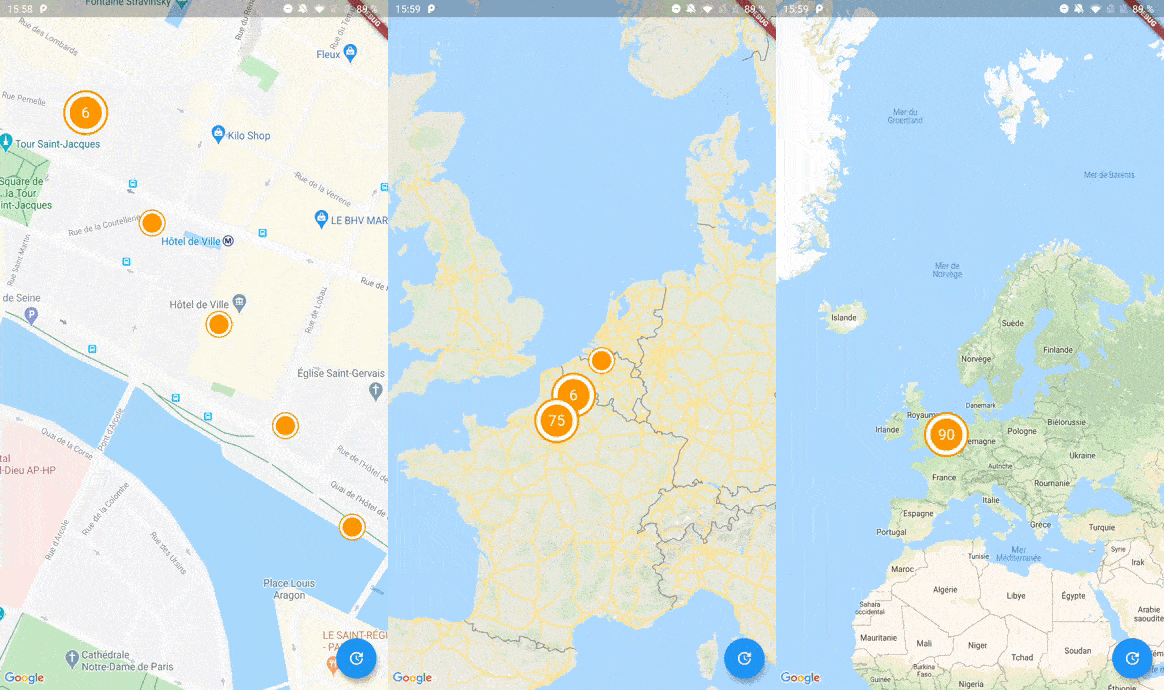
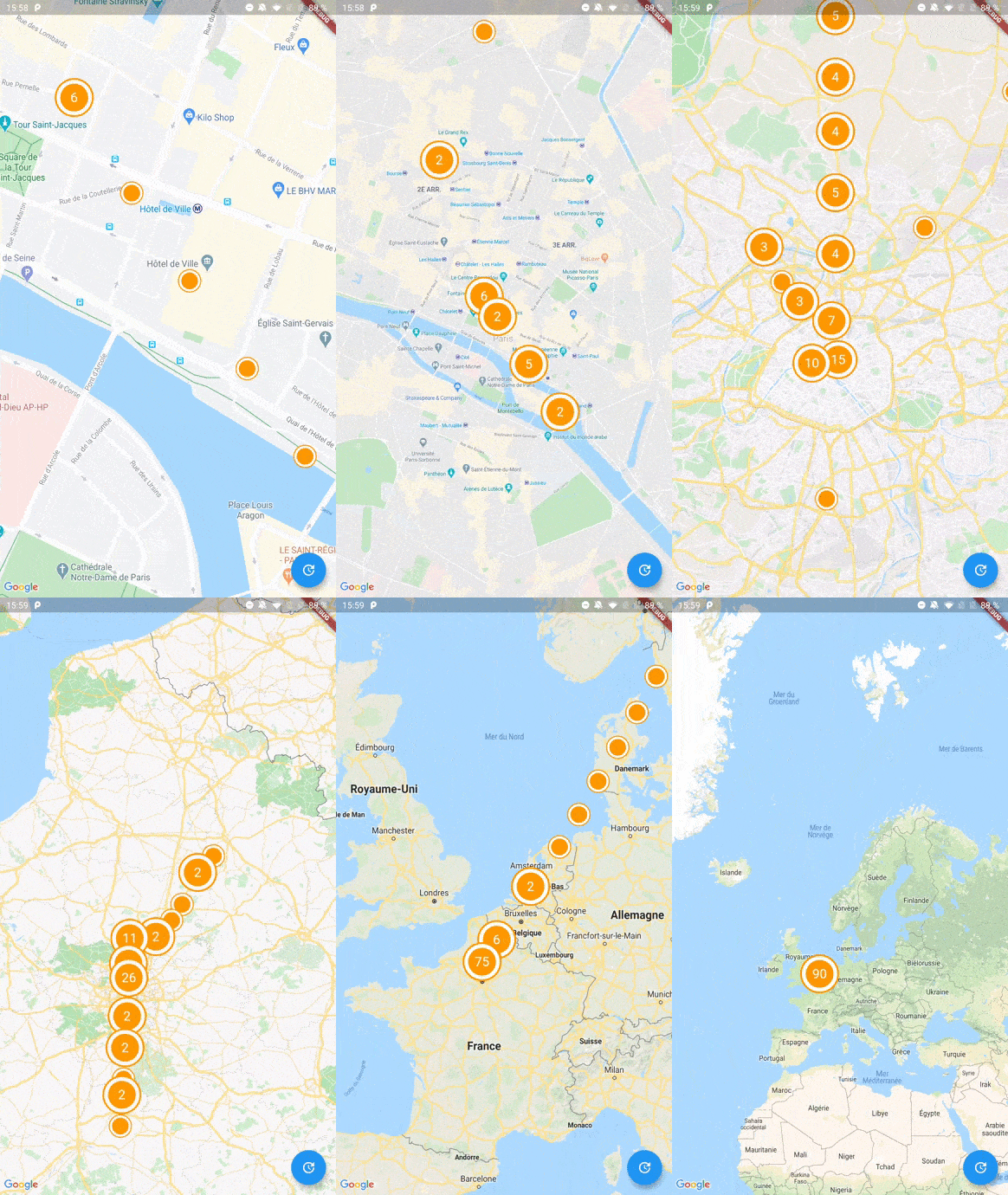
A simple Flutter clustering library for Google Maps that uses Geohash to efficiently group nearby markers. It reduces map clutter by merging multiple points into clusters, improving performance and user experience when displaying large numbers of locations. The library integrates seamlessly with Google Maps for Flutter, offering customizable cluster icons and smooth animations. Ideal for applications requiring visual clarity with dense marker sets.
Use cases
Displaying large datasets on maps
Improving map performance with many markers
Enhancing user experience in location-based apps
Visualizing geospatial data clusters
Creating interactive map interfaces
Key features
Geohash-based clustering
Customizable cluster icons
Smooth animation transitions
Easy integration with Google Maps
Supports dynamic marker updates
Suitable for
Apps with high-density location data
Maps-heavy applications
Developers seeking lightweight clustering
Projects using Google Maps for Flutter
Users needing efficient marker management
Considerations
Requires Google Maps for Flutter setup
Limited to Google Maps platform
Clustering logic may need tuning for specific use cases
No built-in support for non-geohash methods
Depends on external repository for updates
Original README
Original README snapshot from the linked source repository. Visit the repository for the latest content.
To start with Cluster Manager, you have to initialize a ClusterManager instance.
ClusterManager<Place>(
_items, // Your items to be clustered on the map (of Place type for this example)
_updateMarkers, // Method to be called when markers are updated
markerBuilder: _markerBuilder, // Optional : Method to implement if you want to customize markers
levels: [1, 4.25, 6.75, 8.25, 11.5, 14.5, 16.0, 16.5, 20.0], // Optional : Configure this if you want to change zoom levels at which the clustering precision change
extraPercent: 0.2, // Optional : This number represents the percentage (0.2 for 20%) of latitude and longitude (in each direction) to be considered on top of the visible map bounds to render clusters. This way, clusters don't "pop out" when you cross the map.
stopClusteringZoom: 17.0// Optional : The zoom level to stop clustering, so it's only rendering single item "clusters"
);
When your GoogleMapController is created, you have to set the mapId with the setMapId method :
_manager.setMapId(controller.mapId);
You are able to add an new item to the map by calling addItem method on your ClusterManager instance. You can also completely change the items on your maps by calling setItems method.
You can customize the icon of a cluster by using Future<Marker> Function(Cluster<T extends ClusterItem>) markerBuilder parameter.
Every cluster (even one item clusters) is rendered by the library as a Cluster<T extends ClusterItem> object. You can differentiate single item clusters from multiple ones by using the isMultiple variable (or the count variable). This way, you can create different markers icon depending on the type of cluster.
You can create multiple managers for a single map, see the multiple.dart example.
Complete Basic Example
See the example directory for a complete sample app.