Package selection guidance compiled from public package information, community data, and project usage.
hl_image_picker is a Flutter package that simplifies image and video selection from device libraries, supports image cropping, and enables capturing new media directly through the camera. It provides a seamless, cross-platform experience for Android and iOS, offering an intuitive interface for managing media files within apps. The package integrates smoothly with existing Flutter projects and enhances user interaction when handling photo or video uploads.
Use cases
Selecting images and videos from device library
Cropping selected images before upload
Capturing new photos and videos via camera
Integrating media selection into form workflows
Enabling user profile picture uploads
Key features
Cross-platform support for Android and iOS
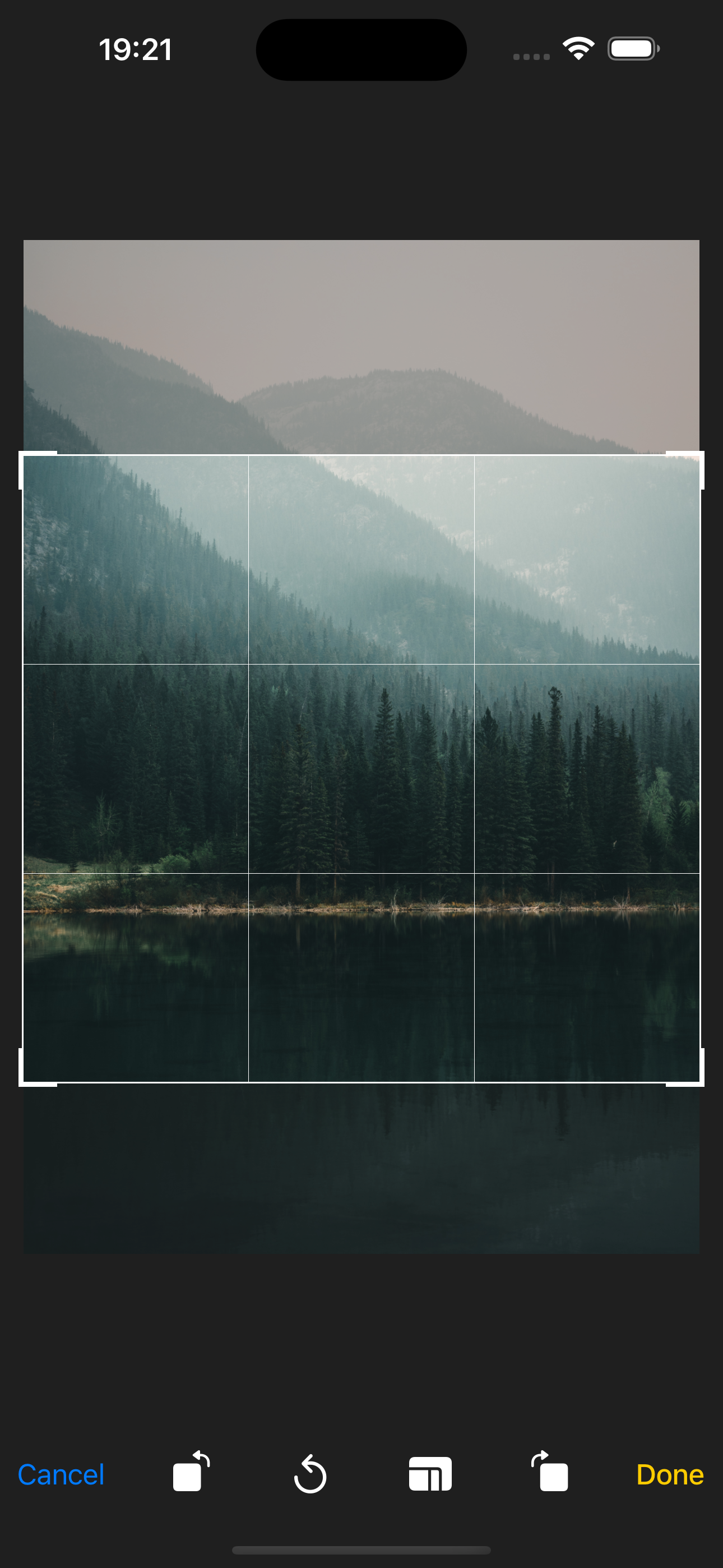
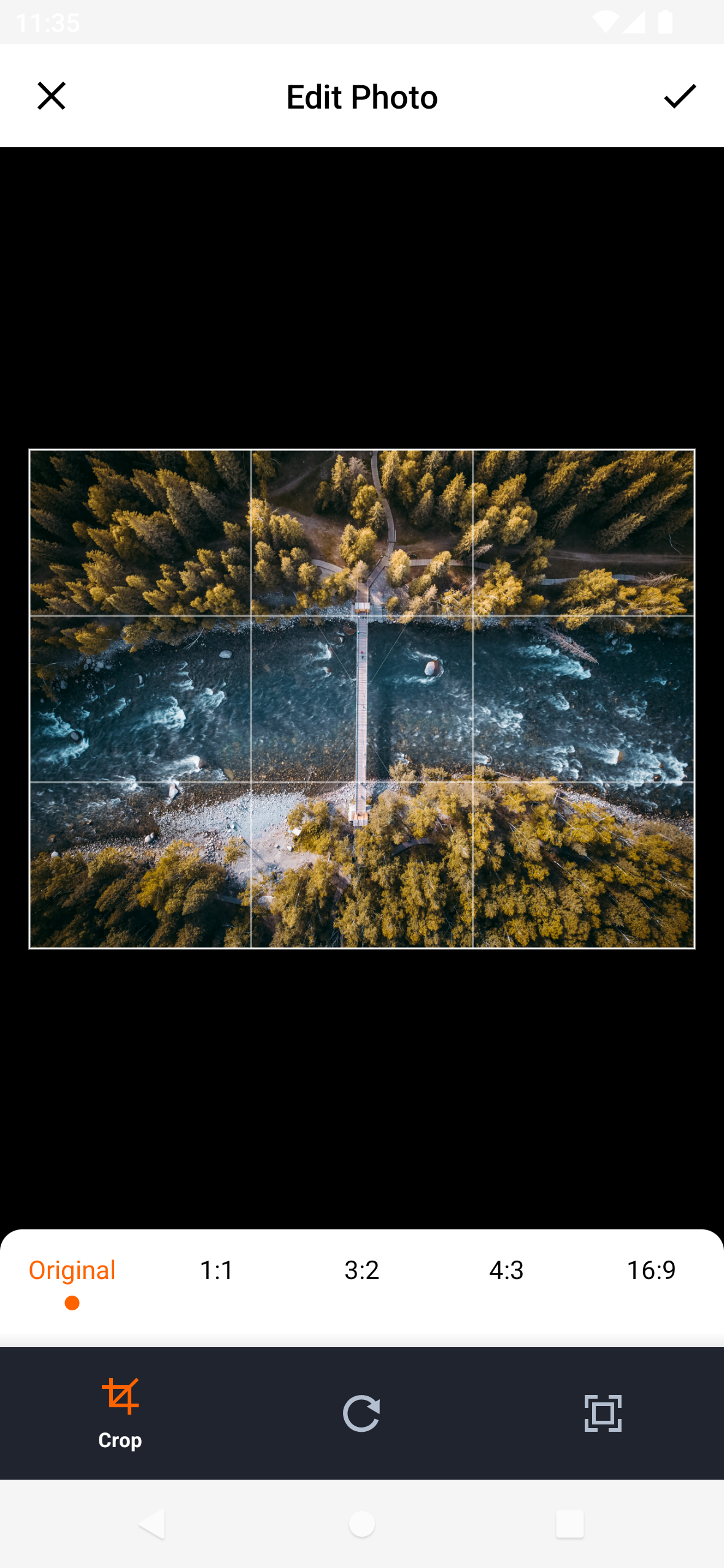
Built-in image cropping functionality
Camera capture for new media
Simple integration with Flutter projects
Clean and customizable UI
Suitable for
Apps requiring media uploads
Social media platforms
User profile management systems
E-commerce product image collection
Photo editing or sharing applications
Considerations
Requires appropriate permissions for camera and storage access
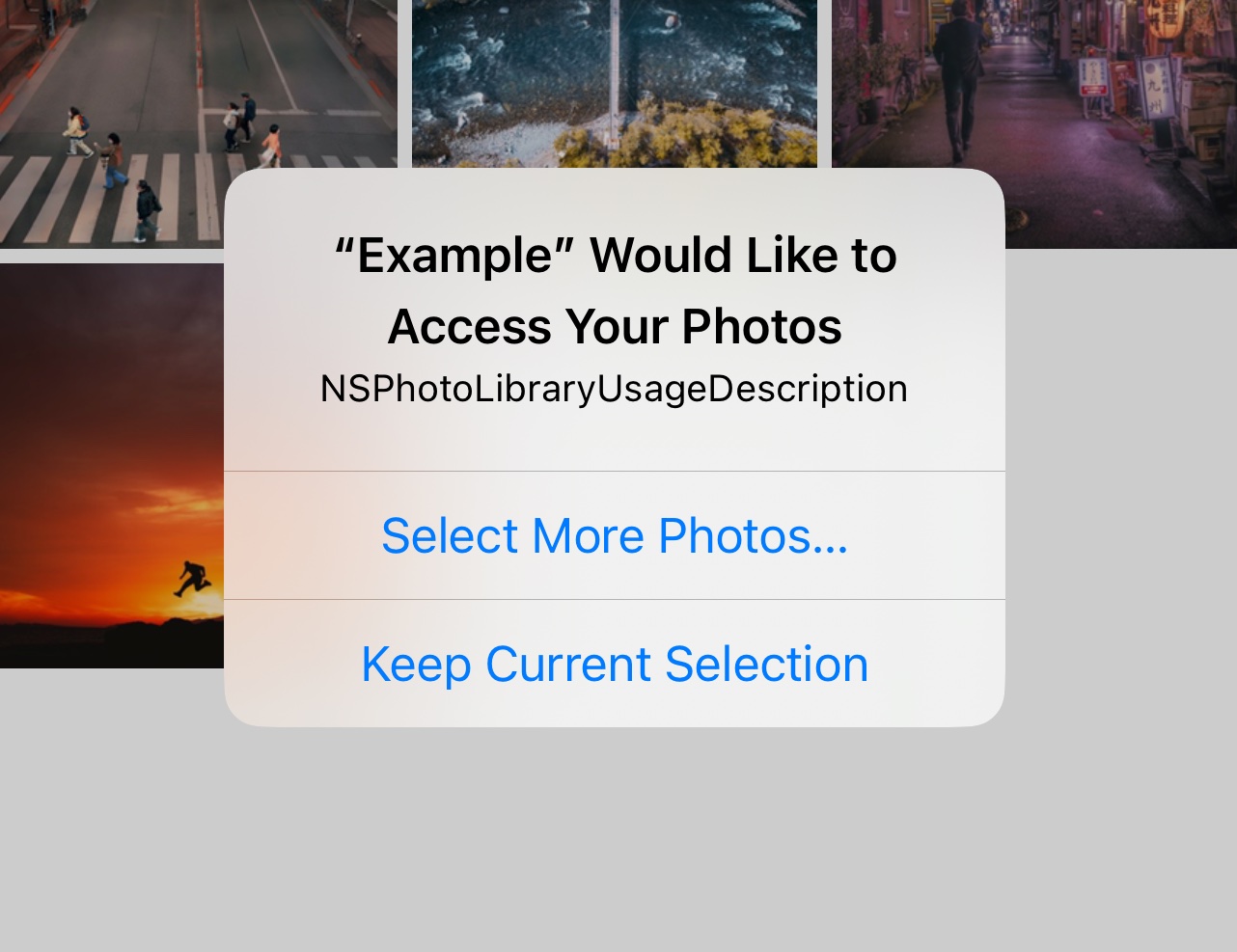
May need additional configuration for iOS privacy settings
Limited to basic media editing features
Depends on underlying platform camera APIs
Not suitable for advanced video processing
Original README
Original README snapshot from the linked source repository. Visit the repository for the latest content.
Flutter Image Picker Plugin
Android
iOS
Support
SDK 21+
11.0+
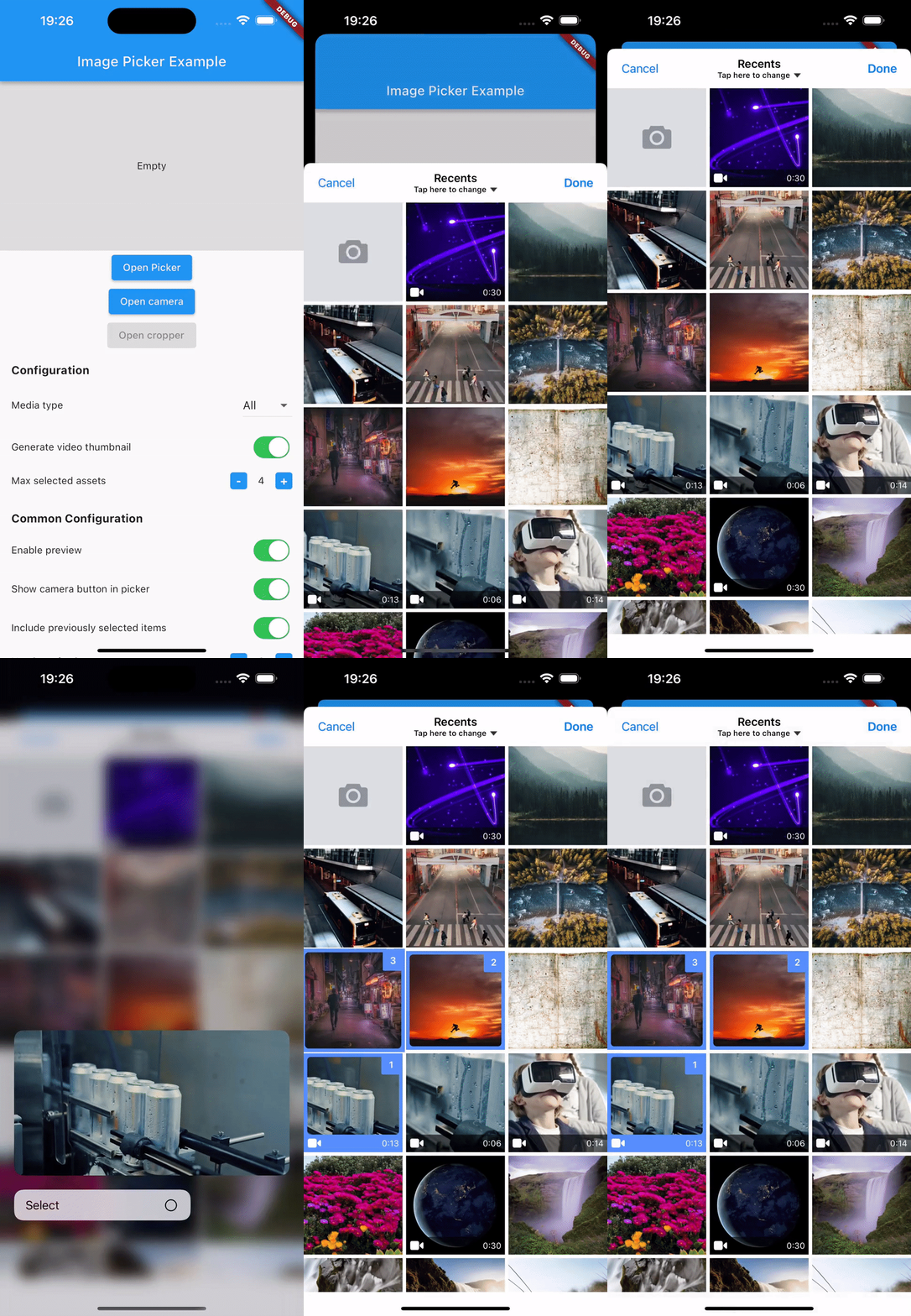
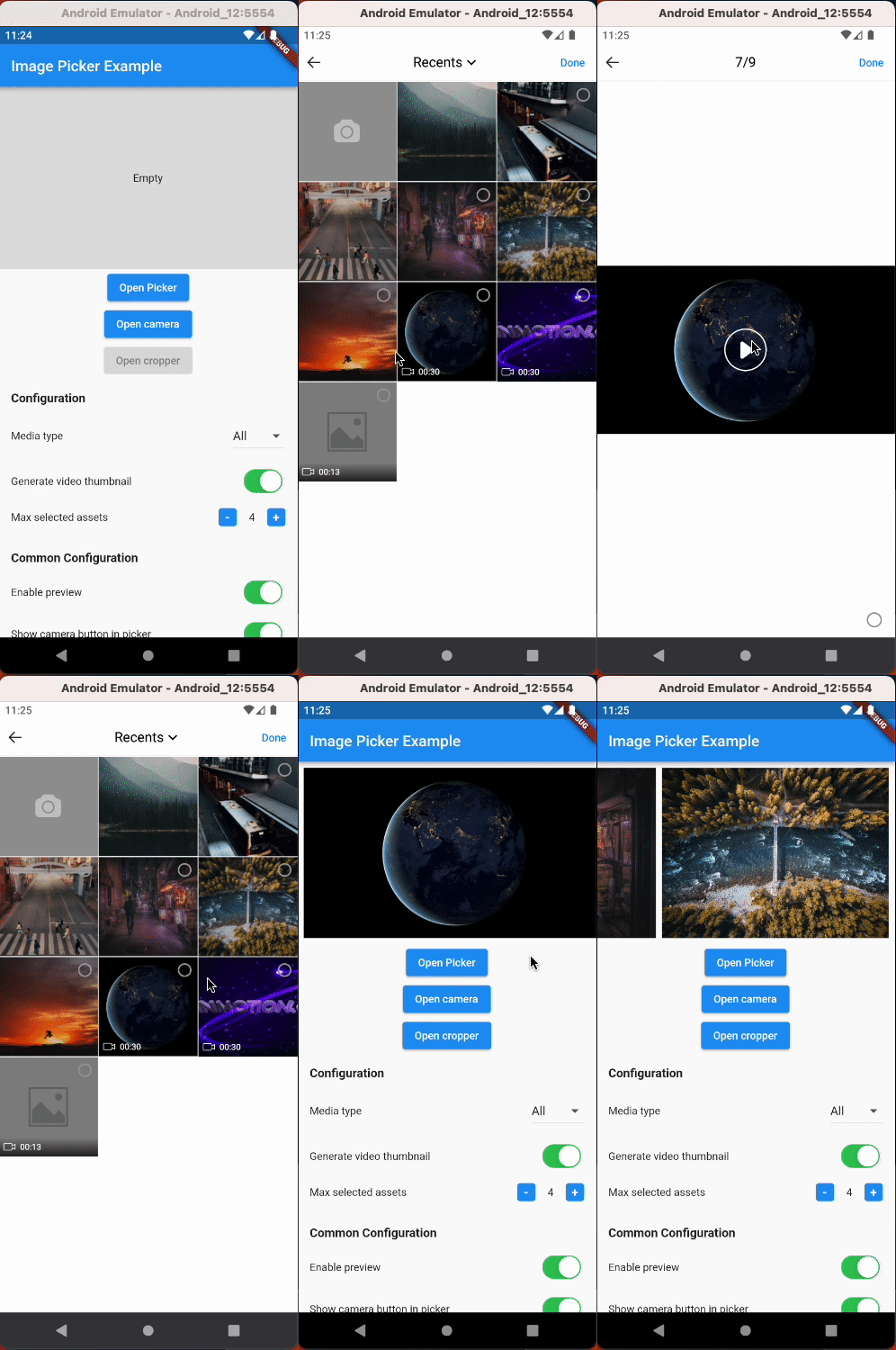
Simplify media selection, cropping, and camera functionality in your Flutter app. Choose images/videos from the library, crop images, and capture new photos/videos with ease.
Features:
Select images/videos from the library
Take a photo or record a video
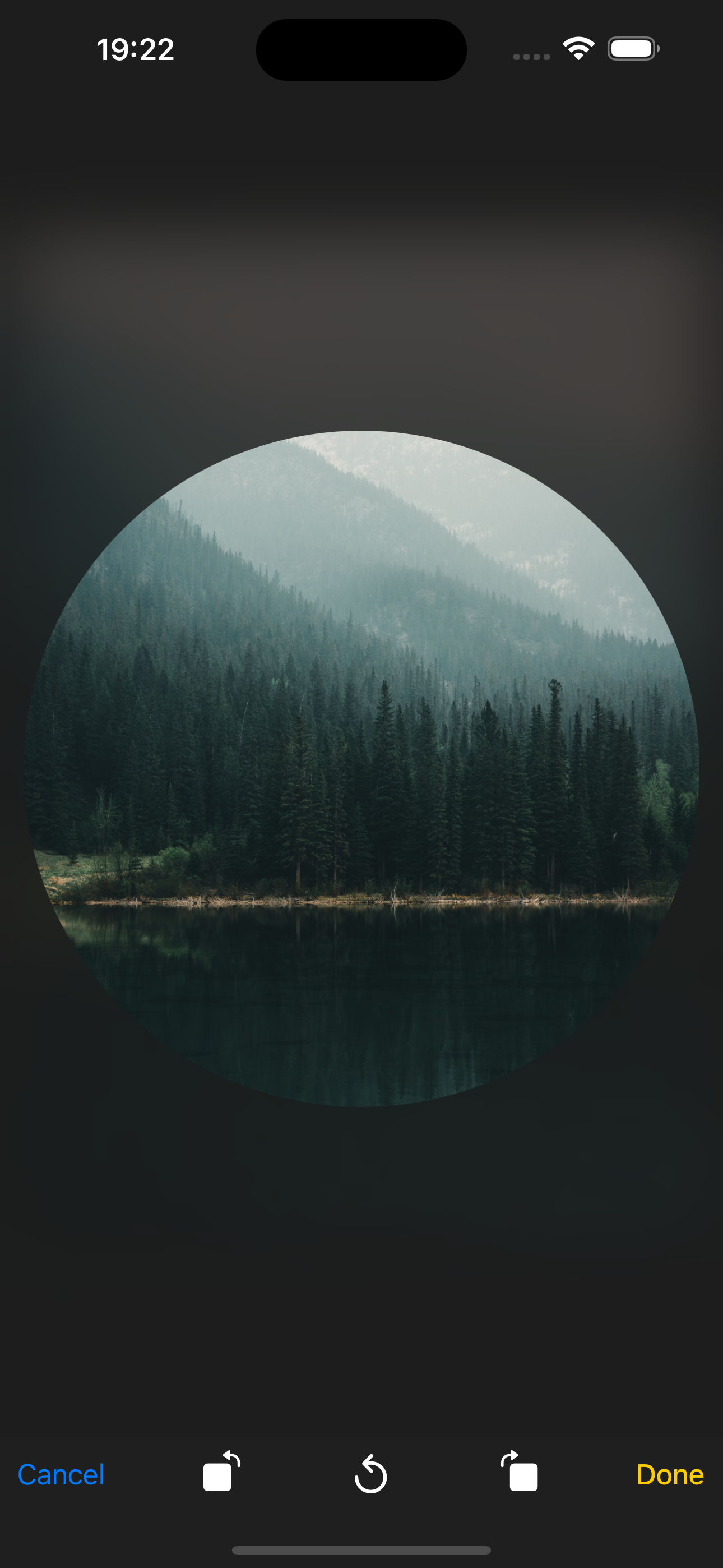
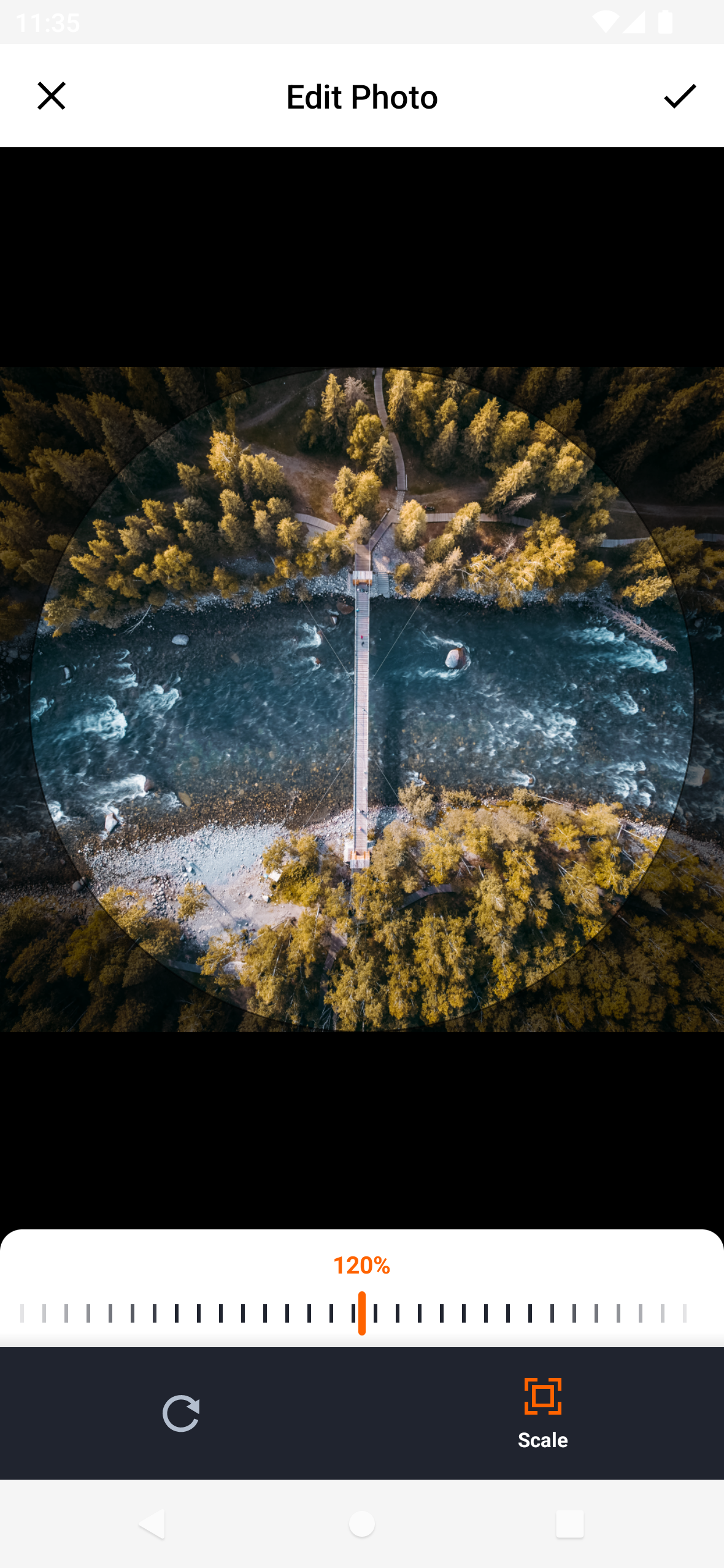
Open image cropper
Support crop multiple images
Support quality compression for selected images
Support gif selection
iOS
Android
Installation
$ flutter pub add hl_image_picker
Note: If you are developing an application exclusively for either Android or iOS, you don't need to install hl_image_picker. Instead, you can choose one of the following packages based on your target platform:
To use the plugin, you need to perform the following setup steps:
iOS
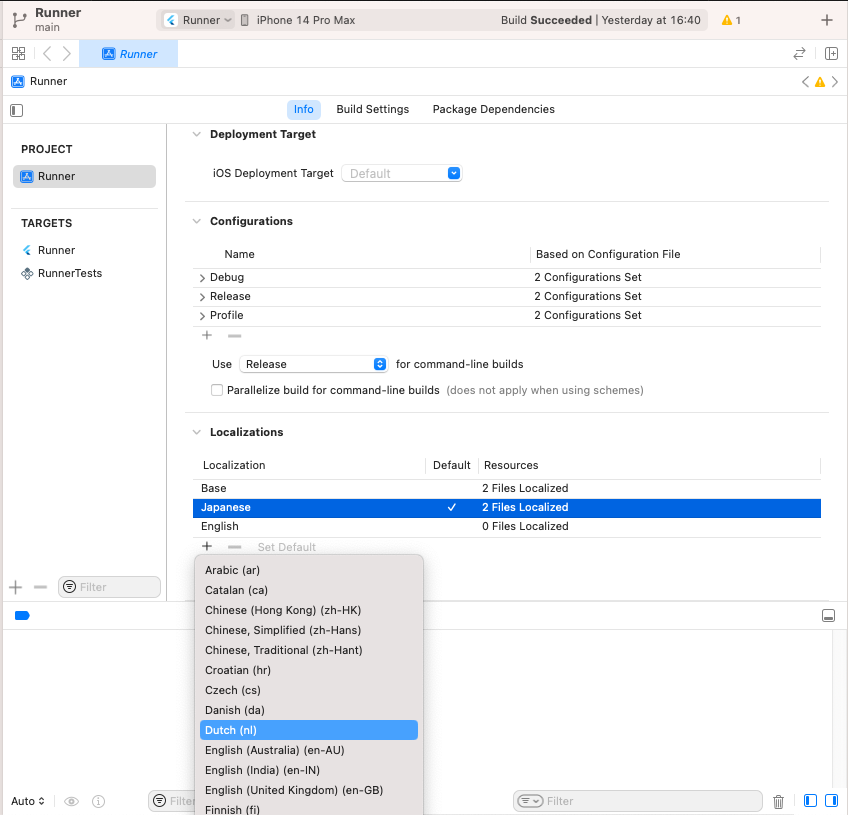
Add Privacy Description to your ios/Runner/Info.plist file.
<key>NSPhotoLibraryUsageDescription</key>
<string>This app requires access to the photo library</string>

<key>NSCameraUsageDescription</key>
<string>This app requires access to the camera</string>

<!-- Include this description only if your plugin requires recording videos and needs access to the device's microphone. -->
<key>NSMicrophoneUsageDescription</key>
<string>This app requires access to the microphone</string>
iOS 14 You can suppress the automatic prompting from the system by setting PHPhotoLibraryPreventAutomaticLimitedAccessAlert to yes in Info.plist
<!-- Android 12 and lower --><uses-permissionandroid:name="android.permission.READ_EXTERNAL_STORAGE" /><uses-permissionandroid:name="android.permission.WRITE_EXTERNAL_STORAGE" /><!-- Targeting Android 13 or higher --><uses-permissionandroid:name="android.permission.READ_MEDIA_IMAGES" /><uses-permissionandroid:name="android.permission.READ_MEDIA_VIDEO" /><!-- Request the camera permission --><uses-featureandroid:name="android.hardware.camera"android:required="false" /><uses-permissionandroid:name="android.permission.CAMERA" /><!-- Add this permission if you need to record videos --><uses-permissionandroid:name="android.permission.RECORD_AUDIO" />
A list of string IDs representing the initially selected images or videos from the library. This allows users to pre-select items before opening the picker.