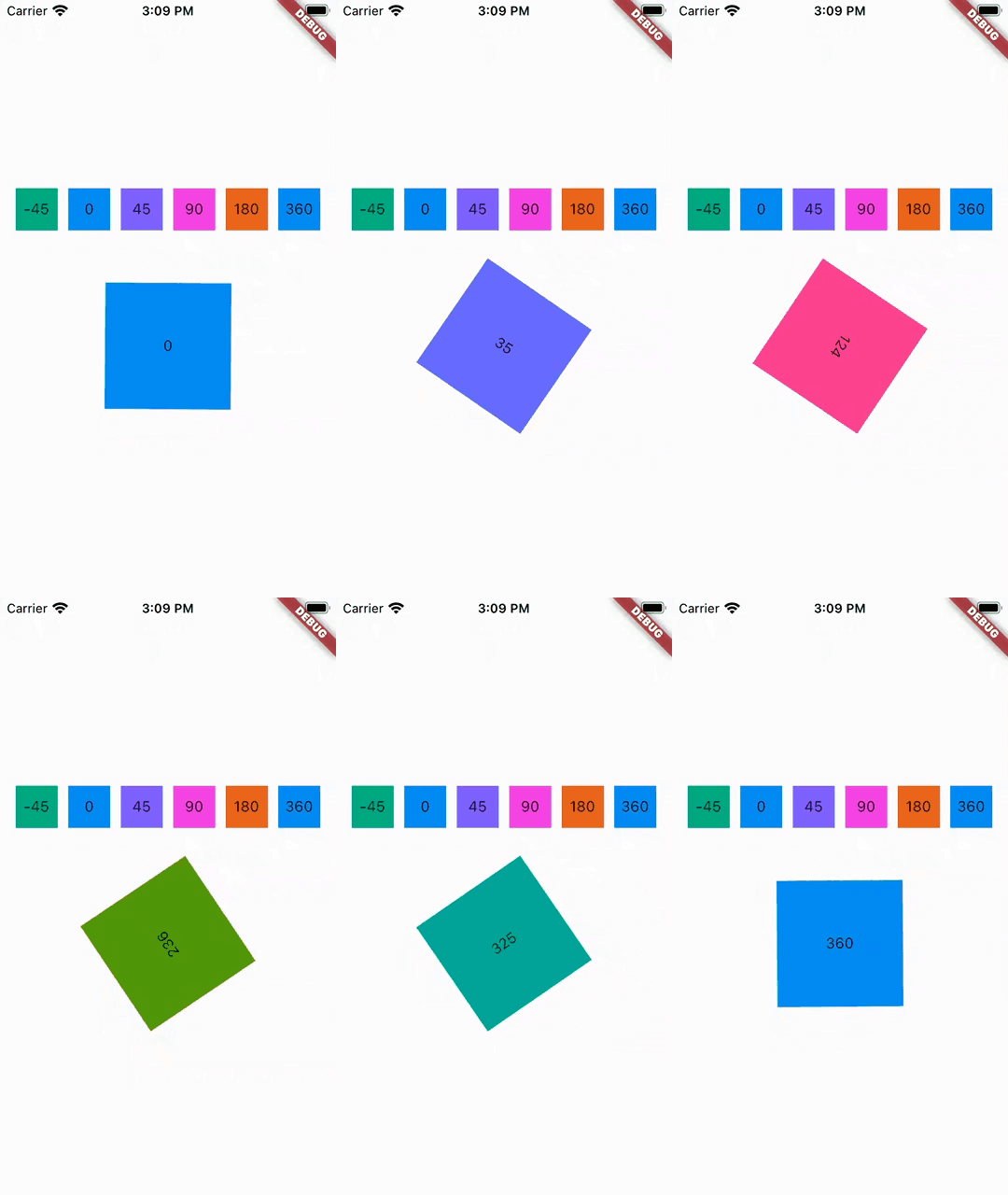
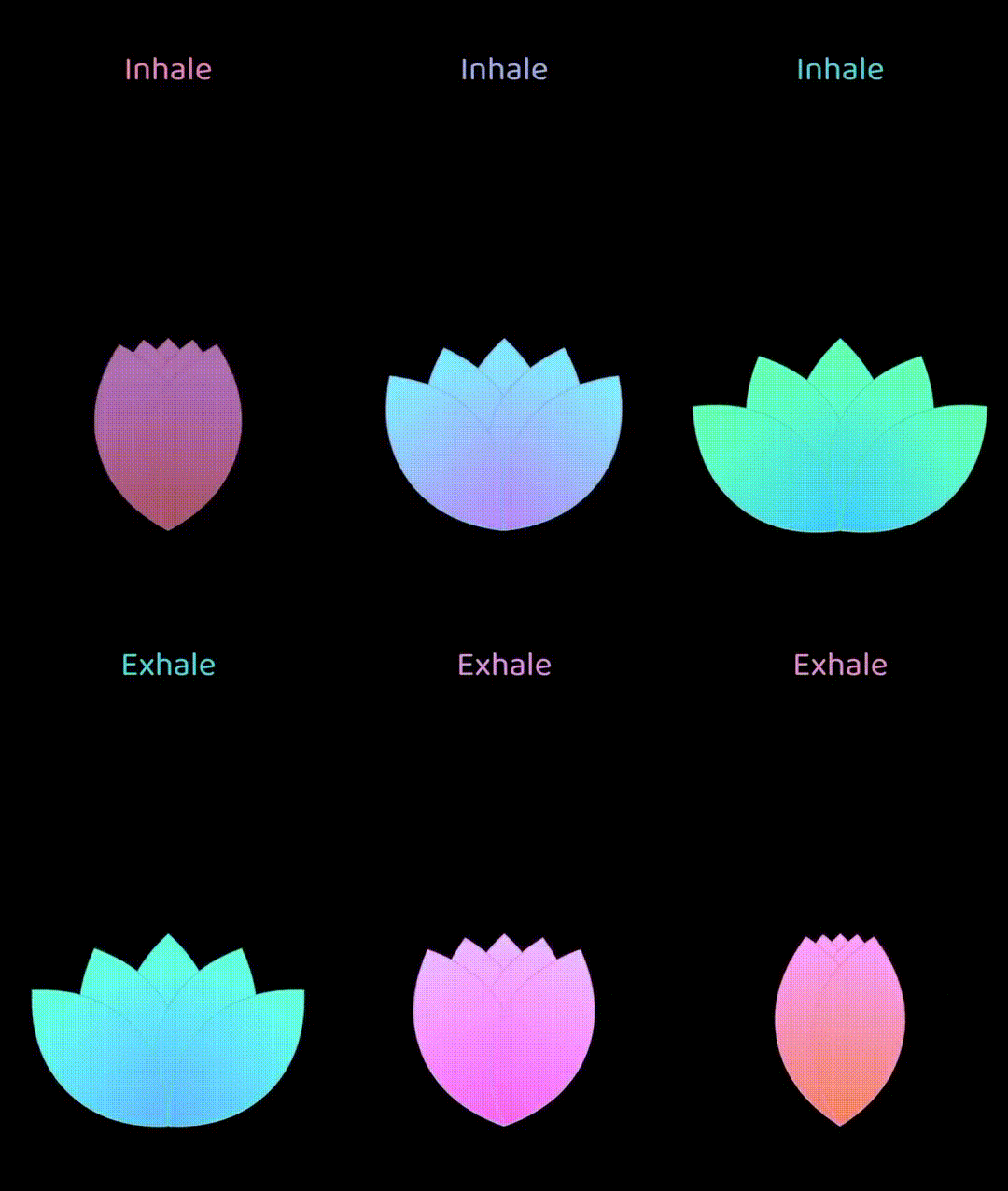
The hue_rotation package allows developers to dynamically adjust the hue of any widget with a color, similar to SwiftUI's Hue Rotation effect. It provides a simple way to modify colors by rotating their hue values, enabling visual effects like tinting or color shifting without altering the original color definition. This is particularly useful for creating dynamic themes, interactive color adjustments, or animated color transitions in Flutter apps across multiple platforms.
Use cases
- Applying dynamic color effects
- Creating themed UIs
- Animating color transitions
- Implementing color filters
- Customizing widget appearance
- Enhancing visual feedback
Key features
- Hue rotation transformation
- Support for all Flutter platforms
- Easy integration with existing widgets
- No dependency on external assets
- Minimal boilerplate required
- Works with any color-based widget
Suitable for
- UI designers seeking visual variety
- Developers building interactive color tools
- Apps requiring dynamic theming
- Educational projects on color theory
- Prototyping colorful interfaces
Considerations
- Limited to hue manipulation only
- Does not affect saturation or brightness
- May require performance testing on large widget trees
- Best used with non-essential decorative elements
- Not suitable for precise color control beyond hue