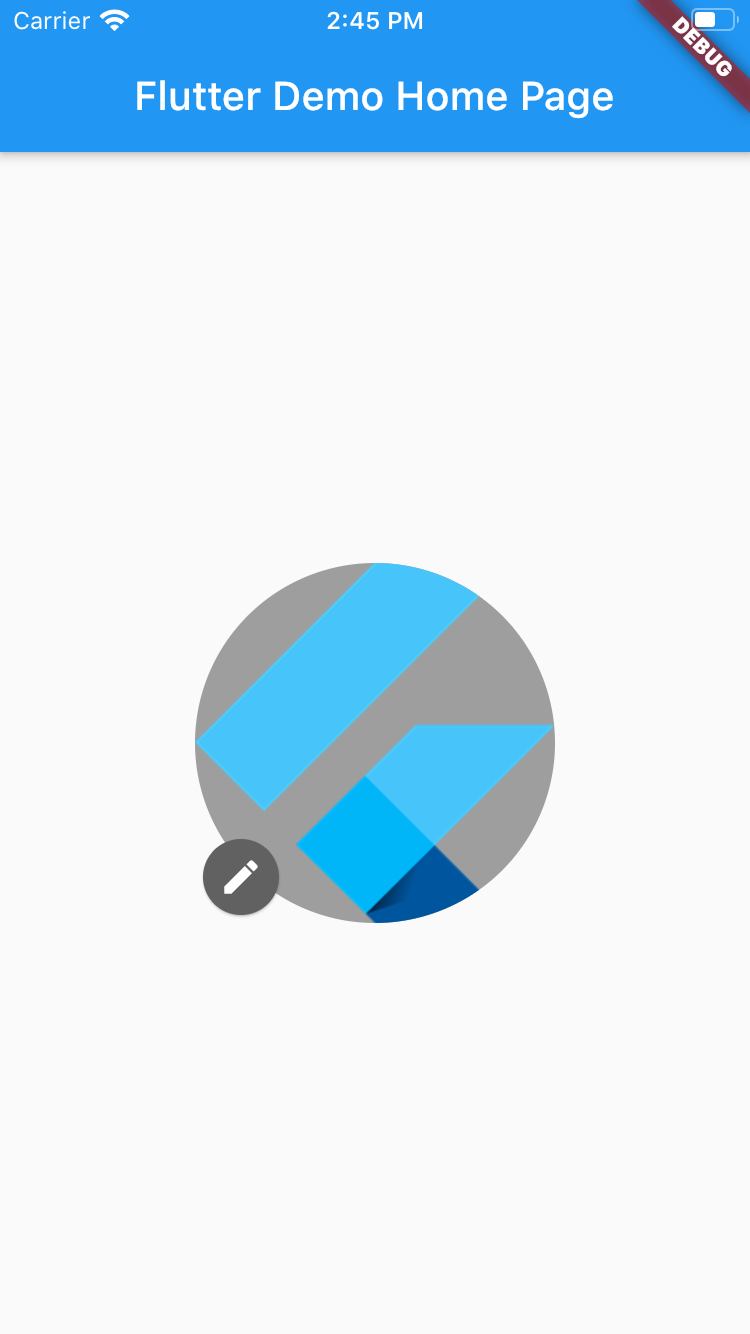
Flutter package to integrate image_picker with a simple Flutter widget, allowing you to edit an image without any problems with design code development.
Package selection guidance compiled from public package information, community data, and project usage.
A Flutter package that simplifies integrating the image_picker functionality into a Flutter app using a dedicated widget. It streamlines image selection and editing, reducing design and development complexity. The package is platform-agnostic, supporting both Android and iOS, and provides a clean, reusable UI component for handling image input. Ideal for apps requiring intuitive image uploads with minimal boilerplate code.
Use cases
Simple image selection in forms
Integrating image upload with minimal setup
Building user profile picture upload interfaces
Adding image editing capabilities to existing widgets
Creating media-rich mobile app features
Key features
Pre-built image picker widget
Seamless integration with image_picker
Minimal design code required
Supports Android and iOS
Clean, reusable UI component
Suitable for
Developers seeking quick image input solutions
Apps needing lightweight image upload features
Frontend-focused teams minimizing UI complexity
Prototyping image-based workflows
Projects with tight development timelines
Considerations
Requires image_picker as a dependency
Limited customization beyond basic styling
No built-in image processing tools
Dependent on underlying image_picker behavior
May need additional validation for file types
Original README
Original README snapshot from the linked source repository. Visit the repository for the latest content.
image_picker_widget
A new Flutter package to integrate image_picker with a simple Flutter widget, allowing you to edit an image without any problems with design code development
Preview
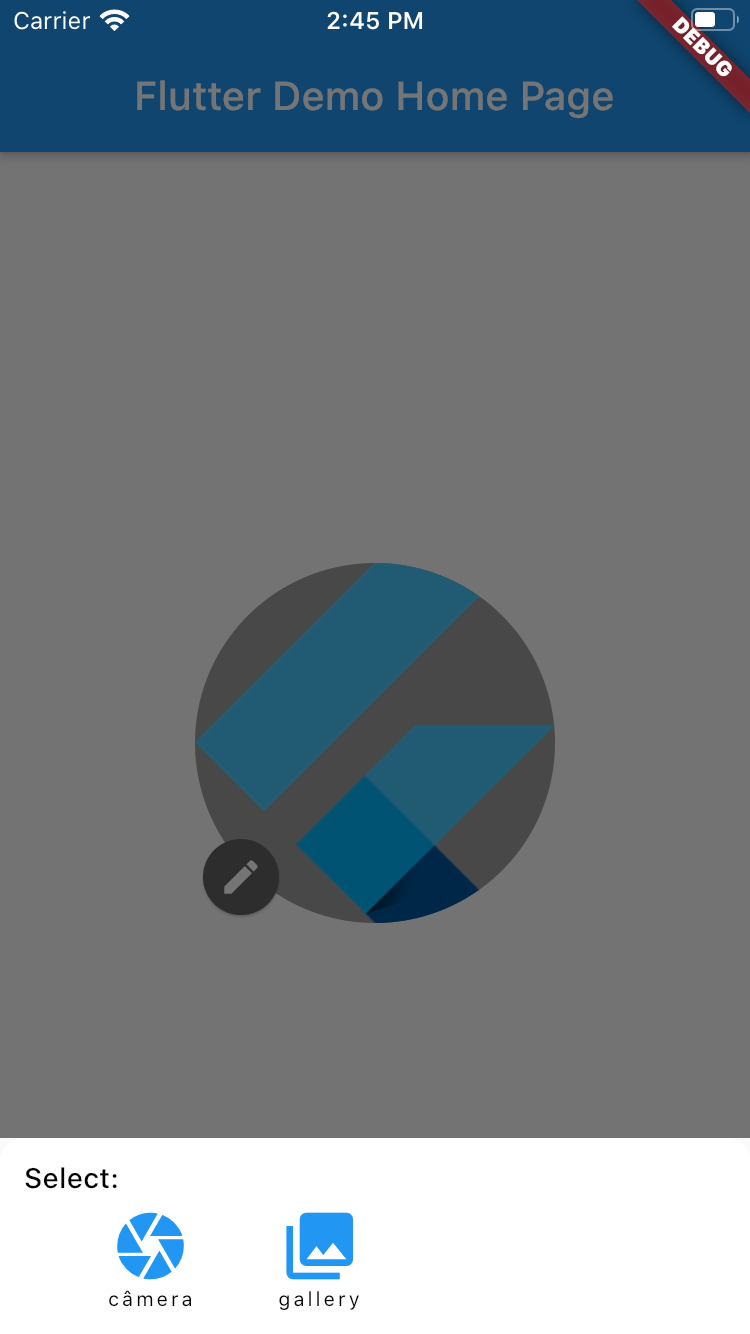
Modal image type picker
Getting Started
Add the dependency in pubspec.yaml:
dependencies:...# Designimage_picker_widget:'>=2.0.0 <3.0.0
# For pre null-safety, use version 1.0.3'
A Flutter plugin for iOS and Android for picking images from the image library,
and taking new pictures with the camera.
Installation
Since this package requires image_picker, and image_cropper you need to add this requirements bellow.
iOS
Add the following keys to your Info.plist file, located in <project root>/ios/Runner/Info.plist:
NSPhotoLibraryUsageDescription - describe why your app needs permission for the photo library. This is called Privacy - Photo Library Usage Description in the visual editor.
NSCameraUsageDescription - describe why your app needs access to the camera. This is called Privacy - Camera Usage Description in the visual editor.
NSMicrophoneUsageDescription - describe why your app needs access to the microphone, if you intend to record videos. This is called Privacy - Microphone Usage Description in the visual editor.
No configuration required - the plugin should work out of the box.
It is no longer required to add android:requestLegacyExternalStorage="true" as an attribute to the tag in AndroidManifest.xml, as image_picker has been updated to make use of scoped storage.
If specified, the image will be at most maxWidth wide and maxHeight tall. Otherwise the image will be returned at it's original width and height.
int
maxHeight
If specified, the image will be at most maxWidth wide and maxHeight tall. Otherwise the image will be returned at it's original width and height.
int
imageQuality
The imageQuality argument modifies the quality of the image, ranging from 0-100 where 100 is the original/max quality. If imageQuality is null, the image with the original quality will be returned. Compression is only supported for certain image types such as JPEG and on Android PNG and WebP, too. If compression is not supported for the image that is picked, a warning message will be logged.
int
preferredCameraDevice
Use preferredCameraDevice to specify the camera to use when the source is [ImageSource.camera]. The preferredCameraDevice is ignored when source is [ImageSource.gallery]. It is also ignored if the chosen camera is not supported on the device. Defaults to [CameraDevice.rear]. Note that Android has no documented parameter for an intent to specify if the front or rear camera should be opened, this function is not guaranteed to work on an Android device.
CameraDevice
Image Cropping Options
Property
Description
Type
maxWidth
maximum cropped image width.
int
maxHeight
maximum cropped image height.
int
aspectRatio
controls the aspect ratio of crop bounds. If this values is set, the cropper is locked and user can't change the aspect ratio of crop bounds.
CropAspectRatio
aspectRatioPresets
controls the list of aspect ratios in the crop menu view. In Android, you can set the initialized aspect ratio when starting the cropper by setting the value of AndroidUiSettings.initAspectRatio.
List
cropStyle
controls the style of crop bounds, it can be rectangle or circle style (default is CropStyle.rectangle).
CropStyle
compressFormat
the format of result image, png or jpg (default is ImageCompressFormat.jpg).
ImageCompressFormat
compressQuality
the value [0 - 100] to control the quality of image compression.