Search packages, repositories and app categories

inspector cover
Package detailsv4.0.0

inspector

A Flutter package for inspecting widgets. Useful for quick debugging or QA testing.

AndroidiOSWebmacOSWindowsLinux
30-day downloads
529K
Likes
88
Pub points
150

Install package

flutter pub add inspector

Package Overview

Package selection guidance compiled from public package information, community data, and project usage.

The inspector package is a Flutter tool designed for real-time widget inspection, enabling developers and testers to quickly debug UI issues or perform QA checks. It provides an interactive overlay to examine widget trees, their properties, and layout behavior directly on the device or emulator. Ideal for rapid feedback during development, it enhances visibility into the UI structure without requiring complex setup. The package supports all major platforms, making it versatile across environments.

Use cases

  • Quick UI debugging
  • QA testing
  • Real-time widget analysis
  • Development feedback loop
  • Cross-platform UI validation

Key features

  • Interactive widget overlay
  • Live property inspection
  • Supports all Flutter platforms
  • Minimal setup required
  • Intuitive UI for non-developers

Suitable for

  • Developers
  • QA testers
  • UI designers
  • Rapid prototyping teams

Considerations

  • Not intended for production builds
  • May impact performance in large apps
  • Overlay can interfere with UI during testing
  • Requires manual activation
  • Limited to visual inspection only
Original README

Original README snapshot from the linked source repository. Visit the repository for the latest content.

inspector

Pub Version GitHub Workflow Status Coverage Status GitHub Repo stars

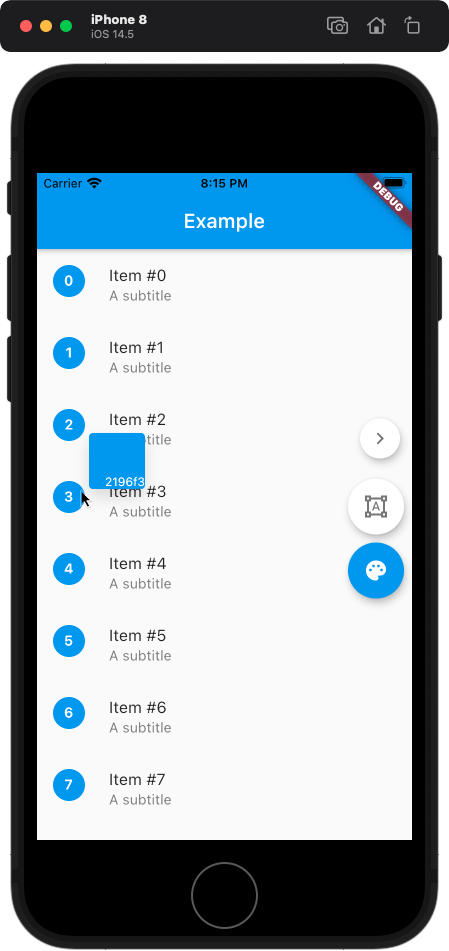
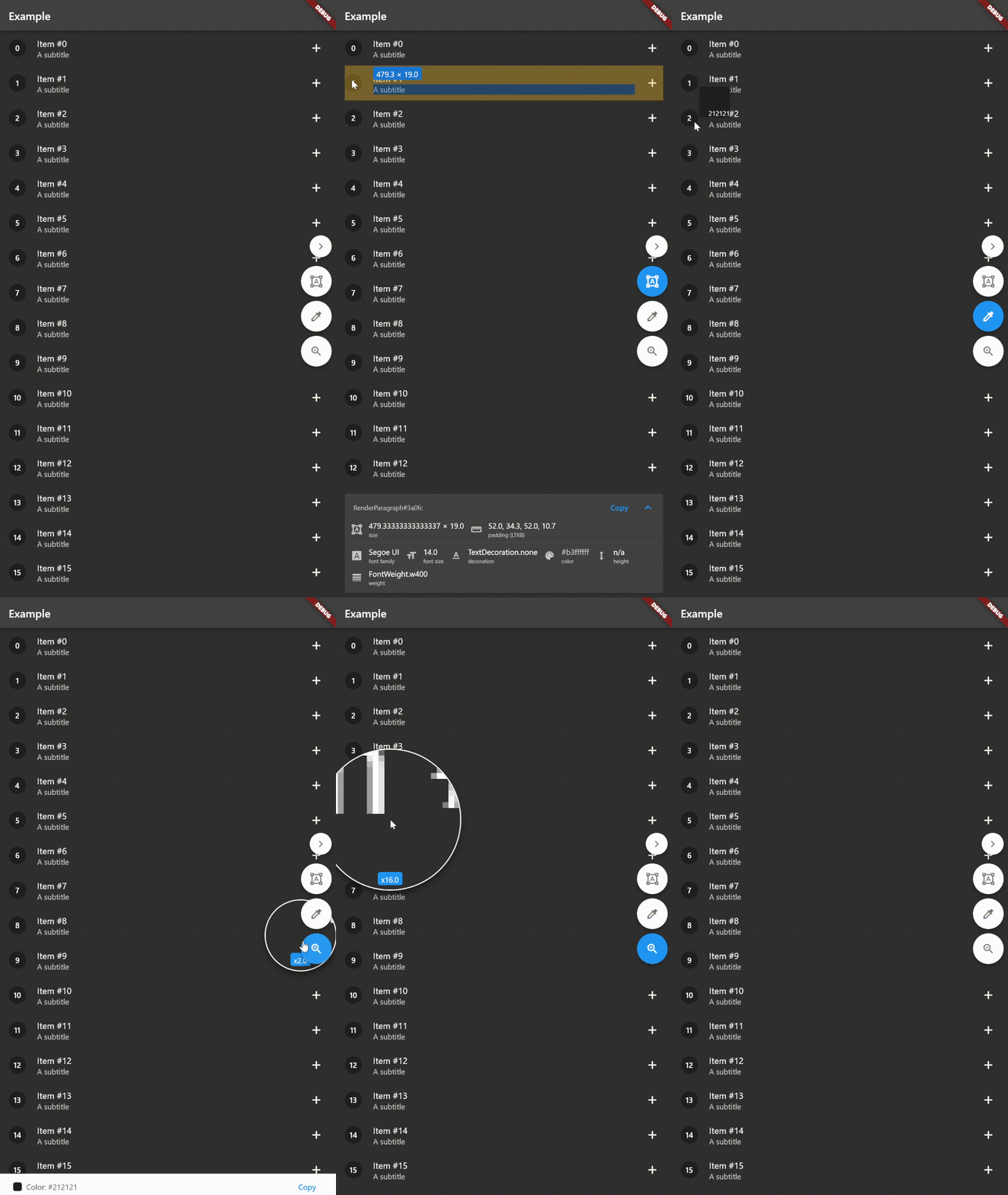
A Flutter package for inspecting widgets. Also comes with an eyedropper and a magnifying glass. Useful for debugging widgets and for QA testing.

Supports keyboard shortcuts if you're using a physical keyboard.

Check out the example web app!

Inspired by inspx.

WIP

Warning, the development of this package is still in progress and some things may break your app.

Features

  • [x] Color picker
  • [x] Size inspection
  • [x] Padding inspection
  • [x] Keyboard shortcuts
  • [x] Zooming
  • [ ] BorderRadius inspection
  • [x] TextStyle inspection

Installing

Add the dependency:

$ flutter pub add inspector

Import the package:

import 'package:inspector/inspector.dart';

Wrap MaterialApp.builder or WidgetsApp.builder with Inspector:

MaterialApp(
  home: ExampleApp(),
  builder: (context, child) => Inspector(child: child!), // Wrap [child] with [Inspector]
),

Optionally, you can pass isEnabled to the Inspector to disable it. By default, the inspector is disabled when kReleaseMode == true.

Usage

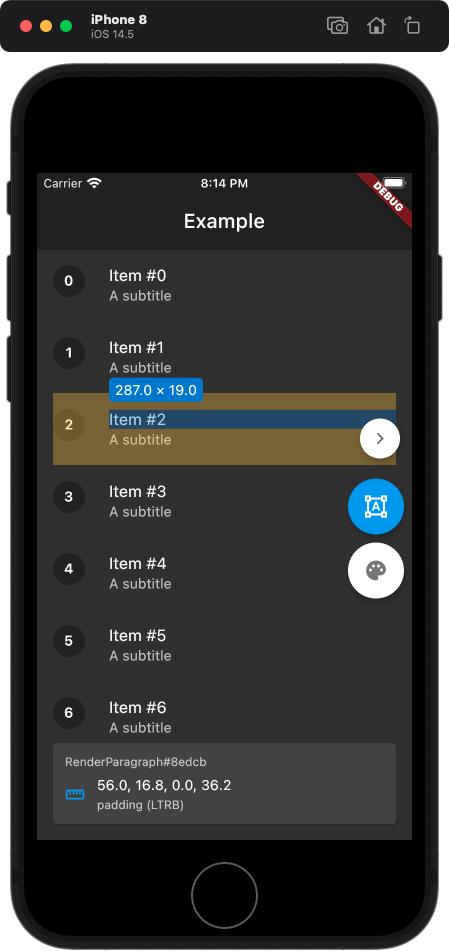
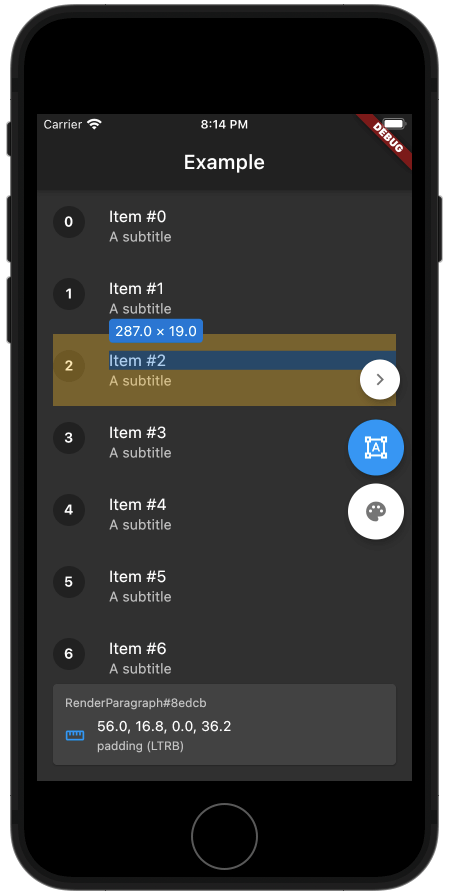
If the inspector is enabled, then a panel appears on the right side of the screen, with buttons to toggle size inspection and the color picker.

It's quite straightforward to use, just tap on the widget that you want to measure or tap on the pixel to get its color.

You can also use keyboard shortcuts - Shift will toggle the color picker, Z will toggle the zoom, and Alt or Cmd will toggle the widget inspector.

Examples

Contact me

Feel free to contact me at:

E-mail: kk.erzhan@gmail.com

Categories

Source repository

Projects using this package